

From my experience with Stable Fast 3D, I found it excels at quickly generating usable 3D models with minimal input, which is a huge time saver for creators who need fast prototyping or asset creation. The platform’s intuitive interface makes it accessible even if you don’t have deep 3D modeling skills, which broadens its appeal. However, the trade-off is that it offers less fine-grained control compared to traditional modeling software, so it’s best suited for early-stage design or concept work rather than detailed production models. Overall, if you want to speed up your 3D creative workflow with AI assistance, Stable Fast 3D delivers solid results.
Stable Fast 3D: AI-Powered 3D Model Generation Tool for Creators
Stable Fast 3D is an AI-driven platform that enables fast and easy generation of 3D models for creative projects, supporting export in common 3D formats.
- Best for
- 3D Asset Creation
- Key capability
- AI-Powered 3D Generation

Do you recommend this tool?
What is Stable Fast 3D(SF3D)?
Stable Fast 3D (SF3D) is an AI-driven web platform that enables users to generate high-quality 3D models rapidly. Utilizing advanced artificial intelligence algorithms, SF3D simplifies the 3D creation process by automating model generation, making it accessible to creators without deep technical expertise in 3D modeling software.
Key features of Stable Fast 3D(SF3D)
SF3D offers fast and intuitive 3D model generation, customizable parameters for model refinement, and export options compatible with popular 3D software. Its AI engine accelerates creative workflows by reducing manual modeling time.
AI-Powered 3D Generation
Leverages artificial intelligence to create detailed 3D models from simple inputs.
Fast Rendering
Delivers 3D models rapidly, significantly reducing wait times compared to traditional modeling.
User-Friendly Interface
Designed for ease of use, enabling creators of all skill levels to generate 3D assets.
Export Compatibility
Supports exporting models in common 3D file formats for integration with other tools.
Pros and cons of Stable Fast 3D(SF3D)
Pros
- Rapid 3D model generation saves time
- Easy to use for beginners
- Supports multiple export formats
- AI assistance reduces manual effort
Cons
- Limited customization compared to manual modeling
- Subscription required for full features
Key use cases for Stable Fast 3D(SF3D)
3D Asset Creation
Generate detailed 3D models quickly for use in games, animations, or virtual environments.
Rapid Prototyping
Create 3D prototypes of products or concepts without extensive manual modeling.
Creative Design
Assist artists and designers in producing unique 3D content with AI assistance.
Educational Use
Help students and educators explore 3D modeling concepts through AI-generated examples.
How Stable Fast 3D(SF3D) works
- 1
Access the Platform
Visit the Stable Fast 3D website and create an account to start generating models.
- 2
Input Parameters
Provide prompts or select options to define the desired 3D model characteristics.
- 3
Generate Model
The AI processes inputs and quickly produces a 3D model preview.
- 4
Refine and Export
Adjust settings if needed, then export the model in formats suitable for your projects.
Who is using Stable Fast 3D(SF3D)
Game developers
3D artists and designers
Product designers
Educators and students in 3D modeling
Content creators
Stable Fast 3D(SF3D) pricing
Free Trial
$0
Limited access to generate a set number of 3D models to test the platform.
Pro Subscription
$29/month
Full access with higher generation limits, priority processing, and advanced features.
Plans and prices are as published by the vendor and can change. Check the official site before you buy. Open the pricing page (opens in a new tab)
Frequently asked questions about Stable Fast 3D(SF3D)
You can export models in popular formats such as OBJ, STL, and FBX for use in various 3D applications.
No, SF3D is designed to be accessible to beginners and professionals alike, simplifying the modeling process.
The free trial has generation limits, while the Pro subscription offers higher or unlimited generation depending on the plan.
It depends on your specific needs and how you plan to use the tool. The official website and documentation are the best sources for the latest details.
Yes, it can help with that use case depending on how you configure it and what features are available. You’ll get the best results with clear inputs and a defined goal.
Pricing depends on the plan and included features. For the most accurate and up-to-date details, check the official pricing page.
Sign in to review this tool.
Sign In to ReviewNo reviews yet
Be the first to share how this tool worked for you.
Ask about pricing, limits, or how it compares — or answer someone else.
Sign In to AskNo questions yet
Have a question about using or paying for this tool? Be the first to ask.
Featured on TiorAI



Alternative Tools
Explore similar AI tools that might fit your needs

Free
Runway ML
Runway ML is a cloud platform offering AI-powered video and image editing tools, enabling creators to automate complex tasks like green screen removal and style transfer, with real-time collaboration and API integration.
More AI 3D Modeling Tools tools
Other tools in the same category, for when this one is not quite the fit.

Freemium
Sloyd
Sloyd is a web-based AI-assisted 3D modeling tool designed to help game developers and designers quickly create customizable low-poly 3D assets with ease.
Freemium
TextTo3D
TextTo3D is a web-based AI tool that converts natural language text descriptions into 3D models, enabling users to create 3D content without prior modeling experience.
Free Trial
masterpiecevr.com
MasterpieceVR is a virtual reality software for 3D sculpting and modeling that allows artists to create and paint 3D models using VR headsets and controllers.
Free Trial
Instant3d.ai
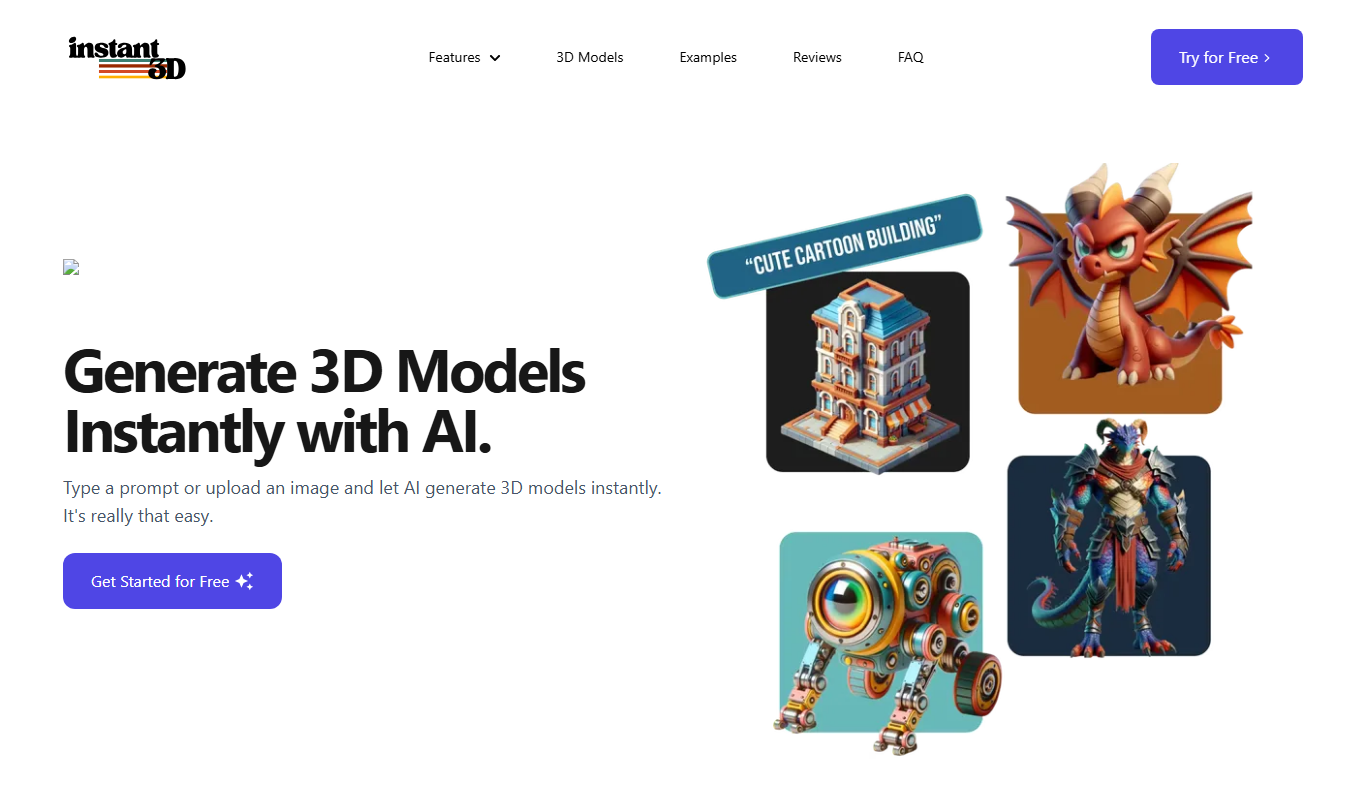
Instant3D.ai is a web-based AI tool that automates 3D model creation from simple inputs, enabling rapid design and prototyping without advanced skills.

Freemium
FLUX Style Shaping
FLUX Style Shaping is a 3D modeling and digital sculpting software that enables creators to design, sculpt, and prepare models for 3D printing using an intuitive interface available on web and desktop platforms.

Freemium
Meshy
Meshy is a cloud-based AI platform that enables teams to collaboratively create and edit 3D models in real-time using AI-assisted mesh generation and version control.
Custom Pricing
Kaedim
Kaedim is an AI-driven platform that transforms 2D sketches and images into textured 3D models, designed to speed up asset creation for game development and design workflows.

Freemium
Archi
Archi AI is a web-based architecture design tool that uses artificial intelligence to help architects create, visualize, and iterate 3D building models quickly and efficiently.