

From my experience with MasterpieceVR, I found it excels at providing an intuitive and immersive environment for 3D sculpting that feels natural thanks to VR controls. Spending time with the platform, it’s clear that both beginners and professionals can benefit from its robust toolset and multi-headset support. However, the need for compatible VR hardware and subscription pricing may limit casual users. Overall, if you want to create detailed 3D models in virtual reality with real-time collaboration, MasterpieceVR delivers a compelling and productive experience.
MasterpieceVR 3D Sculpting Software for Virtual Reality Artists and Designers
MasterpieceVR is a virtual reality software for 3D sculpting and modeling that allows artists to create and paint 3D models using VR headsets and controllers.
- Best for
- 3D Character Sculpting
- Key capability
- Immersive VR Sculpting
Do you recommend this tool?
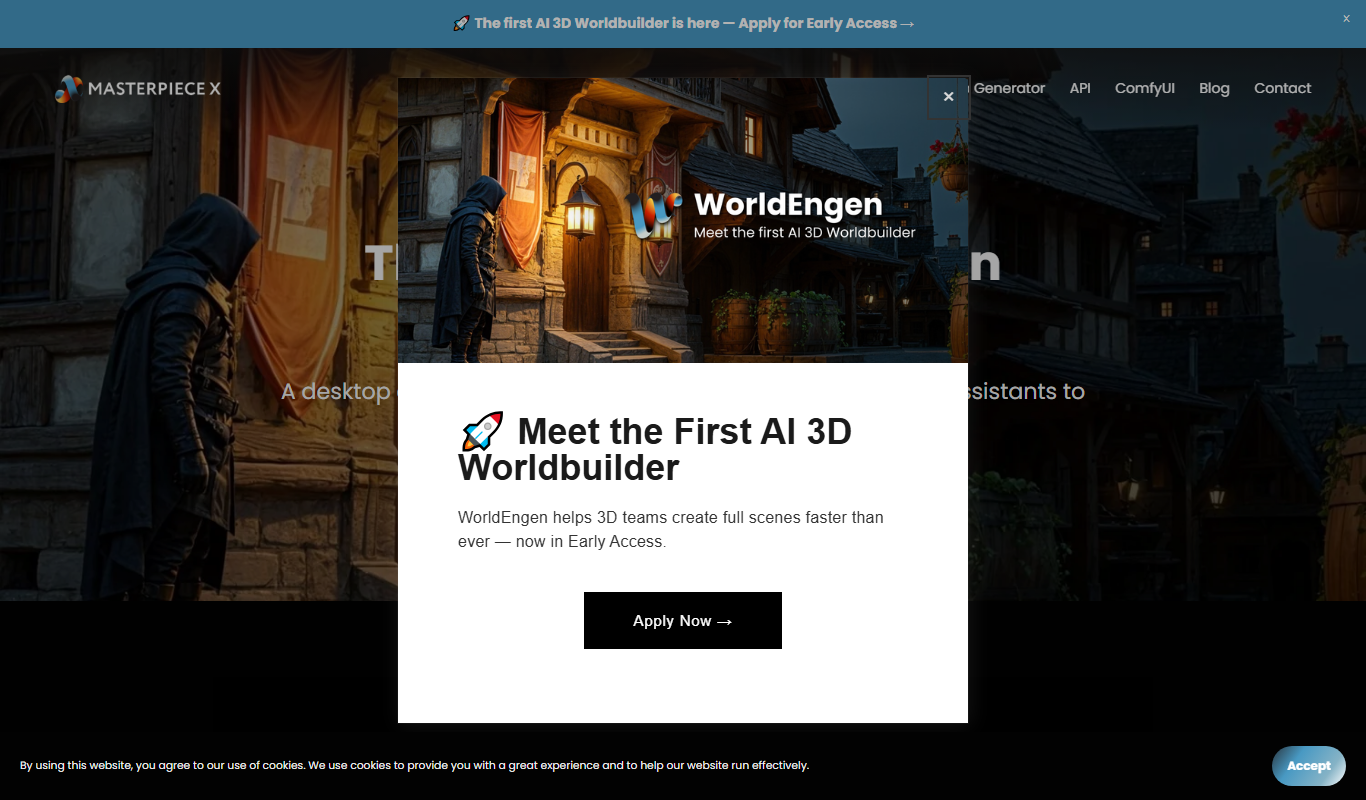
What is masterpiecevr.com?
MasterpieceVR is a virtual reality 3D sculpting and modeling software that allows artists and designers to create detailed 3D models in an immersive VR environment. It combines intuitive VR controls with powerful sculpting tools to enable natural and precise creation of characters, props, and other 3D assets. The software supports export to popular 3D formats for use in games, animation, and digital art.
Key features of masterpiecevr.com
MasterpieceVR offers a range of sculpting brushes, texture painting, poseable rigs, and multi-platform VR headset support. It emphasizes ease of use with natural hand gestures and real-time collaboration features, making it suitable for both beginners and professionals in 3D art and game development.
Immersive VR Sculpting
Sculpt 3D models with natural hand movements in a fully immersive virtual reality space.
Multi-Platform VR Support
Compatible with Oculus Quest, Rift, HTC Vive, Valve Index, and SteamVR headsets.
Texture Painting
Paint textures directly onto 3D models within the VR environment.
Poseable Rigs
Add and manipulate rigs to pose characters and models easily.
Real-Time Collaboration
Collaborate with other artists in VR to co-create and review models.
Pros and cons of masterpiecevr.com
Pros
- Intuitive VR sculpting with natural hand controls
- Supports multiple popular VR headsets
- Includes texture painting and rigging features
- Enables real-time collaboration in VR
- Exports to standard 3D file formats
Cons
- Subscription pricing may be costly for casual users
- Requires compatible VR hardware and space
- Limited non-VR desktop functionality
Key use cases for masterpiecevr.com
3D Character Sculpting
Create detailed 3D characters and models in an immersive VR environment.
Virtual Reality Art Creation
Design and paint 3D artwork using intuitive VR tools for artists.
Game Asset Development
Build and export game-ready 3D assets for use in game engines.
Animation and Rigging Preparation
Prepare 3D models for animation by sculpting and refining details.
Collaborative VR Design
Work with teams in VR to co-create and review 3D models in real-time.
How masterpiecevr.com works
- 1
Install and Setup
Download MasterpieceVR and set up your compatible VR headset and controllers.
- 2
Create or Import Model
Start sculpting from scratch or import existing 3D models to modify.
- 3
Use VR Tools to Sculpt
Utilize VR brushes, painting tools, and rigging features to shape your model.
- 4
Export and Share
Export your finished models in standard 3D formats for use in other software or projects.
Who is using masterpiecevr.com
3D artists and sculptors
Game developers
VR content creators
Animation professionals
Creative agencies
masterpiecevr.com pricing
Free Trial
$0
Access to full features for a limited trial period.
Subscription
$29/month
Full access to MasterpieceVR with ongoing updates and support.
Plans and prices are as published by the vendor and can change. Check the official site before you buy. Open the pricing page (opens in a new tab)
Frequently asked questions about masterpiecevr.com
MasterpieceVR supports Oculus Quest, Oculus Rift, HTC Vive, Valve Index, and other SteamVR-compatible headsets.
Yes, you can export models in common 3D formats such as OBJ and FBX for use in other applications.
Yes, MasterpieceVR offers a free trial with full feature access for a limited time.
No, the software is designed to be intuitive for beginners while providing advanced tools for professionals.
It depends on your specific needs and how you plan to use the tool. The official website and documentation are the best sources for the latest details.
Yes, it can help with that use case depending on how you configure it and what features are available. You’ll get the best results with clear inputs and a defined goal.
It depends on your specific needs and how you plan to use the tool. The official website and documentation are the best sources for the latest details.
Pricing depends on the plan and included features. For the most accurate and up-to-date details, check the official pricing page.
Sign in to review this tool.
Sign In to ReviewNo reviews yet
Be the first to share how this tool worked for you.
Ask about pricing, limits, or how it compares — or answer someone else.
Sign In to AskNo questions yet
Have a question about using or paying for this tool? Be the first to ask.
Featured on TiorAI



Alternative Tools
Explore similar AI tools that might fit your needs

Freemium
Oculus Medium
Oculus Medium is a free VR sculpting and 3D modeling application by Meta that enables artists to create detailed digital sculptures in an immersive virtual environment using Oculus VR headsets.
Freemium
Tilt Brush
Tilt Brush is a VR application by Google that enables users to paint and create immersive 3D artworks using virtual reality controllers and environments.
More AI 3D Modeling Tools tools
Other tools in the same category, for when this one is not quite the fit.

Freemium
Sloyd
Sloyd is a web-based AI-assisted 3D modeling tool designed to help game developers and designers quickly create customizable low-poly 3D assets with ease.
Freemium
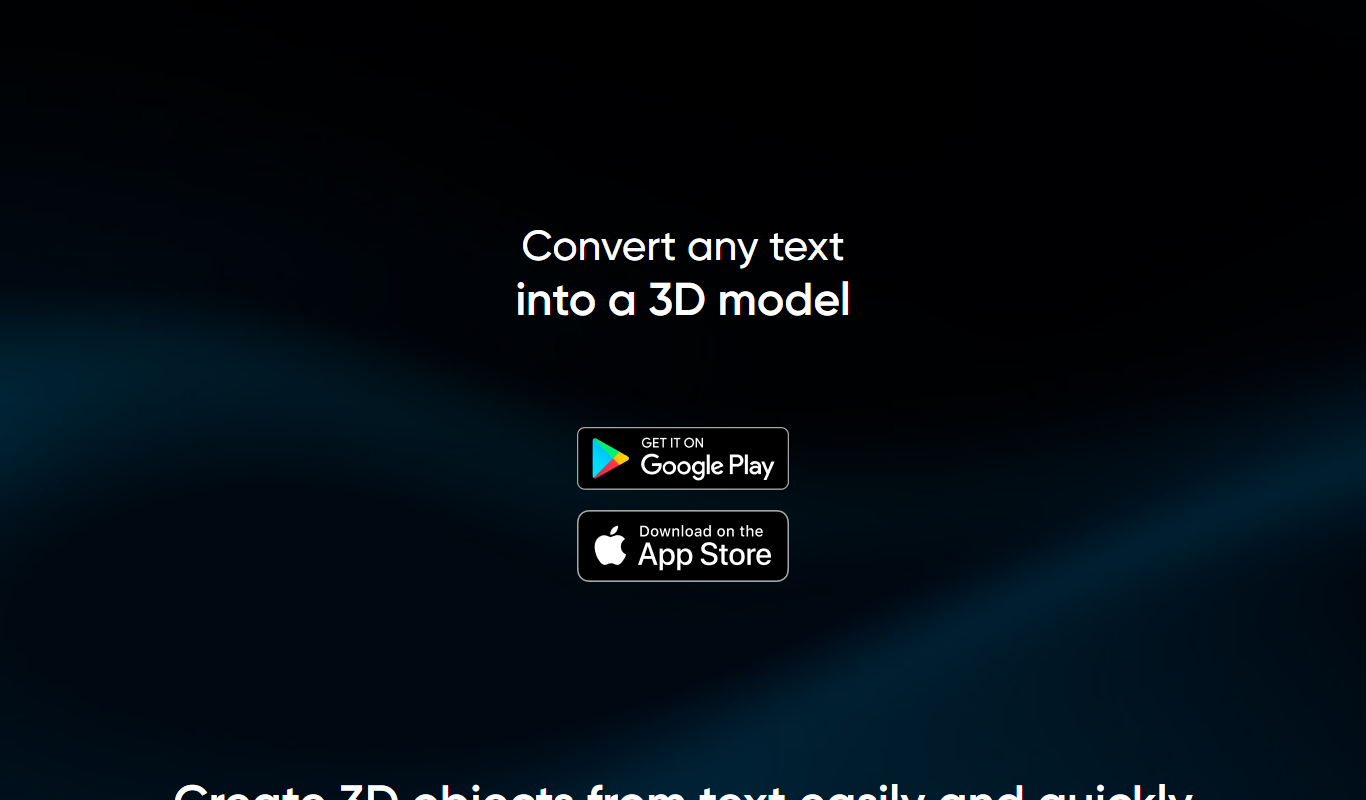
TextTo3D
TextTo3D is a web-based AI tool that converts natural language text descriptions into 3D models, enabling users to create 3D content without prior modeling experience.
Free Trial
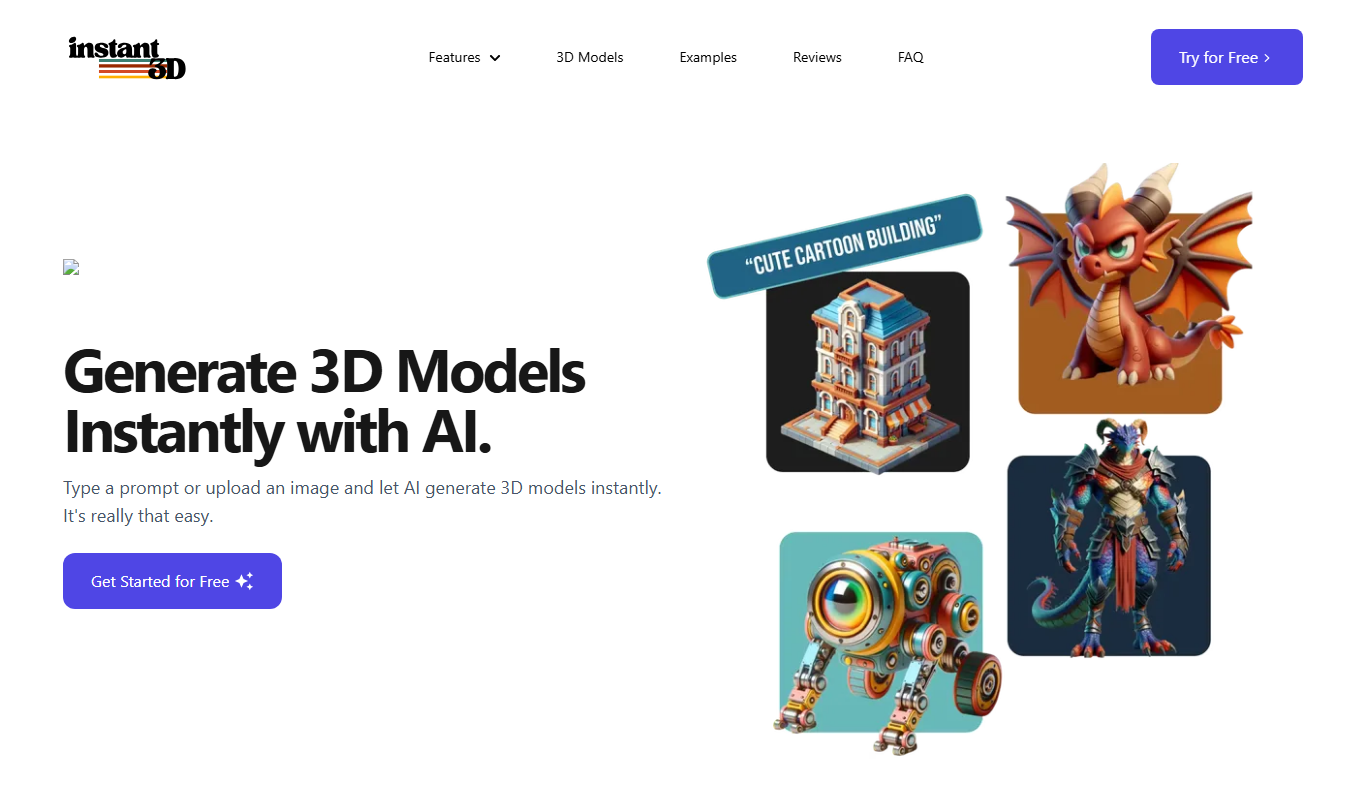
Instant3d.ai
Instant3D.ai is a web-based AI tool that automates 3D model creation from simple inputs, enabling rapid design and prototyping without advanced skills.

Freemium
FLUX Style Shaping
FLUX Style Shaping is a 3D modeling and digital sculpting software that enables creators to design, sculpt, and prepare models for 3D printing using an intuitive interface available on web and desktop platforms.

Freemium
Meshy
Meshy is a cloud-based AI platform that enables teams to collaboratively create and edit 3D models in real-time using AI-assisted mesh generation and version control.
Custom Pricing
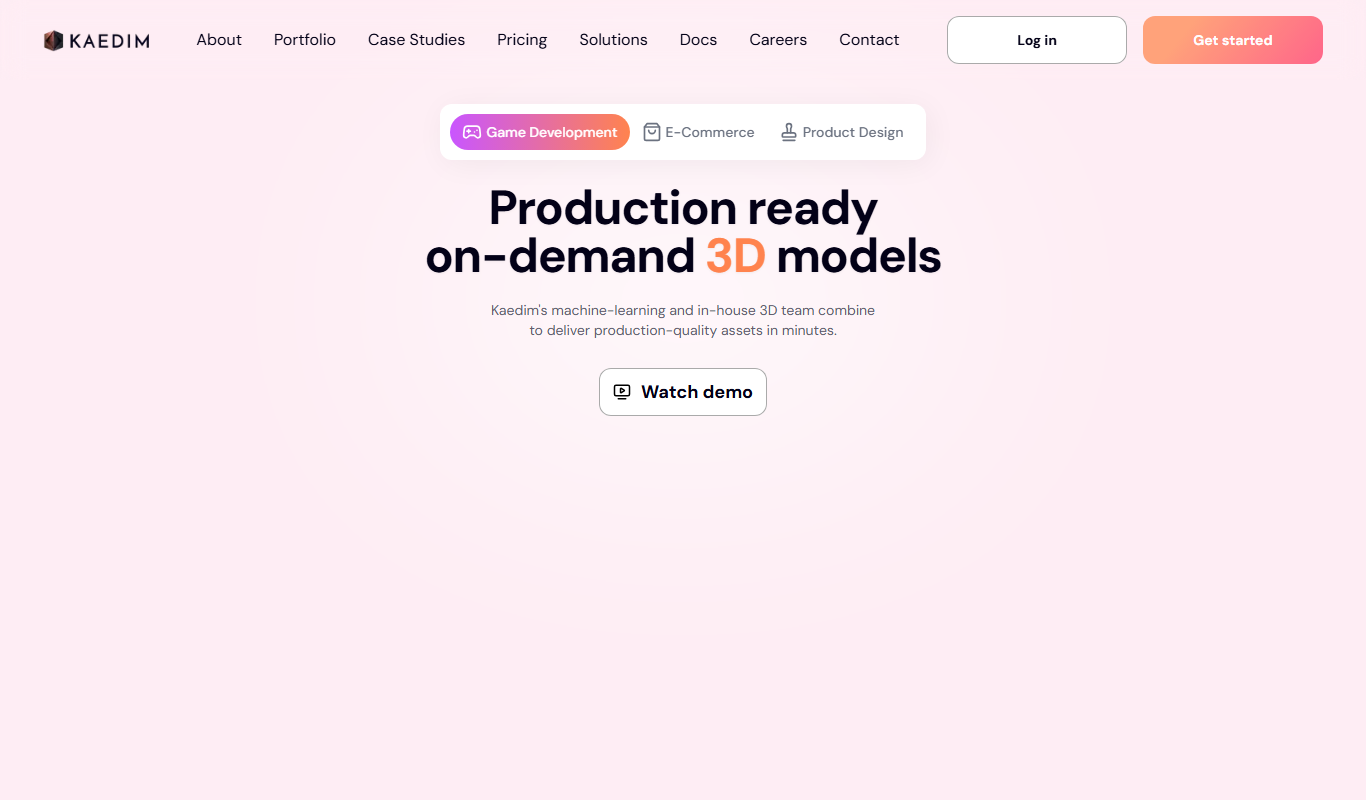
Kaedim
Kaedim is an AI-driven platform that transforms 2D sketches and images into textured 3D models, designed to speed up asset creation for game development and design workflows.

Freemium
Archi
Archi AI is a web-based architecture design tool that uses artificial intelligence to help architects create, visualize, and iterate 3D building models quickly and efficiently.
Contact for pricing
Meshcapade ME
Meshcapade ME is a software platform that creates detailed 3D human body models from images or videos, supporting animation and virtual try-on applications with API integration.