

From my experience with Tilt Brush, I found it excels at providing an intuitive and immersive platform for creating 3D art in virtual reality. The variety of brushes and effects allows for creative freedom that traditional 2D tools cannot match. After spending time with the platform, I can say it’s particularly well-suited for VR artists, educators, and creative professionals looking to explore spatial design. However, there’s a trade-off: it requires a compatible VR headset and hardware, which can be a barrier for some users. Overall, if you want to experiment with immersive 3D painting and virtual creativity, Tilt Brush delivers a unique and engaging experience.
Tilt Brush VR Art Tool for 3D Painting and Creative Design Experiences
Tilt Brush is a VR application by Google that enables users to paint and create immersive 3D artworks using virtual reality controllers and environments.
- Best for
- 3D Artistic Creation
- Key capability
- Variety of Brushes and Effects
Your actions
Do you recommend this tool?
What is Tilt Brush?
Tilt Brush is a virtual reality application that enables users to paint and create art in a three-dimensional space using VR controllers. It transforms traditional painting into an immersive experience where artists can draw, sculpt, and animate their creations around them. Originally developed by Skillman & Hackett and later acquired by Google, Tilt Brush has become a pioneering tool for VR-based creative expression.
Key features of Tilt Brush
Tilt Brush offers a wide variety of brushes and effects, intuitive VR controls, and the ability to export creations for use in other 3D applications. Its real-time 3D painting environment allows artists to work with depth, color, and motion in ways not possible on flat canvases.
Variety of Brushes and Effects
Includes brushes that simulate fire, light, smoke, and more for dynamic art creation.
Intuitive VR Controls
Natural hand movements and controller inputs make painting in 3D accessible.
3D Spatial Painting
Paint in a full 360-degree environment, adding depth and volume to artwork.
Export Options
Export creations as 3D models or videos for sharing or further editing.
Multi-Platform VR Support
Compatible with major VR headsets including HTC Vive, Oculus Rift, and Valve Index.
Pros and cons of Tilt Brush
Pros
- Immersive 3D painting experience
- Wide range of creative brushes and effects
- Easy to learn VR controls
- Supports exporting to multiple formats
- Free to use on supported VR platforms
Cons
- Requires a VR headset and compatible hardware
- No native multi-user collaboration feature
- Limited to English language interface
Key use cases for Tilt Brush
3D Artistic Creation
Create immersive three-dimensional paintings and sculptures in virtual reality environments.
Virtual Reality Art Education
Use Tilt Brush as a teaching tool to demonstrate artistic techniques in an interactive VR space.
Concept Design and Visualization
Design and visualize concepts for games, films, and other media using 3D brush strokes.
Collaborative VR Art Projects
Collaborate with other artists in VR to co-create and share immersive artworks.
Creative Experimentation
Explore new artistic styles and mediums that are only possible in a virtual 3D space.
How Tilt Brush works
- 1
Launch the Application
Open Tilt Brush on a compatible VR headset and enter the virtual workspace.
- 2
Select Brushes and Colors
Choose from a diverse set of brushes, colors, and effects to start painting.
- 3
Create in 3D Space
Use VR controllers to paint strokes around you in three dimensions.
- 4
Save and Export
Save your artwork within the app or export it for use in other creative projects.
Who is using Tilt Brush
VR artists and designers
Creative professionals in gaming and film
Art educators and students
3D concept artists
Hobbyists exploring VR art
Tilt Brush pricing
Free
$0
Access to core Tilt Brush features with community support.
Pro
N/A
Currently, no paid tier; Tilt Brush is offered free on supported platforms.
Plans and prices are as published by the vendor and can change. Check the official site before you buy. Open the pricing page (opens in a new tab)
Frequently asked questions about Tilt Brush
Tilt Brush supports HTC Vive, Oculus Rift, Valve Index, and other SteamVR-compatible headsets.
Yes, you can export your creations as 3D models or videos for use outside the app.
Yes, Tilt Brush is currently available for free on supported VR platforms.
Tilt Brush itself does not have built-in multi-user collaboration, but artworks can be shared and edited sequentially.
This tool is designed to help users accomplish its core tasks more efficiently. It is typically used by individuals or teams looking to improve productivity and workflow.
Some tools offer a free plan or trial with limited features. Availability can vary, so confirm on the official website.
Yes, it can help with that use case depending on how you configure it and what features are available. You’ll get the best results with clear inputs and a defined goal.
Yes, it can help with that use case depending on how you configure it and what features are available. You’ll get the best results with clear inputs and a defined goal.
Sign in to review this tool.
Sign In to ReviewNo reviews yet
Be the first to share how this tool worked for you.
Ask about pricing, limits, or how it compares — or answer someone else.
Sign In to AskNo questions yet
Have a question about using or paying for this tool? Be the first to ask.
Featured on TiorAI



More AI Art Generator tools
Other tools in the same category, for when this one is not quite the fit.

Free
Prompt Hero
Prompt Hero is a web platform that provides a marketplace and community for discovering, sharing, and selling AI prompts used in text-to-image generation with popular AI art models.
Paid
MyPetPortrait
MyPetPortrait is an online service that creates personalized pet portraits from your photos, offering various artistic styles and options for digital or printed artwork.
Free
Sketchbook
Sketchbook is a professional digital drawing and painting software by Autodesk that offers customizable brushes, layers, and cross-platform support for artists and designers.
Free
Aggie.io
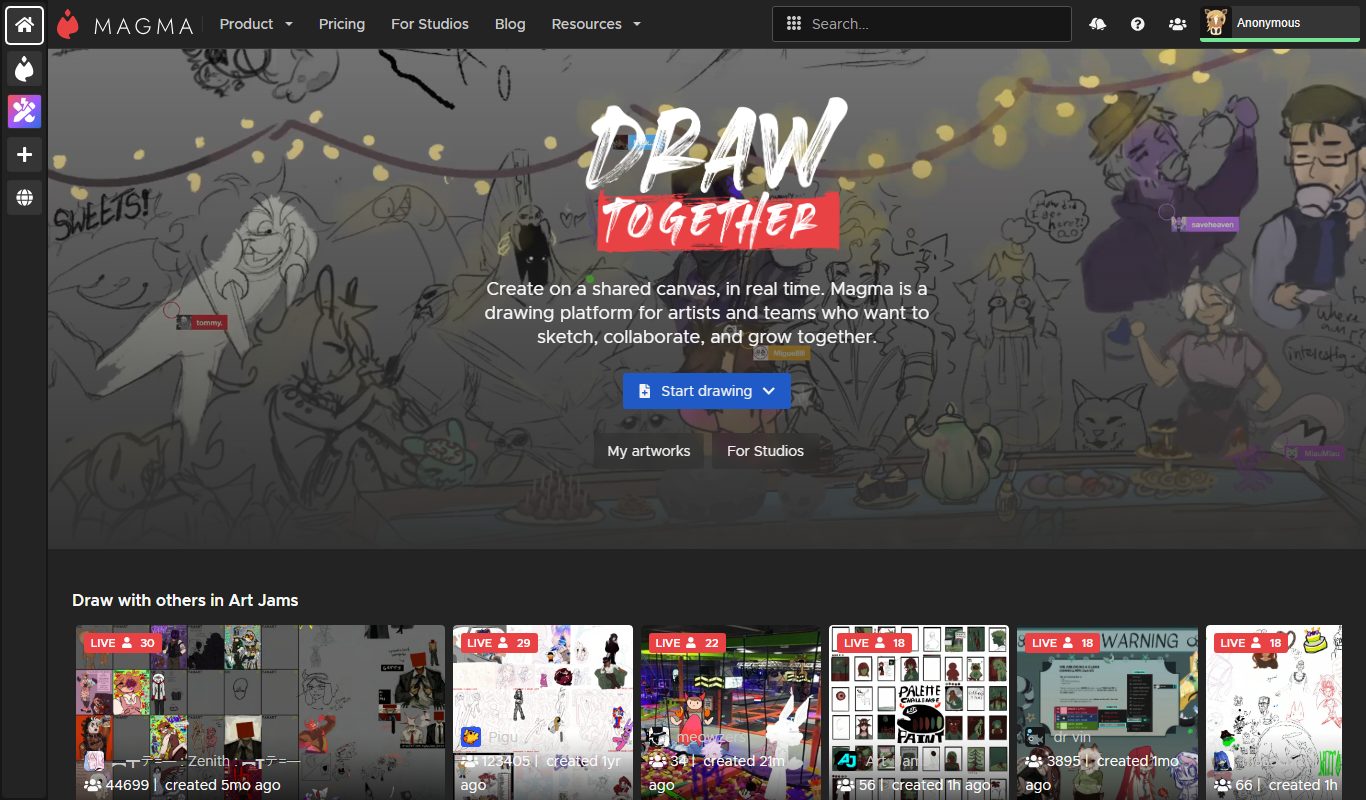
Aggie.io is a free online collaborative drawing tool that allows multiple users to paint together in real time on a shared canvas without requiring installation or accounts.

Enterprise
Redshift
Redshift is a GPU-accelerated 3D rendering software that enables fast, photorealistic image creation for artists and designers, integrating with major 3D applications.
Free
ThisPersonDoesNotExist
ThisPersonDoesNotExist is a free web tool that uses AI to generate photorealistic human faces that do not belong to real people, useful for creative and privacy-conscious applications.
Free
Sketchpad
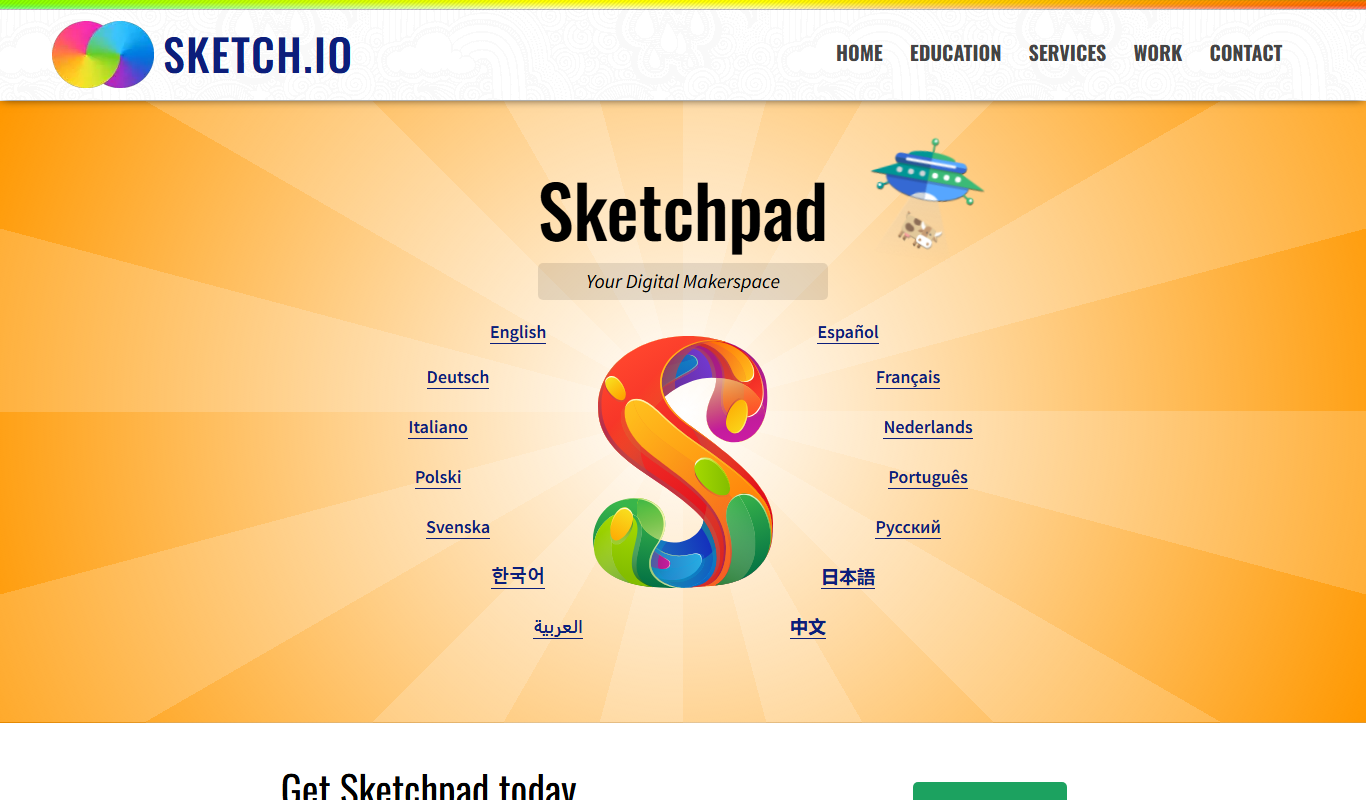
Sketchpad is a free web-based drawing application that supports vector and raster graphics, offering tools for digital illustration, graphic design, and creative projects accessible directly in your browser.

Freemium
Microstockr
Microstockr is an AI-powered platform that generates royalty-free stock photos and creative images from text prompts, ideal for marketing and design projects.