

From my experience with Meshcapade ME, I found it excels at producing highly accurate and customizable 3D human body models from various input types like images and videos. The platform’s API integration makes it flexible for developers aiming to embed realistic human avatars into gaming, fashion, or healthcare applications. However, the lack of publicly available pricing and the technical complexity of integration may require direct consultation and some expertise. Overall, if your project demands precise 3D human reconstruction combined with animation capabilities, Meshcapade ME delivers robust and industry-grade solutions.
Meshcapade ME - Advanced 3D Human Body Modeling and Animation Software
Meshcapade ME is a software platform that creates detailed 3D human body models from images or videos, supporting animation and virtual try-on applications with API integration.
- Best for
- 3D Human Body Reconstruction
- Key capability
- High-Fidelity 3D Body Meshes
Do you recommend this tool?
What is Meshcapade ME?
Meshcapade ME is a cutting-edge software platform specializing in 3D human body modeling, reconstruction, and animation. It leverages advanced computer vision and machine learning techniques to create highly accurate and customizable 3D meshes of human bodies from images, videos, or sensor data. The tool is designed for industries such as gaming, fashion, healthcare, and virtual reality, enabling users to generate realistic digital human representations for various applications.
Key features of Meshcapade ME
Meshcapade ME offers features including detailed 3D body mesh reconstruction, pose and shape estimation, motion capture integration, and API access for seamless workflow integration. Its technology supports realistic animation and virtual try-on capabilities, making it a versatile solution for digital human modeling.
High-Fidelity 3D Body Meshes
Generates precise and anatomically accurate 3D human body models from visual data.
Pose and Shape Estimation
Estimates body pose and shape parameters for realistic and customizable avatars.
Motion Capture Compatibility
Supports integration with motion capture data to animate 3D models smoothly.
API Access
Provides API endpoints for developers to integrate Meshcapade ME capabilities into their workflows.
Virtual Try-On Support
Enables simulation of clothing fit on 3D body models for fashion and retail use cases.
Pros and cons of Meshcapade ME
Pros
- Produces highly accurate and detailed 3D human body models
- Supports a wide range of input data types including images and videos
- API enables flexible integration into various workflows
- Applicable across multiple industries including fashion, gaming, and healthcare
Cons
- Pricing is not publicly listed and requires direct contact
- Technical expertise may be needed to fully utilize API and integration features
- Limited information on standalone desktop application availability
Key use cases for Meshcapade ME
3D Human Body Reconstruction
Generate accurate 3D human body meshes from images or videos for digital avatars and simulations.
Animation and Motion Capture
Create realistic human animations by combining body shape and pose estimation with motion data.
Virtual Try-On and Apparel Fitting
Use precise body models to simulate clothing fit and draping for fashion and retail applications.
Healthcare and Biomechanics
Analyze human body shape and movement for medical diagnostics, rehabilitation, and ergonomic studies.
Gaming and VR/AR Content Creation
Develop lifelike characters and avatars for immersive experiences in games and virtual environments.
How Meshcapade ME works
- 1
Data Input
Upload images, videos, or sensor data of the human subject to the platform.
- 2
3D Reconstruction
The software processes the input using AI algorithms to reconstruct a detailed 3D human body mesh.
- 3
Customization and Animation
Adjust body shape parameters and apply motion capture data to animate the model as needed.
- 4
Export and Integration
Export the 3D models and animations in standard formats or integrate via API into other applications.
Who is using Meshcapade ME
Game developers and animators
Fashion and apparel designers
Healthcare professionals and researchers
Virtual reality and augmented reality content creators
Biomechanics and ergonomic analysts
Meshcapade ME pricing
Custom Pricing
Contact for Pricing
Pricing tailored based on usage, features, and integration requirements.
Plans and prices are as published by the vendor and can change. Check the official site before you buy. Open the pricing page (opens in a new tab)
Frequently asked questions about Meshcapade ME
Meshcapade ME supports images, videos, and sensor data inputs for 3D reconstruction.
Yes, Meshcapade ME offers API access to integrate its 3D modeling and animation features.
Yes, it can be used for healthcare and biomechanics to analyze body shape and movement.
While it supports motion capture integration, real-time animation capabilities depend on implementation.
It depends on your specific needs and how you plan to use the tool. The official website and documentation are the best sources for the latest details.
This tool is designed to help users accomplish its core tasks more efficiently. It is typically used by individuals or teams looking to improve productivity and workflow.
It depends on your specific needs and how you plan to use the tool. The official website and documentation are the best sources for the latest details.
Data handling and security practices vary by provider. Review the official privacy policy to understand how your data is stored and used.
Sign in to review this tool.
Sign In to ReviewNo reviews yet
Be the first to share how this tool worked for you.
Ask about pricing, limits, or how it compares — or answer someone else.
Sign In to AskNo questions yet
Have a question about using or paying for this tool? Be the first to ask.
Featured on TiorAI



Alternative Tools
Explore similar AI tools that might fit your needs

Free Trial
CLO 3D
CLO 3D is a professional 3D fashion design software that enables realistic garment visualization, pattern making, and virtual fitting to streamline apparel design and production.
Free
Mixamo
Mixamo is a free web-based tool by Adobe that automates 3D character rigging and provides a large library of motion-captured animations for games, films, and VR projects.
More AI 3D Modeling Tools tools
Other tools in the same category, for when this one is not quite the fit.

Freemium
Sloyd
Sloyd is a web-based AI-assisted 3D modeling tool designed to help game developers and designers quickly create customizable low-poly 3D assets with ease.
Freemium
TextTo3D
TextTo3D is a web-based AI tool that converts natural language text descriptions into 3D models, enabling users to create 3D content without prior modeling experience.

Free Trial
masterpiecevr.com
MasterpieceVR is a virtual reality software for 3D sculpting and modeling that allows artists to create and paint 3D models using VR headsets and controllers.
Free Trial
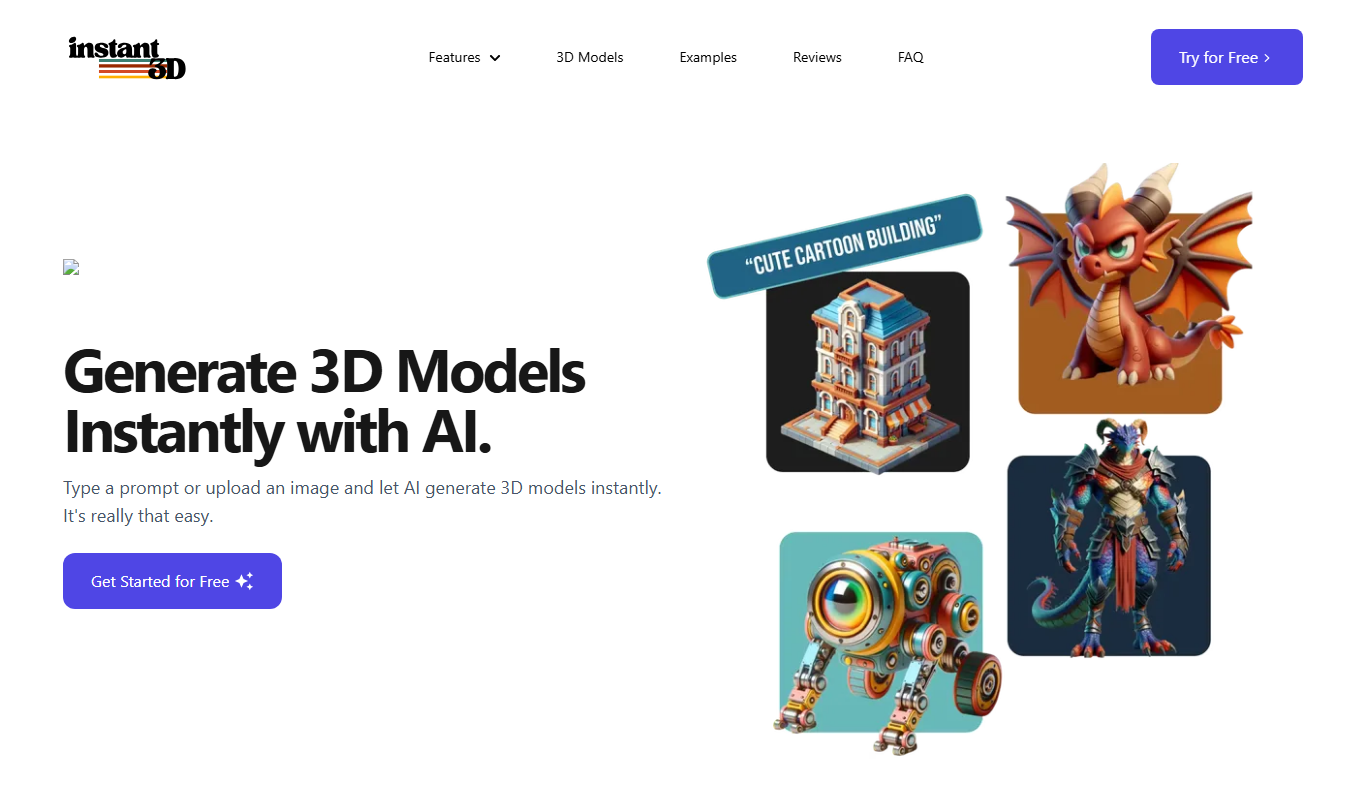
Instant3d.ai
Instant3D.ai is a web-based AI tool that automates 3D model creation from simple inputs, enabling rapid design and prototyping without advanced skills.

Freemium
FLUX Style Shaping
FLUX Style Shaping is a 3D modeling and digital sculpting software that enables creators to design, sculpt, and prepare models for 3D printing using an intuitive interface available on web and desktop platforms.

Freemium
Meshy
Meshy is a cloud-based AI platform that enables teams to collaboratively create and edit 3D models in real-time using AI-assisted mesh generation and version control.
Custom Pricing
Kaedim
Kaedim is an AI-driven platform that transforms 2D sketches and images into textured 3D models, designed to speed up asset creation for game development and design workflows.

Freemium
Archi
Archi AI is a web-based architecture design tool that uses artificial intelligence to help architects create, visualize, and iterate 3D building models quickly and efficiently.