

From my experience with Meshy, I found it excels at enabling real-time collaboration on 3D modeling projects with the help of AI-assisted mesh generation. The platform’s intuitive interface lowers the barrier for beginners while still offering powerful tools for professionals. Working on Meshy felt seamless, especially when iterating designs with team members remotely. However, since it is fully web-based, offline work is not supported, which can be a limitation in low-connectivity scenarios. Overall, if you need a cloud-based collaborative 3D modeling tool that leverages AI to speed up mesh creation, Meshy delivers solid results.
Meshy AI Platform for Collaborative 3D Model Generation and Editing
Meshy is a cloud-based AI platform that enables teams to collaboratively create and edit 3D models in real-time using AI-assisted mesh generation and version control.
- Best for
- Collaborative 3D Model Creation
- Key capability
- Real-Time Collaboration
Your actions
Save Meshy, follow its updates and vote on it — everything stays in your account.
Sign in or create a free account
What is Meshy?
Meshy is a web-based AI-powered platform designed to facilitate collaborative 3D model generation and editing. It leverages artificial intelligence to assist users in creating, modifying, and refining mesh-based 3D objects in real-time, enabling teams and individuals to work together seamlessly on complex designs.
Key features of Meshy
Meshy offers real-time collaborative editing, AI-assisted mesh generation, intuitive user interface for 3D modeling, version control for design iterations, and seamless sharing capabilities. Its AI tools help automate repetitive tasks and suggest design improvements to accelerate the creative process.
Real-Time Collaboration
Multiple users can edit and view 3D models simultaneously, enhancing teamwork and feedback.
AI-Assisted Mesh Generation
AI algorithms help create complex mesh geometries quickly, reducing manual workload.
Version Control
Track changes and revert to previous versions to manage design iterations effectively.
Intuitive Interface
User-friendly tools and controls make 3D modeling accessible to both beginners and experts.
Cloud-Based Platform
Access projects from anywhere with internet connectivity without the need for local software installation.
Pros and cons of Meshy
Pros
- Enables seamless real-time collaboration on 3D models
- AI tools speed up complex mesh creation
- Accessible interface suitable for beginners and pros
- Cloud-based with no installation required
- Version control helps manage design changes
Cons
- Limited offline functionality due to web-based nature
- Advanced features require paid subscription
Key use cases for Meshy
Collaborative 3D Model Creation
Teams can work together in real-time to create and refine 3D models using AI-assisted tools.
Rapid Prototyping
Designers and developers can quickly generate mesh models for prototypes without extensive manual modeling.
Creative Experimentation
Artists and creators can explore new shapes and forms with AI-generated suggestions and edits.
Educational Use
Students and educators can use Meshy to learn and teach 3D modeling concepts interactively.
How Meshy works
- 1
Create an Account
Sign up on the Meshy platform to access the collaborative 3D modeling environment.
- 2
Start a New Project
Initiate a new 3D modeling project or upload existing models to begin editing.
- 3
Collaborate with Team
Invite team members to join the project and work together in real-time using AI-assisted tools.
- 4
Use AI Features
Leverage AI to generate mesh structures, optimize models, and receive design suggestions.
- 5
Export and Share
Export finalized 3D models in various formats or share projects directly with stakeholders.
Who is using Meshy
3D artists and designers
Product developers and engineers
Creative teams and agencies
Educators and students in design fields
Startups and prototyping teams
Meshy pricing
Free
$0/month
Basic access with limited projects and collaboration features.
Pro
$25/month
Full access to all features, unlimited projects, and priority support.
Plans and prices are as published by the vendor and can change. Check the official site before you buy. Open the pricing page (opens in a new tab)
Frequently asked questions about Meshy
Yes, Meshy’s intuitive interface and AI assistance make it accessible for beginners.
Meshy supports common 3D formats such as OBJ, STL, and GLTF for export.
Yes, Meshy supports real-time collaboration for multiple users, ideal for team projects.
No, Meshy is entirely web-based and runs in modern browsers.
This tool is designed to help users accomplish its core tasks more efficiently. It is typically used by individuals or teams looking to improve productivity and workflow.
It depends on your specific needs and how you plan to use the tool. The official website and documentation are the best sources for the latest details.
It depends on your specific needs and how you plan to use the tool. The official website and documentation are the best sources for the latest details.
Yes, it can help with that use case depending on how you configure it and what features are available. You’ll get the best results with clear inputs and a defined goal.
Sign in to review this tool.
Sign In to ReviewNo reviews yet
Be the first to share how this tool worked for you.
Ask about pricing, limits, or how it compares — or answer someone else.
Sign In to AskNo questions yet
Have a question about using or paying for this tool? Be the first to ask.
Featured on TiorAI



Alternative Tools
Explore similar AI tools that might fit your needs

Free
Vectary
Vectary is an online design platform for developing concepts with AI and creating interactive 3D presentations and AR experiences, all in the browser.
More AI 3D Modeling Tools tools
Other tools in the same category, for when this one is not quite the fit.
Free Trial
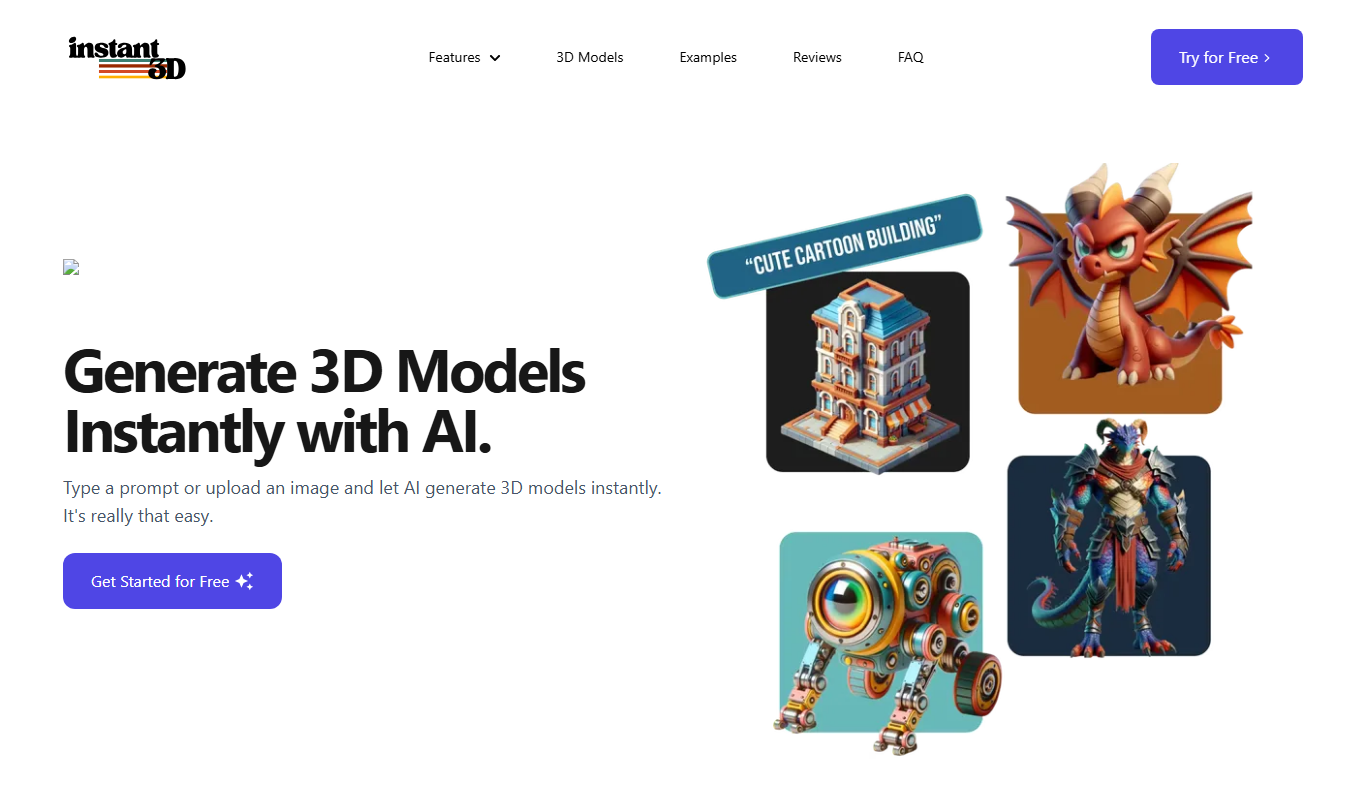
Instant3d.ai
Instant3D.ai is a web-based AI tool that automates 3D model creation from simple inputs, enabling rapid design and prototyping without advanced skills.

Freemium
Sloyd
Sloyd is a web-based AI-assisted 3D modeling tool designed to help game developers and designers quickly create customizable low-poly 3D assets with ease.
Freemium
TextTo3D
TextTo3D is a web-based AI tool that converts natural language text descriptions into 3D models, enabling users to create 3D content without prior modeling experience.
Freemium
AI Geometric
AI Geometric is a web-based 3D modeling software that uses AI to help users create complex geometric designs quickly and intuitively, suitable for designers, educators, and creatives.

Freemium
OpalAi ScanTo3D
OpalAi ScanTo3D is an AI-driven tool that transforms 2D images and scans into high-quality 3D models with texture mapping, supporting multiple input formats and offering API integration.

Freemium
cgfaces.com
CGFaces is a web-based AI tool that generates realistic 3D human faces with customizable features, ideal for game development, animation, and VR projects.
Free Trial
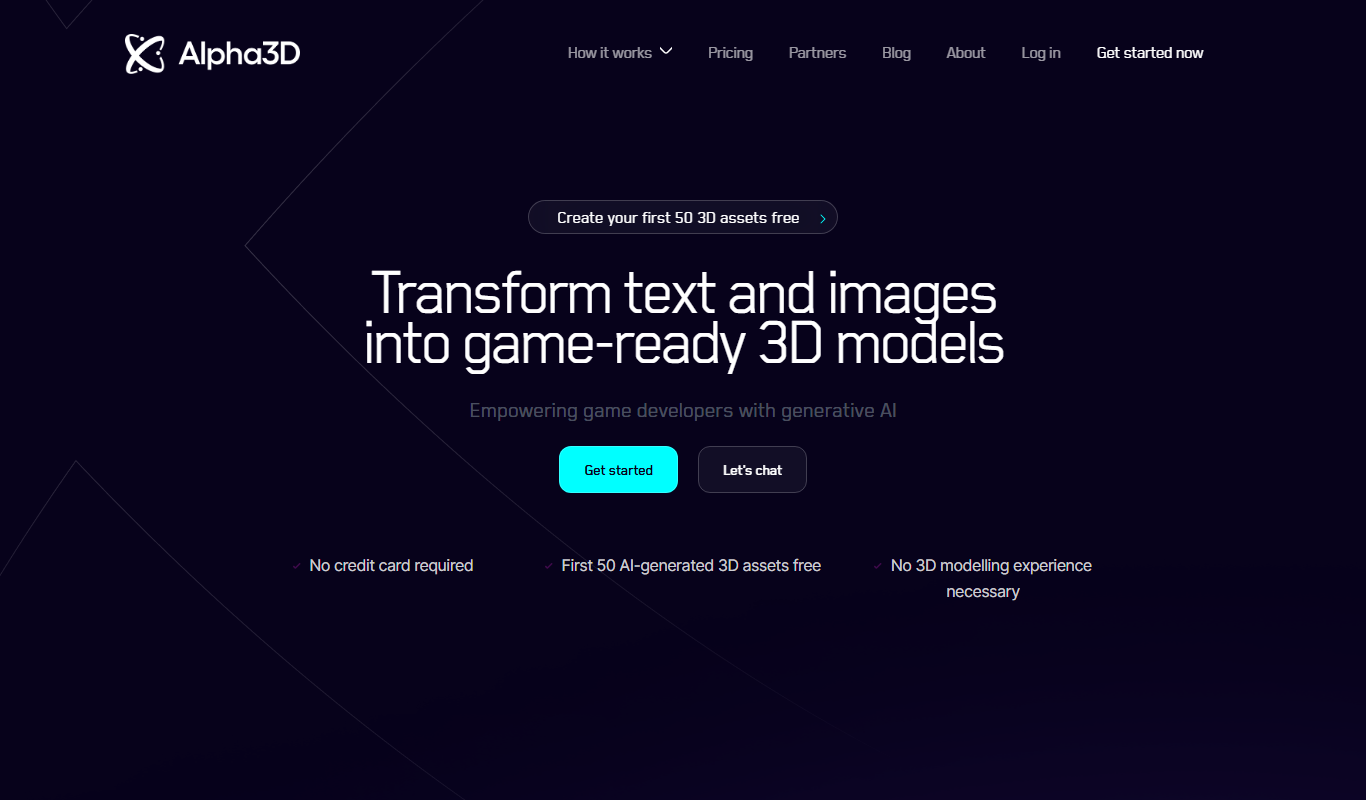
Alpha3D
Alpha3D is a 3D modeling software designed for designers and engineers, featuring CAD tools, real-time rendering, and animation capabilities accessible via web and desktop.

Free Trial
Stable Fast 3D(SF3D)
Stable Fast 3D is an AI-driven platform that enables fast and easy generation of 3D models for creative projects, supporting export in common 3D formats.