

From my experience with TextTo3D, I found it excels at quickly turning simple text descriptions into usable 3D models without requiring any prior modeling knowledge. The web interface is straightforward, making it accessible for beginners and creative professionals alike. However, the generated models can sometimes lack detail and customization options, so for complex projects, additional editing in dedicated 3D software is necessary. Overall, if you need rapid prototyping or educational visualization of 3D concepts from text, TextTo3D delivers a practical and easy-to-use solution.
TextTo3D AI Tool for Converting Text Descriptions into 3D Models Online
TextTo3D is a web-based AI tool that converts natural language text descriptions into 3D models, enabling users to create 3D content without prior modeling experience.
- Best for
- Rapid 3D Model Prototyping
- Key capability
- Text-to-3D Conversion
Your actions
Save TextTo3D, follow its updates and vote on it — everything stays in your account.
Sign in or create a free account
What is TextTo3D?
TextTo3D is a web-based AI tool that transforms natural language text descriptions into 3D models. It leverages artificial intelligence to interpret user input and generate corresponding 3D objects, enabling users to create 3D content without specialized modeling skills or software.
Key features of TextTo3D
The tool offers an intuitive interface for entering descriptive text, instant 3D model generation, and options to view and download the created models. It simplifies 3D content creation by automating the modeling process based on textual input.
Text-to-3D Conversion
Automatically converts natural language descriptions into 3D models.
Web-Based Interface
Accessible through any modern web browser without installation.
Model Preview
Interactive 3D preview allows users to inspect generated models before downloading.
Downloadable 3D Files
Export generated models in common 3D file formats for use in design or game engines.
Pros and cons of TextTo3D
Pros
- Easy to use with no modeling skills required
- Quick generation of 3D models from text
- Accessible via web browser without installation
Cons
- Limited customization of generated models
- Output quality may vary depending on text input clarity
- No mobile app available
Key use cases for TextTo3D
Rapid 3D Model Prototyping
Generate quick 3D models from simple text descriptions to prototype ideas without complex software.
Game Asset Creation
Create basic 3D assets for games or virtual environments using natural language prompts.
Educational Visualization
Help students and educators visualize concepts by converting text descriptions into 3D objects.
Creative Design Exploration
Explore creative 3D designs by describing objects or scenes in text and seeing instant 3D results.
How TextTo3D works
- 1
Enter Text Description
Users input a detailed description of the desired 3D object into the text field.
- 2
AI Processes Input
The AI interprets the text and generates a corresponding 3D model.
- 3
Preview and Adjust
Users can preview the generated 3D model and make adjustments if needed.
- 4
Download Model
Once satisfied, users can download the 3D model file for use in other applications.
Who is using TextTo3D
Game developers needing quick asset prototypes
Educators and students visualizing concepts
3D design beginners exploring modeling
Content creators requiring simple 3D visuals
TextTo3D pricing
Free
$0/month
Basic access with limited daily generations and standard resolution models.
Pro
$15/month
Higher generation limits, priority processing, and access to higher resolution models.
Plans and prices are as published by the vendor and can change. Check the official site before you buy. Open the pricing page (opens in a new tab)
Frequently asked questions about TextTo3D
TextTo3D allows downloading models primarily in OBJ and GLB formats, compatible with most 3D software.
No, the tool is designed for users without 3D modeling skills, relying on text input to generate models.
Currently, customization is limited to rephrasing text input; detailed editing requires external 3D software.
It depends on your specific needs and how you plan to use the tool. The official website and documentation are the best sources for the latest details.
It depends on your specific needs and how you plan to use the tool. The official website and documentation are the best sources for the latest details.
Yes, it can help with that use case depending on how you configure it and what features are available. You’ll get the best results with clear inputs and a defined goal.
Sign in to review this tool.
Sign In to ReviewNo reviews yet
Be the first to share how this tool worked for you.
Ask about pricing, limits, or how it compares — or answer someone else.
Sign In to AskNo questions yet
Have a question about using or paying for this tool? Be the first to ask.
Featured on TiorAI



More AI 3D Modeling Tools tools
Other tools in the same category, for when this one is not quite the fit.
Free Trial
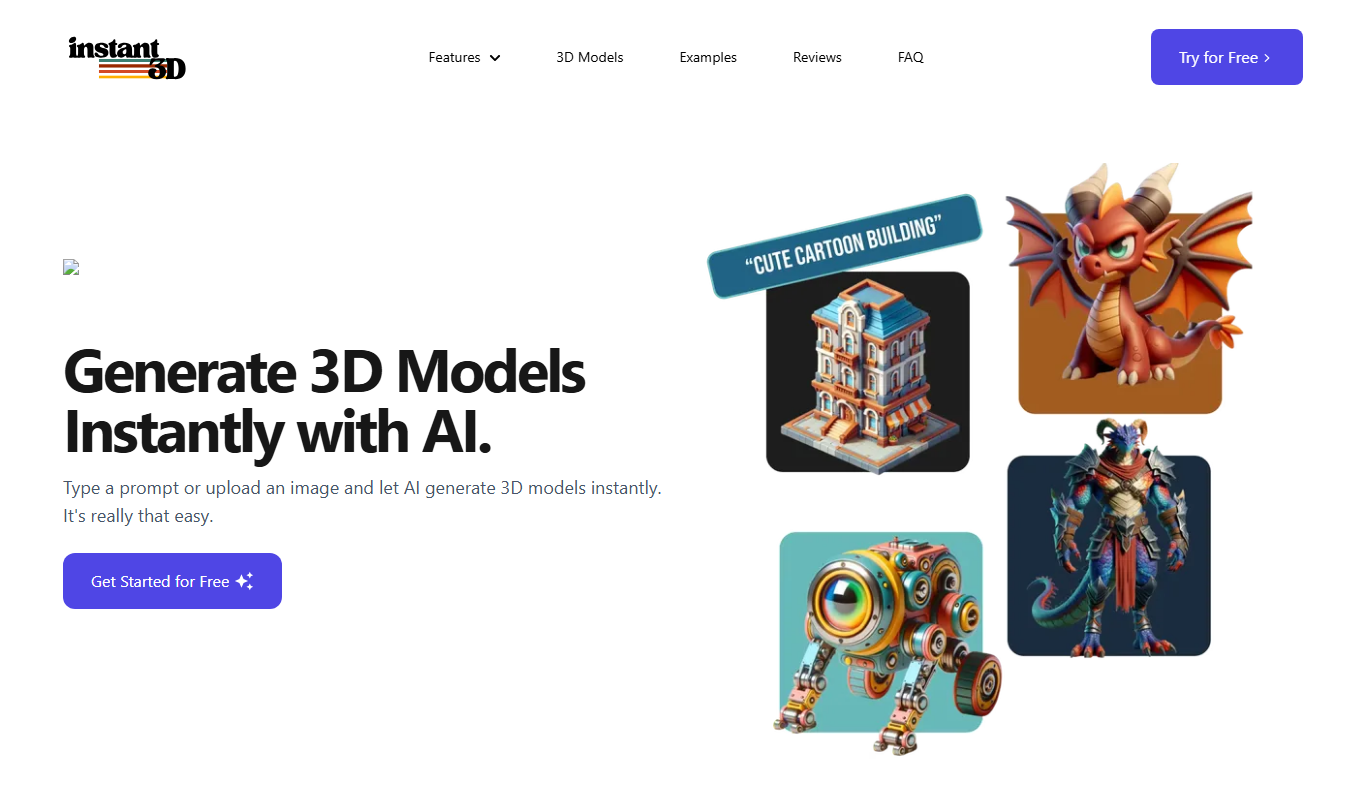
Instant3d.ai
Instant3D.ai is a web-based AI tool that automates 3D model creation from simple inputs, enabling rapid design and prototyping without advanced skills.

Freemium
Sloyd
Sloyd is a web-based AI-assisted 3D modeling tool designed to help game developers and designers quickly create customizable low-poly 3D assets with ease.

Freemium
Meshy
Meshy is a cloud-based AI platform that enables teams to collaboratively create and edit 3D models in real-time using AI-assisted mesh generation and version control.

Freemium
AI Geometric
AI Geometric is a web-based 3D modeling software that uses AI to help users create complex geometric designs quickly and intuitively, suitable for designers, educators, and creatives.

Freemium
OpalAi ScanTo3D
OpalAi ScanTo3D is an AI-driven tool that transforms 2D images and scans into high-quality 3D models with texture mapping, supporting multiple input formats and offering API integration.

Freemium
cgfaces.com
CGFaces is a web-based AI tool that generates realistic 3D human faces with customizable features, ideal for game development, animation, and VR projects.
Free Trial
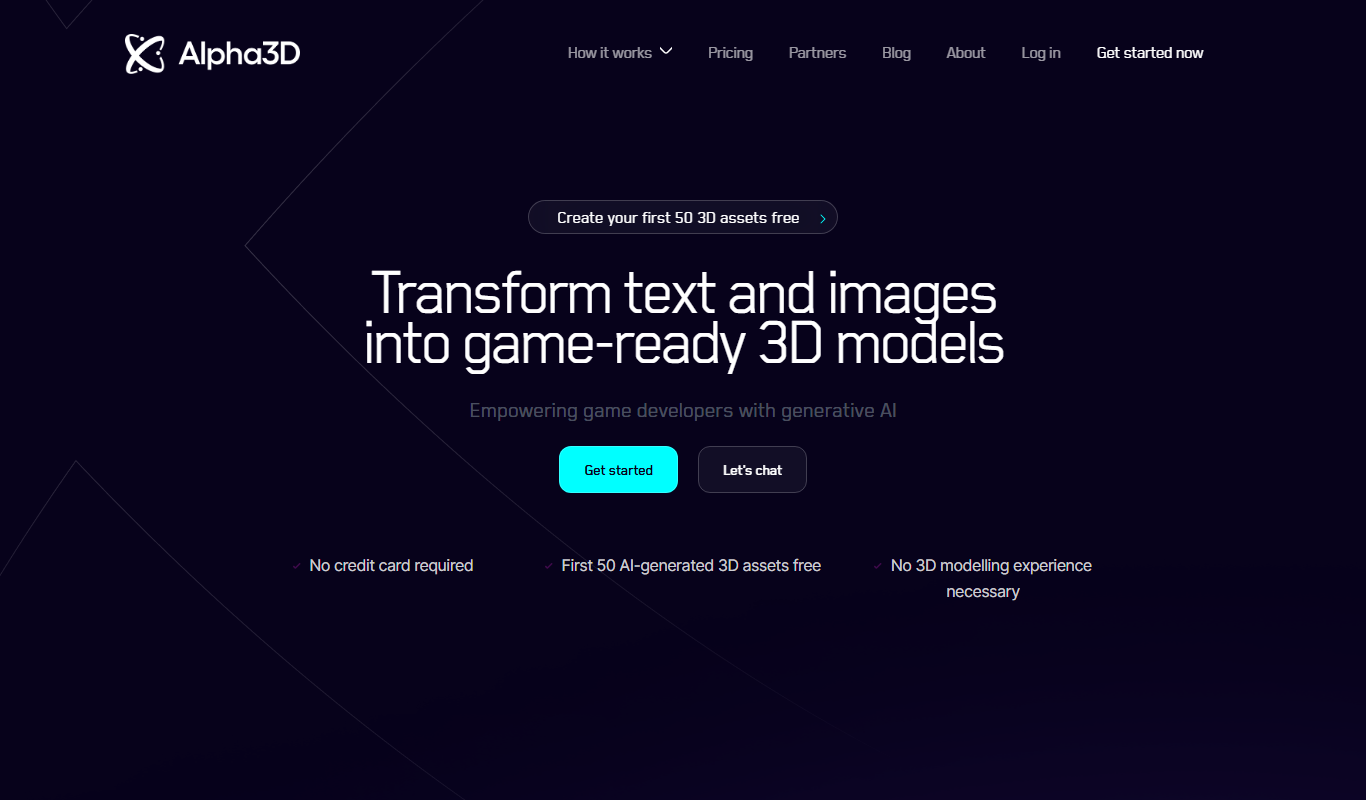
Alpha3D
Alpha3D is a 3D modeling software designed for designers and engineers, featuring CAD tools, real-time rendering, and animation capabilities accessible via web and desktop.

Free Trial
Stable Fast 3D(SF3D)
Stable Fast 3D is an AI-driven platform that enables fast and easy generation of 3D models for creative projects, supporting export in common 3D formats.