

From my experience with Kaedim, I found it excels at rapidly converting 2D concepts into textured 3D models, which can significantly speed up game asset creation. The platform’s ability to generate multiple model variations provides valuable creative flexibility. It’s particularly well-suited for game developers and 3D artists who want to reduce manual modeling time without sacrificing quality. However, the pricing is not transparent and requires direct contact, and very complex designs may still need manual refinement. Overall, Kaedim offers a practical AI-driven solution for accelerating 3D content workflows.
Kaedim 3D Model Generator for Game Developers and Designers
Kaedim is an AI-driven platform that transforms 2D sketches and images into textured 3D models, designed to speed up asset creation for game development and design workflows.
- Best for
- Game Asset Creation
- Key capability
- AI-Powered 3D Conversion
Your actions
Do you recommend this tool?
What is Kaedim?
Kaedim is an AI-powered 3D modeling platform designed to transform 2D images and sketches into fully textured 3D models. It aims to streamline the asset creation process for game developers, designers, and artists by automating the conversion of concept art into usable 3D content, significantly reducing manual modeling time.
Key features of Kaedim
Kaedim offers AI-driven 3D model generation from 2D inputs, supports rapid iteration with multiple model outputs, provides an API for seamless integration into development pipelines, and delivers textured models ready for use in games or other 3D applications.
AI-Powered 3D Conversion
Transforms 2D images into detailed 3D models using advanced machine learning algorithms.
Multiple Model Variations
Generates several 3D model options per input to facilitate creative exploration.
Textured Models
Provides fully textured 3D assets ready for immediate use in projects.
API Access
Enables integration with existing development workflows and automation.
Fast Turnaround
Significantly reduces time from concept to 3D asset compared to manual modeling.
Pros and cons of Kaedim
Pros
- Speeds up 3D asset creation from 2D concepts
- Generates multiple model options for creative flexibility
- Provides textured models ready for immediate use
- API access supports automation and integration
- Reduces reliance on manual 3D modeling skills
Cons
- Pricing details are not publicly listed and require contact
- May need manual refinement for highly detailed models
- Currently supports English only
Key use cases for Kaedim
Game Asset Creation
Rapidly generate 3D models from 2D concepts to accelerate game development pipelines.
3D Prototyping
Quickly convert sketches or 2D images into 3D models for prototyping and visualization.
Design Iteration
Easily create multiple 3D variations from concept art to explore different design options.
Animation and VFX
Produce base 3D models that can be further refined for animation or visual effects projects.
How Kaedim works
- 1
Upload 2D Concept
Users upload sketches, drawings, or 2D images representing the desired 3D model.
- 2
AI Model Generation
Kaedim’s AI processes the input to generate multiple 3D model options with textures.
- 3
Review and Select
Users review generated models, select preferred versions, and request refinements if needed.
- 4
Download or Integrate
Finalized 3D models can be downloaded or integrated directly via API into game engines or design tools.
Who is using Kaedim
Game developers and studios
3D artists and designers
Animation and VFX professionals
Indie game creators
Creative agencies
Kaedim pricing
Starter
Custom Pricing
Entry-level plan tailored for small teams and individual creators with limited usage.
Professional
Custom Pricing
Designed for studios and businesses requiring higher volume and API access.
Plans and prices are as published by the vendor and can change. Check the official site before you buy. Open the pricing page (opens in a new tab)
Frequently asked questions about Kaedim
Kaedim exports models in common 3D formats such as OBJ and FBX, compatible with most game engines and 3D software.
While Kaedim excels at converting a wide range of 2D inputs, extremely complex designs may require additional manual refinement.
Yes, Kaedim offers API access to automate model generation within development workflows.
Kaedim generates fully textured 3D models, ready for use in games and other applications.
It depends on your specific needs and how you plan to use the tool. The official website and documentation are the best sources for the latest details.
It depends on your specific needs and how you plan to use the tool. The official website and documentation are the best sources for the latest details.
Integration support depends on the tool and its available connectors or API. Check the official documentation or integrations page to confirm what is supported.
Sign in to review this tool.
Sign In to ReviewNo reviews yet
Be the first to share how this tool worked for you.
Ask about pricing, limits, or how it compares — or answer someone else.
Sign In to AskNo questions yet
Have a question about using or paying for this tool? Be the first to ask.
Featured on TiorAI



Alternative Tools
Explore similar AI tools that might fit your needs

Free
Runway ML
Runway ML is a cloud platform offering AI-powered video and image editing tools, enabling creators to automate complex tasks like green screen removal and style transfer, with real-time collaboration and API integration.

Free Trial
Luma AI
Luma AI is an AI tool that converts smartphone photos into realistic 3D avatars and models using neural radiance fields technology, ideal for creators and developers needing photorealistic 3D content.
More AI 3D Modeling Tools tools
Other tools in the same category, for when this one is not quite the fit.

Freemium
Sloyd
Sloyd is a web-based AI-assisted 3D modeling tool designed to help game developers and designers quickly create customizable low-poly 3D assets with ease.
Freemium
TextTo3D
TextTo3D is a web-based AI tool that converts natural language text descriptions into 3D models, enabling users to create 3D content without prior modeling experience.

Free Trial
masterpiecevr.com
MasterpieceVR is a virtual reality software for 3D sculpting and modeling that allows artists to create and paint 3D models using VR headsets and controllers.
Free Trial
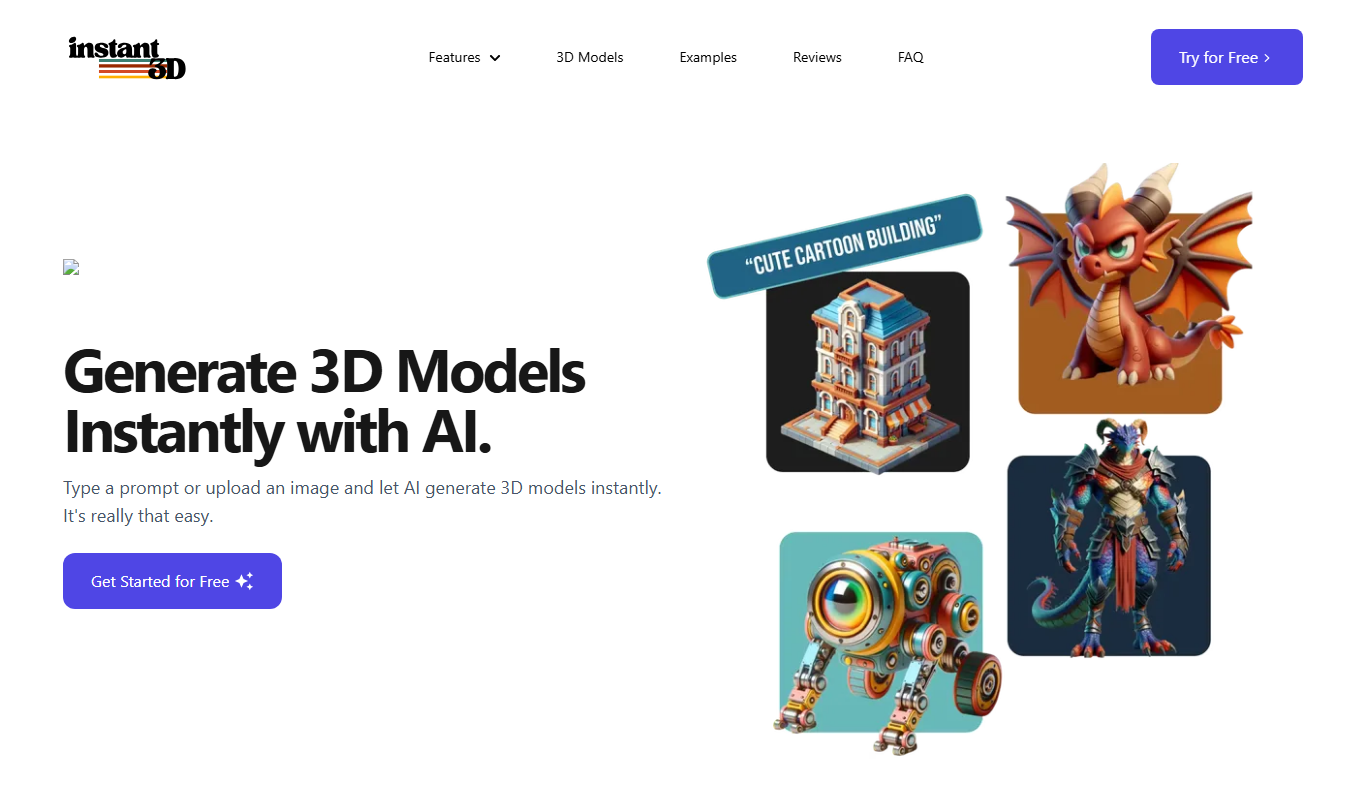
Instant3d.ai
Instant3D.ai is a web-based AI tool that automates 3D model creation from simple inputs, enabling rapid design and prototyping without advanced skills.

Freemium
FLUX Style Shaping
FLUX Style Shaping is a 3D modeling and digital sculpting software that enables creators to design, sculpt, and prepare models for 3D printing using an intuitive interface available on web and desktop platforms.

Freemium
Meshy
Meshy is a cloud-based AI platform that enables teams to collaboratively create and edit 3D models in real-time using AI-assisted mesh generation and version control.

Freemium
Archi
Archi AI is a web-based architecture design tool that uses artificial intelligence to help architects create, visualize, and iterate 3D building models quickly and efficiently.
Contact for pricing
Meshcapade ME
Meshcapade ME is a software platform that creates detailed 3D human body models from images or videos, supporting animation and virtual try-on applications with API integration.