

Vidu AI video generator for text, image and reference to video
Vidu is an AI video generator that turns text prompts, images and reference images into videos and 2D animations.
- Best for
- Social media content
- Key capability
- Text to Video
Save Vidu, follow its updates and vote on it — everything stays in your account.
Sign in or create a free account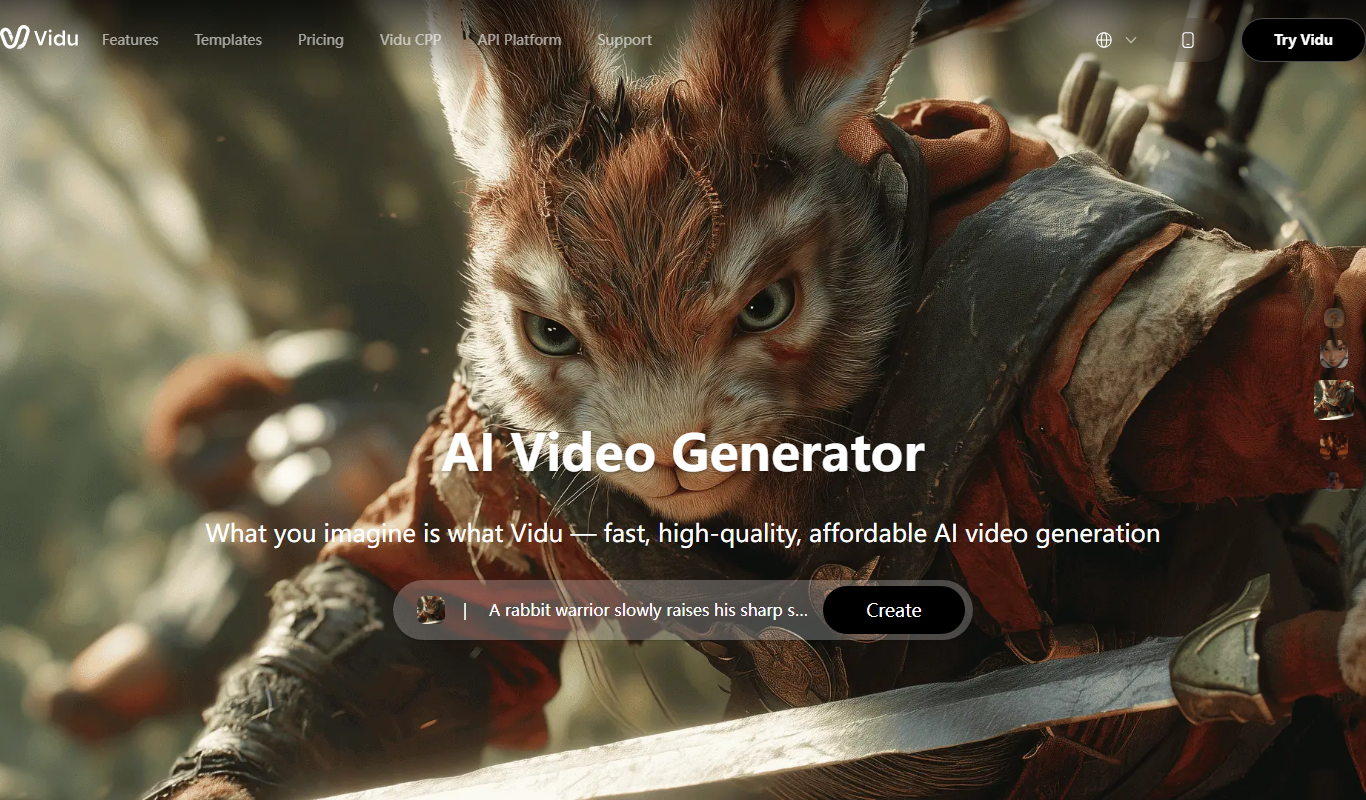

What is Vidu?
Vidu is an AI video generator that transforms text and images into videos, with Text to Video, Image to Video and Reference to Video creation modes. It is designed for independent creators and teams producing videos, 2D animations and diverse artistic styles.
Key features of Vidu
Vidu generates videos from text prompts, a static image or three or more reference images, keeps characters consistent with saved references, and is available on the web, in the Vidu App and through an API platform for enterprises.
Text to Video
Transforms a text prompt into a video.
Image to Video
Creates a video from a static image with motion and animation; users can also set the first and last frames.
Reference to Video
Upload three or more images of an object, character or scene as references and Vidu combines them into a video based on a prompt.
My References
Save characters, props and scenes for reuse across videos.
Vidu Agent
A dedicated agent that collaborates with you from a single sentence to a complete work.
Pros and cons of Vidu
Pros
- Three creation modes: Text to Video, Image to Video and Reference to Video
- Reference images keep characters and objects consistent
- Free credits for all users
- Vidu App for creating anywhere
- Offers customizable templates for branding
Cons
- Outputs go up to 1080p
- No desktop or mobile app, web-only platform
- Advanced editing controls are limited compared to manual editors
Key use cases for Vidu
Social media content
Produce videos for social media content creation.
2D animation
Film studios and animation teams use it for studio-level 2D animations and cinematic content.
Product and ad videos
Animate product images with Image to Video or change ad backgrounds with Reference to Video.
Character-consistent stories
Keep characters, props and scenes consistent by reusing saved references.
Video Summarization
Produce concise video summaries to highlight key points from longer videos.
How Vidu works
- 1
Choose a creation mode
Pick Text to Video, Image to Video or Reference to Video.
- 2
Add a prompt, image or references
Enter a prompt, upload a static image, or upload three or more reference images of an object, character or scene.
- 3
Generate the video
Vidu generates the video, from low resolution up to 1080p outputs.
- 4
Reuse your references
Save characters, props and scenes with My References for the next video.
Who is using Vidu
Vidu pricing
Free
$0/month
Basic access with limited video exports and watermark on videos.
Pro
$29/month
Unlimited video exports, access to premium templates, and removal of watermarks.
Business
$99/month
Advanced features including team collaboration, priority support, and custom branding.
Plans and prices are as published by the vendor and can change. Check the official site before you buy. Open the pricing page (opens in a new tab)
Frequently asked questions about Vidu
Yes, Vidu is designed for users of all skill levels, automating most editing tasks.
Vidu supports common video formats such as MP4, MOV, and AVI.
Yes, videos exported on the free plan include a Vidu watermark.
Team collaboration features are available on the Business plan.
It depends on your specific needs and how you plan to use the tool. The official website and documentation are the best sources for the latest details.
Some tools offer a free plan or trial with limited features. Availability can vary, so confirm on the official website.
Yes, it can help with that use case depending on how you configure it and what features are available. You’ll get the best results with clear inputs and a defined goal.
Yes, it can help with that use case depending on how you configure it and what features are available. You’ll get the best results with clear inputs and a defined goal.
Conclusion
Three kinds of input drive generation: a text prompt, a single image to animate, or three or more reference images of an object, character or scene that it combines into one video. Saved references for characters, props and scenes can be reused, so a character can stay consistent from clip to clip. Outputs range from low resolution up to 1080p.
Independent creators and teams are the stated audience, alongside film studios and animation teams working on 2D animations. Creation happens on the web or in the Vidu App, and individual plans sit next to enterprise plans for team collaboration. Every user gets a set amount of free credits to try generation at no cost before choosing a plan.
Sources
Sign in to review this tool.
Sign In to ReviewNo reviews yet
Be the first to share how this tool worked for you.
Ask about pricing, limits, or how it compares — or answer someone else.
Sign In to AskNo questions yet
Have a question about using or paying for this tool? Be the first to ask.
Featured on TiorAI



More AI Animation Generator tools
Other tools in the same category, for when this one is not quite the fit.
AutoDraft
AutoDraft is an AI animation tool for YouTubers that generates cartoon characters, backgrounds and voices for animated stories.

DeepMotion
DeepMotion is an AI-driven motion capture platform that converts video footage into realistic 3D animations in real time without requiring specialized hardware.

neural frames
Neural Frames is an AI music video generation suite for musicians that turns a song into beat-synced visuals, with three subscription plans and a free option to try the product.

Ebsynth
EbSynth is VFX software for retouching, rotoscoping and stylization that changes a whole video from edited keyframes, with Free, Pro and Studio plans.

Stable Fast 3D(SF3D)
Stable Fast 3D (SF3D) is an open-source Stability AI model that turns a single image into a textured 3D mesh with UV unwrapping and material parameters.

Veggie AI
Veggie AI generates controllable character videos from character photos, action videos or text prompts in four modes: Mix, Animate, Ideate and Stylize.
Luppet
Luppet (LuppetX) is a tracking system for 3D Virtual YouTubers that only requires a web camera and LeapMotion.

DeepAR SDK
DeepAR SDK is a cross-platform augmented reality development kit that enables real-time face tracking, AI avatar creation, and 3D AR effects for mobile apps, games, and live streaming.