

Toonly Animated Video Maker for Engaging Marketing and Explainer Videos
Toonly is an easy-to-use animated video creation software that helps users produce explainer and marketing videos with drag-and-drop tools and a rich asset library.
Save Toonly, follow its updates and vote on it — everything stays in your account.
Sign in or create a free account
What is Toonly?
Toonly is a user-friendly animated video creation software designed to help users produce professional-quality explainer and marketing videos without requiring advanced technical skills. It offers a drag-and-drop interface with a library of customizable characters, props, and scenes, enabling quick assembly of animated stories for various purposes.
Key use cases for Toonly
Marketing Videos
Create engaging animated videos to promote products and services effectively.
Explainer Videos
Develop clear and concise explainer videos to simplify complex ideas for audiences.
Educational Content
Produce animated lessons and tutorials to enhance learning experiences.
Social Media Content
Generate eye-catching animated clips optimized for social media platforms.
Internal Communications
Use animated videos to communicate messages within organizations in an engaging way.
How Toonly works
- 1
Choose a Template or Start from Scratch
Select from a variety of pre-designed scenes or create your own video layout.
- 2
Drag and Drop Characters and Props
Add animated characters, objects, and backgrounds to build your story visually.
- 3
Customize Animations and Timing
Adjust movements, transitions, and timing to fit your narrative flow.
- 4
Add Voiceovers and Music
Import audio files or record voiceovers directly within the platform.
- 5
Export and Share
Render your video in HD and export it for use on websites, social media, or presentations.
Frequently asked questions about Toonly
Yes, Toonly is designed with an easy drag-and-drop interface that requires no prior animation experience.
Yes, you can upload your own voiceovers and background music to customize your videos.
Toonly allows exporting videos in MP4 format with HD resolution options.
Toonly occasionally offers free trials or demos; check their official website for current availability.
This tool is designed to help users accomplish its core tasks more efficiently. It is typically used by individuals or teams looking to improve productivity and workflow.
It depends on your specific needs and how you plan to use the tool. The official website and documentation are the best sources for the latest details.
Yes, it can help with that use case depending on how you configure it and what features are available. You’ll get the best results with clear inputs and a defined goal.
Pricing depends on the plan and included features. For the most accurate and up-to-date details, check the official pricing page.
Conclusion
Toonly is desktop software for Windows and Mac that builds animated explainer and marketing videos from a drag-and-drop library of characters, props and scenes. A project starts from a pre-designed scene or a custom layout, and animated characters, objects and backgrounds are added to build the story. Movements, transitions and timing are adjusted next, and voiceovers can be recorded in the platform or imported along with background music. Finished videos export in MP4 format with HD resolution options.
It is tailored for marketers, educators and content creators, and no prior animation experience is required. Typical projects range from videos that promote products and services to animated lessons and internal communications. Access is sold by subscription in Standard and Enterprise tiers.
Sources
Sign in to review this tool.
Sign In to ReviewNo reviews yet
Be the first to share how this tool worked for you.
Ask about pricing, limits, or how it compares — or answer someone else.
Sign In to AskNo questions yet
Have a question about using or paying for this tool? Be the first to ask.
Featured on TiorAI



More AI Animation Generator tools
Other tools in the same category, for when this one is not quite the fit.
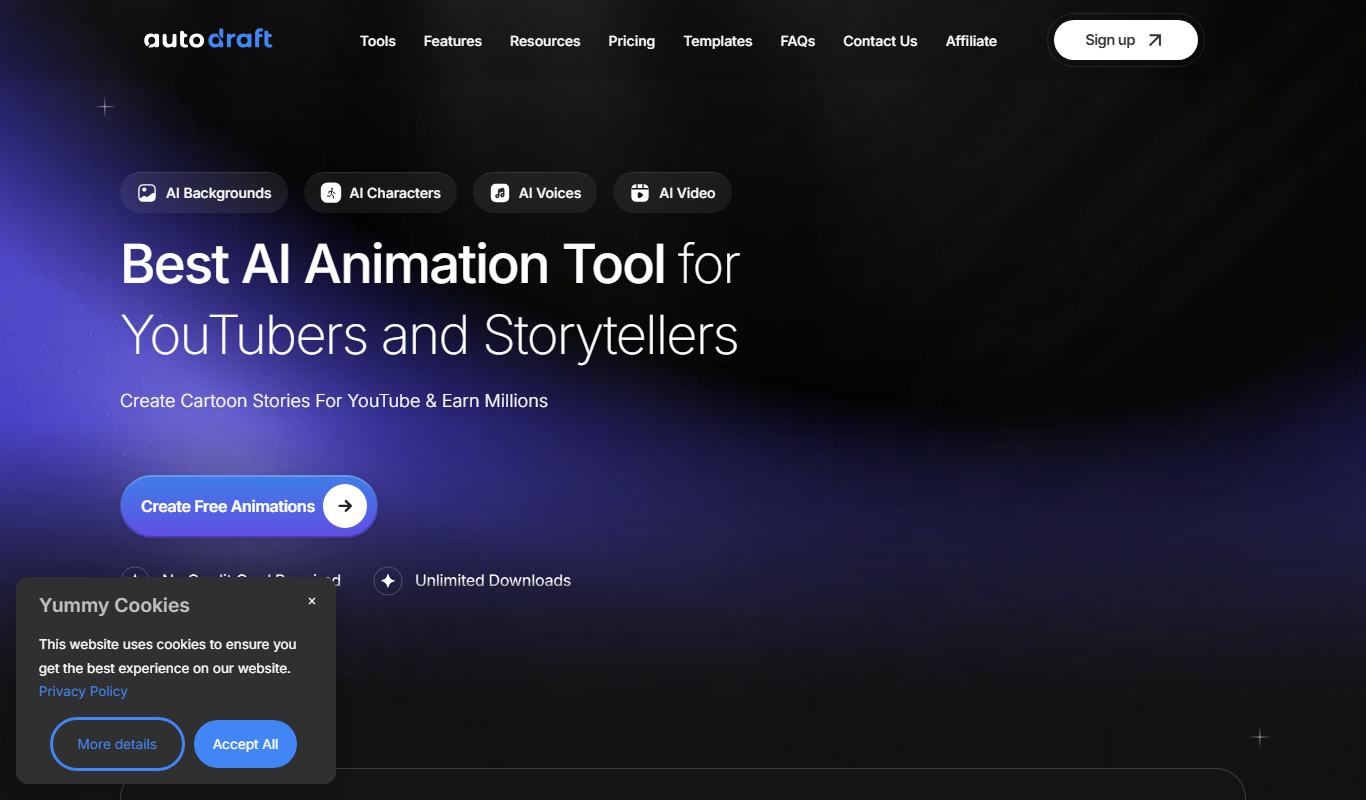
AutoDraft
AutoDraft is an AI animation tool for YouTubers that generates cartoon characters, backgrounds and voices for animated stories.
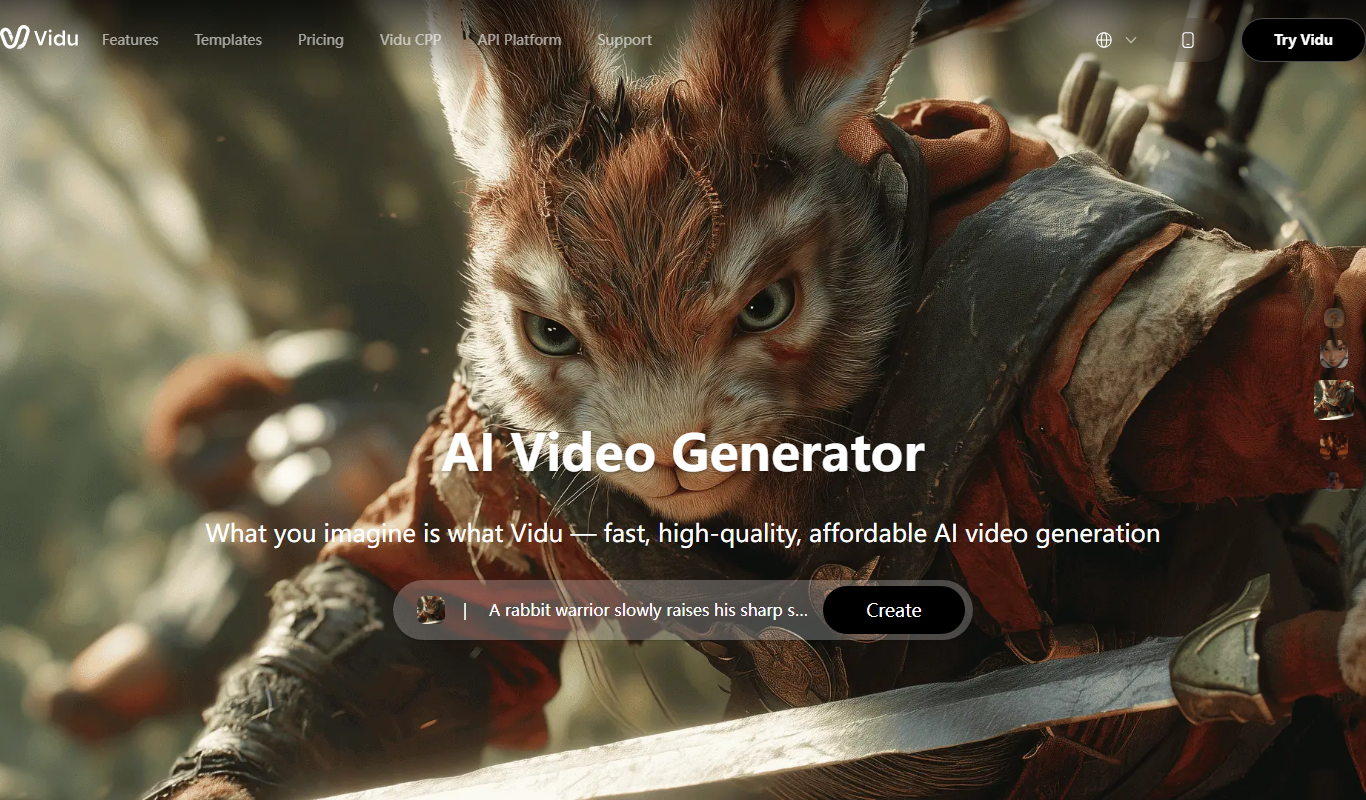
Vidu
Vidu is an AI video generator that turns text prompts, images and reference images into videos and 2D animations.

DeepMotion
DeepMotion is an AI-driven motion capture platform that converts video footage into realistic 3D animations in real time without requiring specialized hardware.

neural frames
Neural Frames is an AI music video generation suite for musicians that turns a song into beat-synced visuals, with three subscription plans and a free option to try the product.

Ebsynth
EbSynth is VFX software for retouching, rotoscoping and stylization that changes a whole video from edited keyframes, with Free, Pro and Studio plans.

Stable Fast 3D(SF3D)
Stable Fast 3D (SF3D) is an open-source Stability AI model that turns a single image into a textured 3D mesh with UV unwrapping and material parameters.

Veggie AI
Veggie AI generates controllable character videos from character photos, action videos or text prompts in four modes: Mix, Animate, Ideate and Stylize.
Luppet
Luppet (LuppetX) is a tracking system for 3D Virtual YouTubers that only requires a web camera and LeapMotion.