

From my experience with Webex, I found it excels at providing a robust and secure video conferencing solution suitable for a wide range of professional settings. Its integration of AI features like transcription and voice commands adds real value for accessibility and productivity. After spending time with the platform, I can say it’s particularly well-suited for remote teams, educators, and event organizers who need reliable collaboration tools. However, the free plan’s time limits and the complexity of some advanced features may require a learning curve or paid upgrades. Overall, if you need a comprehensive, enterprise-grade meeting platform, Webex delivers solid results.
Webex Video Conferencing and Collaboration Platform for Remote Teams
Webex is a Cisco-developed video conferencing and collaboration platform that enables secure online meetings, webinars, screen sharing, and team messaging across multiple devices.
- Best for
- Remote Team Meetings
- Key capability
- HD Video and Audio Conferencing
Your actions
Save Webex, follow its updates and vote on it — everything stays in your account.
Sign in or create a free accountWhat is Webex?
Webex is a comprehensive video conferencing and collaboration platform developed by Cisco Systems. It enables businesses and individuals to conduct online meetings, webinars, and virtual events with high-quality video, audio, and content sharing capabilities. Webex supports real-time communication and collaboration, making it a popular choice for remote teams and organizations seeking to maintain productivity and connectivity.
Key features of Webex
Webex offers HD video conferencing, screen sharing, meeting recording, real-time messaging, AI-powered meeting transcription and voice commands, virtual backgrounds, and robust security features. It integrates with popular productivity tools to streamline workflows.
HD Video and Audio Conferencing
High-definition video and crystal-clear audio for professional-quality meetings.
AI-Powered Transcription and Voice Commands
Automatic meeting transcription and voice-activated controls enhance accessibility and ease of use.
Screen Sharing and Whiteboarding
Share your screen or collaborate on a digital whiteboard to brainstorm and present ideas.
Meeting Recording and Playback
Record sessions with options to save and share recordings for future reference.
End-to-End Security
Robust encryption and compliance features ensure secure communication.
Pros and cons of Webex
Pros
- High-quality video and audio performance
- Comprehensive collaboration tools beyond video
- Strong security and compliance features
- Cross-platform availability
- AI features like transcription and voice commands
Cons
- Free plan has time limits on meetings
- Some advanced features require higher-tier plans
- User interface can be complex for beginners
Key use cases for Webex
Remote Team Meetings
Host secure video and audio meetings with team members regardless of location, enabling seamless communication and collaboration.
Webinars and Online Events
Conduct large-scale webinars and virtual events with interactive features like Q&A, polling, and attendee management.
Screen Sharing and Presentations
Share your screen or specific applications in real-time to present ideas, demonstrate software, or collaborate on documents.
Training and Education
Deliver remote training sessions and classes with tools designed for engagement and interaction.
Team Collaboration
Use integrated messaging, file sharing, and whiteboarding to enhance teamwork beyond video calls.
How Webex works
- 1
Create an Account
Sign up for a Webex account via the website or app to access meeting and collaboration features.
- 2
Schedule or Start a Meeting
Use the dashboard to schedule meetings in advance or start instant meetings with invite links.
- 3
Invite Participants
Send meeting invitations via email or share join links for attendees to connect from any device.
- 4
Collaborate During Meetings
Use video, audio, screen sharing, chat, and whiteboard tools to communicate and collaborate effectively.
- 5
Record and Share
Record meetings for later review or sharing with team members who could not attend live.
Who is using Webex
Remote teams and distributed workforces
Educational institutions
Event organizers and webinar hosts
Small to large businesses
Customer support and sales teams
Webex pricing
Free
$0/month
Basic meetings up to 100 participants with 50-minute time limits.
Starter
$14.95/month
Meetings up to 50 participants with extended meeting durations and additional features.
Business
$29.95/month
Up to 200 participants, advanced meeting controls, and admin features.
Enterprise
Custom pricing
Tailored solutions for large organizations with premium support and integrations.
Plans and prices are as published by the vendor and can change. Check the official site before you buy. Open the pricing page (opens in a new tab)
Frequently asked questions about Webex
Yes, Webex offers a free plan that supports meetings up to 100 participants with a 50-minute time limit.
Webex uses end-to-end encryption and complies with industry security standards to protect your meetings.
Webex is available on web browsers, Windows, macOS, iOS, and Android devices.
Yes, you can record meetings and save them locally or in the cloud for later playback.
Some tools offer a free plan or trial with limited features. Availability can vary, so confirm on the official website.
Data handling and security practices vary by provider. Review the official privacy policy to understand how your data is stored and used.
Yes, it can help with that use case depending on how you configure it and what features are available. You’ll get the best results with clear inputs and a defined goal.
Yes, it can help with that use case depending on how you configure it and what features are available. You’ll get the best results with clear inputs and a defined goal.
Sign in to review this tool.
Sign In to ReviewNo reviews yet
Be the first to share how this tool worked for you.
Ask about pricing, limits, or how it compares — or answer someone else.
Sign In to AskNo questions yet
Have a question about using or paying for this tool? Be the first to ask.
Featured on TiorAI



Alternative Tools
Explore similar AI tools that might fit your needs
Free
Zoom
Zoom is a cloud-based video conferencing platform that enables virtual meetings, webinars, and online collaboration with features like HD video, screen sharing, breakout rooms, and recording.
More AI Speech-to-Text tools
Other tools in the same category, for when this one is not quite the fit.

Freemium
Preply
Preply is an online platform connecting language learners with professional tutors for personalized one-on-one lessons via video chat.

Free
SpeakPipe
SpeakPipe is a web-based voice messaging tool that allows websites to collect voice messages from visitors via an embeddable recorder widget or direct links, facilitating customer feedback and audio communication.

Freemium
Trint
Trint is an AI transcription platform that converts audio and video files into editable, searchable text with high accuracy, supporting multiple languages and collaboration features.
Freemium
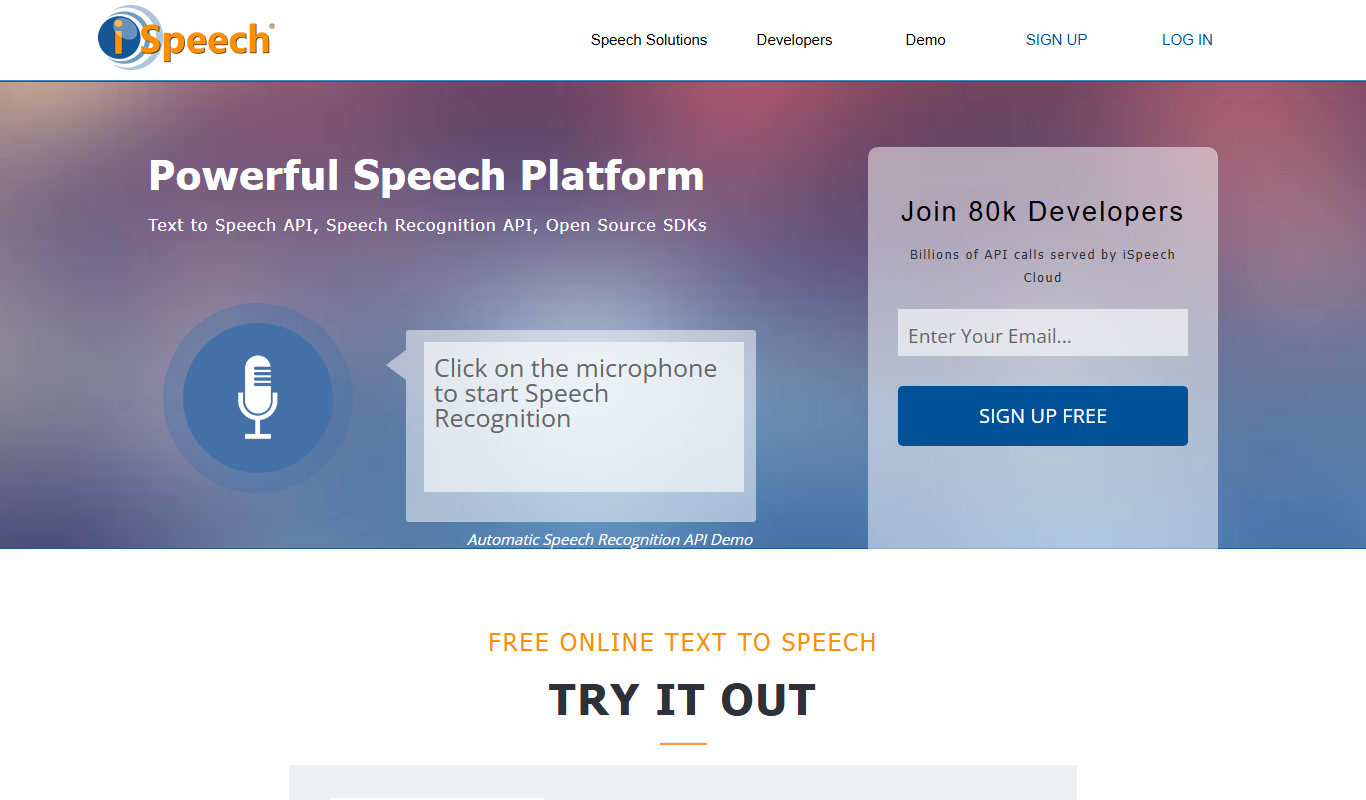
iSpeech
iSpeech is a cloud-based platform providing text-to-speech and speech recognition services with multiple languages, natural voices, and easy API integration for developers and businesses.

Custom Pricing
VideoKen
VideoKen is an AI-driven platform that indexes and segments long videos into chapters, provides automatic transcription, and enables interactive navigation to enhance video learning and content accessibility.

Free Trial
Deepgram
Deepgram is an AI-driven speech-to-text platform providing accurate, customizable, and scalable audio transcription services with real-time streaming and multi-language support.

Free
Speechify
Speechify is an AI-powered text-to-speech tool that converts written text into natural audio, supporting multiple languages and platforms to enhance accessibility and productivity.

Free
The TWIML AI Podcast
The TWIML AI Podcast is a free podcast platform offering expert interviews and discussions on artificial intelligence and machine learning topics.