

Zoom Video Conferencing Platform for Remote Meetings and Collaboration
Zoom is a cloud-based video conferencing platform that enables virtual meetings, webinars, and online collaboration with features like HD video, screen sharing, breakout rooms, and recording.
- Best for
- Remote Team Meetings
- Key capability
- HD Video and Audio
Save Zoom, follow its updates and vote on it — everything stays in your account.
Sign in or create a free accountWhat is Zoom?
Zoom is a cloud-based video conferencing platform that enables users to conduct virtual meetings, webinars, and video calls with high-quality audio and video. It supports real-time collaboration through features like screen sharing, chat, breakout rooms, and recording. Designed for businesses, educators, and individuals, Zoom facilitates communication across distances, making remote work and virtual events accessible and efficient.
Key features of Zoom
Zoom offers HD video and audio conferencing, meeting scheduling, screen sharing, virtual backgrounds, breakout rooms, webinar hosting, recording and transcription, chat functionality, and integration with calendar and productivity tools.
HD Video and Audio
Supports high-definition video and crystal-clear audio for a professional meeting experience.
Screen Sharing and Annotation
Allows users to share their screens and annotate in real-time to enhance collaboration.
Breakout Rooms
Enables splitting participants into smaller groups for focused discussions or activities.
Meeting Recording and Transcription
Records meetings with optional automatic transcription for easy reference and sharing.
Virtual Backgrounds and Touch Up
Offers customizable virtual backgrounds and video enhancements to improve appearance.
Webinar Hosting
Supports hosting interactive webinars with attendee registration, Q&A, and polling.
Chat and File Sharing
Integrated chat allows messaging and file sharing during and outside meetings.
Pros and cons of Zoom
Pros
- Easy to use with intuitive interface
- High-quality video and audio performance
- Robust feature set for meetings and webinars
- Cross-platform availability
- Strong security and encryption options
Cons
- Free plan has 40-minute limit on group meetings
- Occasional bandwidth and latency issues on low-speed connections
- Advanced features require paid plans
Key use cases for Zoom
Remote Team Meetings
Facilitates seamless video and audio meetings for teams working remotely, enabling real-time collaboration.
Webinars and Virtual Events
Hosts large-scale webinars and virtual conferences with interactive features like Q&A, polling, and attendee management.
Online Education and Training
Supports virtual classrooms and training sessions with screen sharing, breakout rooms, and recording capabilities.
Customer Support and Sales Demos
Enables live video support and product demonstrations to engage customers and prospects effectively.
Social and Personal Video Calls
Allows individuals to connect with friends and family through high-quality video calls and chat.
How Zoom works
- 1
Sign Up
Create a Zoom account via the website or app using an email address or single sign-on.
- 2
Schedule or Start a Meeting
Set up a meeting with custom settings or start an instant meeting with invite links.
- 3
Invite Participants
Share meeting links or IDs with attendees via email, calendar invites, or messaging.
- 4
Join and Collaborate
Participants join via desktop, mobile, or browser to engage through video, audio, chat, and screen sharing.
- 5
Record and Share
Record meetings locally or to the cloud and share recordings with participants or stakeholders.
Who is using Zoom
Zoom pricing
Basic
$0/month
Free plan with 40-minute limit on group meetings and up to 100 participants.
Workplace Pro
$14.16/user per month, billed annually, excludes VAT
Best for personal use or small teams: all of Workplace Basic, plus 30 hours per meeting, 100 participants per meeting and unlimited AI note-taking.
Workplace Business
$18.33/user per month, billed annually, excludes VAT
Best for larger teams: all of Workplace Pro, plus 300 participants per meeting, unlimited booking pages, unlimited whiteboards and SSO with managed domains.
Enterprise
Custom pricing
For large organizations with up to 500 or 1000 participants, unlimited cloud storage, and executive business reviews.
Plans and prices are as published by the vendor and can change. Check the official site before you buy. Open the pricing page (opens in a new tab)
Frequently asked questions about Zoom
Yes, Zoom offers a free Basic plan with limited features and meeting duration.
Yes, Zoom allows recording locally or to the cloud depending on your plan.
The Basic plan supports up to 100 participants; higher plans support more.
Yes, breakout rooms are available to split meetings into smaller groups.
It depends on your specific needs and how you plan to use the tool. The official website and documentation are the best sources for the latest details.
It depends on your specific needs and how you plan to use the tool. The official website and documentation are the best sources for the latest details.
Conclusion
Video meetings are one part of Zoom Workplace, an AI-first work platform that also includes chat, phone, mail and calendar tools, whiteboards and clips. A host schedules a meeting or starts an instant one with invite links, and participants join via desktop, mobile or browser to engage through video, audio, chat and screen sharing. Breakout rooms split a meeting into smaller groups, and recording works locally or to the cloud depending on the plan. Meeting summaries and My Notes, an AI note taker for Zoom, third-party and in-person conversations, are among the AI features.
Remote teams and businesses, educators and trainers, and individuals connecting with friends and family all use it. The free Workplace Basic plan limits meetings to 40 minutes and 100 participants per meeting. Paid plans raise the meeting duration to 30 hours, and capacity grows to 300 participants on Business and 1000 on Enterprise. Bigger audiences need the Large Meeting add-on, and all add-ons require a paid base plan.
Sources
Sign in to review this tool.
Sign In to ReviewNo reviews yet
Be the first to share how this tool worked for you.
Ask about pricing, limits, or how it compares — or answer someone else.
Sign In to AskNo questions yet
Have a question about using or paying for this tool? Be the first to ask.
Featured on TiorAI



More AI Speech-to-Text tools
Other tools in the same category, for when this one is not quite the fit.

Veritone
Veritone is an AI-powered media intelligence platform that automates transcription, content analysis, and advertising verification for audio and video media.
Verbling
Verbling is an online platform that connects language learners with native-speaking tutors for live video lessons, offering personalized and flexible language education.

i2OCR
i2OCR is a free online OCR tool that extracts editable text from images and PDFs in over 100 languages without requiring registration or software installation.
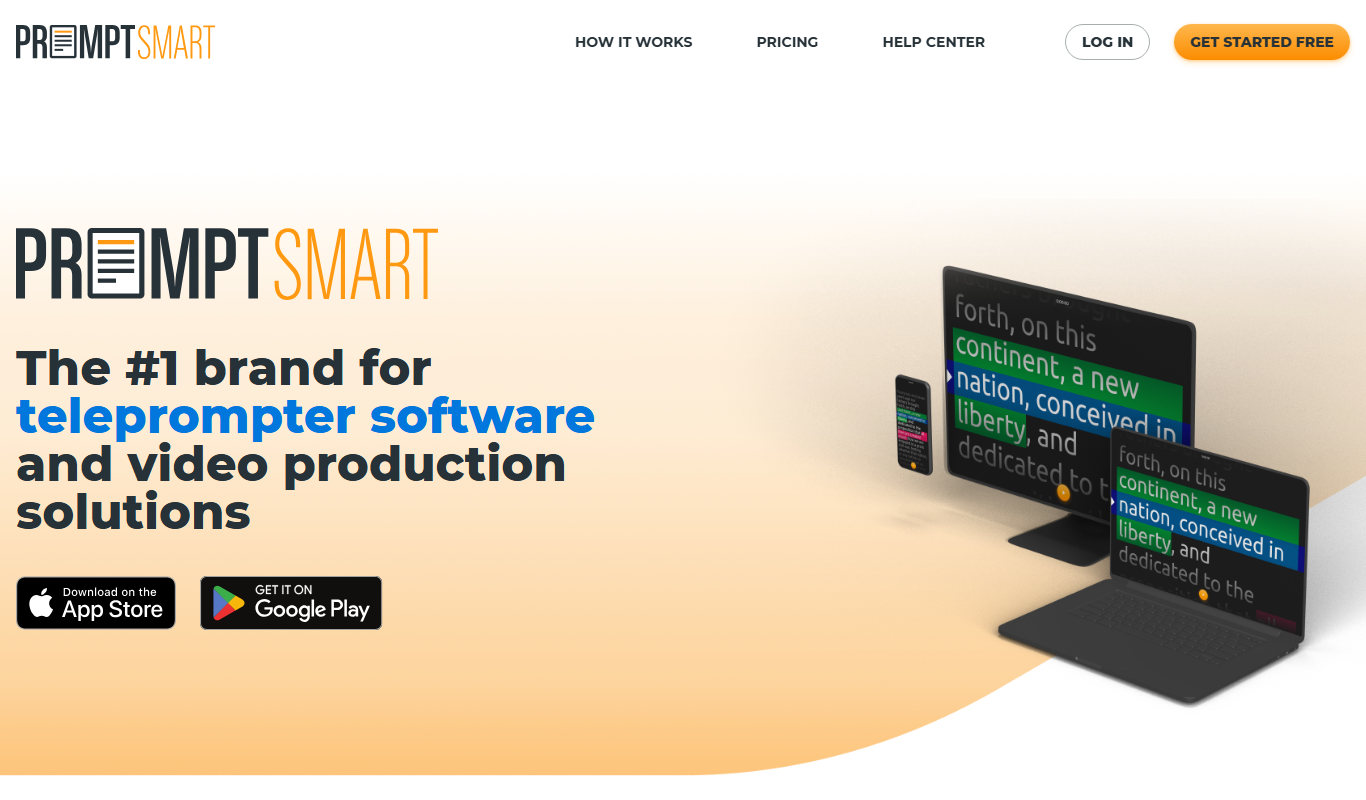
PromptSmart
PromptSmart is a teleprompter app that uses voice recognition technology called VoiceTrack to scroll your script in real time as you speak, allowing for natural and flexible presentations.

E2Language
E2Language is an online platform offering comprehensive preparation courses for IELTS, PTE, and TOEFL exams, featuring AI-powered speaking practice and personalized writing correction.

Augmedix
Augmedix is an AI-powered medical documentation platform that combines speech recognition and remote medical scribes to automate clinical note-taking for healthcare providers.

KUDO
KUDO is a cloud-based platform providing real-time multilingual interpretation for virtual and hybrid events, supporting over 100 languages and accessible via web and mobile apps.
Amberscript
Amberscript is an AI-driven platform that converts audio and video files into accurate transcripts and subtitles, supporting multiple languages and offering both automated and human-assisted transcription services.