

iSpeech Text-to-Speech and Speech Recognition Software for Developers
iSpeech is a cloud-based platform providing text-to-speech and speech recognition services with multiple languages, natural voices, and easy API integration for developers and businesses.
- Best for
- Accessibility Enhancement
- Key capability
- High-Quality Text-to-Speech
Save iSpeech, follow its updates and vote on it — everything stays in your account.
Sign in or create a free account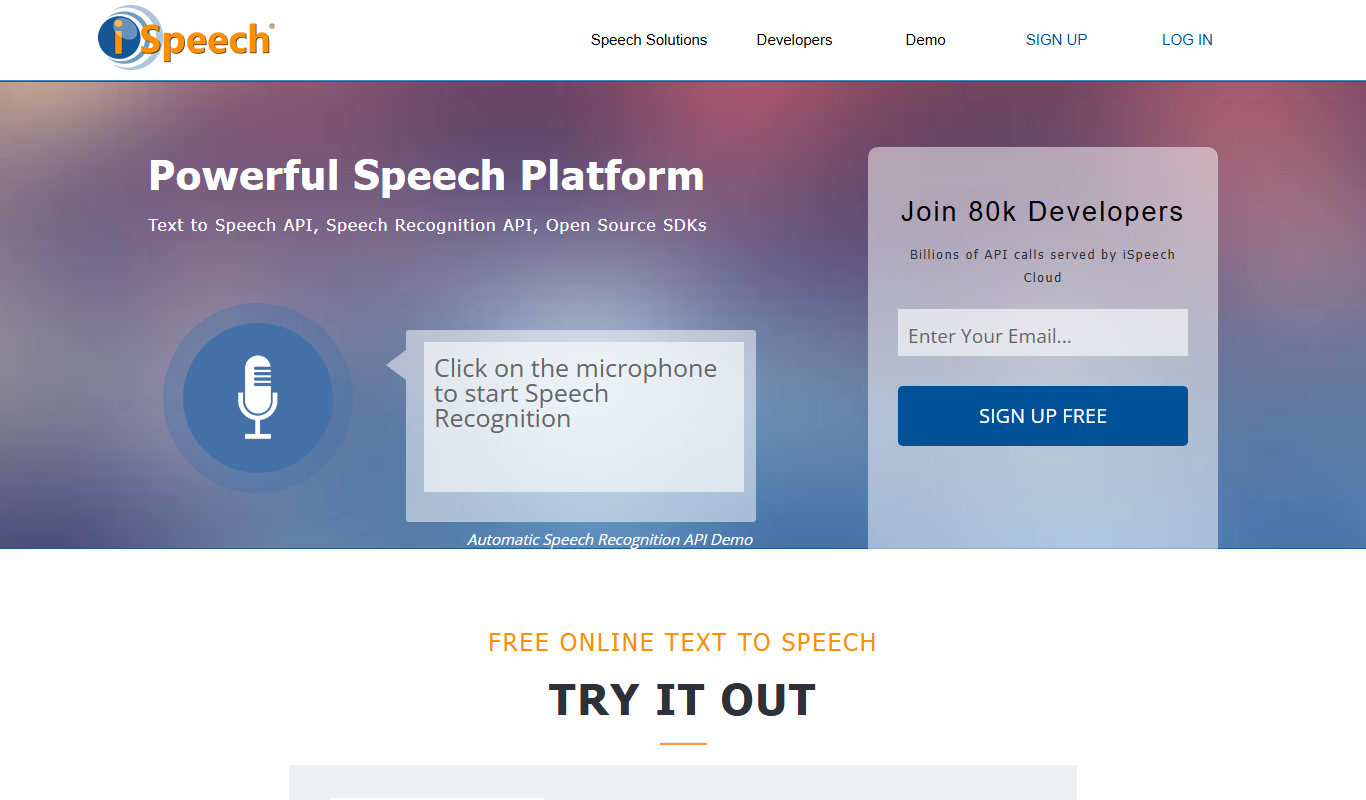
What is iSpeech?
iSpeech is a cloud-based platform offering advanced text-to-speech (TTS) and speech recognition (ASR) services. It enables developers and businesses to convert text into natural, human-like speech and transcribe spoken words into text. The platform supports multiple languages and voices, providing APIs that integrate easily into websites, mobile apps, and other software solutions.
Key features of iSpeech
iSpeech’s main features include high-quality text-to-speech synthesis with customizable voices, accurate speech-to-text transcription, voice cloning capabilities, and scalable API access for developers. It supports multiple languages and offers flexible pricing models for various usage levels.
High-Quality Text-to-Speech
Natural-sounding voices with multiple languages and accents.
Accurate Speech Recognition
Transcribes spoken language into text with high accuracy.
Voice Cloning
Create custom synthetic voices based on sample recordings.
Developer-Friendly API
RESTful API with comprehensive documentation for easy integration.
Scalable Cloud Infrastructure
Handles varying workloads from small projects to enterprise applications.
Pros and cons of iSpeech
Pros
- Supports multiple languages and voices
- Easy API integration for developers
- Offers both text-to-speech and speech recognition
- Flexible pricing plans including free tier
- Voice cloning capabilities
Cons
- Limited voice customization options compared to some competitors
- No dedicated mobile app, API only
- Pricing details for enterprise plans require contact
Key use cases for iSpeech
Accessibility Enhancement
Convert written content into natural-sounding speech to improve accessibility for visually impaired users.
Voice-Enabled Applications
Integrate speech recognition and text-to-speech capabilities into apps for hands-free control and interaction.
Audiobook and Podcast Production
Generate high-quality synthetic voices for narrating audiobooks, podcasts, and other audio content.
Customer Service Automation
Use voice synthesis and recognition to automate call centers and virtual assistants.
Language Learning Tools
Provide pronunciation examples and interactive speech features for language learners.
How iSpeech works
- 1
Sign Up
Create an account on the iSpeech platform to access API keys and dashboard.
- 2
Choose a Service
Select between text-to-speech, speech recognition, or voice cloning APIs based on your needs.
- 3
Integrate API
Use the provided REST API endpoints to integrate speech capabilities into your application.
- 4
Customize Voice
Select from various voices and languages, and adjust speech parameters like speed and pitch.
- 5
Deploy and Monitor
Launch your application with iSpeech integration and monitor usage through the dashboard.
Who is using iSpeech
iSpeech pricing
Free
$0/month
Limited usage with access to basic TTS and ASR features.
Enterprise
Custom pricing
Tailored solutions with dedicated support and advanced features.
Plans and prices are as published by the vendor and can change. Check the official site before you buy. Open the pricing page (opens in a new tab)
Frequently asked questions about iSpeech
Yes, iSpeech supports a variety of languages including English, Spanish, French, German, Italian, and Chinese.
Yes, iSpeech offers commercial licenses and enterprise plans suitable for business use.
Yes, iSpeech provides a free tier with limited usage to test the services.
You can integrate iSpeech using their REST API with detailed documentation available on their website.
Yes, it can help with that use case depending on how you configure it and what features are available. You’ll get the best results with clear inputs and a defined goal.
It depends on your specific needs and how you plan to use the tool. The official website and documentation are the best sources for the latest details.
This tool is designed to help users accomplish its core tasks more efficiently. It is typically used by individuals or teams looking to improve productivity and workflow.
It depends on your specific needs and how you plan to use the tool. The official website and documentation are the best sources for the latest details.
Conclusion
Integration runs through REST API endpoints: an account provides API keys and a dashboard, and developers then choose text-to-speech or speech recognition for their application. Voices and languages can be selected, and speech parameters such as speed and pitch adjusted.
Developers building voice-enabled applications and businesses automating customer service are the main audience, with call centers and virtual assistants among the uses. Written content can also be converted into natural-sounding speech to improve accessibility for visually impaired users, or used to narrate audiobooks and podcasts. A free tier with limited usage lets new users test the services.
Sources
Sign in to review this tool.
Sign In to ReviewNo reviews yet
Be the first to share how this tool worked for you.
Ask about pricing, limits, or how it compares — or answer someone else.
Sign In to AskNo questions yet
Have a question about using or paying for this tool? Be the first to ask.
Featured on TiorAI



More AI Speech-to-Text tools
Other tools in the same category, for when this one is not quite the fit.

Preply
Preply is an online platform connecting language learners with professional tutors for personalized one-on-one lessons via video chat.

SpeakPipe
SpeakPipe is a web-based voice messaging tool that allows websites to collect voice messages from visitors via an embeddable recorder widget or direct links, facilitating customer feedback and audio communication.

Trint
Trint is an AI transcription platform that converts audio and video files into editable, searchable text with high accuracy, supporting multiple languages and collaboration features.
VideoKen
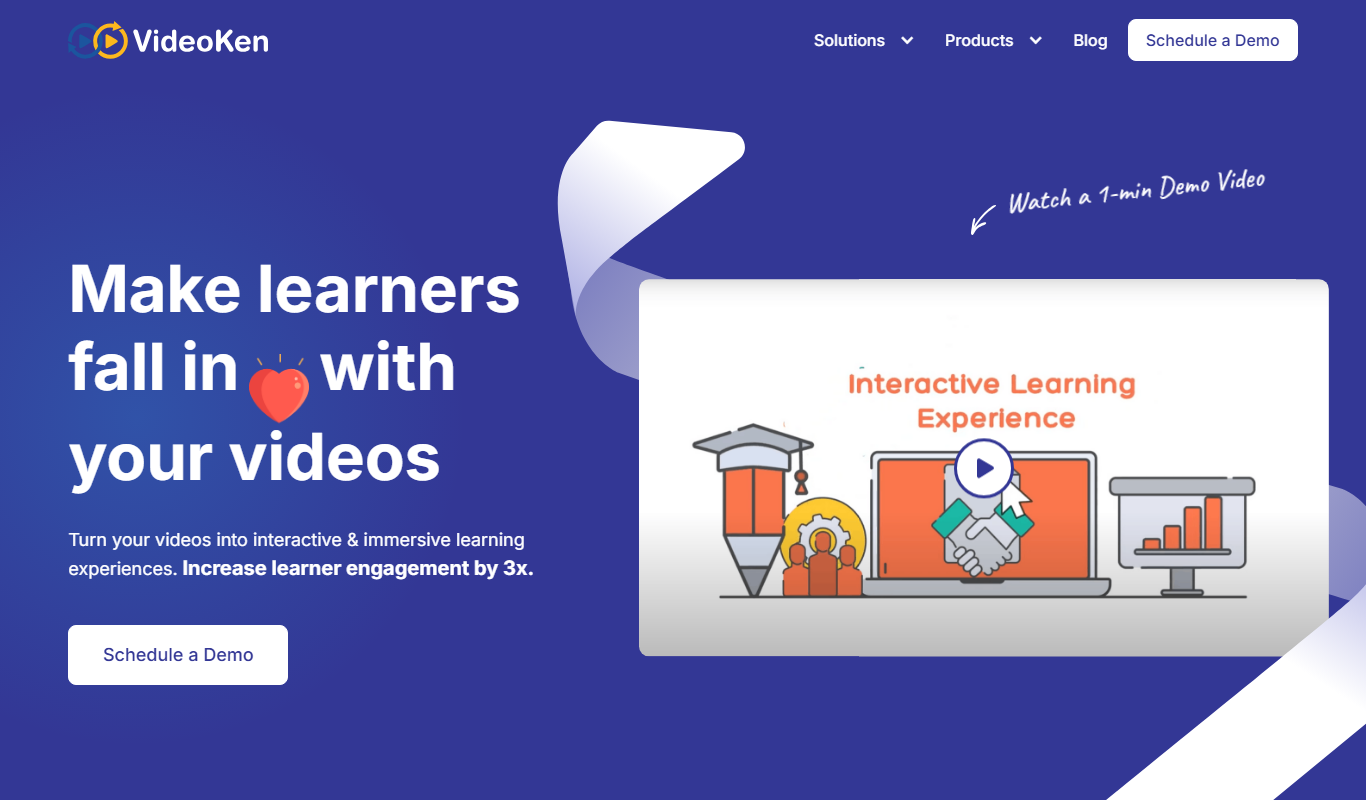
VideoKen is an AI-driven platform that indexes and segments long videos into chapters, provides automatic transcription, and enables interactive navigation to enhance video learning and content accessibility.
Zoom
Zoom is a cloud-based video conferencing platform that enables virtual meetings, webinars, and online collaboration with features like HD video, screen sharing, breakout rooms, and recording.
Deepgram
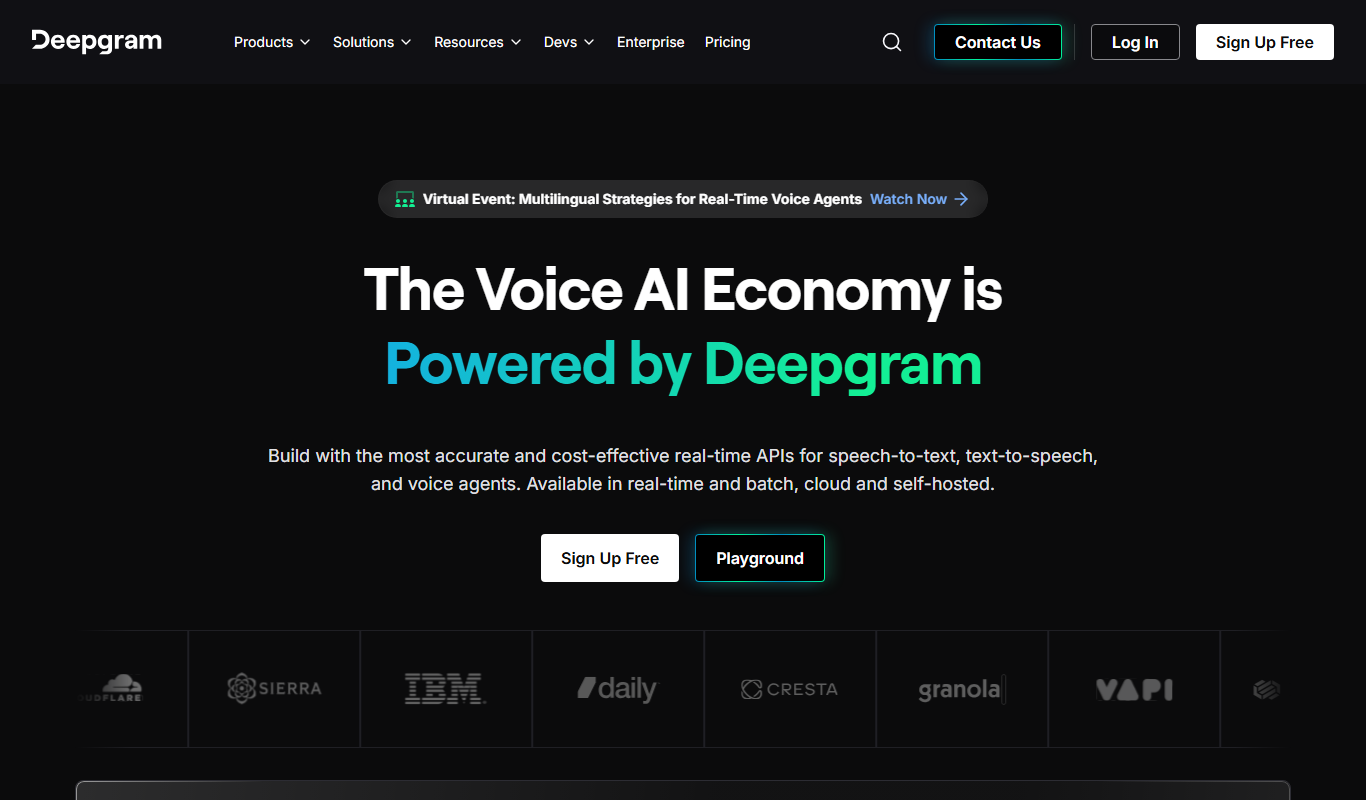
Deepgram is an AI-driven speech-to-text platform providing accurate, customizable, and scalable audio transcription services with real-time streaming and multi-language support.

Speechify
Speechify is an AI-powered text-to-speech tool that converts written text into natural audio, supporting multiple languages and platforms to enhance accessibility and productivity.

The TWIML AI Podcast
The TWIML AI Podcast is a free podcast platform offering expert interviews and discussions on artificial intelligence and machine learning topics.