

Voqul AI voice conversion for songs, podcasts and recordings
Voqul is an AI-powered tool that changes the voice in any recording, converting songs, podcasts or your own voice into a different voice for custom AI music.
- Best for
- AI music
- Key capability
- Voice conversion
Save Voqul, follow its updates and vote on it — everything stays in your account.
Sign in or create a free account
What is Voqul?
Voqul is an AI voice conversion tool that changes the voice in any recording. Users record their voice or upload a file, including songs and podcasts, and choose from a library of AI voices to transform the audio or create custom AI music.
Key features of Voqul
Voqul lets users record their voice or upload a file, download audio from YouTube, and choose from 100+ AI voices to convert songs, podcasts or their own voice and create custom AI music.
Voice conversion
Change the voice in any recording, including songs, podcasts and your own voice.
Record or upload
Record your voice in the browser or upload an audio file to transform.
YouTube audio import
Download audio files from YouTube to use as the source.
Voice model library
Choose from over 100+ voices to create custom AI music.
Style-aware AI models
The AI analyzes vocals to replicate the sound and feel of the chosen voice model across musical styles and genres.
Pros and cons of Voqul
Pros
- Works with recordings, uploaded files and YouTube audio
- Large library of voice models
- Affiliate commission on referred credit purchases
Cons
- Generated vocals are for personal and non-commercial use only
- All sales are final and non-refundable
- Users must hold the rights to the audio they submit
Key use cases for Voqul
AI music
Create personalized music that sounds like it was produced by a chosen voice, with a twist.
Song and podcast voice swaps
Convert songs or podcasts into a different voice.
Experimenting with your own voice
Turn your own voice into a different person for personal or parody content.
Survey and Feedback Collection
Conduct automated voice surveys and collect customer feedback efficiently via conversational AI.
Payment Collection
Facilitate automated payment reminders and collections through voice interactions, improving recovery rates.
How Voqul works
- 1
Record or upload audio
Record your voice, upload a file or download audio from YouTube.
- 2
Choose a voice
Pick a voice model from the library.
- 3
Transform the audio
The AI converts your audio into the chosen voice.
- 4
Buy credits as needed
Conversions are paid with credits purchased on the site.
Who is using Voqul
Voqul pricing
Custom Pricing
Contact for pricing
Pricing tailored based on call volume, features, and integration needs.
Plans and prices are as published by the vendor and can change. Check the official site before you buy. Open the pricing page (opens in a new tab)
Frequently asked questions about Voqul
Any recording: songs, podcasts or your own voice can be converted into a different voice.
No. The terms say all generated vocals are for personal and non-commercial use only, including parody.
No. All sales of Voqul services are final and non-refundable.
You can record your own audio, upload a file or download audio files from YouTube.
You are, and you must have all necessary permissions, licenses or rights to use the audio you submit.
Conclusion
Recording or uploading audio is the first move: a user records their own voice or uploads a file, then picks a voice model to transform it. Songs, podcasts and the user’s own voice can all be converted into a different voice, and source audio can also be downloaded from YouTube. The voice models are pitched at custom AI music that sounds like a chosen voice, for music enthusiasts, professional musicians and anyone who likes to experiment with new technology.
Usage is paid through purchased credits, and all sales are final and non-refundable. The terms restrict generated vocals to personal and non-commercial use, including parody, and leave users responsible for holding the rights to the audio they submit. An affiliate program pays a commission whenever a referred user purchases credits.
Sources
Sign in to review this tool.
Sign In to ReviewNo reviews yet
Be the first to share how this tool worked for you.
Ask about pricing, limits, or how it compares — or answer someone else.
Sign In to AskNo questions yet
Have a question about using or paying for this tool? Be the first to ask.
Featured on TiorAI



More AI Music & Audio Tools tools
Other tools in the same category, for when this one is not quite the fit.

Soundify
Soundify is a free AI generator that creates sound effects from text descriptions, with 5 free generations a day for signed-in users.

AI Song Generator
AI Song Generator is a web tool that creates original songs and lyrics from your genre, mood and topic, with a limited free plan and paid subscriptions.

A.V. Mapping
A.V. Mapping is an AI platform that analyzes your video or photo, recommends licensed music and sound effects from musicians, and handles the music license in one place.

ampedstudio.com
Amped Studio is an online DAW with AI music tools to create beats, record vocals, mix tracks and produce songs in your browser without installation.

Beatoven.ai
Beatoven.ai is an AI-driven platform that generates custom royalty-free music tracks tailored to your project's mood and style, ideal for content creators and marketers.
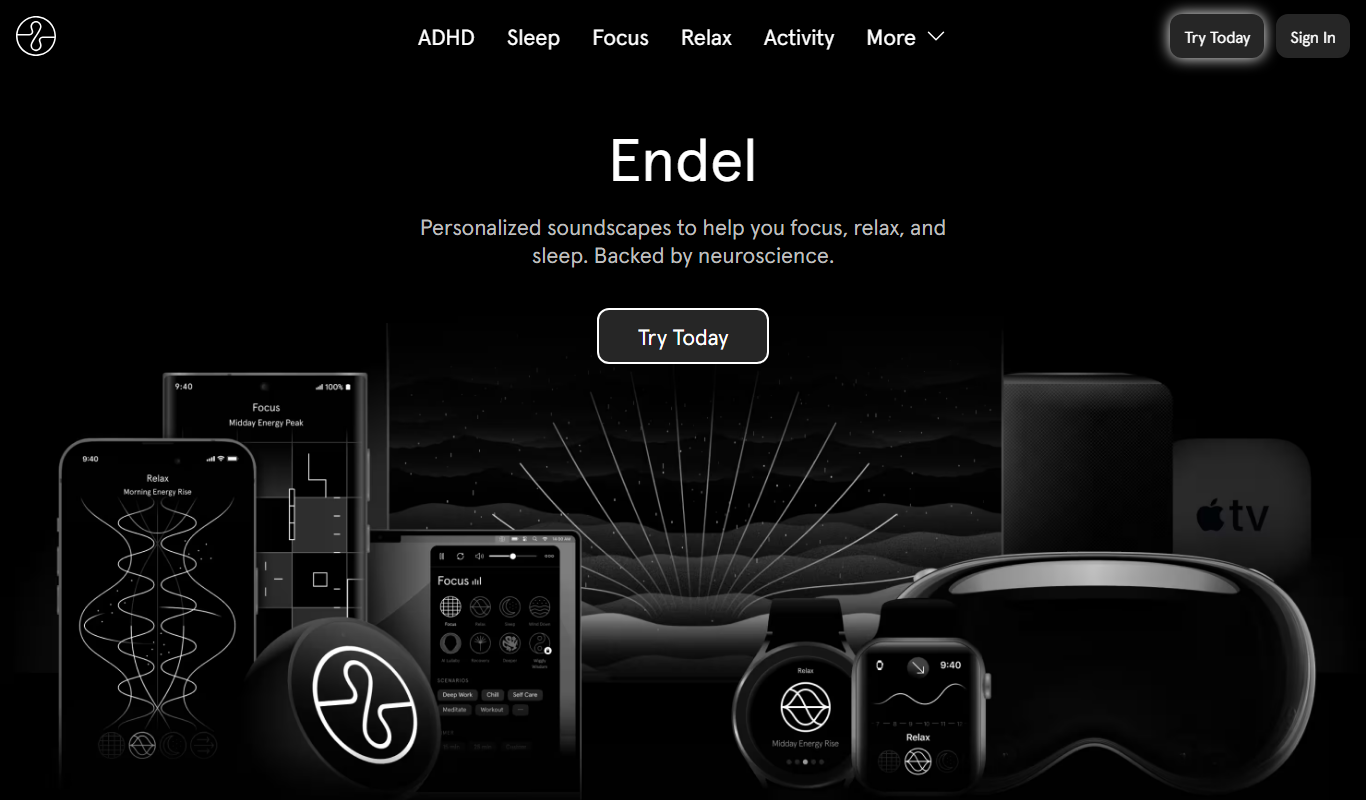
Endel
Endel is an AI-driven app that generates adaptive soundscapes tailored to improve focus, relaxation, and sleep by using real-time data such as time, location, and biometric inputs.

SONOTELLER
SONOTELLER.AI is an AI song analyzer that tags lyrics and music (genres, moods, instruments, BPM and key) and autotags music catalogs through its API.

AI Song Generator-Make Song
AI Song Generator-Make Song is an online tool that uses artificial intelligence to create original songs by generating melodies and lyrics based on user inputs such as themes or moods.