

Suno AI Download free Suno song downloader for MP3 and MP4
Suno AI Download is a free Suno downloader: paste a public Suno share link and save the song as MP3 audio or MP4 video, with no sign-up.
- Best for
- Offline listening
- Key capability
- MP3 and MP4 downloads
Save Suno AI Download, follow its updates and vote on it — everything stays in your account.
Sign in or create a free account

What is Suno AI Download?
Suno AI Download (SunoAIDownload.com) is a free, independent tool for saving public Suno AI songs. Users paste a Suno share link, fetch the track and download it as MP3 audio or MP4 video, with no sign-up. The site also offers related Suno tools such as a vocal remover and a prompt generator. It does not generate music itself.
Key features of Suno AI Download
Suno AI Download saves public Suno songs as MP3 audio or MP4 video from a pasted share link, with no account, and the site adds Suno tools such as Suno to WAV, a lyrics downloader, a vocal remover and a prompt generator.
MP3 and MP4 downloads
Save Suno songs as MP3 audio files or as MP4 video files with the animated Suno visual.
No account required
Paste a public Suno share link and get the download options without signing in.
Works on any device
Use the downloader from Chrome, Safari, Firefox, Edge, iPhone, Android, Mac, Windows or Linux.
Vocal remover and prompt generator
Side tools split a public Suno song into instrumental and vocals in the browser, and turn a song idea into a Suno style prompt with lyrics.
Pros and cons of Suno AI Download
Pros
- Free, with no subscription
- No sign-up or account registration
- Keeps the original MP3 without re-encoding when it is available
- Works in browsers on desktop and mobile devices
Cons
- Only works with public Suno songs
- Download quality depends on the available source and cannot be improved
Key use cases for Suno AI Download
Offline listening
Save a public Suno song as MP3 audio for offline playback.
Saving Suno videos
Keep the MP4 version of a song with the animated Suno visual.
Instrumentals and acapellas
Split a public Suno song into an instrumental and isolated vocals in the browser.
Writing Suno prompts
Turn a song idea into a style prompt and AI-written lyrics to paste into Suno.
How Suno AI Download works
- 1
Copy the Suno song link
Open Suno, find the public song and copy its share URL.
- 2
Paste the URL
Paste the share link into the downloader input field.
- 3
Fetch and preview
Fetch the track and preview it.
- 4
Download the file
Download the available MP3 or MP4 file.
Who is using Suno AI Download
Suno AI Download pricing
Free
Free
The downloader is free to use, with no subscription and no account registration.
Plans and prices are as published by the vendor and can change. Check the official site before you buy. Open the pricing page (opens in a new tab)
Frequently asked questions about Suno AI Download
Yes. The downloader is free to use, with no subscription and no account registration required.
No. Paste a public Suno share link and the download options appear without signing in.
No. It is an independent tool not affiliated with Suno, and the site asks users to respect the rights attached to each song.
MP3 for audio-only playback and MP4 for the visual version of a Suno song.
No. It downloads existing public Suno AI songs from a share link; it does not create music.
Quality depends on the available source: the original MP3 is saved without re-encoding when available, otherwise audio is converted from the full video.
Check that the link is a public Suno song URL, paste it again, or try another browser or network.
Conclusion
Nothing is composed here: the user copies the share link of a public Suno song, pastes it in, and downloads the track as MP3 audio or as an MP4 video with the animated Suno visual. When the original MP3 is available it is saved without re-encoding; otherwise the audio is converted from the video, which cannot raise the source quality. Side tools cover the rest of a Suno workflow, from a vocal remover that splits a song into instrumental and vocals inside the browser to a prompt generator that drafts a style prompt and lyrics.
The service is free with no account, and it only works with public Suno links. SunoAIDownload.com is independent of Suno and asks users to respect the rights attached to each song.
Sources
Sign in to review this tool.
Sign In to ReviewNo reviews yet
Be the first to share how this tool worked for you.
Ask about pricing, limits, or how it compares — or answer someone else.
Sign In to AskNo questions yet
Have a question about using or paying for this tool? Be the first to ask.
Featured on TiorAI



More AI Music & Audio Tools tools
Other tools in the same category, for when this one is not quite the fit.

SplitSong.com
SplitSong.com uses artificial intelligence to split songs into instrument tracks: drums, instrumental, bass and voice, from an upload or a YouTube link.
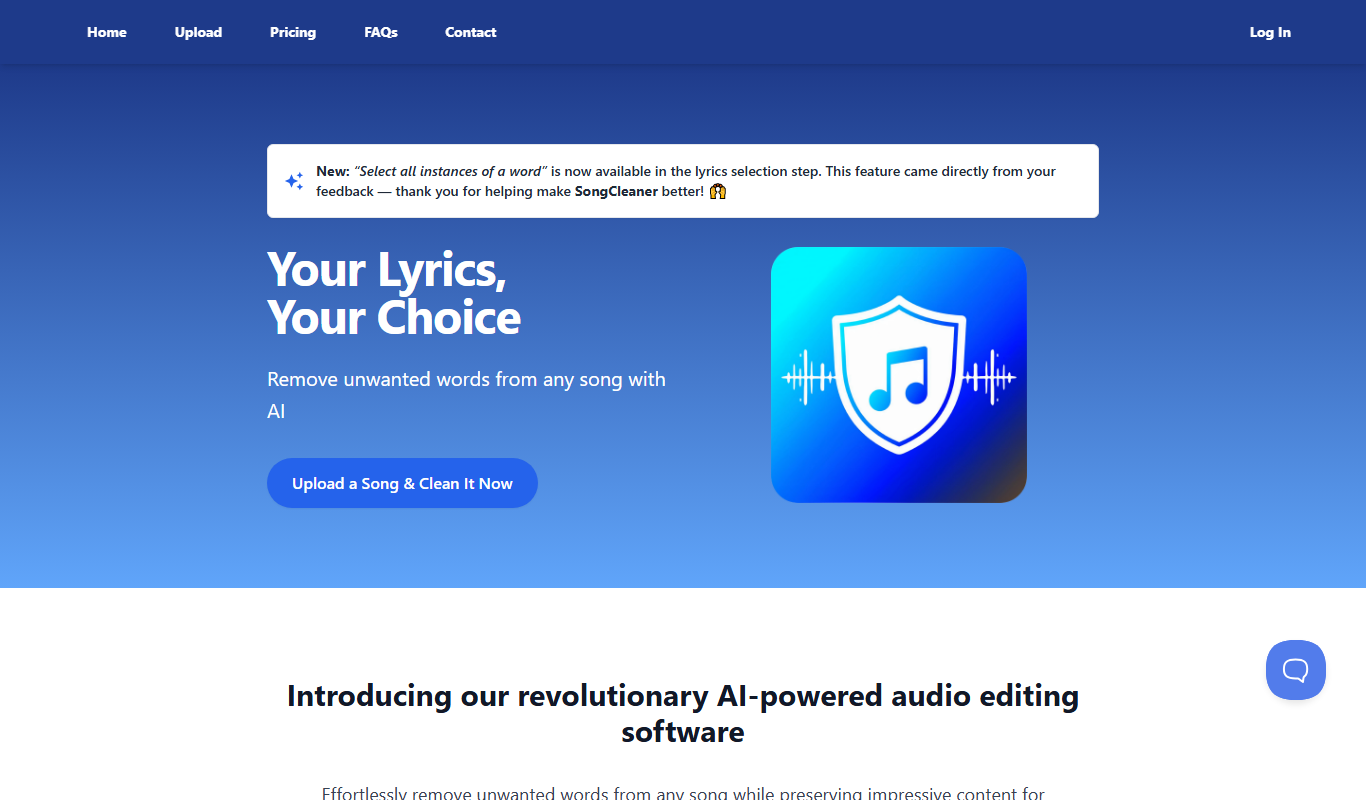
SongCleaner
SongCleaner uses AI to remove explicit or unwanted words from songs, giving you a kid-friendly clean track plus the instrumental.

Output
Output is a music software company offering virtual instruments and plugins designed for creative sound design and music production, compatible with major DAWs on MacOS and Windows.

Soundify
Soundify is a free AI generator that creates sound effects from text descriptions, with 5 free generations a day for signed-in users.

AI Song Generator
AI Song Generator is a web tool that creates original songs and lyrics from your genre, mood and topic, with a limited free plan and paid subscriptions.

A.V. Mapping
A.V. Mapping is an AI platform that analyzes your video or photo, recommends licensed music and sound effects from musicians, and handles the music license in one place.

ampedstudio.com
Amped Studio is an online DAW with AI music tools to create beats, record vocals, mix tracks and produce songs in your browser without installation.

Beatoven.ai
Beatoven.ai is an AI-driven platform that generates custom royalty-free music tracks tailored to your project's mood and style, ideal for content creators and marketers.