

SlideModel Presentation Templates for Professional PowerPoint Design
SlideModel is an online platform offering thousands of editable presentation templates compatible with PowerPoint, Google Slides, and Keynote, designed for business, marketing, and educational use.
- Best for
- Business Presentations
- Key capability
- Extensive Template Library
Save SlideModel, follow its updates and vote on it — everything stays in your account.
Sign in or create a free account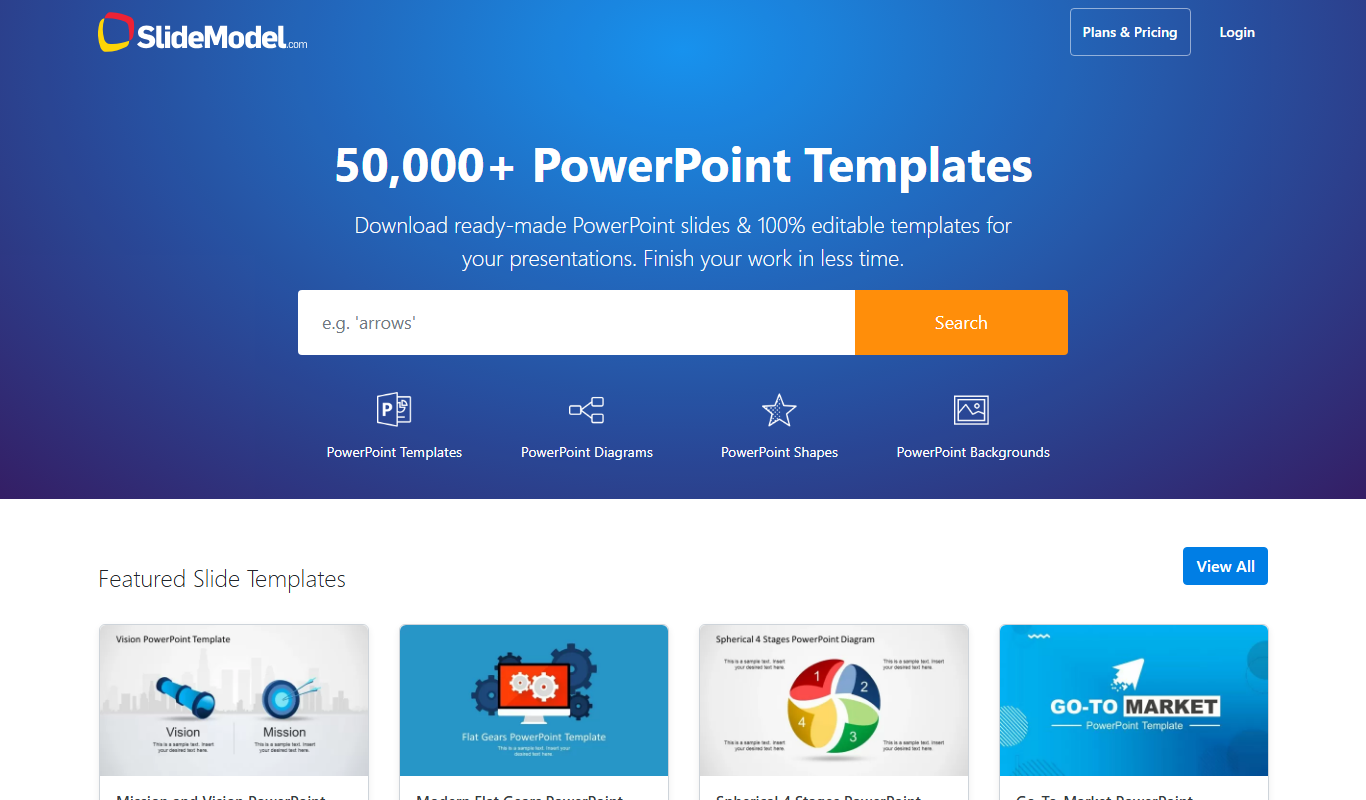
What is SlideModel?
SlideModel is an online platform offering a vast library of professionally designed presentation templates compatible with PowerPoint, Google Slides, and other presentation software. It helps users create high-quality slides quickly by providing ready-made templates for various business, marketing, educational, and project management needs.
Key features of SlideModel
SlideModel provides thousands of editable slide templates, including diagrams, charts, maps, and infographics. Users can customize these templates to fit their branding and presentation goals, enabling efficient creation of visually compelling presentations.
Extensive Template Library
Access thousands of professionally designed templates covering diverse topics and styles.
Compatibility
Templates work seamlessly with PowerPoint, Google Slides, Keynote, and other presentation tools.
Editable Content
Fully customizable slides including charts, diagrams, and infographics to match branding.
Regular Updates
New templates and designs are added frequently to keep content fresh and relevant.
User-Friendly Interface
Easy navigation and search functionality to quickly find the right template.
Pros and cons of SlideModel
Pros
- Large variety of professionally designed templates
- Templates compatible with multiple presentation platforms
- Regularly updated content library
- Easy to customize and use
- Affordable subscription pricing
Cons
- No dedicated desktop or mobile app
- Free plan has very limited template access
- Customization requires external software like PowerPoint or Google Slides
Key use cases for SlideModel
Business Presentations
Create professional and visually appealing presentations for meetings, pitches, and reports.
Marketing Campaigns
Design marketing slides to showcase strategies, data, and campaign results effectively.
Educational Content
Develop engaging lecture slides and training materials for educational purposes.
Project Management
Visualize project timelines, workflows, and progress using customizable slide templates.
Data Visualization
Present complex data clearly with charts, graphs, and infographics included in templates.
How SlideModel works
- 1
Browse Templates
Explore the extensive library of presentation templates categorized by use case and style.
- 2
Select and Download
Choose a template that fits your needs and download it in your preferred format.
- 3
Customize Slides
Edit the downloaded slides in PowerPoint, Google Slides, or other compatible software.
- 4
Present or Share
Use the customized presentation for meetings, pitches, or training sessions.
Who is using SlideModel
SlideModel pricing
Free
$0/month
Limited access to a small selection of free templates.
Annual Basic
$99.90/year
Individual subscription for a single user. Allows one person to download and use SlideModel templates for personal, business and commercial presentations.
Business
$99.90/year
Multi-user access with priority support and commercial use license.
Plans and prices are as published by the vendor and can change. Check the official site before you buy. Open the pricing page (opens in a new tab)
Frequently asked questions about SlideModel
Yes, SlideModel templates are compatible with Google Slides as well as PowerPoint and Keynote.
All templates are fully editable, allowing you to customize text, colors, charts, and graphics.
Yes, SlideModel offers a free plan with limited templates to try before subscribing.
Yes, paid plans include commercial use licenses for business presentations.
This tool is designed to help users accomplish its core tasks more efficiently. It is typically used by individuals or teams looking to improve productivity and workflow.
Some tools offer a free plan or trial with limited features. Availability can vary, so confirm on the official website.
Yes, it can help with that use case depending on how you configure it and what features are available. You’ll get the best results with clear inputs and a defined goal.
It depends on your specific needs and how you plan to use the tool. The official website and documentation are the best sources for the latest details.
Conclusion
Templates are browsed by use case and style, downloaded in the preferred format and then edited in PowerPoint, Google Slides or other compatible software. Text, colors, charts and graphics can all be customized. The slides include diagrams, charts, maps and infographics for business, marketing and educational needs.
Business professionals, marketing teams, and educators and trainers are among its intended users. Customization depends on external software such as PowerPoint or Google Slides, as the listed cons point out. Individual plans run from a 1-Day plan at $24.90 and a 3-Month plan at $59.90 to Annual Basic at $99.90 and Annual Unlimited at $199.90.
Sources
Sign in to review this tool.
Sign In to ReviewNo reviews yet
Be the first to share how this tool worked for you.
Ask about pricing, limits, or how it compares — or answer someone else.
Sign In to AskNo questions yet
Have a question about using or paying for this tool? Be the first to ask.
Featured on TiorAI



Alternative Tools
Explore similar AI tools that might fit your needs

Visme
Visme is a web-based platform for creating presentations, infographics, and marketing visuals with customizable templates and data visualization tools.
More Art & Creative Design tools
Other tools in the same category, for when this one is not quite the fit.

Video Editor AI
Video Editor AI lets you edit any video with AI: remove objects, blur faces, remove backgrounds, upscale and add subtitles. Free, no watermark.

Luma Dream Machine
Luma AI is the creative AI platform for video generation and image creation, powered by its Ray and Uni models and creative agents that handle end-to-end workflows.

Arcads
Arcads generates AI UGC videos and images for ads.

Cre8tiveAI
cre8tiveAI is an AI-based SaaS that solves photo and illustration editing tasks in under 10 seconds, such as automatic painting, raising the resolution of images and videos, clipping, layering and color correction.

Zetta
Zetta automates business intelligence with dashboards, analysis, insights and a conversational AI Analyst, set up by connecting a data warehouse and defining metrics.
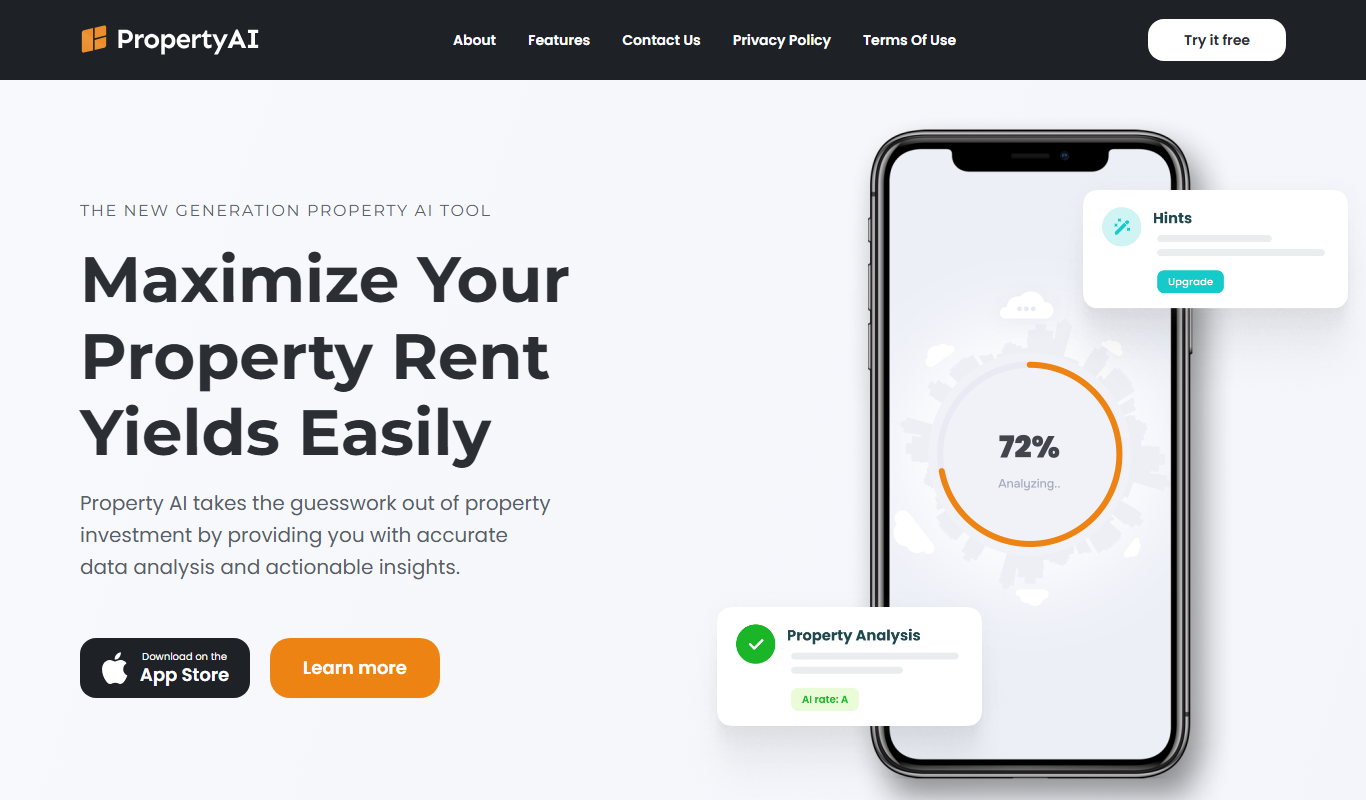
Property AI – Maximize Rental Yield
Property AI takes the guesswork out of property investment by providing accurate data analysis and actionable insights.

Fynite.AI
Fynite is an enterprise OS for agentic AI that unifies petabyte-scale data, trains domain-specific models and deploys AI agents that execute outcomes autonomously.

Packify.ai
Packify.ai is an AI-driven online tool that helps users design custom product packaging with 3D mockups and direct ordering.