

cre8tiveAI Photo, Illustration and Video Editor AI Tool
cre8tiveAI is an AI-based SaaS that solves photo and illustration editing tasks in under 10 seconds, such as automatic painting, raising the resolution of images and videos, clipping, layering and color correction.
- Best for
- Upscaling images
- Key capability
- Photo Refiner super resolution
Save Cre8tiveAI, follow its updates and vote on it — everything stays in your account.
Sign in or create a free account

What is Cre8tiveAI?
cre8tiveAI, from RADIUS5 Inc., is an AI service that solves photo, illustration and video editing tasks in seconds. Its tools include Photo Refiner super resolution, Face Refiner, SAI face illustrations, Moving Photo Maker, Line Drawer, Enpainter painter styles, Mono Painter colorization and clipping, layering and color correction, used by uploading a photo, illustration or video.
Key features of Cre8tiveAI
cre8tiveAI offers Photo Refiner super resolution, Face Refiner, SAI and SAI+ character illustrations, Portrait Drawer, Moving Photo Maker, Line Drawer, Enpainter, Anime Art Painter, Mono Painter and the free AnimeSR and PNG Smallify tools.
Photo Refiner super resolution
Improves the resolution of pictures and illustrations and can up-convert an image by a factor of 16 times.
Face Refiner
Identifies faces, removes blur and noise and raises the overall resolution of the photo.
Moving Photo Maker
Converts a photo into 3D and adds camera work such as zooming and dolly to make a video.
Line Drawer and Mono Painter
Generates 9 types of line drawings from one image and turns monochrome photos into color.
Pros and cons of Cre8tiveAI
Pros
- Many editing tools in one platform
- Intellectual property rights stay with the user
- Free AnimeSR extension and PNG Smallify tool
Cons
- Limited free credits per day
- No mobile app available
- Video and animation tools are split across separate products and plug-ins
Key use cases for Cre8tiveAI
Upscaling images
Raise the resolution of photos and illustrations up to 16 times.
Restoring portraits
Remove blur and noise from faces in photos.
Anime and manga backgrounds
Create line drawings and watercolor-style background art from photos for anime and manga.
Character illustrations
Draw original face illustrations of characters with SAI.
How Cre8tiveAI works
- 1
Choose a tool
Pick the AI tool for the task, such as Photo Refiner or Face Refiner.
- 2
Upload your file
Upload a photo, illustration or video.
- 3
Let the AI process it
The AI retouches the file, usually in seconds.
- 4
Download the result
Save the improved image or video.
Who is using Cre8tiveAI
Cre8tiveAI pricing
Free
$0/month
Limited daily credits for AI art generation with basic features.
Pro
$19/month
Increased credits, priority processing, and access to advanced styles.
Plans and prices are as published by the vendor and can change. Check the official site before you buy. Open the pricing page (opens in a new tab)
Frequently asked questions about Cre8tiveAI
An AI-based SaaS that solves photo and illustration editing tasks in seconds, such as raising resolution, clipping, layering and color correction.
It can up-convert an image by a factor of 16 times.
Yes. Intellectual property rights are not transferred by using cre8tiveAI.
Yes. The AnimeSR browser extension and PNG Smallify are free.
No. You upload photos, illustrations or videos and the AI retouches them.
API use is handled through a consultation request on the site.
Conclusion
Editing rather than generation is the focus: a photo, illustration or video is uploaded and one of a dozen AI tools retouches it in seconds. Photo Refiner up-converts images up to 16 times, Face Refiner removes blur and noise from faces, and Mono Painter colors black-and-white photos.
Other tools lean toward anime and illustration work, generating line drawings and background art from a single photo or drawing original character faces with SAI. It is meant for people without design experience as well as designers and photographers. Uploading an image does not transfer its intellectual property rights. Two tools, the AnimeSR Chrome extension and PNG Smallify, are free, and video editors can add a high-resolution plug-in for After Effects.
Sources
Sign in to review this tool.
Sign In to ReviewNo reviews yet
Be the first to share how this tool worked for you.
Ask about pricing, limits, or how it compares — or answer someone else.
Sign In to AskNo questions yet
Have a question about using or paying for this tool? Be the first to ask.
Featured on TiorAI



More AI Animated Video tools
Other tools in the same category, for when this one is not quite the fit.

Colossyan
Colossyan is an AI video creation platform that converts text scripts into videos featuring realistic virtual actors, enabling fast and easy video production without cameras or actors.

Animate AI
Animate AI is an all-in-one AI video generator that creates consistent character videos for animated stories.

DomoAI
DomoAI is an AI video generator and animation tool: create videos from text, images or footage, restyle them, add talking avatars and lip sync, and upscale the results.

Steve AI
Steve AI is an AI-driven video creation platform that converts text scripts into animated videos with AI voiceovers and customizable templates, designed for marketers, educators, and content creators.
SendFame
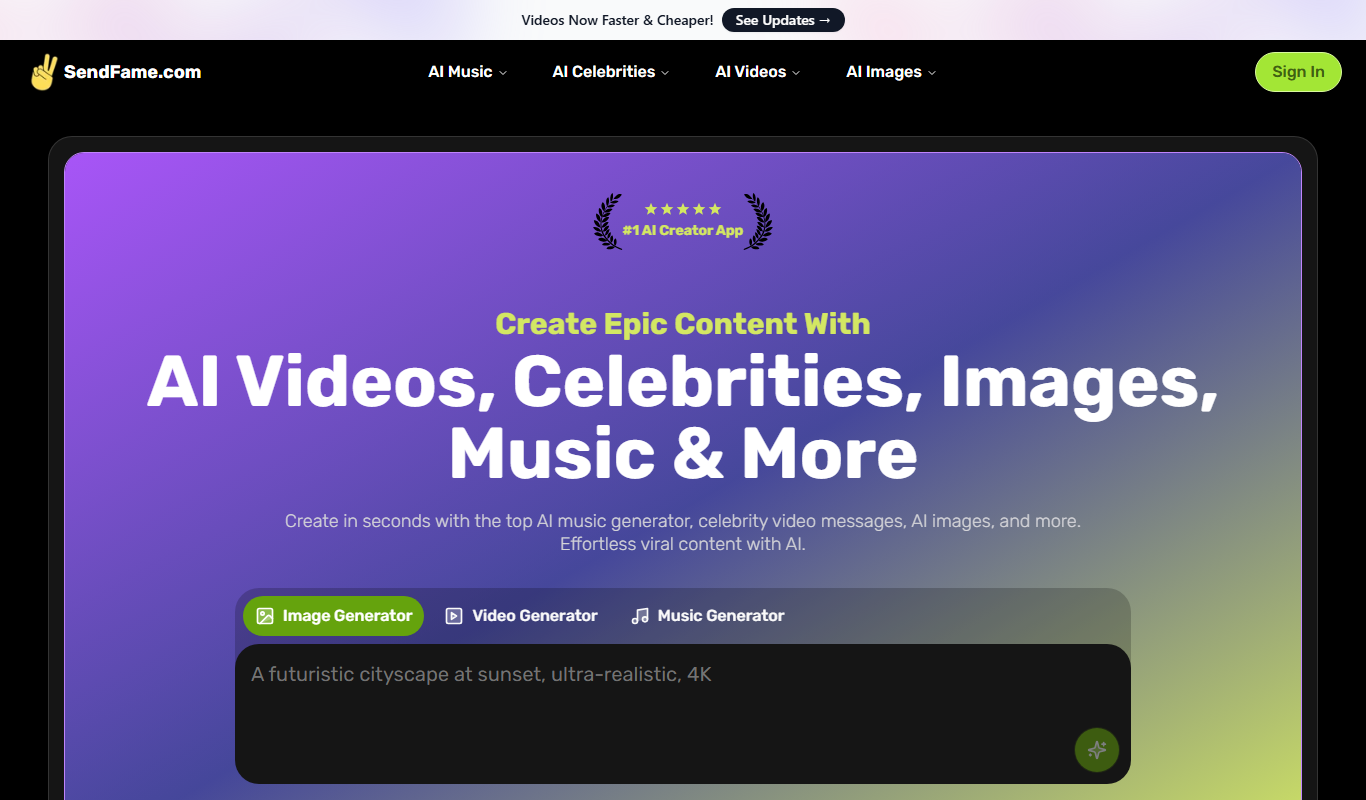
SendFame lets you create AI videos, images, songs and more, from image-to-video and dance videos to full songs with lyrics and lip-synced avatar videos.

Video Editor AI
Video Editor AI lets you edit any video with AI: remove objects, blur faces, remove backgrounds, upscale and add subtitles. Free, no watermark.

Shortmake AI
Shortmake AI is a web-based platform that uses artificial intelligence to help users create short, engaging videos for marketing and social media quickly without needing video editing skills.

ToonCrafter
ToonCrafter creates cartoon animations from static images: upload your keyframes and the AI generates smooth, stylized animations that match your artwork.