

From my experience with Steve AI, I found it excels at simplifying video creation by automating complex editing tasks through AI. The platform is particularly well-suited for marketers, educators, and small business owners who need quick, professional videos without learning traditional video editing software. However, the trade-off is that customization options are somewhat limited compared to advanced editors, and the free plan includes a watermark which may not suit all users. Overall, if you want to convert scripts into engaging videos fast with AI assistance, Steve AI delivers solid, user-friendly results.
Steve AI Video Maker for Automated AI-Powered Video Creation Online
Steve AI is an AI-driven video creation platform that converts text scripts into animated videos with AI voiceovers and customizable templates, designed for marketers, educators, and content creators.
- Best for
- Marketing Videos
- Key capability
- Automated Video Creation
Your actions
Save Steve AI, follow its updates and vote on it — everything stays in your account.
Sign in or create a free account
What is Steve AI?
Steve AI is an AI-powered video creation platform designed to transform text, scripts, or ideas into professional-quality videos automatically. It leverages artificial intelligence to automate video editing, scene creation, voiceovers, and animations, enabling users to produce engaging videos quickly without prior video editing experience.
Key features of Steve AI
Steve AI offers automated script-to-video conversion, customizable templates, AI-generated voiceovers, a rich media library, and easy drag-and-drop editing. It streamlines video production for marketing, education, and social media content creators.
Automated Video Creation
Transforms text scripts into fully animated videos with minimal manual input.
AI Voiceover Generation
Offers AI-generated voiceovers in multiple accents and tones to match video style.
Customizable Templates
Provides a variety of templates tailored for marketing, education, and social media videos.
Media Library
Includes access to stock images, videos, and animations to enrich video content.
Drag-and-Drop Editor
Enables easy customization of scenes, text, and timing without technical skills.
Pros and cons of Steve AI
Pros
- Automates complex video editing tasks
- User-friendly interface suitable for beginners
- AI voiceover options included
- Wide range of customizable templates
- Fast video production turnaround
Cons
- Limited customization compared to professional video editors
- Free plan videos include watermark
- Primarily supports English language content
Key use cases for Steve AI
Marketing Videos
Create engaging promotional videos for social media, ads, and campaigns quickly using AI automation.
Explainer Videos
Generate clear and concise explainer videos from scripts or text content to simplify complex ideas.
Social Media Content
Produce short videos optimized for platforms like Instagram, Facebook, and LinkedIn to boost engagement.
Educational Videos
Develop instructional or training videos by converting text lessons into visual content.
Product Demos
Showcase product features and benefits through AI-generated demo videos without manual editing.
How Steve AI works
- 1
Input Script or Text
Users start by entering their script, text, or story that they want to convert into a video.
- 2
AI Scene Generation
The AI analyzes the input and automatically generates relevant scenes, animations, and visuals.
- 3
Customize Video
Users can customize scenes, add voiceovers, select styles, and adjust timing using the intuitive editor.
- 4
Render and Export
Once satisfied, users render the video and export it in various formats suitable for different platforms.
Who is using Steve AI
Digital marketers
Content creators
Small business owners
Educators and trainers
Social media managers
Steve AI pricing
Free
$0/month
Basic features with limited video exports and watermark on videos.
Pro
$49/month
Unlimited video exports, access to premium templates, no watermark, and priority support.
Plans and prices are as published by the vendor and can change. Check the official site before you buy. Open the pricing page (opens in a new tab)
Frequently asked questions about Steve AI
Yes, Steve AI automates the video creation process, making it easy for beginners to produce professional videos.
You can create marketing videos, explainer videos, social media content, educational videos, and product demos.
Yes, it offers AI-generated voiceovers in multiple accents and styles.
Yes, the free plan allows limited video exports with a watermark.
It depends on your specific needs and how you plan to use the tool. The official website and documentation are the best sources for the latest details.
Pricing depends on the plan and included features. For the most accurate and up-to-date details, check the official pricing page.
Yes, it can help with that use case depending on how you configure it and what features are available. You’ll get the best results with clear inputs and a defined goal.
Sign in to review this tool.
Sign In to ReviewNo reviews yet
Be the first to share how this tool worked for you.
Ask about pricing, limits, or how it compares — or answer someone else.
Sign In to AskNo questions yet
Have a question about using or paying for this tool? Be the first to ask.
Featured on TiorAI



More AI Ai Tools tools
Other tools in the same category, for when this one is not quite the fit.

Free
Presentify.ai
Presentify.ai is an AI-driven presentation software that helps users create professional slide decks quickly by generating content and optimizing design automatically.

Freemium
YouMusic.AI
YouMusic.AI turns text prompts or your own lyrics into complete songs, with free credits for new users and commercial rights on paid plans.

Free Trial
Wizard of Swipe for Tinder
Wizard of Swipe for Tinder is an AI-powered automation tool that automates swiping on Tinder based on user preferences to increase match chances and save time.

Free
AI Pickup Lines
AI Pickup Lines is a free web tool that instantly generates creative and humorous pickup lines to help users start conversations in dating or social settings.

Freemium
Anthropics Technology Ltd
Anthropics Technology Ltd offers AI-driven image editing software specializing in portrait retouching and photo enhancement, available for Windows and Mac with options for batch processing.
Contact for pricing
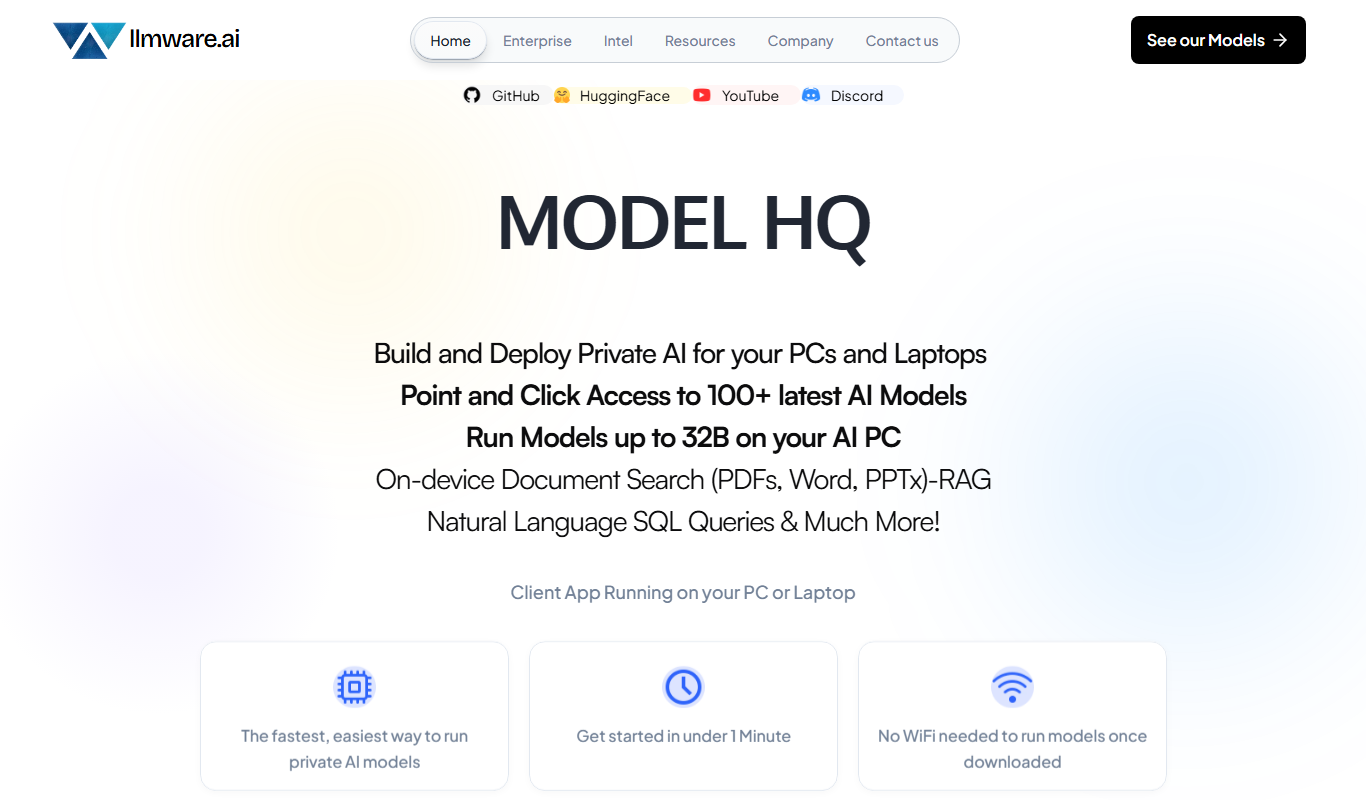
LLMWare
LLMWare is an AI platform that enables enterprises to deploy, manage, and scale large language models securely with flexible infrastructure and integration options.
Free
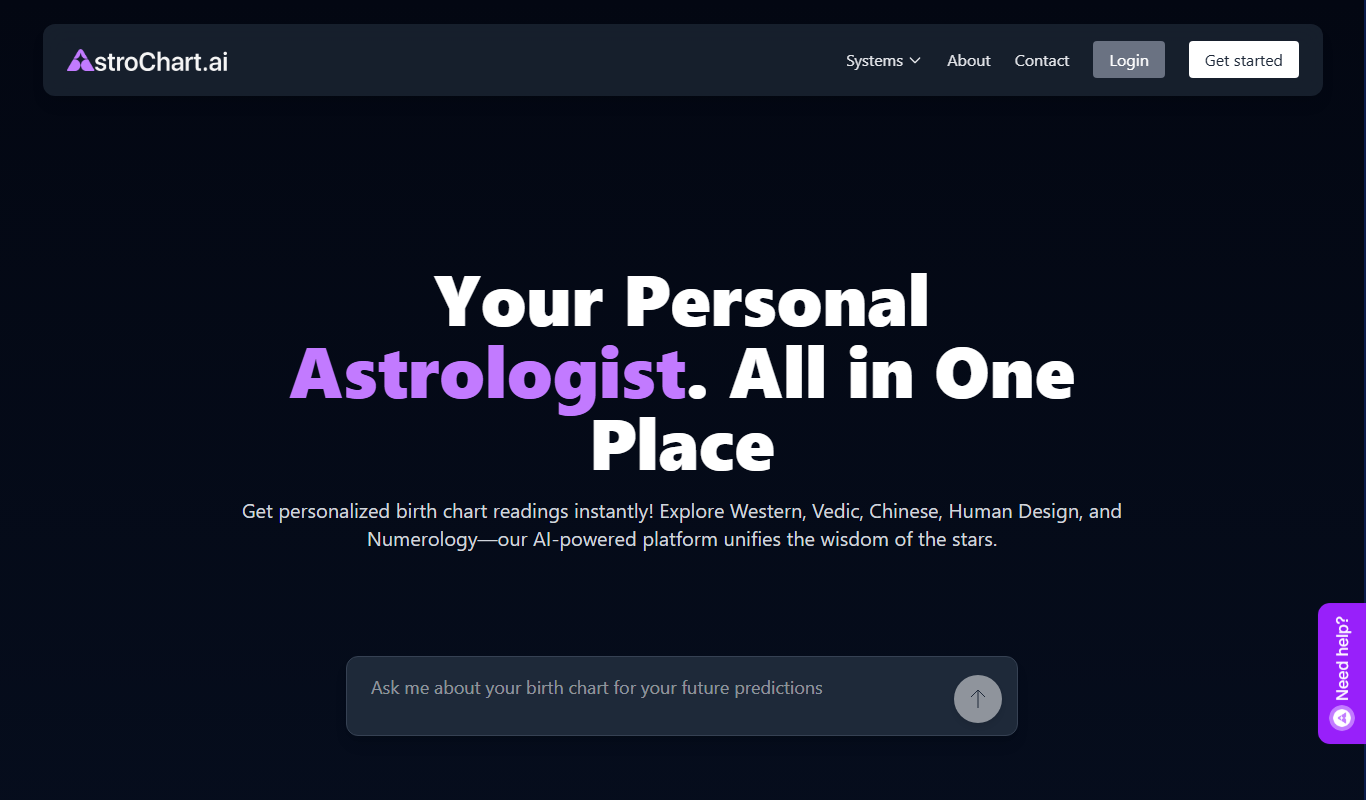
AstroChart.ai
AstroChart.ai is an AI-driven platform that creates personalized astrology birth charts and detailed interpretations based on your birth data, helping users understand their astrological profile easily online.

Free
Moodset
Moodset is a mood tracker that uses valence and arousal and music analysis from Spotify, on Android.