

From my experience with Luma Dream Machine, I found it excels at transforming simple text or images into detailed, photorealistic 3D scenes with impressive speed and quality. The real-time visualization and customization options make it a practical tool for creative professionals who need to prototype or produce 3D content without extensive manual modeling. However, the subscription cost and web-only platform may limit accessibility for casual users or those needing offline workflows. Overall, if your work involves 3D scene creation or virtual environment design, Luma Dream Machine offers a powerful AI-driven solution that streamlines the creative process.
Luma Dream Machine AI Tool for 3D Scene Generation and Visualization
Luma Dream Machine is an AI platform that generates photorealistic 3D scenes from text prompts or images using neural radiance fields technology, enabling creative professionals to quickly produce immersive 3D content.
- Best for
- 3D Scene Creation
- Key capability
- Neural Radiance Field (NeRF) Technology

Do you recommend this tool?
What is Luma Dream Machine?
Luma Dream Machine is an AI-powered platform that enables users to generate and visualize high-quality 3D scenes from simple inputs such as text prompts or images. Leveraging advanced neural radiance fields (NeRF) technology, it synthesizes detailed and photorealistic 3D environments suitable for creative professionals, designers, and developers.
Key features of Luma Dream Machine
The tool offers intuitive 3D scene generation, real-time visualization, and customization options. It supports seamless integration of AI models to transform ideas into immersive 3D content, accelerating workflows in creative and virtual production fields.
Neural Radiance Field (NeRF) Technology
Enables photorealistic 3D scene synthesis from 2D inputs.
Text-to-3D Scene Generation
Create detailed 3D environments directly from descriptive text prompts.
Real-Time 3D Visualization
Interactively explore generated scenes with smooth rendering.
Customizable Scene Parameters
Adjust lighting, textures, and camera angles to refine output.
Export Options
Supports exporting 3D models and scenes for external use.
Pros and cons of Luma Dream Machine
Pros
- Generates high-quality photorealistic 3D scenes quickly
- User-friendly interface with real-time visualization
- Supports both text and image inputs for flexibility
- Customizable scene parameters for creative control
- Export options compatible with popular 3D software
Cons
- Subscription pricing may be high for casual users
- Currently limited to English language support
- Web-only platform limits offline use
Key use cases for Luma Dream Machine
3D Scene Creation
Generate photorealistic 3D scenes from text prompts or images for creative projects.
Virtual Environment Design
Design immersive virtual environments for gaming, VR, or architectural visualization.
Content Generation for Media
Produce unique 3D assets and scenes for films, advertisements, and digital art.
Rapid Prototyping
Quickly prototype 3D concepts without manual modeling using AI-driven synthesis.
How Luma Dream Machine works
- 1
Input Prompt or Image
Users provide a text description or upload an image to serve as the basis for 3D scene generation.
- 2
AI Processing
The platform uses neural radiance fields and machine learning algorithms to synthesize a 3D scene from the input.
- 3
Scene Visualization
Generated 3D scenes are rendered in real-time, allowing users to explore and adjust the environment.
- 4
Export and Use
Users can export the 3D assets or scenes for use in other applications such as game engines or design software.
Who is using Luma Dream Machine
3D artists and designers
Game developers
Virtual reality creators
Architectural visualization professionals
Digital content creators
Luma Dream Machine pricing
Free Trial
$0
Limited access to features with usage caps for evaluation.
Pro Subscription
$49/month
Full access to all features with higher usage limits and priority support.
Plans and prices are as published by the vendor and can change. Check the official site before you buy. Open the pricing page (opens in a new tab)
Frequently asked questions about Luma Dream Machine
It accepts text prompts and images as inputs to generate 3D scenes.
Yes, the tool allows exporting 3D assets compatible with common design and game development software.
Yes, a free trial is available with limited features and usage.
Creative professionals, game developers, architects, and virtual production teams.
It depends on your specific needs and how you plan to use the tool. The official website and documentation are the best sources for the latest details.
Yes, it can help with that use case depending on how you configure it and what features are available. You’ll get the best results with clear inputs and a defined goal.
Some tools offer a free plan or trial with limited features. Availability can vary, so confirm on the official website.
Sign in to review this tool.
Sign In to ReviewNo reviews yet
Be the first to share how this tool worked for you.
Ask about pricing, limits, or how it compares — or answer someone else.
Sign In to AskNo questions yet
Have a question about using or paying for this tool? Be the first to ask.
Featured on TiorAI



Alternative Tools
Explore similar AI tools that might fit your needs

Free
Runway ML
Runway ML is a cloud platform offering AI-powered video and image editing tools, enabling creators to automate complex tasks like green screen removal and style transfer, with real-time collaboration and API integration.

Free Trial
Kaedim3D
Kaedim3D is an AI tool that transforms 2D images and sketches into textured 3D models, accelerating asset creation for games, animation, and design.
More AI Animated Video tools
Other tools in the same category, for when this one is not quite the fit.

Digital Domain
Digital Domain is a top visual effects and digital production studio specializing in CGI, virtual reality, and immersive media for films, commercials, and interactive experiences.

Free
Gooey.AI
Gooey.AI is a no-code platform that enables developers and teams to deploy machine learning models as scalable APIs without backend coding, supporting collaboration and rapid prototyping.

Free
Gemoo
Gemoo is a screen recording and collaboration tool that enables users to capture, annotate, and share videos for team communication, training, and content creation.

Freemium
LuDe
LuDe is an AI-powered writing assistant that helps users generate, edit, and improve written content efficiently through advanced natural language processing.

Free Trial
Deja Videos
Deja Videos is an AI-driven platform that automates video creation for marketing and social media, enabling users to generate professional videos quickly without editing skills.

Freemium
BlitzVideo.AI
BlitzVideo.AI is a web-based AI video creation platform that automates video editing and script-to-video conversion, enabling users to produce professional videos quickly without prior editing experience.
Free
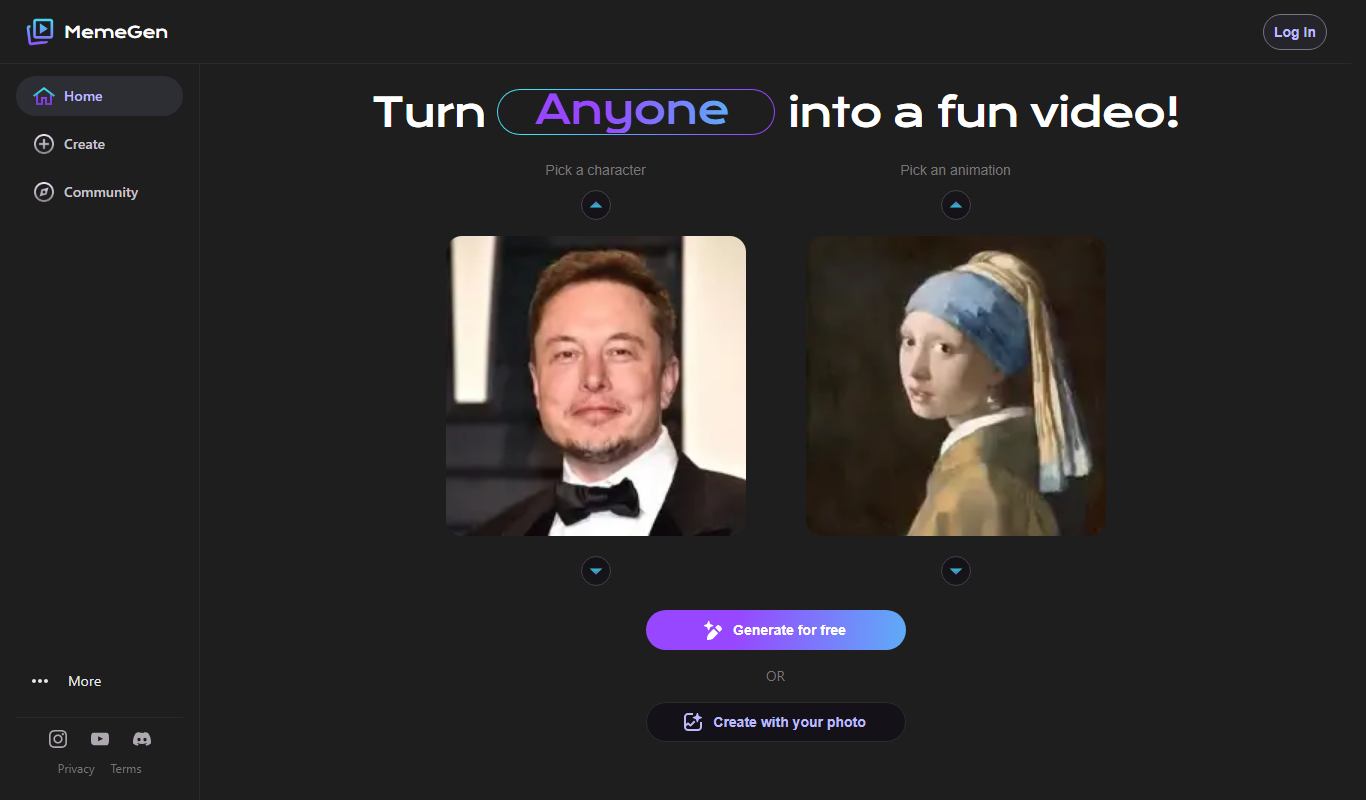
MemeGen AI
MemeGen AI is a web-based tool that uses artificial intelligence to help users create memes by providing caption suggestions and a variety of templates, ideal for social media marketing and content creation.
Contact Sales
Syft
Syft is an AI-driven platform that automates data discovery, cataloging, and governance by scanning diverse data sources to create a unified metadata catalog with lineage and compliance features.