

Quillionz AI Question Generator for Educational Content and Assessments
Quillionz is an AI-powered platform that automatically generates various types of questions from any text input, designed to help educators and trainers create assessments efficiently.
- Best for
- Educational Content Creation
- Key capability
- AI-Powered Question Generation
Save Quillionz, follow its updates and vote on it — everything stays in your account.
Sign in or create a free account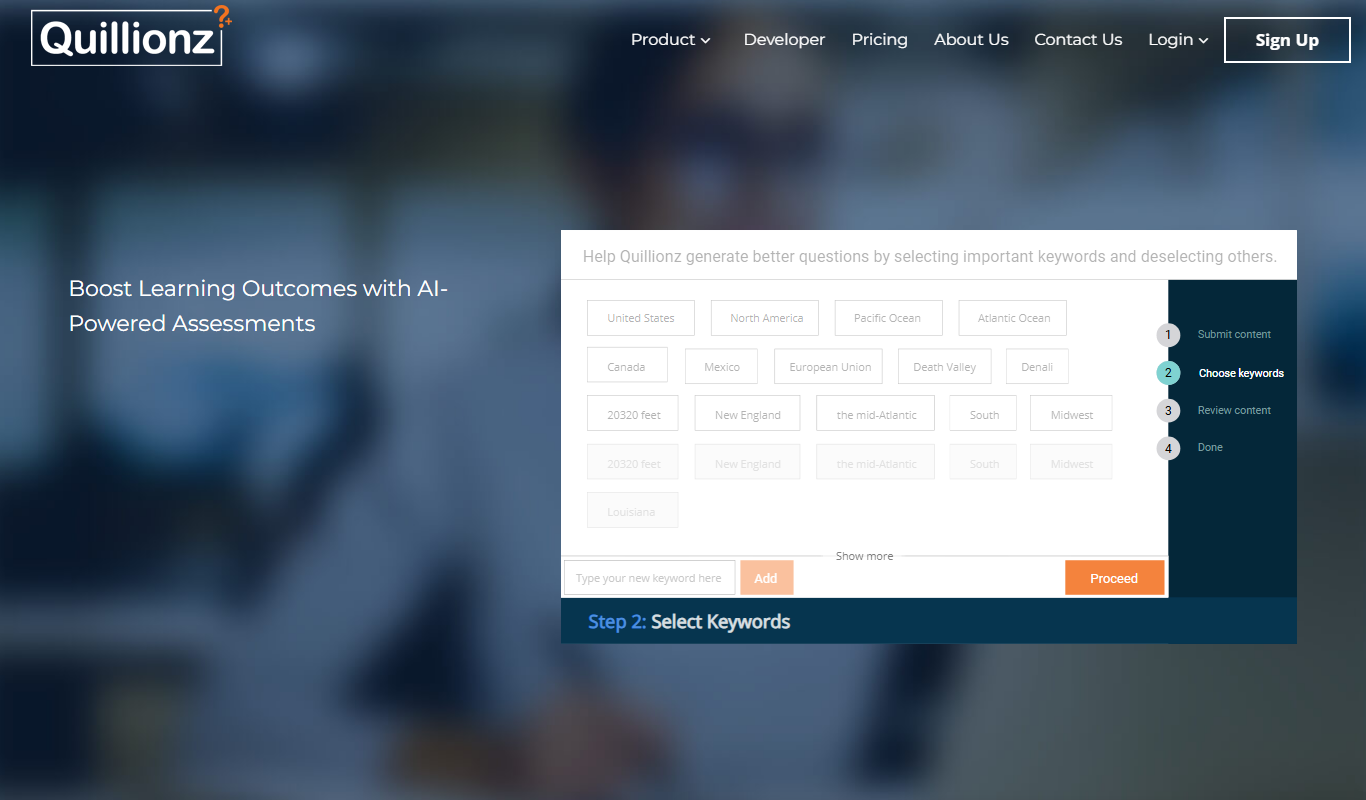
What is Quillionz?
Quillionz is an AI-powered question generation platform designed to help educators, trainers, and content creators automatically generate high-quality questions from any text. By leveraging natural language processing, it transforms input content into various types of questions such as multiple choice, short answer, and fill-in-the-blanks, streamlining the process of creating assessments and quizzes.
Key features of Quillionz
Quillionz offers automated question generation, supports multiple question formats, provides easy content import options, and enables users to customize and export question sets for educational and training purposes.
AI-Powered Question Generation
Automatically creates diverse question types from any text input.
Multiple Question Formats
Supports MCQs, short answer, fill-in-the-blanks, and true/false questions.
Customizable Question Sets
Allows users to edit and tailor questions to specific needs.
Easy Content Import
Supports text input via copy-paste or document upload.
Export Options
Export questions in formats compatible with LMS and other platforms.
Pros and cons of Quillionz
Pros
- Automates time-consuming question creation
- Supports multiple question formats
- User-friendly interface with easy editing
- Affordable pricing tiers
- Useful for educators and corporate trainers
Cons
- Limited language support (English only)
- Some questions may require manual refinement
- No mobile app available
Key use cases for Quillionz
Educational Content Creation
Generate quizzes, assessments, and question banks automatically from text passages to aid teachers and educators.
Corporate Training
Create training evaluation questions quickly for employee learning and development programs.
Content Marketing
Develop engaging question-based content to increase audience interaction and lead generation.
E-learning Development
Automate question generation for e-learning modules and online courses to save time and improve content quality.
How Quillionz works
- 1
Input Text
Users upload or paste the source text from which questions will be generated.
- 2
Select Question Types
Choose from multiple question formats like MCQs, short answers, or fill-in-the-blanks.
- 3
Generate Questions
The AI processes the text and creates relevant questions automatically.
- 4
Review and Edit
Users can review, modify, or delete generated questions to ensure accuracy.
- 5
Export and Use
Export the finalized question sets in various formats for use in assessments or learning platforms.
Who is using Quillionz
Quillionz pricing
Free Trial
$0 for 14 days
The free option is a 14-day trial, not a permanent plan.
Pro
$99.99/year
Pro plan billed yearly.
Quillionz GPT
$14.99/month or $99.99/year
Paid Quillionz GPT plan, billed monthly or yearly.
Plans and prices are as published by the vendor and can change. Check the official site before you buy. Open the pricing page (opens in a new tab)
Frequently asked questions about Quillionz
Quillionz can generate multiple choice, short answer, fill-in-the-blanks, and true/false questions.
Currently, Quillionz primarily supports English language content.
Quillionz offers a 14-day free trial rather than a permanent free plan.
Yes, you can export questions in formats compatible with many learning management systems.
It depends on your specific needs and how you plan to use the tool. The official website and documentation are the best sources for the latest details.
Yes, it can help with that use case depending on how you configure it and what features are available. You’ll get the best results with clear inputs and a defined goal.
Some tools offer a free plan or trial with limited features. Availability can vary, so confirm on the official website.
Yes, it can help with that use case depending on how you configure it and what features are available. You’ll get the best results with clear inputs and a defined goal.
Conclusion
Pasting or uploading source text is the first step, after which the user picks question formats such as multiple choice, short answer, fill-in-the-blanks or true/false. The platform then creates relevant questions automatically, and each one can be reviewed, modified or deleted before the set is exported in formats compatible with learning management systems. Some questions may require manual refinement. It is aimed at educators and teachers, corporate training managers and instructional designers.
Only English content is supported. A 14-day free trial is available, and paid plans cost $99.99 per year for Pro or $14.99 per month for Quillionz GPT.
Sources
Sign in to review this tool.
Sign In to ReviewNo reviews yet
Be the first to share how this tool worked for you.
Ask about pricing, limits, or how it compares — or answer someone else.
Sign In to AskNo questions yet
Have a question about using or paying for this tool? Be the first to ask.
Featured on TiorAI



Alternative Tools
Explore similar AI tools that might fit your needs
Kahoot
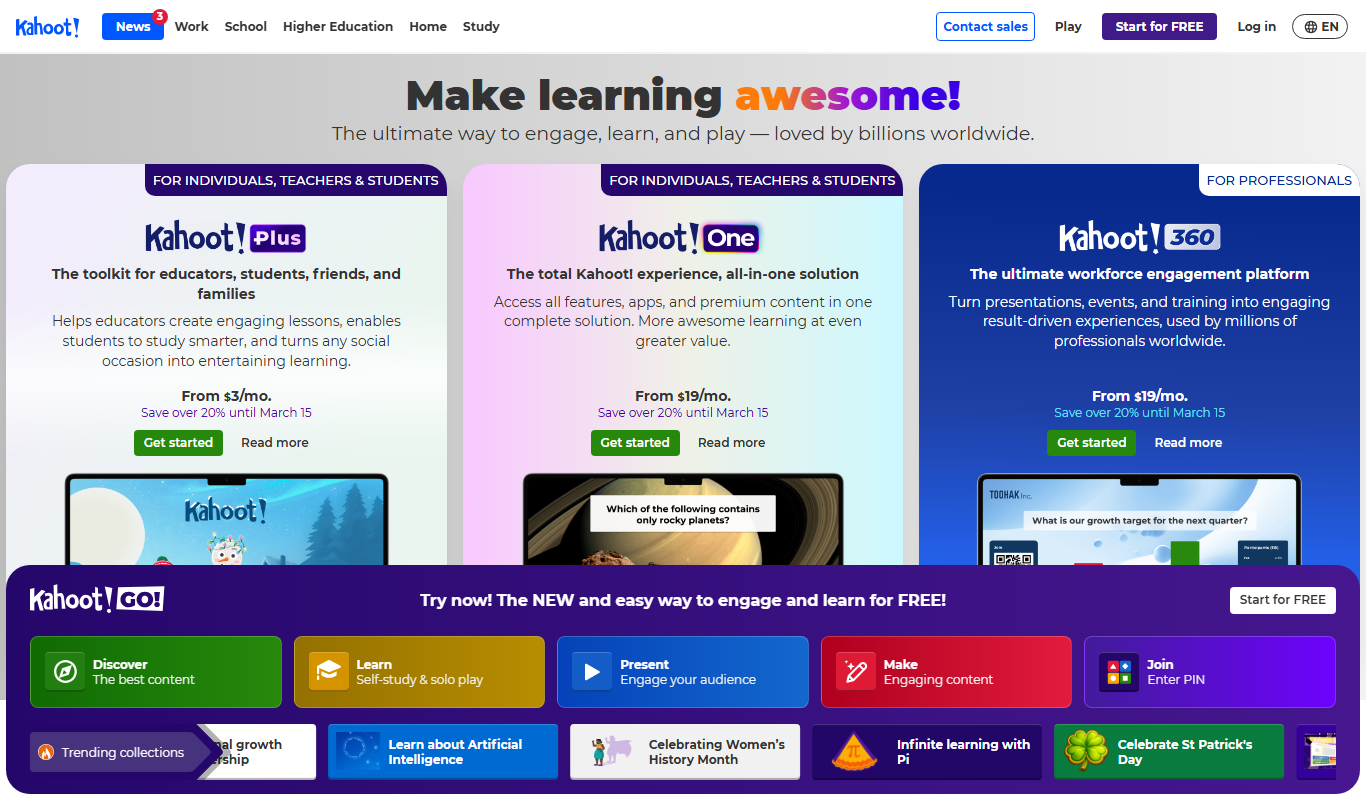
Kahoot is a game-based learning platform that enables users to create and play interactive quizzes and games to boost engagement in education, training, and events.
More AI Content Generator tools
Other tools in the same category, for when this one is not quite the fit.
Writerly
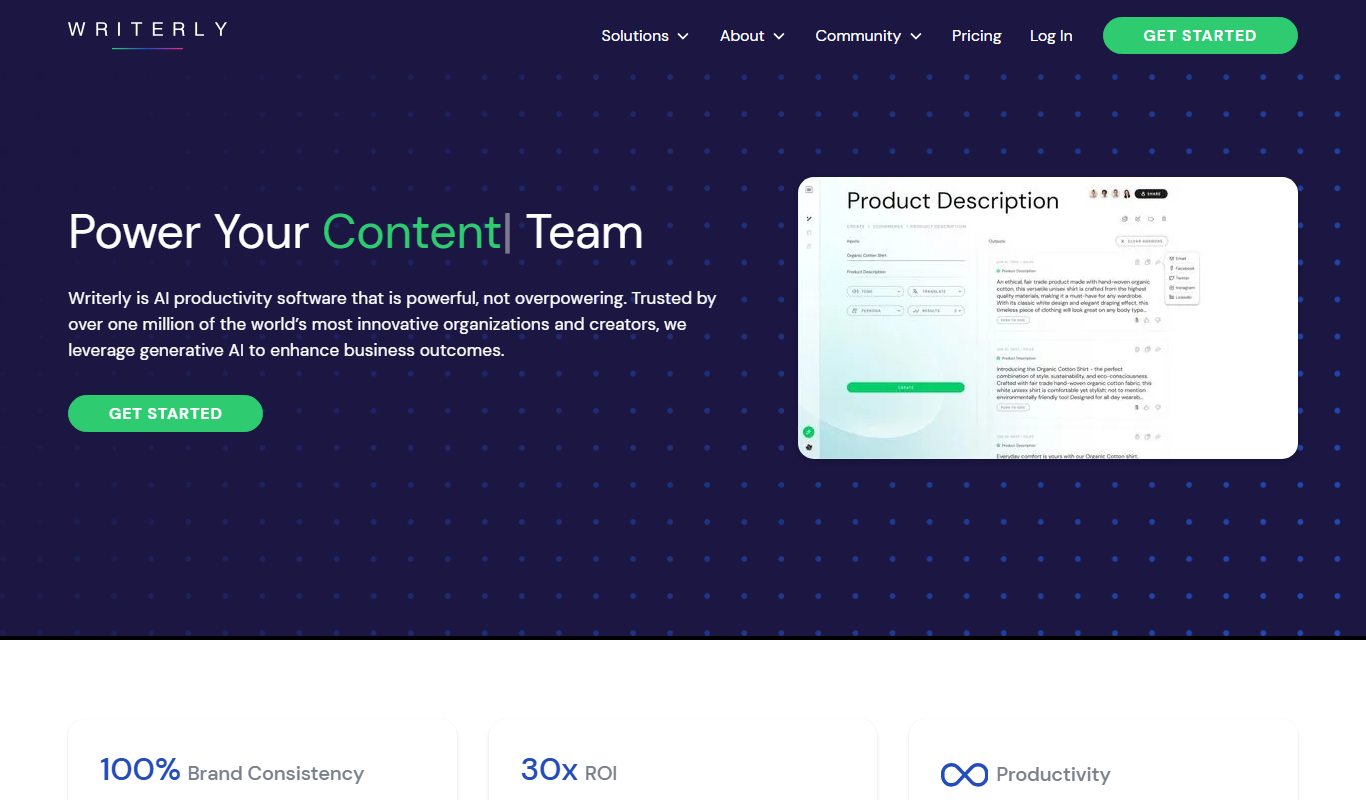
Writerly is an AI Software Cloud for Business whose Creator AI Studio includes AI writing tools.
DocTranslator
DocTranslator is an AI-based online tool that translates documents into multiple languages while preserving original formatting, supporting over 100 languages and various file types.

MarginNote
MarginNote is a note-taking and study app that integrates PDF/EPUB annotation, mind mapping, and flashcard creation to help users organize and retain knowledge efficiently.
LiquidText
LiquidText is an interactive PDF reader and note-taking app for iPad, Mac and Windows that allows users to import documents, highlight and extract text, create linked notes, and organize information dynamically.

GoConqr
GoConqr is an online learning platform that enables users to create and share interactive study materials such as mind maps, quizzes, and flashcards to improve learning and collaboration.

Minds
Minds is a decentralized social networking platform that promotes free speech and privacy by leveraging blockchain technology to reward users with tokens for content engagement.

Updf AI
Updf AI is an AI-powered PDF editor and converter that enables users to edit, annotate, convert, and manage PDF documents efficiently across desktop and mobile platforms.

Baidu Wenxin
Baidu Wenxin is an AI-powered platform by Baidu that offers advanced Chinese language conversational AI, content generation, and copywriting tools accessible via web and API.