

From my experience with LiquidText, I found it excels at transforming static PDFs into interactive workspaces where you can extract, link, and organize information intuitively. Spending time with the app, it’s clear that professionals who deal with complex documents—like researchers, lawyers, and analysts—will benefit most from its dynamic note-taking and multi-document capabilities. However, the tool is limited to Apple devices, which may restrict accessibility for some users. Overall, if you need a powerful way to engage deeply with documents and synthesize information visually, LiquidText delivers a unique and effective solution.
LiquidText Review: Interactive PDF Reader and Note-Taking App for Professionals
LiquidText is an interactive PDF reader and note-taking app that allows users to import documents, highlight and extract text, create linked notes, and organize information dynamically, primarily on Apple devices.
- Best for
- Academic Research
- Key capability
- Multi-Document Workspace
Your actions
Save LiquidText, follow its updates and vote on it — everything stays in your account.
Sign in or create a free accountWhat is LiquidText?
LiquidText is an interactive PDF reader and note-taking application designed to transform how users engage with digital documents. It allows users to import PDFs and other documents, then read, highlight, extract, and connect information dynamically within a flexible workspace. Unlike traditional static readers, LiquidText enables users to pull out excerpts, create links between notes and source text, and visualize relationships, making it ideal for research, legal work, and complex document analysis.
Key features of LiquidText
LiquidText offers features such as multi-document import, freeform note-taking, dynamic linking between notes and text, document collapsing for focused reading, and export options. Its intuitive interface supports touch, stylus, and keyboard input, enhancing productivity for professionals and students alike.
Multi-Document Workspace
Allows simultaneous viewing and interaction with multiple documents.
Dynamic Linking
Connect notes directly to source text for easy reference and context.
Freeform Note-Taking
Supports handwritten, typed, and drawn notes anywhere in the workspace.
Document Collapsing
Collapse sections of documents to focus on relevant content.
Export Options
Export notes and annotated documents in various formats for sharing or archiving.
Pros and cons of LiquidText
Pros
- Intuitive interface for interactive document analysis
- Supports multi-document workflows
- Dynamic linking between notes and source text
- Flexible note-taking options including handwriting
- Useful for professionals and students alike
Cons
- Available only on Apple platforms
- Learning curve for new users unfamiliar with interactive reading
- Limited free version features
Key use cases for LiquidText
Academic Research
Helps researchers read, annotate, and organize complex documents efficiently.
Legal Document Review
Enables lawyers to highlight, link, and summarize case files and contracts interactively.
Business Analysis
Assists professionals in extracting insights and connecting information across reports.
Note-Taking and Study
Supports students in capturing ideas and synthesizing information from multiple sources.
Project Collaboration
Facilitates sharing annotated documents and notes with teams for better communication.
How LiquidText works
- 1
Import Documents
Users upload PDFs, Word files, or web pages into LiquidText to begin analysis.
- 2
Read and Annotate
Read documents with smooth scrolling and highlight or underline key passages.
- 3
Extract and Link Notes
Pull excerpts into a workspace, create notes, and link them to original text for context.
- 4
Organize and Synthesize
Arrange notes spatially, collapse sections, and visualize connections to synthesize information.
- 5
Export and Share
Export annotated documents and notes as PDFs or share with collaborators.
Who is using LiquidText
Researchers and academics
Legal professionals
Business analysts
Students
Project managers
LiquidText pricing
Free
$0/month
Basic features with limited document imports and annotations.
Pro
$29.99/year
Full access to all features including unlimited documents and advanced tools.
Plans and prices are as published by the vendor and can change. Check the official site before you buy. Open the pricing page (opens in a new tab)
Frequently asked questions about LiquidText
LiquidText is available on iOS, iPadOS, and macOS devices.
Yes, LiquidText supports PDFs, Word documents, and web pages.
Yes, a free version with basic features is available.
Yes, you can export and share your annotated documents and notes.
This tool is designed to help users accomplish its core tasks more efficiently. It is typically used by individuals or teams looking to improve productivity and workflow.
Some tools offer a free plan or trial with limited features. Availability can vary, so confirm on the official website.
Yes, it can help with that use case depending on how you configure it and what features are available. You’ll get the best results with clear inputs and a defined goal.
Yes, it can help with that use case depending on how you configure it and what features are available. You’ll get the best results with clear inputs and a defined goal.
Sign in to review this tool.
Sign In to ReviewNo reviews yet
Be the first to share how this tool worked for you.
Ask about pricing, limits, or how it compares — or answer someone else.
Sign In to AskNo questions yet
Have a question about using or paying for this tool? Be the first to ask.
Featured on TiorAI



More AI Content Generator tools
Other tools in the same category, for when this one is not quite the fit.

Freemium
WhiteSmoke
WhiteSmoke is a writing assistant software that provides grammar, spelling, punctuation correction, plagiarism detection, and translation features to improve English writing across multiple platforms.
Free
Write & Improve by Cambridge
Write & Improve by Cambridge is a free online tool that provides instant AI-generated feedback on English writing to help users improve grammar, vocabulary, and coherence.

Free
Starter Story
Starter Story is a platform offering in-depth interviews and case studies of real startups to inspire and educate entrepreneurs.

Free
ReleaseNote.ai
ReleaseNote.ai is an AI-driven tool that automates the creation of software release notes by summarizing update data into clear, professional documents.

One-time payment
Sqribble
Sqribble is a web-based AI ebook generator that enables users to create professional ebooks quickly using customizable templates, drag-and-drop editing, and content import features, exporting in multiple formats like PDF and Kindle.
One-time purchase
Deckset
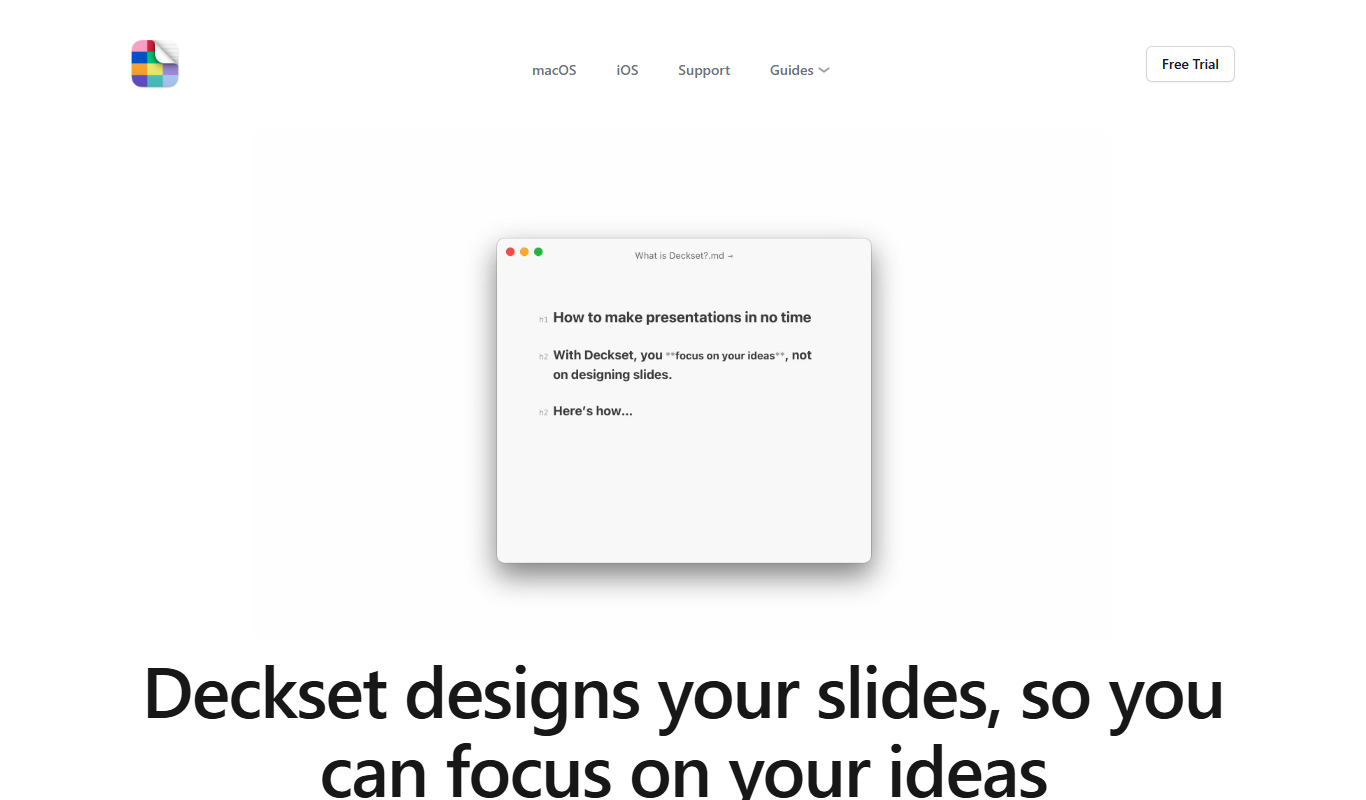
Deckset is a presentation tool for Mac, iPhone and iPad that transforms Markdown text into professional slide decks with customizable themes and live preview.

Free
Cram
Cram is an online flashcard tool that helps users create, share, and study flashcards to improve memorization and learning efficiency.

Free
Mathpix Snip
Mathpix Snip is an AI-powered OCR tool that accurately converts images containing mathematical and scientific content into editable LaTeX, MathML, or text formats, supporting students, educators, and researchers.