

MarginNote Study and Research Tool for Note-Taking and Mind Mapping
MarginNote is a note-taking and study app that integrates PDF/EPUB annotation, mind mapping, and flashcard creation to help users organize and retain knowledge efficiently.
- Best for
- Academic Study
- Key capability
- PDF and EPUB Annotation
Save MarginNote, follow its updates and vote on it — everything stays in your account.
Sign in or create a free account
What is MarginNote?
MarginNote is a powerful note-taking and study app designed for students, researchers, and knowledge workers. It combines PDF and EPUB annotation with mind mapping and flashcard creation to help users organize and retain information effectively. The app supports linking notes, creating outlines, and visualizing knowledge structures, making it ideal for deep study and research workflows.
Key features of MarginNote
MarginNote offers integrated PDF and EPUB reading with advanced annotation tools, mind mapping capabilities to connect ideas visually, and flashcard generation for spaced repetition learning. It supports multiple platforms including iOS and macOS, enabling seamless study across devices.
PDF and EPUB Annotation
Supports comprehensive annotation including highlights, comments, and bookmarks.
Mind Mapping Integration
Create and edit mind maps linked to your notes and documents.
Flashcard Creation
Automatically generate flashcards from your notes for effective memorization.
Outline and Document Organization
Organize notes into outlines and link related content for better knowledge management.
Cross-Platform Sync
Sync your notes and mind maps across iOS and macOS devices.
Pros and cons of MarginNote
Pros
- Combines note-taking, mind mapping, and flashcards in one app
- Powerful annotation tools for PDFs and EPUBs
- Supports knowledge visualization with mind maps
- Cross-device syncing on Apple platforms
Cons
- Available only on Apple devices
- Steep learning curve for new users
- No Windows or Android support
Key use cases for MarginNote
Academic Study
MarginNote helps students organize and annotate textbooks and research papers efficiently.
Research Management
Researchers can collect, link, and visualize knowledge from multiple sources in one place.
Note-Taking
Users can take detailed notes with highlights, comments, and flashcards.
Mind Mapping
Create interactive mind maps to visualize complex ideas and relationships.
Presentation Preparation
Organize notes and mind maps to prepare for lectures or presentations.
How MarginNote works
- 1
Import Documents
Add PDFs or EPUBs to MarginNote for reading and annotation.
- 2
Annotate and Highlight
Use tools to highlight text, add comments, and make notes directly on documents.
- 3
Create Mind Maps
Organize notes and highlights into interactive mind maps to visualize connections.
- 4
Generate Flashcards
Convert notes and highlights into flashcards for review and memorization.
- 5
Review and Study
Use built-in study modes like spaced repetition to reinforce learning.
Who is using MarginNote
MarginNote pricing
Pro Lifetime
$12.99 one-time
Lifetime license for iPhone and iPad.
Max
$16.99/year
Annual plan for all platforms.
Plans and prices are as published by the vendor and can change. Check the official site before you buy. Open the pricing page (opens in a new tab)
Frequently asked questions about MarginNote
MarginNote is available on iOS, iPadOS, and macOS.
Yes, MarginNote supports importing both PDF and EPUB documents for annotation.
Yes, it supports iCloud syncing between iOS and macOS devices.
MarginNote 4 offers a one-month trial. Pro Lifetime costs $12.99 for iPhone and iPad, and Max costs $16.99 per year for all devices.
This tool is designed to help users accomplish its core tasks more efficiently. It is typically used by individuals or teams looking to improve productivity and workflow.
Yes, it can help with that use case depending on how you configure it and what features are available. You’ll get the best results with clear inputs and a defined goal.
It depends on your specific needs and how you plan to use the tool. The official website and documentation are the best sources for the latest details.
Pricing depends on the plan and included features. For the most accurate and up-to-date details, check the official pricing page.
Conclusion
In MarginNote 4, PDFs and EPUBs are added for reading and annotation, and notes and highlights are organized into interactive mind maps that visualize connections. Notes and highlights can also be converted into flashcards for review and memorization. Outlines organize notes and link related content for knowledge management. It is designed for students, academic researchers and knowledge workers.
The app is available only on Apple devices, with iCloud syncing between iOS and macOS. Pro Lifetime costs $12.99 for iPhone and iPad, while Max costs $16.99 per year for all devices and comes with a one-month trial.
Sources
Sign in to review this tool.
Sign In to ReviewNo reviews yet
Be the first to share how this tool worked for you.
Ask about pricing, limits, or how it compares — or answer someone else.
Sign In to AskNo questions yet
Have a question about using or paying for this tool? Be the first to ask.
Featured on TiorAI



Alternative Tools
Explore similar AI tools that might fit your needs
LiquidText
LiquidText is an interactive PDF reader and note-taking app for iPad, Mac and Windows that allows users to import documents, highlight and extract text, create linked notes, and organize information dynamically.
More AI Content Generator tools
Other tools in the same category, for when this one is not quite the fit.

Writerly
Writerly is an AI Software Cloud for Business whose Creator AI Studio includes AI writing tools.
DocTranslator
DocTranslator is an AI-based online tool that translates documents into multiple languages while preserving original formatting, supporting over 100 languages and various file types.

GoConqr
GoConqr is an online learning platform that enables users to create and share interactive study materials such as mind maps, quizzes, and flashcards to improve learning and collaboration.
Quillionz
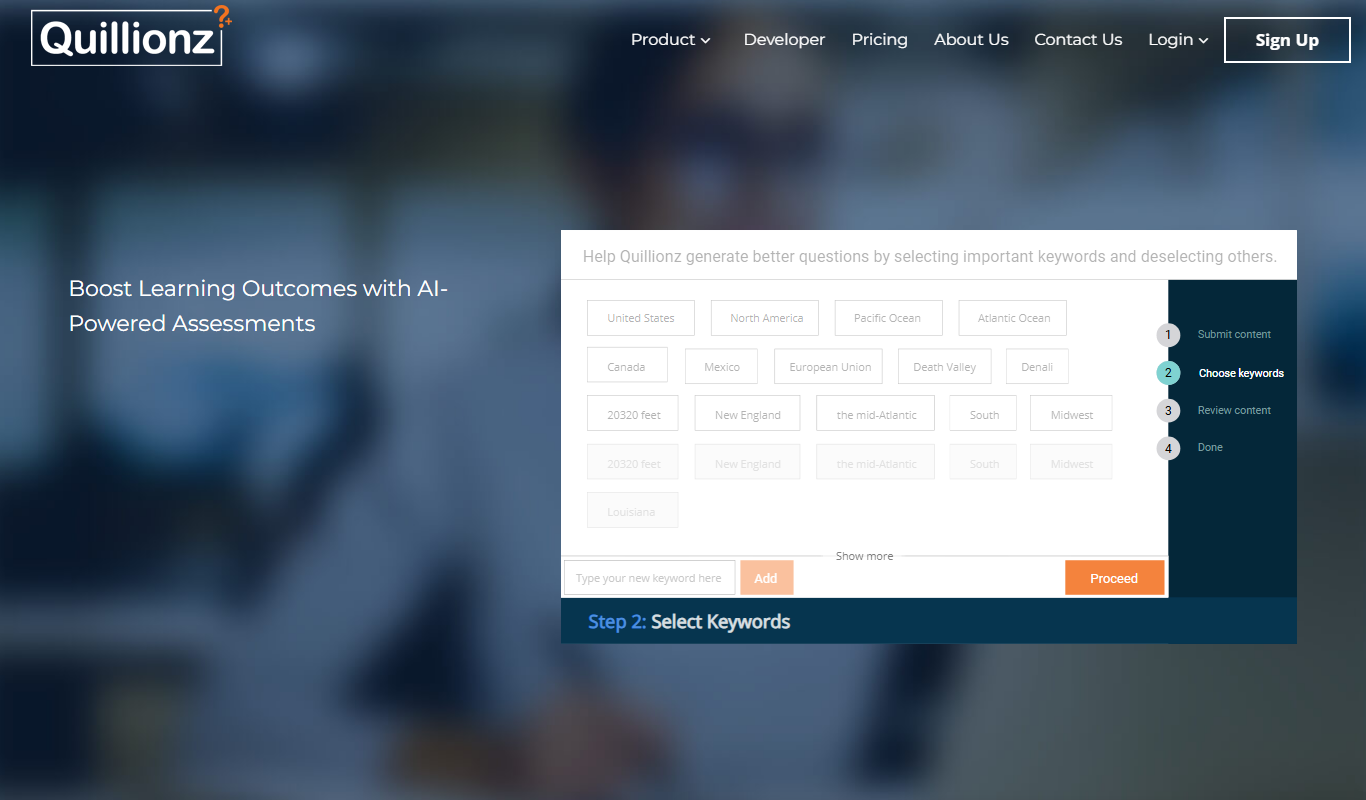
Quillionz is an AI-powered platform that automatically generates various types of questions from any text input, designed to help educators and trainers create assessments efficiently.

Minds
Minds is a decentralized social networking platform that promotes free speech and privacy by leveraging blockchain technology to reward users with tokens for content engagement.

Updf AI
Updf AI is an AI-powered PDF editor and converter that enables users to edit, annotate, convert, and manage PDF documents efficiently across desktop and mobile platforms.

Baidu Wenxin
Baidu Wenxin is an AI-powered platform by Baidu that offers advanced Chinese language conversational AI, content generation, and copywriting tools accessible via web and API.
简历本
简历本 is a Chinese online platform that helps users create professional resumes and cover letters using AI-powered templates and content suggestions.