

DocTranslator Online Document Translator with AI-Powered Multilingual Support
DocTranslator is an AI-based online tool that translates documents into multiple languages while preserving original formatting, supporting over 100 languages and various file types.
- Best for
- Business Document Translation
- Key capability
- Preserves Original Formatting
Save DocTranslator, follow its updates and vote on it — everything stays in your account.
Sign in or create a free accountWhat is DocTranslator?
DocTranslator is an AI-powered online platform that enables users to translate entire documents into multiple languages while preserving the original formatting. It supports a wide range of file types including PDFs, Word documents, PowerPoint presentations, and Excel spreadsheets. The tool leverages artificial intelligence to provide fast, accurate translations suitable for business, academic, and personal use.
Key features of DocTranslator
DocTranslator offers automatic document translation with support for over 100 languages, maintaining the layout and formatting of original files. Users upload documents, select target languages and receive translated files.
Preserves Original Formatting
Maintains layout, fonts, images, and tables in translated documents.
Supports Multiple File Formats
Compatible with PDF, DOC, DOCX, PPT, PPTX, XLS, XLSX, and more.
Wide Language Support
Offers translation into over 100 languages including major and regional languages.
No Software Installation
Completely web-based with no need to download or install any software.
Pay-As-You-Go Pricing
Flexible payment model based on the number of translated words or pages.
Pros and cons of DocTranslator
Pros
- Preserves original document formatting
- Supports a wide range of file types
- No software installation needed
- Flexible pay-as-you-go pricing
- Supports over 100 languages
Cons
- Free tier has limitations on file size and pages
- May require manual review for highly technical or specialized content
- No desktop or mobile app versions
Key use cases for DocTranslator
Business Document Translation
Translate contracts, reports, and presentations quickly to support international business communication.
Academic and Research Papers
Convert research documents into multiple languages to reach a broader academic audience.
Website Localization
Translate website content files to localize your site for different language markets.
Personal Document Translation
Translate personal documents such as letters, resumes, and certificates for immigration or study abroad.
Multilingual Content Creation
Generate translated versions of marketing materials and brochures to engage diverse audiences.
How DocTranslator works
- 1
Upload Document
Select and upload the document file you want to translate in supported formats.
- 2
Choose Target Language
Pick the language into which you want your document translated from the extensive language list.
- 3
Start Translation
Initiate the AI-powered translation process which preserves the original formatting.
- 4
Download Translated File
Receive and download the translated document in the same format as the original.
Who is using DocTranslator
DocTranslator pricing
Free
$0
Limited free translation with restrictions on file size and number of pages.
Monthly subscription
$14.99/month
100 pages or 30,000 words.
Plans and prices are as published by the vendor and can change. Check the official site before you buy. Open the pricing page (opens in a new tab)
Frequently asked questions about DocTranslator
DocTranslator supports PDF, Word documents (DOC, DOCX), PowerPoint (PPT, PPTX), Excel (XLS, XLSX), and other common document formats.
Yes, the tool maintains the layout, fonts, images, and tables of the original document in the translated version.
The free plan has size and page limits, while paid plans allow larger documents depending on the purchased credits.
DocTranslator uses AI-powered translation engines that provide high-quality translations suitable for general business and personal use, though specialized content may require review.
It depends on your specific needs and how you plan to use the tool. The official website and documentation are the best sources for the latest details.
Yes, it can help with that use case depending on how you configure it and what features are available. You’ll get the best results with clear inputs and a defined goal.
Some tools offer a free plan or trial with limited features. Availability can vary, so confirm on the official website.
Yes, it can help with that use case depending on how you configure it and what features are available. You’ll get the best results with clear inputs and a defined goal.
Conclusion
A document is uploaded in a supported format such as PDF, DOCX, PPTX or XLSX and comes back translated in the same format as the original. Layout, fonts, images and tables are kept in the translated version. Translation covers over 100 languages, and the service is completely web-based with no software to install. The page notes that highly technical or specialized content may require manual review.
International businesses, academic researchers and freelance translators are among its users. Pricing is a subscription of $14.99/month covering 100 pages or 30,000 words, or $135 a year, with a 7-day trial for $2.
Sources
Sign in to review this tool.
Sign In to ReviewNo reviews yet
Be the first to share how this tool worked for you.
Ask about pricing, limits, or how it compares — or answer someone else.
Sign In to AskNo questions yet
Have a question about using or paying for this tool? Be the first to ask.
Featured on TiorAI



More AI Content Generator tools
Other tools in the same category, for when this one is not quite the fit.

ClinicalTrials.gov
ClinicalTrials.gov is a free, publicly accessible database maintained by the U.S. National Library of Medicine that provides detailed information on clinical trials worldwide, allowing users to search, register, and review study results.

Scite
Scite is an AI-powered platform that analyzes scientific citations by classifying them as supporting, contrasting, or mentioning, providing researchers with deeper insights into how papers are referenced.

RhymeZone
RhymeZone is a free online rhyming dictionary and writing tool that helps users find rhymes, synonyms, antonyms, and related words to enhance poetry, songwriting, and creative writing.

These Lyrics Do Not Exist
These Lyrics Do Not Exist is a free AI tool that generates original song lyrics across various genres and themes to assist musicians and songwriters.

Lytho
Lytho is an AI-driven content platform that helps marketing and creative teams manage digital assets, collaborate on content, and maintain brand consistency with AI insights and analytics.
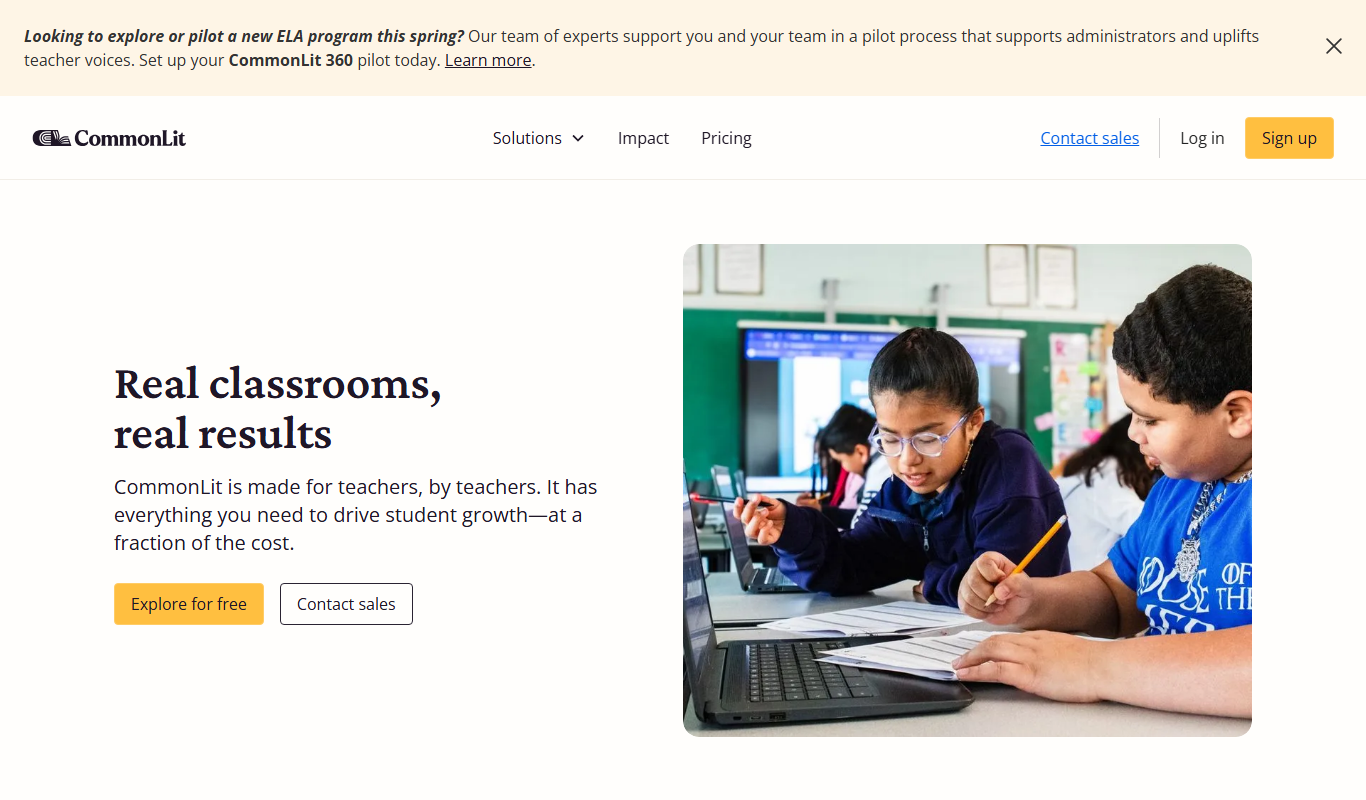
CommonLit
CommonLit is a free online platform providing leveled reading passages, comprehension questions, and teacher tools to support literacy development for students in grades 3-12.
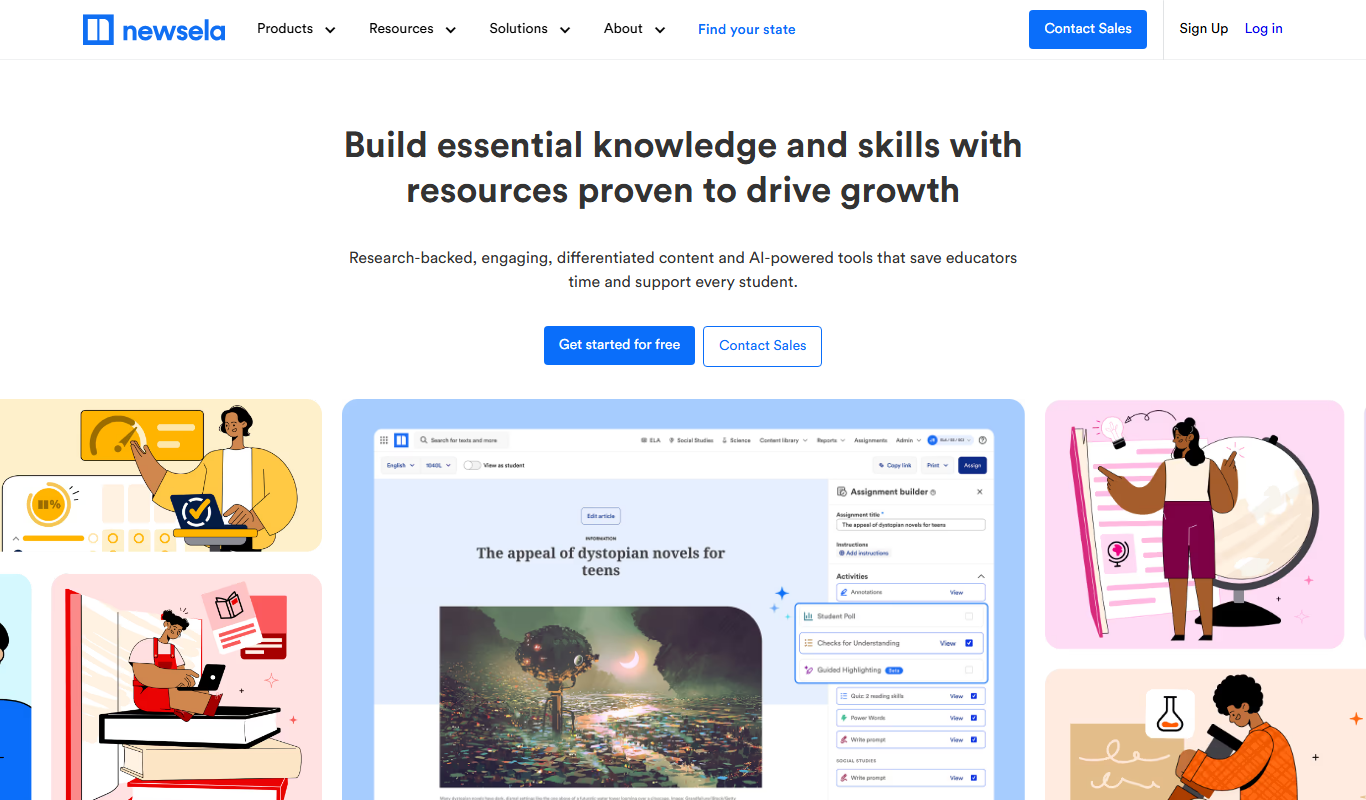
Newsela
Newsela is an educational platform providing leveled reading content and instructional tools to personalize learning and improve literacy for K-12 students.

Papeeria
Papeeria is an online LaTeX editor that enables real-time collaborative writing, cloud project management, and PDF compilation, designed primarily for academic and scientific documents.