

Writerly AI Writing Assistant for Content Generation and Copywriting
Writerly is an AI Software Cloud for Business whose Creator AI Studio includes AI writing tools.
- Best for
- Blog Content Creation
- Key capability
- AI Content Generation
Save Writerly, follow its updates and vote on it — everything stays in your account.
Sign in or create a free account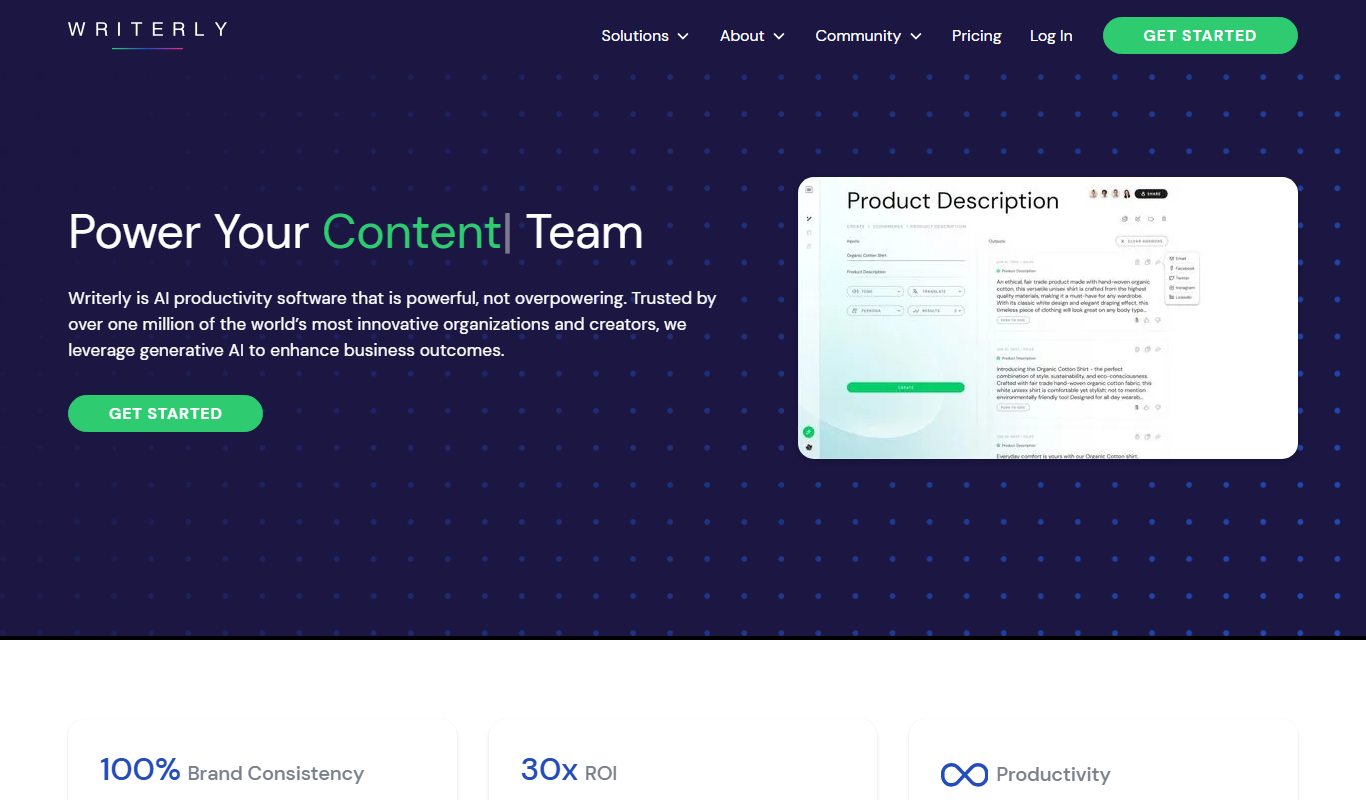
What is Writerly?
Writerly presents itself as an AI Software Cloud for Business rather than only a writing assistant, and its AI writing tools for blog posts, marketing copy and product descriptions sit inside Creator AI Studio.
Key features of Writerly
Writerly offers features such as AI content generation, SEO optimization tools, multiple writing templates, tone customization, and an intuitive web interface. It supports various writing styles and formats to cater to diverse content needs.
AI Content Generation
Automatically create articles, blog posts, and marketing copy tailored to your input.
SEO Optimization
Tools to help optimize content for search engines to improve visibility.
Multiple Writing Templates
Predefined templates for various content types to speed up writing.
Tone and Style Customization
Adjust the voice and style of the content to match your brand or audience.
User-Friendly Interface
Clean, intuitive web platform that simplifies content creation and editing.
Pros and cons of Writerly
Pros
- Easy-to-use interface suitable for beginners
- Multiple templates for diverse writing needs
- Affordable pricing with a free tier
- Supports SEO-friendly content creation
Cons
- No desktop or mobile app versions currently
Key use cases for Writerly
Blog Content Creation
Generate SEO-optimized blog posts and articles quickly with AI assistance.
Marketing Copywriting
Create compelling marketing copy for ads, emails, and social media campaigns.
Product Descriptions
Produce engaging and persuasive product descriptions for e-commerce platforms.
Creative Writing
Assist with storytelling, scriptwriting, and other creative writing projects.
Content Editing and Enhancement
Improve existing content by refining tone, grammar, and style using AI suggestions.
How Writerly works
- 1
Create an Account
Sign up on the Writerly website to access the AI writing tools.
- 2
Select a Template
Choose from various writing templates like blog posts, ads, or product descriptions.
- 3
Input Your Topic or Keywords
Provide the AI with a topic, keywords, or a brief to guide content generation.
- 4
Generate Content
Let the AI produce a draft based on your inputs and selected style.
- 5
Edit and Refine
Use built-in editing tools to adjust tone, style, and structure as needed.
Who is using Writerly
Writerly pricing
Creator AI Chat
$4/month
Monthly plan for 1 creator with unlimited usage, drive storage, core and smart brand personas, and 50+ GPT templates.
Creator AI Studio
$14/month
Monthly plan for 1 creator with unlimited usage, drive storage, core and smart brand personas, and 50+ GPT templates.
Team AI Studio
$34/month
Plan for up to 3 team members with unlimited usage, drive storage, user permissioning and team sharing.
Business
From $69
Business Cloud plans starting with Nimbus for up to 5 team members, with unlimited usage, unlimited drive storage and a concierge help center.
Plans and prices are as published by the vendor and can change. Check the official site before you buy. Open the pricing page (opens in a new tab)
Frequently asked questions about Writerly
No. There is no free plan; plans start with Creator AI Chat at $4 per month.
Writerly supports 25+ languages.
Writerly uses AI to generate unique content based on your inputs, but users should always review for originality.
Yes, Writerly allows you to adjust tone and style settings to fit your needs.
This tool is designed to help users accomplish its core tasks more efficiently. It is typically used by individuals or teams looking to improve productivity and workflow.
Pricing depends on the plan and included features. For the most accurate and up-to-date details, check the official pricing page.
Yes, it can help with that use case depending on how you configure it and what features are available. You’ll get the best results with clear inputs and a defined goal.
Some tools offer a free plan or trial with limited features. Availability can vary, so confirm on the official website.
Conclusion
Writing tools in Writerly sit inside Creator AI Studio, part of a platform that presents itself as an AI Software Cloud for Business. A user picks a template such as a blog post, ad or product description, supplies a topic, keywords or a brief, and receives a draft. Voice and style can then be adjusted to match a brand or audience, and SEO tools help optimize the content for search engines.
It is designed for content marketers, freelance writers and e-commerce managers. The platform supports 25+ languages. There is no free plan: Creator AI Chat costs $4 a month, Creator AI Studio $14 and Team AI Studio $34, while Business plans start at $69.
Sources
Sign in to review this tool.
Sign In to ReviewNo reviews yet
Be the first to share how this tool worked for you.
Ask about pricing, limits, or how it compares — or answer someone else.
Sign In to AskNo questions yet
Have a question about using or paying for this tool? Be the first to ask.
Featured on TiorAI



More AI Content Generator tools
Other tools in the same category, for when this one is not quite the fit.
DocTranslator
DocTranslator is an AI-based online tool that translates documents into multiple languages while preserving original formatting, supporting over 100 languages and various file types.

MarginNote
MarginNote is a note-taking and study app that integrates PDF/EPUB annotation, mind mapping, and flashcard creation to help users organize and retain knowledge efficiently.
LiquidText
LiquidText is an interactive PDF reader and note-taking app for iPad, Mac and Windows that allows users to import documents, highlight and extract text, create linked notes, and organize information dynamically.

GoConqr
GoConqr is an online learning platform that enables users to create and share interactive study materials such as mind maps, quizzes, and flashcards to improve learning and collaboration.
Quillionz
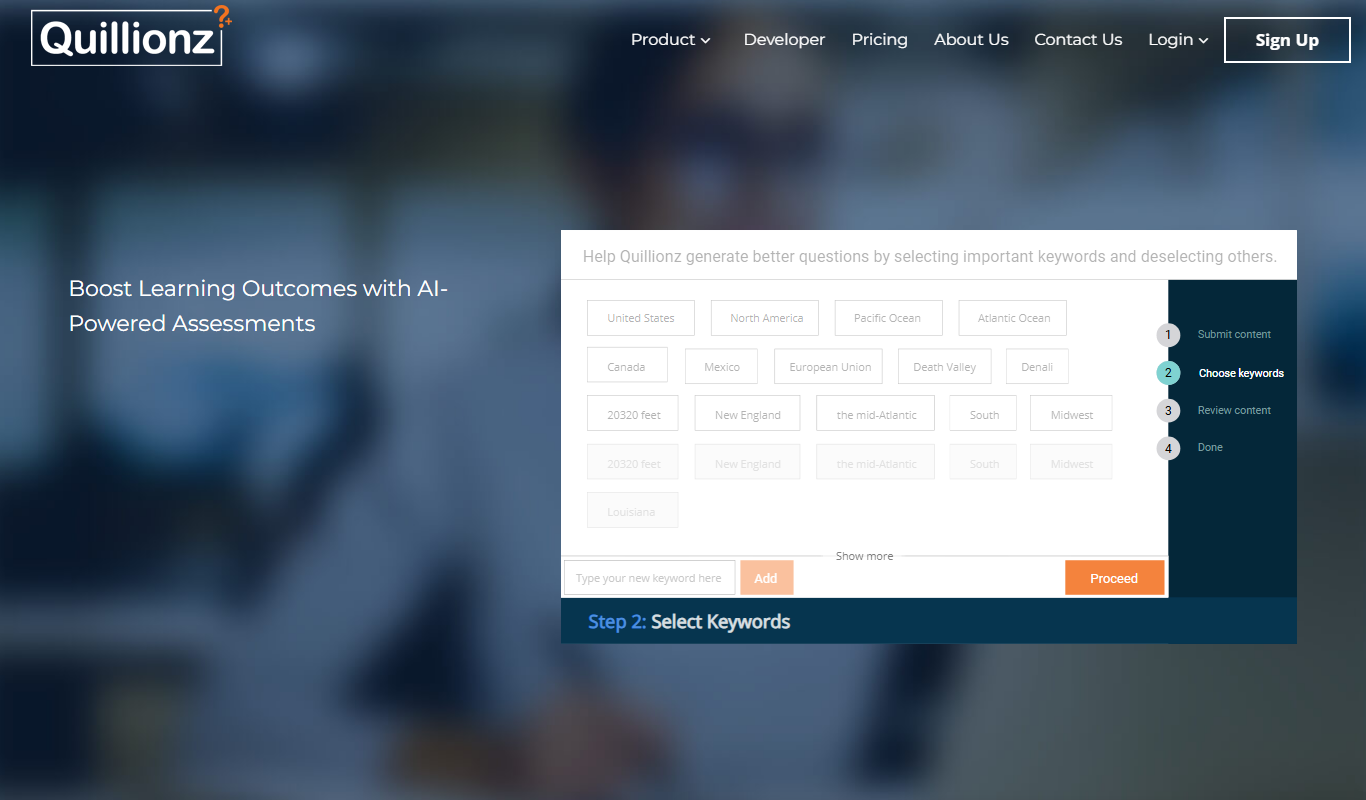
Quillionz is an AI-powered platform that automatically generates various types of questions from any text input, designed to help educators and trainers create assessments efficiently.

Minds
Minds is a decentralized social networking platform that promotes free speech and privacy by leveraging blockchain technology to reward users with tokens for content engagement.

Updf AI
Updf AI is an AI-powered PDF editor and converter that enables users to edit, annotate, convert, and manage PDF documents efficiently across desktop and mobile platforms.

Baidu Wenxin
Baidu Wenxin is an AI-powered platform by Baidu that offers advanced Chinese language conversational AI, content generation, and copywriting tools accessible via web and API.