

From my experience with QuickDBD, I found it excels at rapidly converting text-based schema definitions into clear, visual database diagrams. Its simplicity and real-time feedback make it especially useful for developers who want to sketch out database designs without the overhead of complex software. While it lacks some advanced customization features, its ease of use and browser-based access make it a practical choice for quick prototyping and documentation. If you need to communicate database structures efficiently or teach database concepts, QuickDBD delivers solid, straightforward results.
QuickDBD - Fast and Easy Database Diagram Tool for Developers
QuickDBD is a web-based tool that lets you create database diagrams quickly by typing schema definitions in a simple text format, which it converts into visual ER diagrams in real time.
- Best for
- Database Schema Design
- Key capability
- Text-Based Diagramming
Your actions
Save QuickDBD, follow its updates and vote on it — everything stays in your account.
Sign in or create a free accountWhat is QuickDBD?
QuickDBD is an online tool that allows users to quickly create database diagrams by typing schema definitions in a simple shorthand language. It converts text input into visual entity-relationship diagrams, streamlining the process of database design and documentation.
Key features of QuickDBD
QuickDBD offers fast text-to-diagram conversion, easy editing, export options, and collaboration features to simplify database modeling for developers and teams.
Text-Based Diagramming
Create database diagrams by typing schema definitions, speeding up the design process.
Real-Time Diagram Generation
Instantly see your database schema visualized as you type.
Export Options
Export diagrams as PNG, SVG, or PDF files for use in documentation or presentations.
Collaboration
Share editable links with team members to collaborate on database designs.
Simple Syntax
Use an easy shorthand language to define tables, fields, and relationships without complex tools.
Pros and cons of QuickDBD
Pros
- Fast and intuitive text-based diagram creation
- Real-time visualization of database schemas
- No software installation required, works in browser
- Affordable pricing with a free tier
- Supports export in multiple formats
Cons
- Limited advanced diagram customization options
- Free plan has usage and export restrictions
Key use cases for QuickDBD
Database Schema Design
Create and visualize database schemas quickly using text-based input to generate ER diagrams.
Software Development Planning
Plan and communicate database structure effectively with team members during software development.
Documentation
Generate clear and concise database diagrams for technical documentation and presentations.
Education and Learning
Help students and new developers understand database design concepts through interactive diagramming.
How QuickDBD works
- 1
Enter Schema Text
Type your database schema using QuickDBD’s simple shorthand syntax in the editor.
- 2
View Diagram
The tool automatically generates an ER diagram based on the text input in real time.
- 3
Edit and Refine
Make changes to the text or diagram to refine your database design.
- 4
Export or Share
Export diagrams as images or share links with collaborators for feedback and teamwork.
Who is using QuickDBD
Software developers
Database administrators
Technical writers
Students learning database design
Project managers overseeing development
QuickDBD pricing
Free
$0/month
Basic features with limited diagrams and export options.
Pro
$5/month
Unlimited diagrams, advanced export formats, and collaboration features.
Plans and prices are as published by the vendor and can change. Check the official site before you buy. Open the pricing page (opens in a new tab)
Frequently asked questions about QuickDBD
Yes, QuickDBD is a web-based tool that runs entirely in your browser.
You can export diagrams as PNG, SVG, and PDF files.
Yes, QuickDBD offers a free plan with basic features and limited usage.
Yes, paid plans include collaboration features allowing shared editing.
It depends on your specific needs and how you plan to use the tool. The official website and documentation are the best sources for the latest details.
Some tools offer a free plan or trial with limited features. Availability can vary, so confirm on the official website.
Yes, it can help with that use case depending on how you configure it and what features are available. You’ll get the best results with clear inputs and a defined goal.
Yes, it can help with that use case depending on how you configure it and what features are available. You’ll get the best results with clear inputs and a defined goal.
Sign in to review this tool.
Sign In to ReviewNo reviews yet
Be the first to share how this tool worked for you.
Ask about pricing, limits, or how it compares — or answer someone else.
Sign In to AskNo questions yet
Have a question about using or paying for this tool? Be the first to ask.
Featured on TiorAI



Alternative Tools
Explore similar AI tools that might fit your needs
Free
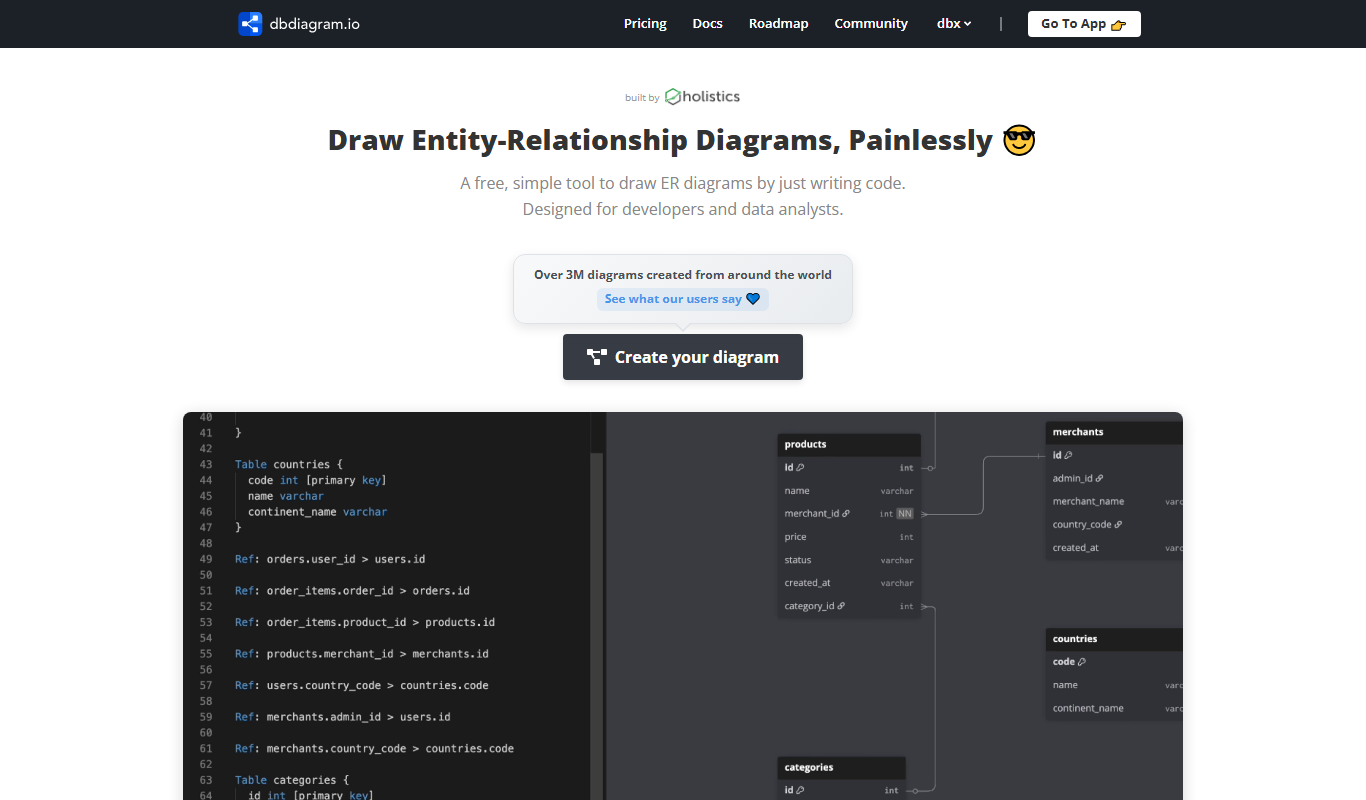
dbdiagram.io
dbdiagram.io is a web-based tool that allows developers and data architects to create, visualize, and share database diagrams using a simple DSL and SQL import/export features.
Free
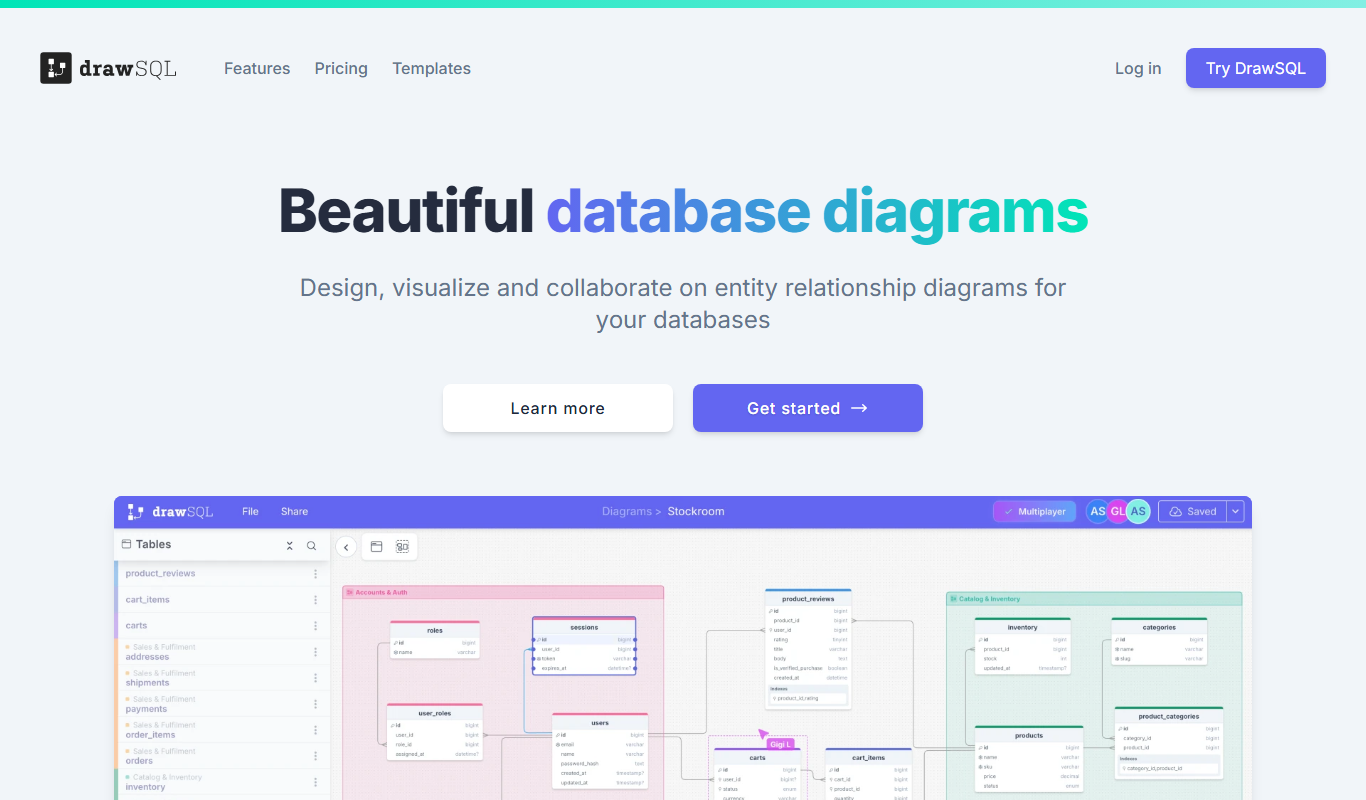
DrawSQL
DrawSQL is a web platform that enables teams to collaboratively design, visualize, and export database schemas using interactive diagrams and real-time editing.

Free
Lucidchart
Lucidchart is a cloud-based diagramming and visual collaboration platform that enables users to create flowcharts, organizational charts, UML diagrams, and collaborate in real time across devices.
More AI Developer Tools tools
Other tools in the same category, for when this one is not quite the fit.

Free
Overwolf
Overwolf is a Windows-based platform that enables developers to build, distribute, and monetize in-game apps and overlays for popular PC games, with features supporting streaming integration and real-time game data access.

Freemium
CodeGrade
CodeGrade is an automated code grading platform that helps educators efficiently assess programming assignments by providing customizable grading, detailed feedback, plagiarism detection, and LMS integration.

Free
freeCodeCamp
freeCodeCamp is a free online platform offering interactive coding lessons, projects, and certifications to help beginners learn programming and web development.

Free
Codecademy
Codecademy is an online platform offering interactive coding courses and projects to help users learn programming languages and prepare for tech careers.

Free
Python-Future
Python-Future is a compatibility library that allows Python developers to write code that runs on both Python 2 and Python 3 interpreters without modification, easing migration and maintenance.
Free
Parcel
ParcelJS is an open-source web bundler that offers zero configuration, fast multi-core builds, and automatic asset handling for modern web development.

Free
Next.js
Next.js is an open-source React framework by Vercel that enables server-side rendering, static site generation, and API routes to build fast, SEO-friendly web applications.

Freemium
Avalonia
Avalonia is an open source, cross-platform UI framework for .NET that enables developers to build desktop and mobile apps with a single codebase using C# and XAML.