

ParcelJS: Fast Zero Configuration Web Application Bundler for Developers
ParcelJS is an open-source web bundler that offers zero configuration, fast multi-core builds, and automatic asset handling for modern web development.
- Best for
- Frontend Web Development
- Key capability
- Zero Configuration
Save Parcel, follow its updates and vote on it — everything stays in your account.
Sign in or create a free account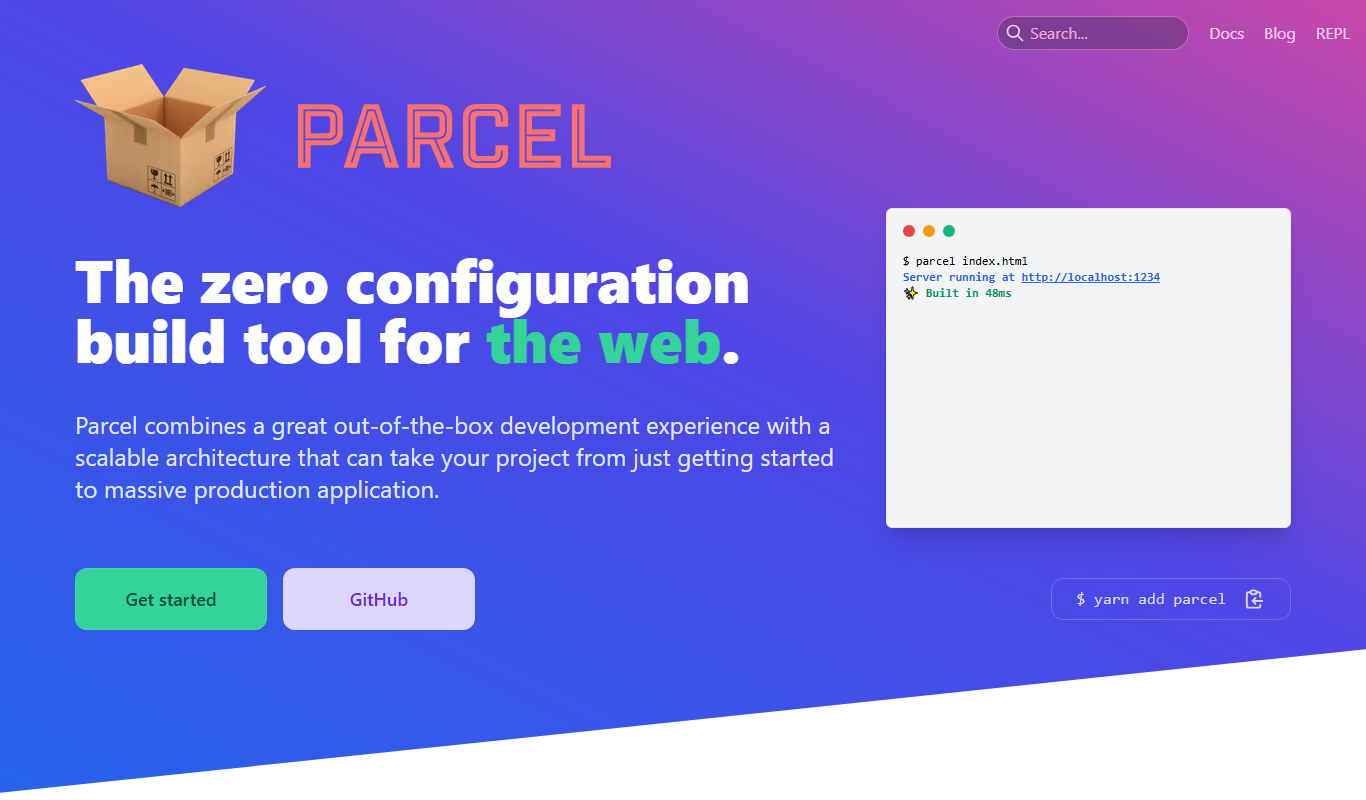
What is Parcel?
ParcelJS is an open-source, zero-configuration web application bundler designed to simplify and speed up the process of building modern web projects. It automatically handles module resolution, asset bundling, and code transformation without requiring complex setup, making it ideal for developers seeking fast and efficient builds.
Key features of Parcel
Parcel offers fast bundling with multi-core compilation, out-of-the-box support for JavaScript, TypeScript, CSS, HTML, images, and more. It includes features like hot module replacement, automatic code splitting, tree shaking, and built-in support for popular web standards and frameworks.
Zero Configuration
No need for complex config files; Parcel works out of the box.
Fast Multi-Core Compilation
Leverages multiple CPU cores to speed up build times.
Hot Module Replacement
Instantly update modules in the browser during development without full reloads.
Automatic Code Splitting
Splits your code into smaller chunks to optimize loading performance.
Built-in Support for Many Asset Types
Supports JavaScript, TypeScript, CSS, HTML, images, fonts, and more without plugins.
Pros and cons of Parcel
Pros
- Easy to use with zero configuration
- Fast build times using multi-core processing
- Supports many asset types without plugins
- Built-in hot module replacement for development
- Automatic code splitting improves performance
Cons
- Less customizable than some other bundlers for complex setups
- Smaller community compared to Webpack
- Occasional issues with very large projects or uncommon asset types
Key use cases for Parcel
Frontend Web Development
Bundle JavaScript, CSS, HTML, and assets efficiently for modern web applications.
Rapid Prototyping
Quickly build and test web projects without complex configuration.
Module Bundling
Automatically resolve dependencies and bundle modules for optimized delivery.
Asset Management
Process and bundle images, fonts, and other static assets seamlessly.
Code Splitting
Split code into smaller chunks to improve load times and performance.
How Parcel works
- 1
Install Parcel
Use npm or yarn to install Parcel globally or as a project dependency.
- 2
Create Entry Point
Define your main JavaScript or HTML file as the entry point for bundling.
- 3
Run Parcel Build or Serve
Execute Parcel commands to build optimized bundles or start a development server with live reload.
- 4
Automatic Asset Handling
Parcel automatically processes and bundles all dependencies and assets referenced in your project.
Who is using Parcel
Parcel pricing
Free
$0
Open-source and free to use with full features.
Plans and prices are as published by the vendor and can change. Check the official site before you buy. Open the pricing page (opens in a new tab)
Frequently asked questions about Parcel
Yes, ParcelJS is an open-source project and free to use.
No, Parcel works with zero configuration for most projects.
Parcel supports JavaScript, TypeScript, CSS, HTML, images, fonts, and more out of the box.
Yes, Parcel produces optimized bundles suitable for production deployment.
This tool is designed to help users accomplish its core tasks more efficiently. It is typically used by individuals or teams looking to improve productivity and workflow.
The best alternative depends on your workflow, features you need, and budget. Compare plans, integrations, and output quality to choose the closest fit.
It depends on your specific needs and how you plan to use the tool. The official website and documentation are the best sources for the latest details.
It depends on your specific needs and how you plan to use the tool. The official website and documentation are the best sources for the latest details.
Conclusion
Zero configuration is the starting point for Parcel: after installing it with npm or yarn, a developer defines a main JavaScript or HTML file as the entry point. From there it automatically processes and bundles all dependencies and assets referenced in the project, including TypeScript, CSS, HTML and images. Builds use multiple CPU cores, and a development server with live reload uses hot module replacement to update modules in the browser without full reloads. Production bundles are optimized, with automatic code splitting into smaller chunks.
It is aimed at frontend and JavaScript developers, rapid prototypers and small to medium web development teams. The bundler is open source and free to use with full features. It is less customizable than some other bundlers for complex setups, its community is smaller than Webpack’s, and very large projects or uncommon asset types can occasionally cause issues.
Sources
Sign in to review this tool.
Sign In to ReviewNo reviews yet
Be the first to share how this tool worked for you.
Ask about pricing, limits, or how it compares — or answer someone else.
Sign In to AskNo questions yet
Have a question about using or paying for this tool? Be the first to ask.
Featured on TiorAI



Alternative Tools
Explore similar AI tools that might fit your needs

Vite
Vite is a frontend build tool that uses native ES modules for fast development, and Vite 8 builds for production with Rolldown.
More AI Code Assistant tools
Other tools in the same category, for when this one is not quite the fit.

Cymath
Cymath is an AI-powered math solver that provides step-by-step solutions for algebra, calculus, and other math problems via web and mobile apps.

Sphinx
Sphinx is an open-source documentation generator primarily for Python projects that converts reStructuredText and docstrings into multi-format technical documentation.

The Odin Project
The Odin Project is a free, open-source online curriculum that teaches full-stack web development through project-based learning and community support.

freeCodeCamp
freeCodeCamp is a free online platform offering interactive coding lessons, projects, and certifications to help beginners learn programming and web development.

Codecademy
Codecademy is an online platform offering interactive coding courses and projects to help users learn programming languages and prepare for tech careers.

Python-Future
Python-Future is a compatibility library that allows Python developers to write code that runs on both Python 2 and Python 3 interpreters without modification, easing migration and maintenance.

Kodable
Kodable is an educational platform that teaches young children coding basics through interactive games and visual programming, suitable for ages 4 to 10.

Scratch
Scratch is a free visual programming platform developed by MIT that helps kids and beginners learn coding by creating interactive stories, games, and animations using drag-and-drop code blocks.