

freeCodeCamp Coding Platform for Learning Web Development and Programming
freeCodeCamp is a free online platform offering interactive coding lessons, projects, and certifications to help beginners learn programming and web development.
- Best for
- Learn to Code
- Key capability
- Comprehensive Curriculum
Save freeCodeCamp, follow its updates and vote on it — everything stays in your account.
Sign in or create a free account
What is freeCodeCamp?
freeCodeCamp is a nonprofit online learning platform that offers free coding education through interactive lessons, coding challenges, and real-world projects. It aims to make programming accessible to everyone by providing a comprehensive curriculum covering web development, data structures, algorithms, and more. The platform is designed for beginners and intermediate learners who want to build practical skills and earn certifications without any cost.
Key features of freeCodeCamp
freeCodeCamp provides a structured curriculum with thousands of coding exercises, project-based learning, certification programs, and a supportive community forum. It emphasizes hands-on coding practice and real-world application through projects that users build and submit for review.
Comprehensive Curriculum
Covers a wide range of topics from basic HTML/CSS to advanced algorithms and data visualization.
Project-Based Learning
Users build real projects that demonstrate their skills and can be added to portfolios.
Free Certifications
Earn industry-recognized certificates at no cost upon course completion.
Interactive Coding Environment
Practice coding directly in the browser with instant feedback.
Community Support
Access to forums and chat rooms for peer and mentor assistance.
Pros and cons of freeCodeCamp
Pros
- Completely free with no hidden costs
- Hands-on project-based learning
- Large supportive community
- Industry-recognized certifications
- Accessible to beginners
Cons
- No formal instructor-led classes
- Limited personalized feedback
- Primarily web-based, no mobile app
Key use cases for freeCodeCamp
Learn to Code
Users can learn programming languages such as JavaScript, Python, HTML, CSS, and more through interactive lessons and projects.
Build Projects
Learners gain hands-on experience by building real-world projects that reinforce coding concepts and skills.
Earn Certifications
Complete curriculum sections to earn free certifications that demonstrate proficiency in various coding disciplines.
Prepare for Developer Jobs
The platform offers coding challenges and interview preparation resources to help users get ready for software development roles.
Community Support
Access to a large, active community forum where learners can ask questions, share knowledge, and collaborate.
How freeCodeCamp works
- 1
Sign Up
Create a free account on freeCodeCamp.org to track your progress and access all courses.
- 2
Choose a Curriculum
Select from various learning paths such as Responsive Web Design, JavaScript Algorithms, Front End Libraries, and more.
- 3
Complete Lessons and Projects
Work through interactive coding lessons and build projects to apply what you learn.
- 4
Earn Certifications
After completing all required projects and exercises in a curriculum, receive a free certification.
- 5
Engage with Community
Participate in forums and chat rooms to get help, share knowledge, and collaborate.
Who is using freeCodeCamp
freeCodeCamp pricing
Free
$0
Full access to all courses, projects, and certifications without any fees.
Plans and prices are as published by the vendor and can change. Check the official site before you buy. Open the pricing page (opens in a new tab)
Frequently asked questions about freeCodeCamp
Yes, freeCodeCamp offers all its courses, projects, and certifications completely free of charge.
You can learn JavaScript, Python, HTML, CSS, SQL, and more through their curriculum.
No, freeCodeCamp is designed for beginners with no prior experience.
Many users have successfully transitioned into developer roles using skills learned on freeCodeCamp, but job outcomes depend on individual effort and additional factors.
Some tools offer a free plan or trial with limited features. Availability can vary, so confirm on the official website.
Some tools offer a free plan or trial with limited features. Availability can vary, so confirm on the official website.
Some tools offer a free plan or trial with limited features. Availability can vary, so confirm on the official website.
Some tools offer a free plan or trial with limited features. Availability can vary, so confirm on the official website.
Conclusion
freeCodeCamp is run as a nonprofit, and all its courses, projects and certifications are free of charge. Learners pick a path such as Responsive Web Design or JavaScript Algorithms, then practice coding directly in the browser with instant feedback. Completing all required projects and exercises in a curriculum earns a free certification, and the projects themselves can be added to portfolios. The curriculum teaches JavaScript, Python, HTML, CSS and SQL, among others.
It is designed for beginners with no prior experience and aimed at aspiring software developers, self-taught programmers and career changers into tech. Coding challenges and interview preparation resources help users get ready for software development roles. Help comes from forums and chat rooms, since there are no formal instructor-led classes and personalized feedback is limited. Official apps are also available on the App Store and Google Play.
Sources
Sign in to review this tool.
Sign In to ReviewNo reviews yet
Be the first to share how this tool worked for you.
Ask about pricing, limits, or how it compares — or answer someone else.
Sign In to AskNo questions yet
Have a question about using or paying for this tool? Be the first to ask.
Featured on TiorAI



Alternative Tools
Explore similar AI tools that might fit your needs

Codecademy
Codecademy is an online platform offering interactive coding courses and projects to help users learn programming languages and prepare for tech careers.

The Odin Project
The Odin Project is a free, open-source online curriculum that teaches full-stack web development through project-based learning and community support.
More AI Code Assistant tools
Other tools in the same category, for when this one is not quite the fit.

Refraction
Refraction is an AI tool for developers that refactors code, generates documentation and unit tests, detects bugs and converts code between languages.
RoboCoder
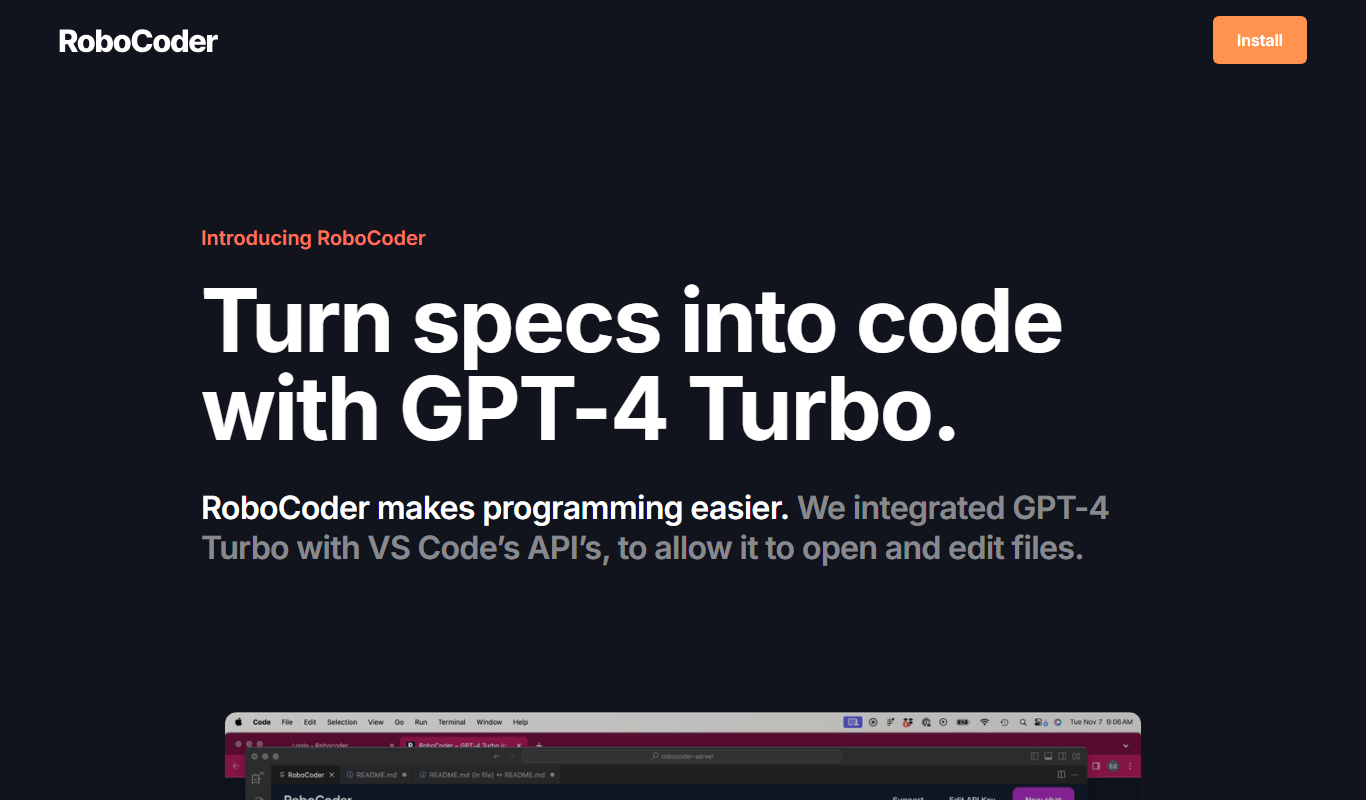
RoboCoder is a VS Code extension that lets GPT-4o open and edit files, navigate your codebase and propose patches, using your own OpenAI API key.

Trae
TRAE is a development tool deeply integrated with AI, where you code in an IDE or delegate complex tasks to AI agents, on desktop, web and mobile.

Cosine
Cosine trains AI models and specialised coding agents for organisations that need frontier capability within secure environments.

WhatTheDiff
What the Diff is an AI code review assistant for GitHub and GitLab that automates pull request descriptions and simplifies team updates.

Code Fundi
Code Fundi turns any repository into a searchable, blast-radius-aware codebase map for AI agents and engineering teams.

Butterfish Shell
Butterfish Shell adds AI prompting to bash and zsh with OpenAI or compatible APIs: prompt with a capital letter and the AI sees your shell history.
CodeMate AI
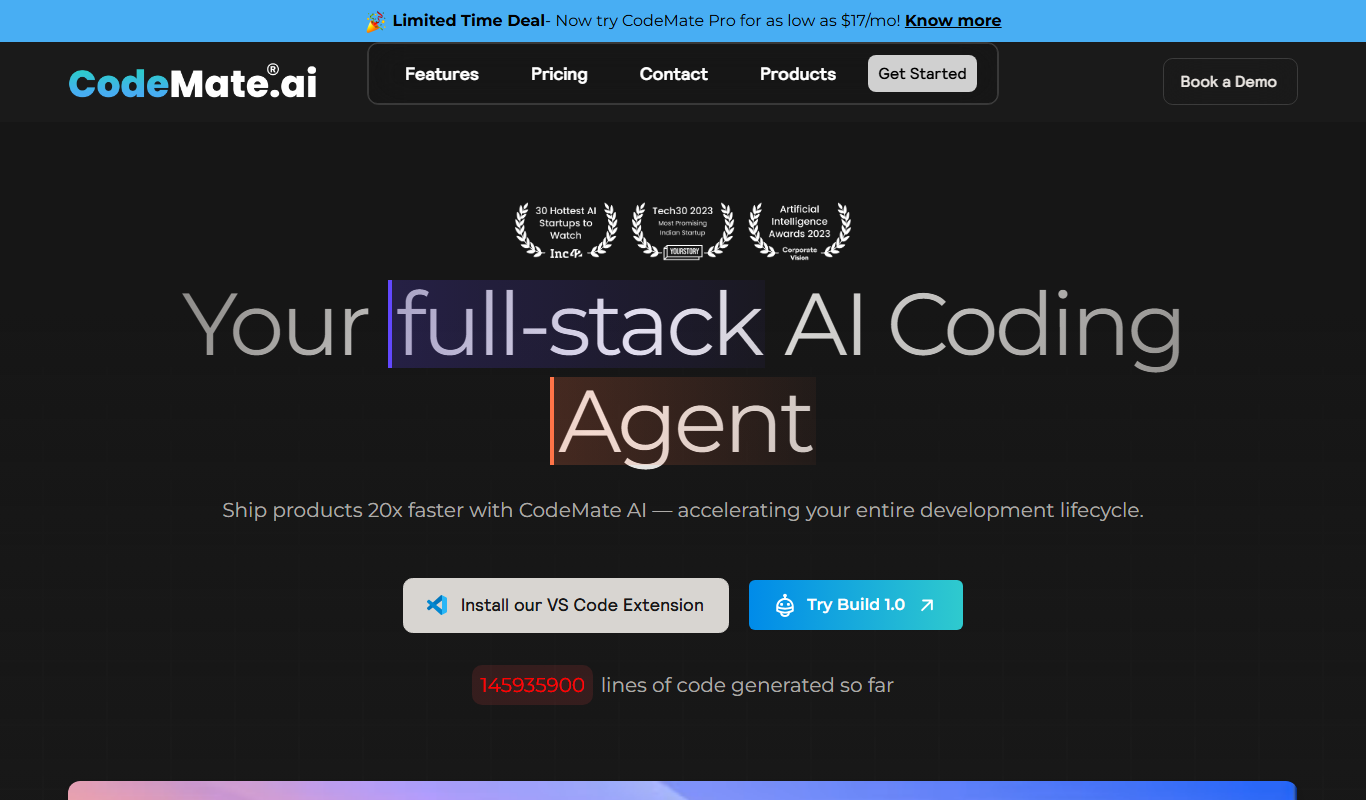
CodeMate AI is a sovereign AI pair programmer and developer assistant with private, self-hosted code completion, automated code reviews, debugging and terminal workflows.