

Predis AI Social Media Content Generator for Marketing Teams and Creators
Predis.ai turns a one-line prompt, a product link or an image into ads, videos and copy.
- Best for
- Social Media Content Creation
- Key capability
- AI-Powered Content Generation
Save Predis, follow its updates and vote on it — everything stays in your account.
Sign in or create a free account
What is Predis?
Predis.ai is an AI ad generator that creates video ads, UGC ads and product ads from a product link, a text prompt or an image.
Key features of Predis
Predis AI offers AI-powered content generation, customizable post templates, multi-platform support, and tools to help users brainstorm and create social media posts efficiently. It focuses on delivering relevant and creative content ideas that align with brand voice and marketing goals.
AI-Powered Content Generation
Automatically create engaging social media posts tailored to your brand and audience.
Multi-Platform Support
Generate content optimized for different social media channels including Instagram, Facebook, LinkedIn, and Twitter.
Customizable Templates
Use and modify templates to quickly produce consistent and professional posts.
Content Idea Suggestions
Receive creative prompts and ideas to keep your social media feed fresh and engaging.
User-Friendly Interface
Intuitive design that makes content creation accessible even for users without marketing experience.
Pros and cons of Predis
Pros
- Quick generation of social media posts saves time
- Supports multiple major social media platforms
- User-friendly interface suitable for beginners
- Offers customizable templates for consistent branding
Cons
- Limited language support (English only)
- No mobile app available, web platform only
- Pricing may be high for very small businesses
Key use cases for Predis
Social Media Content Creation
Generate engaging posts tailored for platforms like Instagram, Facebook, LinkedIn, and Twitter.
Marketing Campaign Support
Create consistent and creative content to support brand marketing campaigns and promotions.
Content Idea Generation
Get fresh ideas and inspiration for social media posts to maintain an active online presence.
Small Business Social Media Management
Help small businesses produce professional social media content without needing a dedicated team.
Influencer and Creator Content Planning
Assist influencers and content creators in planning and generating posts that resonate with their audience.
How Predis works
- 1
Sign Up
Create an account on the Predis AI platform to access content generation features.
- 2
Select Social Media Platform
Choose the target platform such as Instagram, Facebook, LinkedIn, or Twitter for your content.
- 3
Input Content Details
Provide keywords, topics, or brief descriptions to guide the AI in generating relevant posts.
- 4
Generate Content
Let the AI create multiple social media post options based on your inputs.
- 5
Edit and Customize
Refine the generated content to better fit your brand voice and style before publishing.
Who is using Predis
Predis pricing
Free trial
3 days free, card required
Every plan starts with 3 days free; the card is charged when day 3 ends unless the trial is cancelled.
Core
$24/month billed yearly ($288 per year)
One brand with 1,300 credits per month, about 325 images or 33 videos.
Rise
$55/month billed yearly ($664 per year)
Up to 4 brands with 3,200 credits per month, about 800 images or 80 videos.
Enterprise+
$212/month billed yearly ($2,540 per year)
Unlimited brands with 10,000 credits per month, about 2500 images or 250 videos.
Plans and prices are as published by the vendor and can change. Check the official site before you buy. Open the pricing page (opens in a new tab)
Frequently asked questions about Predis
Predis AI currently supports content generation for major platforms like Instagram, Facebook, LinkedIn, and Twitter.
Every plan starts with 3 days free. A card is taken to start the trial and charged when day 3 ends unless the trial is cancelled before then.
Absolutely, you can edit and tailor the AI-generated posts to better fit your brand voice and style.
Yes. Predis.ai can make ads in more than 19 languages, and the input and output language can be selected while creating content.
It depends on your specific needs and how you plan to use the tool. The official website and documentation are the best sources for the latest details.
Yes, it can help with that use case depending on how you configure it and what features are available. You’ll get the best results with clear inputs and a defined goal.
Some tools offer a free plan or trial with limited features. Availability can vary, so confirm on the official website.
Yes, it can help with that use case depending on how you configure it and what features are available. You’ll get the best results with clear inputs and a defined goal.
Conclusion
From a product URL, a written prompt or an uploaded image, the platform generates ad visuals, headlines, copy and video in one pass. Output is sized to each platform’s aspect ratios and safe zones, and a brand kit of colors, tone and logo is set once and applied to every format. Finished ads can be edited inline, downloaded, or scheduled and auto-posted from a calendar. Beyond paid ads, the same account produces organic social media posts and carousels for channels such as Instagram, Facebook and LinkedIn.
Content can be generated in more than 19 languages, with the prompt written in one language and the output produced in another. Its solution pages address creators and coaches, ecommerce stores and agencies, with separate workspaces keeping each client apart. A competitor intelligence dashboard tracks an account’s ads side by side with the ads rivals are running. Every generation uses credits, and each paid plan begins with a short free trial that requires a card and is charged when the trial ends unless cancelled.
Sources
Sign in to review this tool.
Sign In to ReviewNo reviews yet
Be the first to share how this tool worked for you.
Ask about pricing, limits, or how it compares — or answer someone else.
Sign In to AskNo questions yet
Have a question about using or paying for this tool? Be the first to ask.
Featured on TiorAI


More AI Animated Video tools
Other tools in the same category, for when this one is not quite the fit.
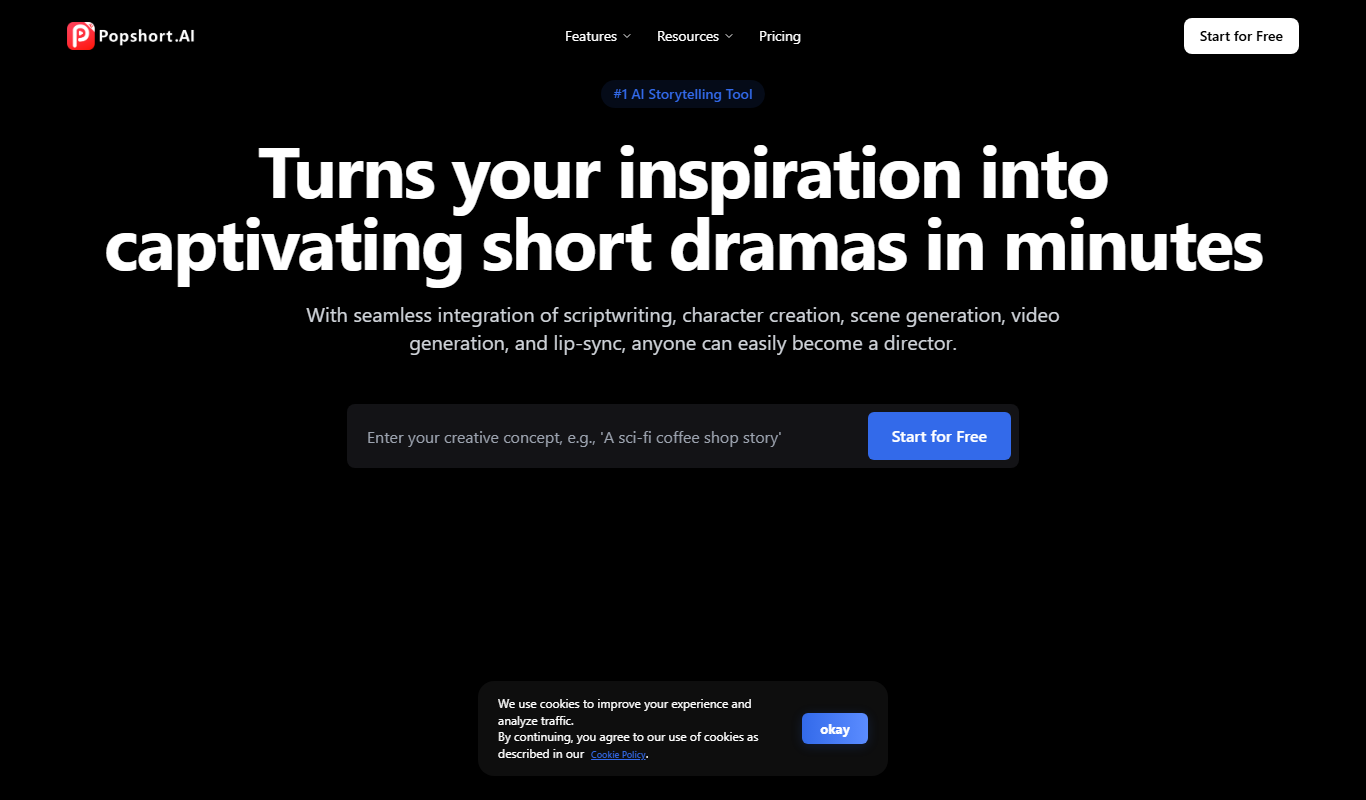
PopShort.AI
PopShort.AI turns an idea, script or novel into a complete short drama with AI-powered scripts, characters, storyboards, video, music and lip sync.
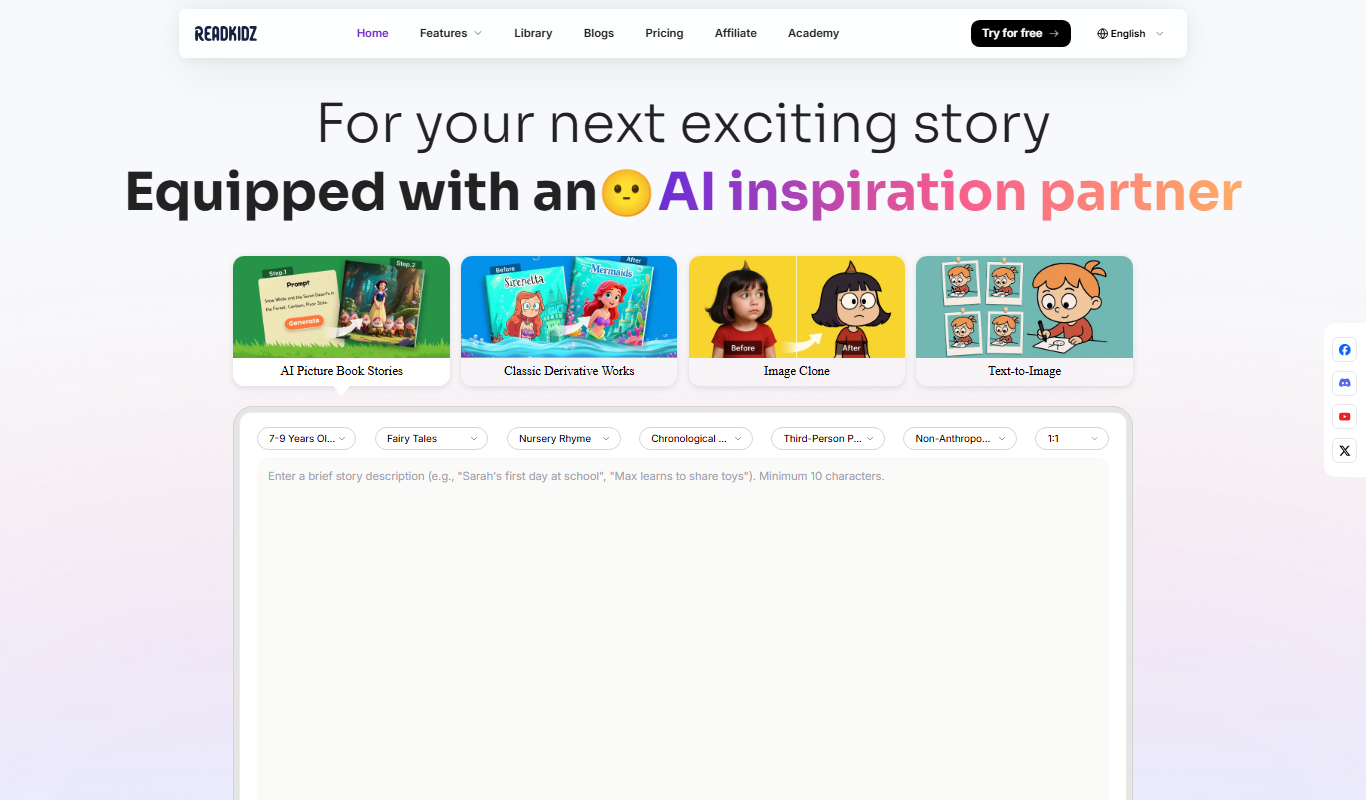
Readkidz
ReadKidz turns one sentence into a complete illustrated children's book: pick an age and story type and read your picture book in minutes, or paste a story you wrote.

Hashmeta AI
Hashmeta AI is an AI visibility and AI search optimisation agency in Singapore that helps brands get cited in AI answers, with its own AI Visibility, AI CMS and AI CRM platform.

toona
toona is an AI anime toolbox to create and share animated manga and motion comics, with tools to colorize, upscale and animate manga and anime.

Blipix
Blipix is the faceless video app creators use for TikTok, YouTube Shorts and Reels: AI writes the script, voiceover, captions and visuals, then auto-publishes.

Genmo AI
Genmo AI is a research lab building open video generation models, including the open-source Mochi 1 text-to-video model and an online Playground.

freebeat
freebeat creates cinematic AI music videos, dance videos and lyric videos from any song in minutes, with rhythm-synced visuals, avatars and lip sync.

Animate Old Photos
Animate Old Photos uses AI to turn old photos into short videos with optional speech, singing or music, alongside photo restoration and hug video tools, paid with credits.