

From my experience with PopShort AI, it stands out for its ability to quickly transform long videos into short, engaging clips tailored for social media. The AI-driven summarization and captioning features significantly reduce manual editing time, making it ideal for content creators and marketers who need fast turnaround. While it lacks some advanced editing controls found in professional software, its simplicity and focus on social media formats make it a practical choice for users without extensive video editing skills. The free plan is a good starting point, though upgrading unlocks more flexibility and removes watermarks.
PopShort AI Video Editor for Quick Social Media Content Creation
PopShort AI is a web-based tool that uses artificial intelligence to automatically create short, engaging video clips from longer videos, optimized for social media platforms like TikTok and Instagram.
- Best for
- Social Media Video Creation
- Key capability
- AI-Powered Video Summarization
Your actions
Save PopShort.Al, follow its updates and vote on it — everything stays in your account.
Sign in or create a free account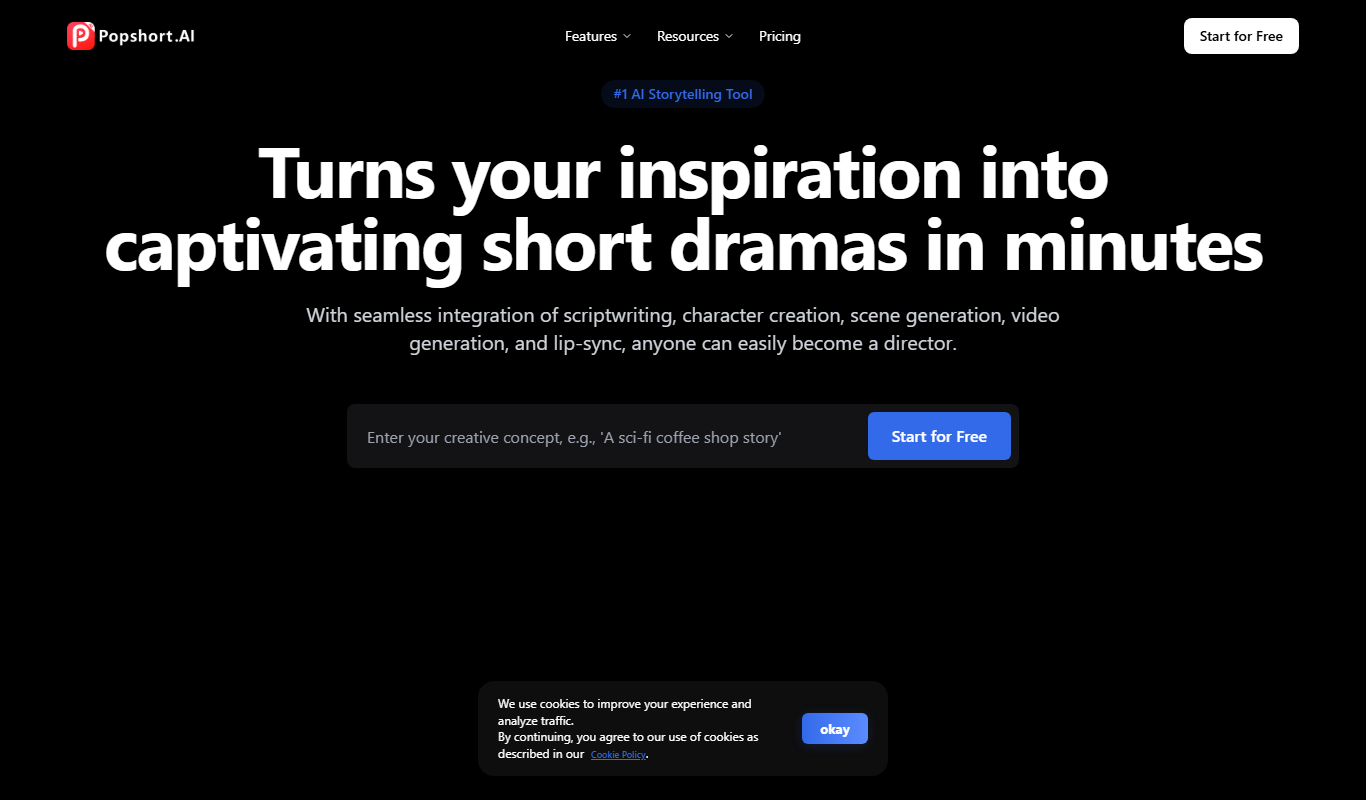

What is PopShort.Al?
PopShort AI is a web-based AI-powered video editing platform designed to help users quickly create short, engaging video clips from longer videos. It leverages artificial intelligence to automatically identify key moments, trim, and enhance videos optimized for social media sharing, especially formats like TikTok, Instagram Reels, and YouTube Shorts.
Key features of PopShort.Al
PopShort AI offers automatic video summarization, smart clipping, caption generation, and easy export options. Its AI engine analyzes video content to detect highlights and generate shareable short videos with minimal manual effort.
AI-Powered Video Summarization
Automatically identifies and extracts the most engaging parts of long videos.
Caption Generation
Generates captions and subtitles to enhance accessibility and viewer engagement.
Social Media Optimization
Formats videos specifically for popular social platforms like TikTok and Instagram.
User-Friendly Interface
Intuitive web interface designed for quick editing and minimal learning curve.
Fast Export Options
Allows quick downloading and sharing of edited videos in multiple resolutions.
Pros and cons of PopShort.Al
Pros
- Automates time-consuming video editing tasks
- Optimized for popular social media formats
- Easy to use with minimal video editing experience required
- Supports caption generation for accessibility
- Fast processing and export
Cons
- Limited advanced editing features compared to professional software
- Free plan has video length and watermark restrictions
- Currently supports only English language interface
Key use cases for PopShort.Al
Social Media Video Creation
Create short, engaging video clips optimized for platforms like TikTok, Instagram, and YouTube Shorts.
Video Summarization
Automatically generate concise video summaries from longer content to highlight key moments.
Content Repurposing
Transform existing long-form videos into multiple short clips to maximize content reach.
Marketing Campaigns
Produce quick promotional videos with AI assistance to accelerate marketing workflows.
Influencer Content Editing
Help influencers and creators efficiently edit and optimize videos for audience engagement.
How PopShort.Al works
- 1
Upload Video
Users upload their long-form video content to the PopShort AI platform.
- 2
AI Analysis
The AI engine analyzes the video to detect key moments and segments suitable for short clips.
- 3
Edit and Customize
Users can review AI-generated clips, add captions, and make manual adjustments if needed.
- 4
Export and Share
Finalized short videos can be exported in formats optimized for various social media platforms.
Who is using PopShort.Al
Social media marketers
Content creators and influencers
Small business owners
Digital marketing agencies
Video editors seeking quick social clips
PopShort.Al pricing
Free
$0/month
Basic access with limited video length and export options.
Pro
$19/month
Extended video length, higher export quality, and priority support.
Business
$49/month
Advanced features, team collaboration, and custom branding options.
Plans and prices are as published by the vendor and can change. Check the official site before you buy. Open the pricing page (opens in a new tab)
Frequently asked questions about PopShort.Al
PopShort AI supports common video formats such as MP4, MOV, and AVI for uploading and editing.
Yes, users can review and customize the clips generated by the AI before exporting.
The free plan has restrictions on maximum video length and export quality.
Free plan videos include a watermark; paid plans remove watermarks.
It depends on your specific needs and how you plan to use the tool. The official website and documentation are the best sources for the latest details.
Some tools offer a free plan or trial with limited features. Availability can vary, so confirm on the official website.
Yes, it can help with that use case depending on how you configure it and what features are available. You’ll get the best results with clear inputs and a defined goal.
Yes, it can help with that use case depending on how you configure it and what features are available. You’ll get the best results with clear inputs and a defined goal.
Sign in to review this tool.
Sign In to ReviewNo reviews yet
Be the first to share how this tool worked for you.
Ask about pricing, limits, or how it compares — or answer someone else.
Sign In to AskNo questions yet
Have a question about using or paying for this tool? Be the first to ask.
Featured on TiorAI



More AI Animated Video tools
Other tools in the same category, for when this one is not quite the fit.

Digital Domain
Digital Domain is a top visual effects and digital production studio specializing in CGI, virtual reality, and immersive media for films, commercials, and interactive experiences.

Free
Zubtitle
Zubtitle is an online tool that automatically generates captions for videos, allowing users to customize and export videos optimized for social media platforms.

Custom Pricing
Deepdub
Deepdub has expanded into voice agents for Property Management and Debt Collection, Phantom Z TTS and Accent control with 130+ languages, beyond film dubbing.

Freemium
AIVideo
AIVideo is an aggregator of third-party AI generative models, with a Model Playground, MCP and automations.

Free
FlexClip
FlexClip is an online video editing platform that enables users to create professional videos using templates, stock media, and simple drag-and-drop tools without software installation.

Freemium
Vidnoz AI
Vidnoz AI is a web-based platform that uses artificial intelligence to help users create marketing and social media videos quickly by automating video generation from text and media inputs.

Free
Gooey.AI
Gooey.AI is a no-code platform that enables developers and teams to deploy machine learning models as scalable APIs without backend coding, supporting collaboration and rapid prototyping.

Freemium
Melies
Melies is an AI-powered video creation platform that transforms text into engaging marketing and social media videos quickly and easily.