

freebeat AI Music Video Generator for Dance and Lyric Videos
freebeat creates cinematic AI music videos, dance videos and lyric videos from any song in minutes, with rhythm-synced visuals, avatars and lip sync.
- Best for
- Music videos for artists
- Key capability
- Music video from any song
Save freebeat, follow its updates and vote on it — everything stays in your account.
Sign in or create a free account
What is freebeat?
freebeat is an AI music video generator that creates cinematic music videos from any song in minutes. It takes a music link or an uploaded track and works as an AI director that plans, shoots and edits dance, music and lyric videos whose visuals sync to the beats, with consistent avatars and lip sync.
Key features of freebeat
freebeat accepts music links from Spotify, SoundCloud, YouTube, Suno, Udio and TikTok or an uploaded track, and creates dance, music and lyric videos whose visuals sync to the beats, with consistent avatars, lip sync, auto-timed lyrics and AI video effects.
Music video from any song
Paste a music link from Spotify, SoundCloud, YouTube, Suno, Udio or TikTok, or upload music.
AI director
Plans, shoots and edits the music video automatically.
Beat sync
Visuals automatically sync to BPM, beats, drops and song sections across the entire track.
Synced lyrics
Automatically generates synced lyrics with customizable motion, highlighting and karaoke-style timing.
AI video effects
70+ AI video effects turn static images into videos with one click.
Pros and cons of freebeat
Pros
- Works from music links or uploaded tracks
- Visuals sync to beats, drops and song sections
- 500 free credits to start
- Apps for Mac, Android and iOS
- No editing skills needed
Cons
- Paid plans are credit-based subscriptions that auto-renew
- Lower plans cap video resolution at 720p
- Subscriber model benefits are for manual use in the web app only
Key use cases for freebeat
Music videos for artists
Turn songs into cinematic music videos without a production team.
Dance videos
Create AI dance videos where motion follows the beat and musical structure.
Short-form social videos
Generate AI music videos for TikTok, Reels and YouTube.
Track visuals
Visualize tracks with looping album visuals and music visualiser effects.
Lyric videos
Create lyric videos with synced, karaoke-style lyrics.
How freebeat works
- 1
Add your music
Paste a music link or upload a track.
- 2
Choose a video type
Pick a dance video, music video or lyric video.
- 3
Let the AI direct
The AI director plans, shoots and edits the video automatically.
- 4
Publish
Share the video on TikTok, Reels or YouTube.
Who is using freebeat
freebeat pricing
Basic
$4.99 per week (shown reduced from $6.99)
1,990 credits per week, billed weekly.
Pro
$26.99 per month (shown reduced from $34.99)
10,000 credits per month, billed monthly.
Ultimate
$39.99 per month (shown reduced from $49.99)
19,000 credits per month, billed monthly.
Creator
$199 per month (shown reduced from $249)
95,000 credits per month, billed monthly.
Plans and prices are as published by the vendor and can change. Check the official site before you buy. Open the pricing page (opens in a new tab)
Frequently asked questions about freebeat
Dance videos, music videos and lyric videos with visuals synced to the track.
Music links from Spotify, SoundCloud, YouTube, Suno, Udio, TikTok, Stable Audio and Riffusion, or an uploaded track.
You can start free with 500 free credits; more credits come with paid subscriptions.
Yes. There is a Mac app and apps on Google Play and the App Store.
It works as an AI director that plans, shoots and edits the music video automatically, syncing visuals to the beat.
Yes. Weekly and monthly subscriptions auto-renew.
Some tools offer a free plan or trial with limited features. Availability can vary, so confirm on the official website.
Some tools offer a free plan or trial with limited features. Availability can vary, so confirm on the official website.
Conclusion
A song is the starting point: freebeat takes a link from Spotify, SoundCloud, YouTube, Suno or TikTok or an uploaded track and turns it into a dance, music or lyric video. The system acts as an AI director that plans, shoots and edits the clip, syncing cuts and motion to the beats, drops and song sections. Lyrics can be timed karaoke-style, and avatars with lip sync perform the track.
It is aimed at independent musicians, dancers, producers and DJs, and creators publishing to TikTok, Reels or YouTube. Beyond the web app there are apps for Mac, Android and iOS. New accounts get 500 free credits, after which plans are credit-based weekly or monthly subscriptions that auto-renew.
Sources
Sign in to review this tool.
Sign In to ReviewNo reviews yet
Be the first to share how this tool worked for you.
Ask about pricing, limits, or how it compares — or answer someone else.
Sign In to AskNo questions yet
Have a question about using or paying for this tool? Be the first to ask.
Featured on TiorAI



More AI Ai Tools tools
Other tools in the same category, for when this one is not quite the fit.

Hashmeta AI
Hashmeta AI is an AI visibility and AI search optimisation agency in Singapore that helps brands get cited in AI answers, with its own AI Visibility, AI CMS and AI CRM platform.
Flickify
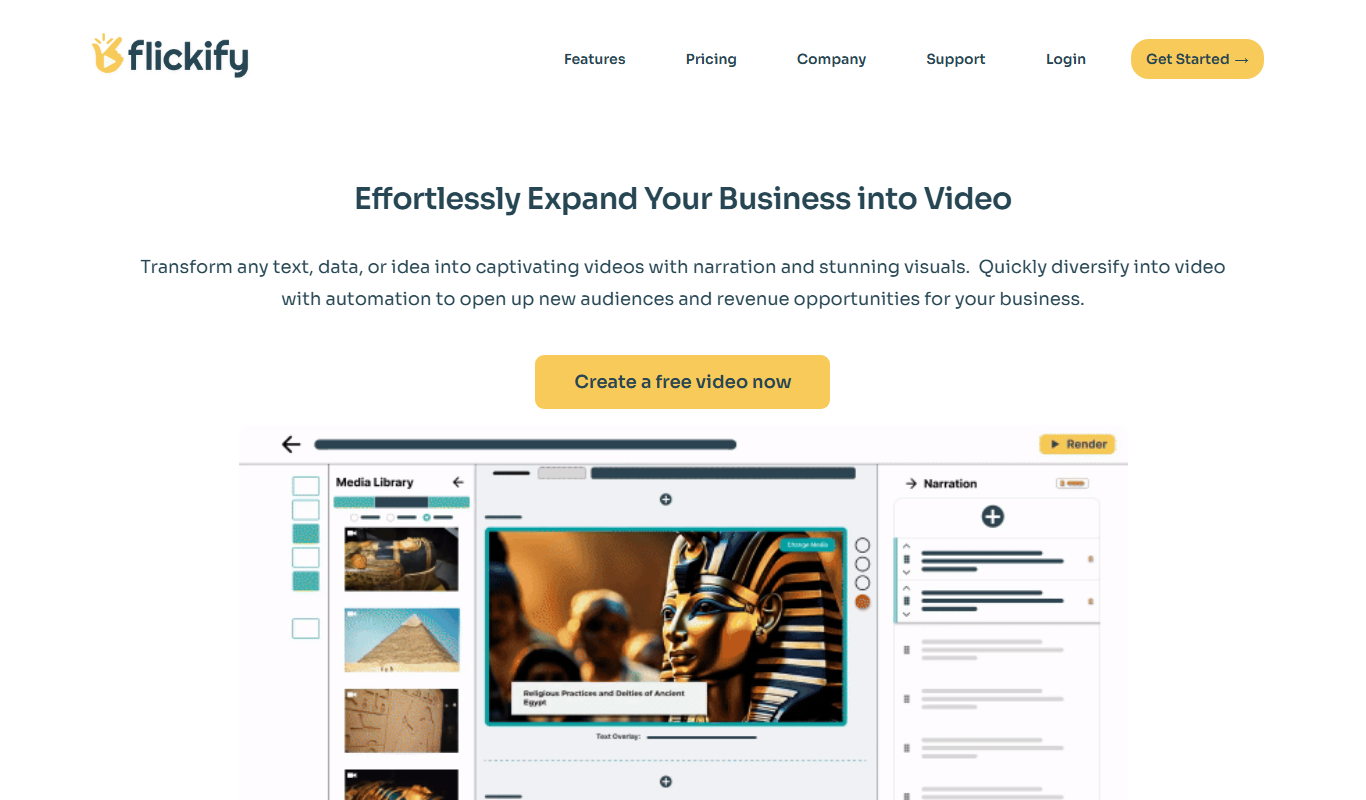
Flickify is an AI-powered video creation tool that converts text, URLs, or scripts into videos optimized for YouTube and social media, featuring AI voiceovers, subtitles, and direct publishing.

Animaker ai
Animaker AI is a web-based platform that uses AI to help users create animated videos easily through templates, text-to-video conversion, and drag-and-drop editing.

Colossyan
Colossyan is an AI video creation platform that converts text scripts into videos featuring realistic virtual actors, enabling fast and easy video production without cameras or actors.

Animate AI
Animate AI is an all-in-one AI video generator that creates consistent character videos for animated stories.

Steve AI
Steve AI is an AI-driven video creation platform that converts text scripts into animated videos with AI voiceovers and customizable templates, designed for marketers, educators, and content creators.

Shortmake AI
Shortmake AI is a web-based platform that uses artificial intelligence to help users create short, engaging videos for marketing and social media quickly without needing video editing skills.

TwinMind
TwinMind is an AI second brain that transcribes and summarizes your day, organizes it into memory and powers any AI with the context of your life.