

From my experience with Hashmeta AI, I found it excels at simplifying the often complex and technical process of generating NFT metadata, especially for creators managing large collections. The platform’s batch processing and customizable templates make it accessible even for users without deep blockchain knowledge. However, it currently lacks deeper blockchain integrations and mobile support, which might limit some advanced use cases. Overall, if you need a straightforward, efficient way to prepare NFT metadata for minting and marketplace compatibility, Hashmeta AI delivers reliable and user-friendly results.
Hashmeta AI NFT Metadata Generator for Blockchain Creators and Developers
Hashmeta AI is a web platform that automates the creation of NFT metadata files, helping creators and developers generate standardized JSON metadata for blockchain NFTs efficiently.
- Best for
- NFT Metadata Generation
- Key capability
- Batch Metadata Generation
Your actions
Save Hashmeta AI, follow its updates and vote on it — everything stays in your account.
Sign in or create a free account
What is Hashmeta AI?
Hashmeta AI is a web-based platform designed to automate the generation of NFT metadata files. It helps creators, developers, and artists produce standardized metadata that complies with blockchain and marketplace requirements, simplifying the NFT minting process.
Key features of Hashmeta AI
Hashmeta AI offers batch metadata generation, customizable templates, support for various blockchain standards, and an intuitive interface to streamline NFT project workflows.
Batch Metadata Generation
Generate metadata for multiple NFTs simultaneously, saving time on large collections.
Customizable Templates
Tailor metadata fields and formats to fit different blockchain standards and project requirements.
User-Friendly Interface
Intuitive design that simplifies the metadata creation process for users with varying technical skills.
Compatibility Support
Ensures metadata complies with popular NFT marketplaces and blockchain protocols.
Pros and cons of Hashmeta AI
Pros
- Simplifies complex NFT metadata creation
- Supports batch processing for large projects
- User-friendly with customizable templates
Cons
- Limited advanced blockchain integrations
- No mobile app available
Key use cases for Hashmeta AI
NFT Metadata Generation
Automatically create standardized metadata files for NFT projects to ensure compatibility across marketplaces.
NFT Project Management
Manage and organize large NFT collections with batch metadata generation and editing capabilities.
Blockchain Development Support
Assist developers in preparing NFT metadata for smart contract deployment and marketplace integration.
Digital Art Collections
Enable digital artists to efficiently generate metadata for their NFT artworks to streamline minting processes.
How Hashmeta AI works
- 1
Upload Assets
Users upload their digital assets or provide asset details to the platform.
- 2
Configure Metadata
Set metadata attributes and customize templates according to project needs.
- 3
Generate Metadata
Hashmeta AI automatically creates metadata files in the required JSON format.
- 4
Download and Deploy
Download the metadata files for use in NFT minting or smart contract deployment.
Who is using Hashmeta AI
NFT creators and artists
Blockchain developers
Digital art collectors
NFT project managers
Hashmeta AI pricing
Free
$0/month
Basic access with limited metadata generation and project size.
Pro
$29/month
Advanced features including larger batch sizes, priority support, and template customization.
Plans and prices are as published by the vendor and can change. Check the official site before you buy. Open the pricing page (opens in a new tab)
Frequently asked questions about Hashmeta AI
NFT metadata is a JSON file that describes the attributes and properties of an NFT. It is essential for marketplaces and wallets to display the NFT correctly.
Yes, Hashmeta AI allows you to customize metadata templates to fit your specific project needs.
Hashmeta AI supports major blockchain standards commonly used for NFTs, but compatibility may vary depending on the specific blockchain.
Data handling and security practices vary by provider. Review the official privacy policy to understand how your data is stored and used.
Yes, it can help with that use case depending on how you configure it and what features are available. You’ll get the best results with clear inputs and a defined goal.
Some tools offer a free plan or trial with limited features. Availability can vary, so confirm on the official website.
Sign in to review this tool.
Sign In to ReviewNo reviews yet
Be the first to share how this tool worked for you.
Ask about pricing, limits, or how it compares — or answer someone else.
Sign In to AskNo questions yet
Have a question about using or paying for this tool? Be the first to ask.
Featured on TiorAI



More AI Ai Tools tools
Other tools in the same category, for when this one is not quite the fit.

Free
KidsAIStory
KidsAIStory is a tool for parents to create personalized illustrated children's books, not a platform where children write their own stories.

Free
InstaNovel AI
InstaNovel AI is a mini-novel generator that produces 4-6 chapters with illustrations, with a waiting queue for free users.

Free
ChatGPT Famous Resumes
ChatGPT Famous Resumes is a gallery of resumes to browse, not a tool that generates a resume for the user.

Free
image Upscaling
Image Upscaling is a professional online image editor with multiple AI image processing tools.

Free
Free AI Watermark Remover Online
Free AI Watermark Remover Online is a free tool for removing watermarks from images and video.

Free
Pixelcut
Pixelcut is an AI-driven photo editing tool that automates background removal and image enhancement, ideal for e-commerce and social media content creation.
Freemium
Splitter.ai
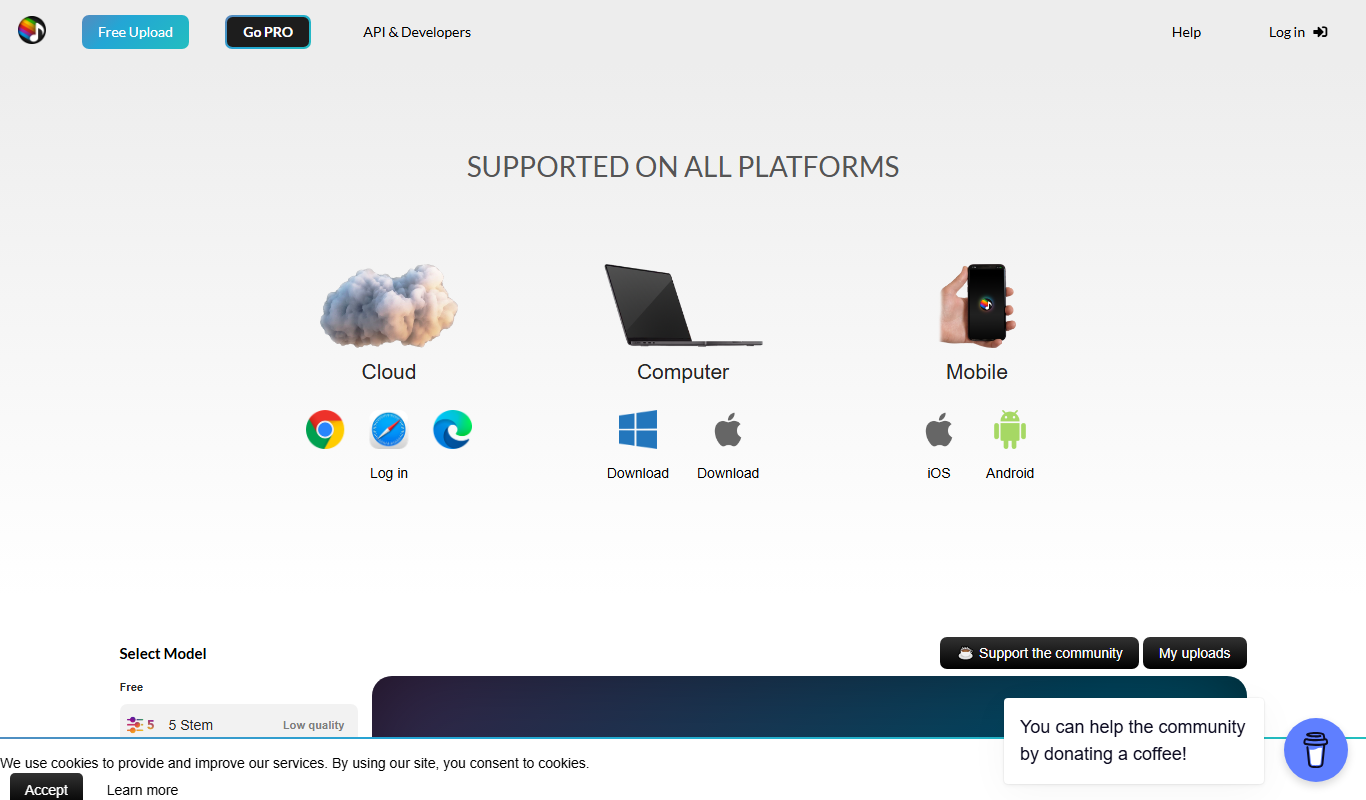
Splitter.ai is an online AI tool that separates audio tracks into individual stems like vocals and instruments, enabling easy vocal removal and remixing.

Freemium
Visla
Visla is a web-based AI video editor that automates editing tasks and supports real-time collaboration to help users create professional videos quickly and easily.