

KidsAIStory - AI-Powered Storytelling Platform for Children’s Creativity
KidsAIStory is a tool for parents to create personalized illustrated children's books, not a platform where children write their own stories.
- Best for
- Creative Storytelling for Kids
- Key capability
- AI Story Generation
Save KidsAIStory, follow its updates and vote on it — everything stays in your account.
Sign in or create a free account
What is KidsAIStory?
KidsAIStory is a tool for families: parents enter their child’s interests and the AI produces a picture book that is safe and suitable for the child’s age.
Key features of KidsAIStory
An AI generator of illustrated children’s stories; the site says more than 5000 families use it.
AI Story Generation
Parents enter the child's interests and the AI produces a picture book that is safe and suitable for the child's age.
AI Story Prompts
Generates creative prompts and suggestions to inspire storytelling.
Interactive Guidance
Step-by-step assistance helps children build stories easily.
Story Saving and Sharing
Allows saving stories for later or sharing them digitally or in print.
Pros and cons of KidsAIStory
Pros
- Engaging and easy-to-use interface for kids
- Encourages creativity and literacy skills
- Affordable premium plan with expanded features
Cons
- Limited language support (English only)
- Requires internet connection to use
Key use cases for KidsAIStory
Creative Storytelling for Kids
KidsAIStory helps children create unique stories by guiding them through AI-assisted prompts and story generation.
Educational Tool for Reading and Writing
Teachers and parents can use KidsAIStory to encourage literacy and creative writing skills in young learners.
Interactive Learning Experience
The platform engages children interactively, making story creation fun and educational.
How KidsAIStory works
- 1
Start a New Story
Parents enter their child’s interests.
- 2
AI-Assisted Writing
The AI produces a picture book that is safe and suitable for the child’s age.
- 3
Customize and Edit
Kids can modify the AI suggestions, add their own ideas, and personalize the story.
- 4
Save and Share
Completed stories can be saved, printed, or shared with family and friends.
Who is using KidsAIStory
KidsAIStory pricing
Free
$0/month
Basic access with limited story creations and features.
Premium
$4.99/month
Unlimited story creations, additional themes, and advanced AI suggestions.
Plans and prices are as published by the vendor and can change. Check the official site before you buy. Open the pricing page (opens in a new tab)
Frequently asked questions about KidsAIStory
Yes, the platform is designed specifically for children with appropriate content and privacy protections.
Parents can access saved stories and guide their children through the storytelling process.
Yes, it is a web-based platform and requires an internet connection.
It depends on your specific needs and how you plan to use the tool. The official website and documentation are the best sources for the latest details.
Some tools offer a free plan or trial with limited features. Availability can vary, so confirm on the official website.
Yes, it can help with that use case depending on how you configure it and what features are available. You’ll get the best results with clear inputs and a defined goal.
Conclusion
Parents, not children, do the input here: they enter the child’s interests, and the AI produces a picture book that is safe and suitable for the child’s age. It creates personalized illustrated children’s books for parents, rather than giving children a platform to write their own stories.
Completed stories can be saved, printed or shared with family and friends. Parents can also access saved stories. The site says more than 5000 families use it. It is designed for parents of young children and for elementary school teachers.
Sources
Sign in to review this tool.
Sign In to ReviewNo reviews yet
Be the first to share how this tool worked for you.
Ask about pricing, limits, or how it compares — or answer someone else.
Sign In to AskNo questions yet
Have a question about using or paying for this tool? Be the first to ask.
Featured on TiorAI



Alternative Tools
Explore similar AI tools that might fit your needs
Storybird
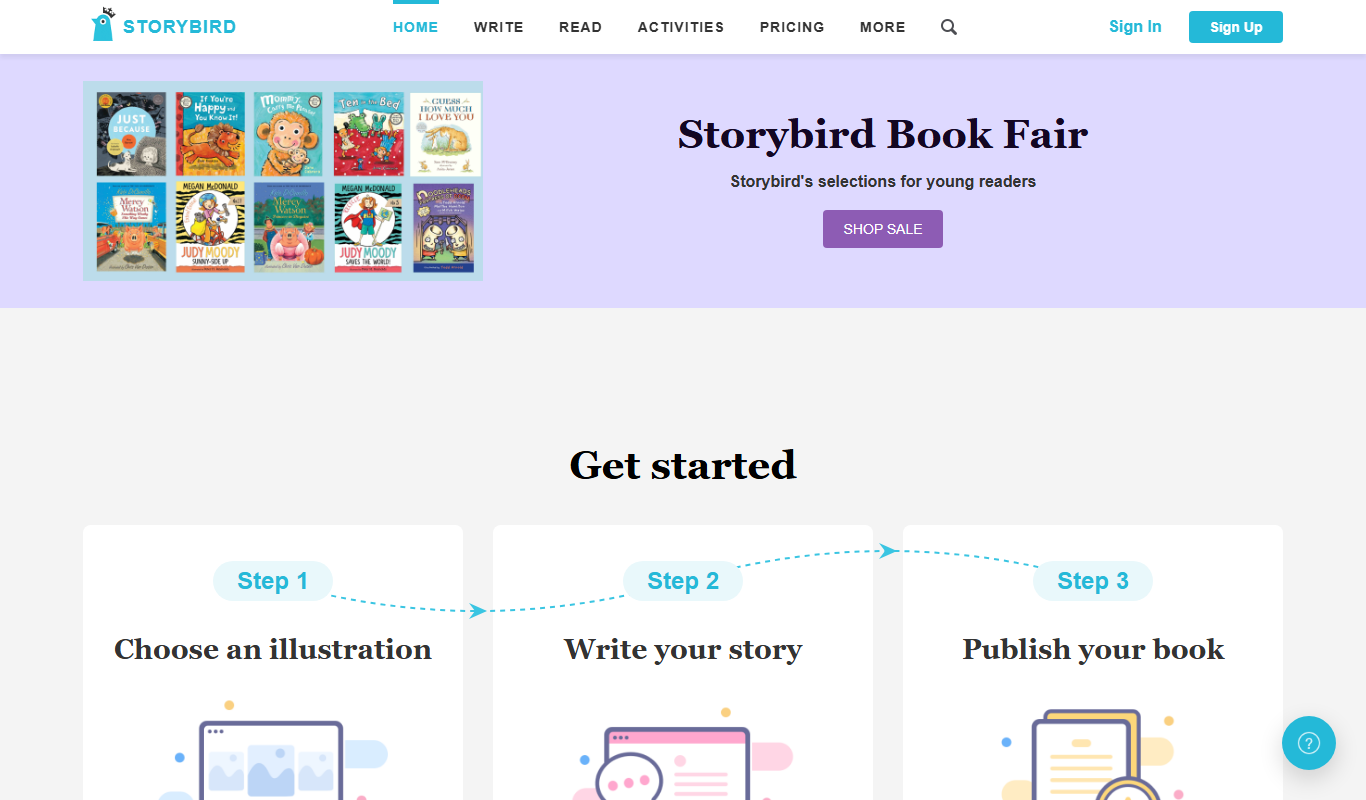
Storybird is an online platform that combines curated artwork with writing tools to help children and educators create, publish, and share illustrated stories and poems.

My Storybook
My Storybook is an AI-powered web platform that helps users create personalized children's storybooks by customizing characters and settings, generating narratives, and exporting printable books.
More AI Ai Tools tools
Other tools in the same category, for when this one is not quite the fit.

Ask AI questions
Ask AI Questions is a free web-based AI tool that generates instant answers to user-submitted questions without requiring registration or payment.

edraw ai
Edraw AI is an AI-powered diagramming tool by EdrawSoft that helps users create flowcharts, mind maps, and business diagrams efficiently with AI-assisted features and real-time collaboration.

afiniti.com
Afiniti is an AI-driven software that enhances call center performance by pairing customers with agents based on behavioral data to improve outcomes and customer satisfaction.

AI Names Generator
AI Names Generator is a free name generator at aithename.com that covers people, pet, fantasy and D&D names, not only company names.

Free AI Face Swap
Free AI Face Swap is a web-based tool that uses artificial intelligence to swap faces between two images realistically and for free, without requiring user registration.

VideoFaceSwap
VideoFaceSwap is a web-based AI tool that allows users to swap faces in videos realistically by uploading a video and a face image, then processing them with deep learning algorithms to produce natural-looking face replacements.

BestFaceSwap
BestFaceSwap is an online AI tool that swaps faces in photos and videos using deep learning, offering free and premium plans with realistic results.

Free Face Swap
Free Face Swap is an online face swap tool for photos and videos.