

My Storybook AI Story Generator for Personalized Children’s Books Online
My Storybook is an online picture book making tool where writers of all ages create and share storybooks with writing, illustrations and characters, with optional printed copies.
- Best for
- Personalized Children's Story Creation
- Key capability
- Create a Storybook
Save My Storybook, follow its updates and vote on it — everything stays in your account.
Sign in or create a free account
What is My Storybook?
My Storybook is an online picture book making tool that helps writers of all ages publish a storybook with writing, illustrations and characters. Creating and sharing stories is free, and the paid Authors and Educators memberships add unlimited high quality printed copies.
Key features of My Storybook
My Storybook offers storybook creation with writing, illustrations and characters, free creating and sharing, and paid memberships for high quality printed copies and classroom use.
Create a Storybook
Write a storybook and add illustrations and characters, with no AI generation involved.
Customizable Characters and Settings
Allows users to tailor stories to specific children’s preferences.
Illustration Tools
Includes options to add images and customize the visual aspect of the book.
User-Friendly Interface
Designed for ease of use by parents, educators, and children.
Export and Sharing Options
Supports saving stories as PDFs and sharing via digital platforms.
Pros and cons of My Storybook
Pros
- Easy-to-use interface suitable for all ages
- Personalized storytelling fosters child engagement
- Affordable premium plan with expanded features
- Supports exporting and printing of storybooks
Cons
- Limited illustration generation capabilities
- No dedicated mobile app for on-the-go use
- Currently supports only English language
Key use cases for My Storybook
Personalized Children's Story Creation
Create unique, customized stories for children by inputting characters, settings, and themes.
Educational Storytelling
Teachers use My Storybook as a fun space where students become confident storytellers.
Creative Writing Assistance
Help writers and parents generate story ideas and narratives quickly with AI support.
Gift and Keepsake Book Production
Design and print personalized storybooks as memorable gifts for children.
How My Storybook works
- 1
Start a New Story
Begin by choosing a story template or starting from scratch.
- 2
Customize Characters and Settings
Input details such as character names, traits, and story settings.
- 3
Write Your Story
Write the story text and add illustrations and characters.
- 4
Edit and Illustrate
Modify the story text and add illustrations or images.
- 5
Save, Print, or Share
Download the storybook as a PDF, print it, or share it digitally.
Who is using My Storybook
My Storybook pricing
Free
$0/month
Create and share your stories for free; upgrade later for printed stories.
Authors
From $10/month
Publish unlimited high quality printed copies of your storybooks.
Educators
$28/month
Unlimited printed copies for all your students, plus seamless classroom integration.
Plans and prices are as published by the vendor and can change. Check the official site before you buy. Open the pricing page (opens in a new tab)
Frequently asked questions about My Storybook
Yes, you can create and save multiple personalized stories for different children.
The platform provides illustration tools, but images are user-selected or uploaded rather than fully AI-generated.
Currently, My Storybook is accessible via web browsers; no dedicated mobile app is available.
Yes. After upgrading, press the Print Storybook button to export the storybook to Google Photos for a high quality printed Photobook, or get a PDF and print a booklet at home.
It depends on your specific needs and how you plan to use the tool. The official website and documentation are the best sources for the latest details.
Yes, it can help with that use case depending on how you configure it and what features are available. You’ll get the best results with clear inputs and a defined goal.
Some tools offer a free plan or trial with limited features. Availability can vary, so confirm on the official website.
Yes, it can help with that use case depending on how you configure it and what features are available. You’ll get the best results with clear inputs and a defined goal.
Conclusion
Stories here are written by their authors rather than generated: My Storybook is a picture book making tool where writers of all ages publish a storybook with their own writing, illustrations and characters. Creating and sharing stories is free, and an upgrade is only needed for printed stories. After upgrading, a Print Storybook button exports a book to Google Photos for a printed Photobook, or produces a PDF to print as a booklet at home.
Parents and teachers are the main audience, and teachers get a space where students become confident storytellers. The Authors membership adds unlimited high quality printed copies, the Educators plan extends printed copies to every student with classroom integration, and both can be tried for 7 days free. AI appears only in a separate lesson planning tool for teachers, LessonRobot.com.
Sources
Sign in to review this tool.
Sign In to ReviewNo reviews yet
Be the first to share how this tool worked for you.
Ask about pricing, limits, or how it compares — or answer someone else.
Sign In to AskNo questions yet
Have a question about using or paying for this tool? Be the first to ask.
Featured on TiorAI



Alternative Tools
Explore similar AI tools that might fit your needs

StoryJumper
StoryJumper is an online platform that enables users to create, narrate, and publish personalized children's books with an intuitive drag-and-drop editor and print-on-demand options.
Book Creator
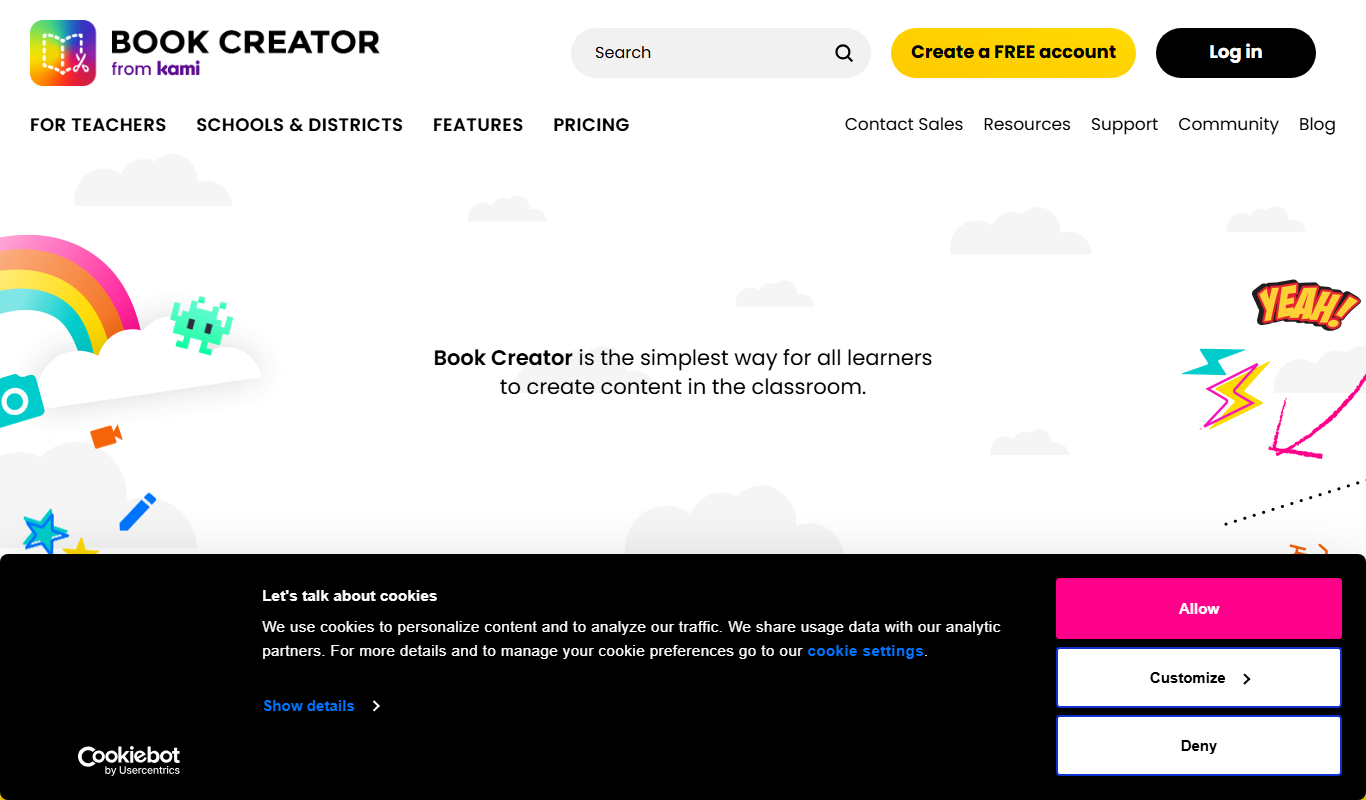
Book Creator is a digital platform for creating interactive ebooks and multimedia books, widely used in education for collaborative and accessible content creation.
Storybird
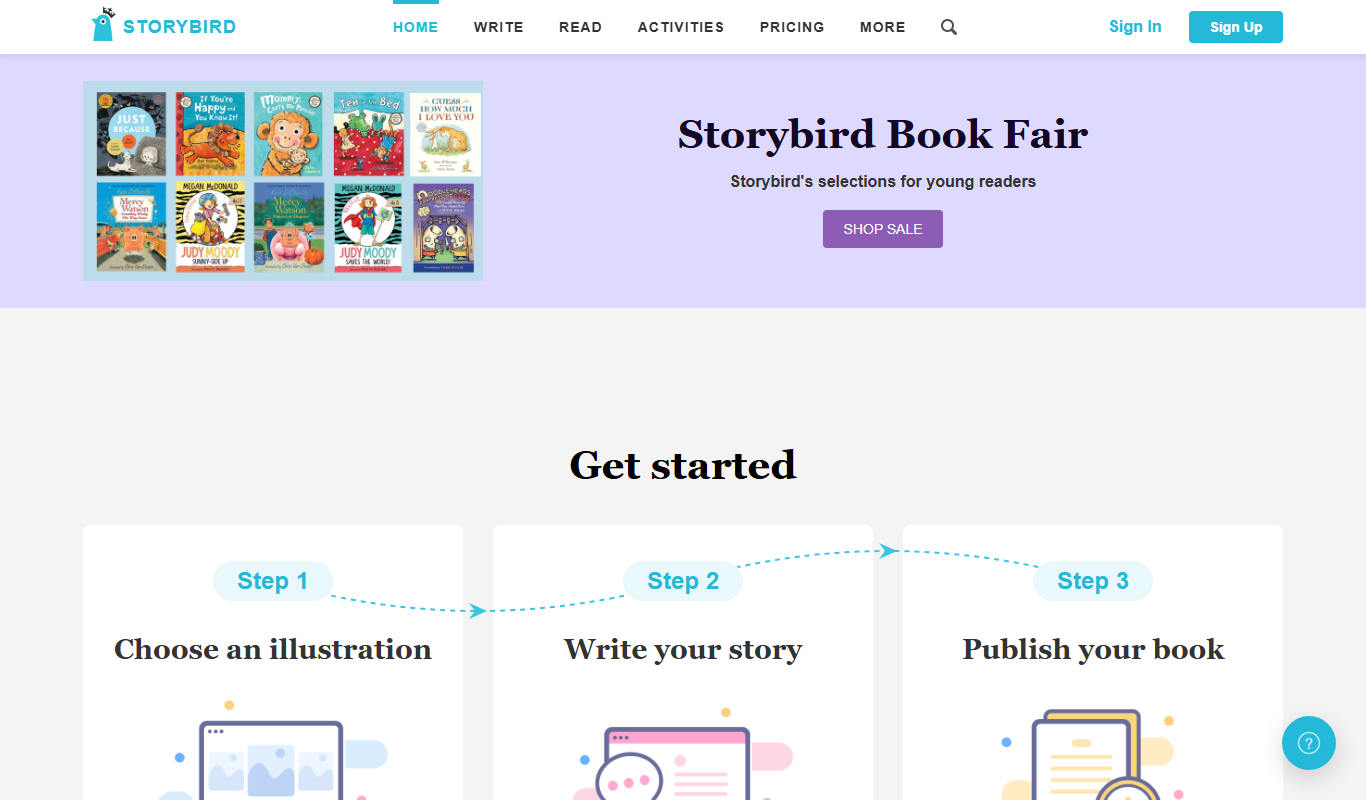
Storybird is an online platform that combines curated artwork with writing tools to help children and educators create, publish, and share illustrated stories and poems.
More AI Book Writing tools
Other tools in the same category, for when this one is not quite the fit.

Colorin AI
Colorin AI is an AI coloring book generator that batch-generates pages with consistent characters and exports print-ready PDFs for KDP and Etsy.

AIStoryBuilders
AI Story Builders is AI-powered novel writing software that organizes characters, locations and timelines in a database so the AI can write continuations, rewrites and inspiration that fit your story.

First Book ai
First Book ai turns your expertise into a professionally structured nonfiction business book, chapter by chapter, in your voice, with one-time credit pricing.
Sudowrite
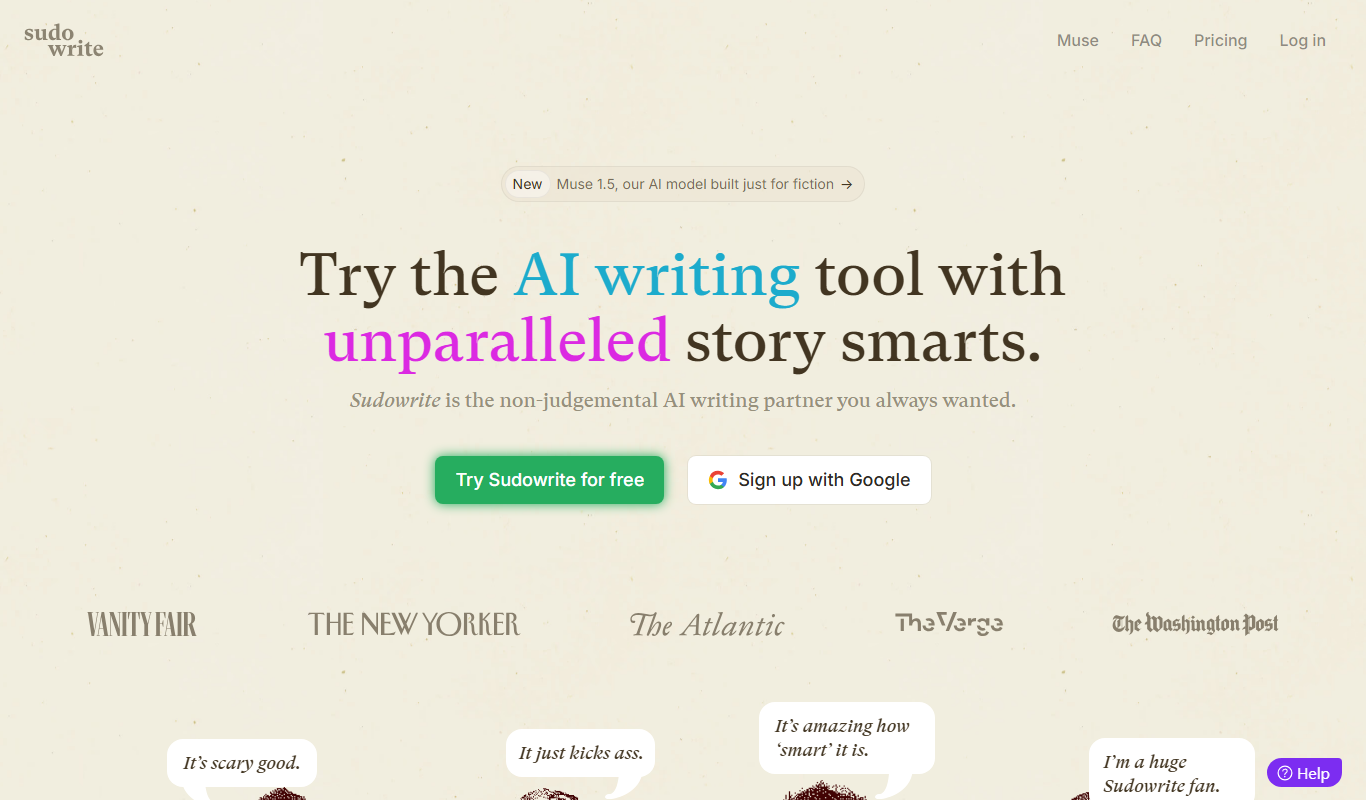
Sudowrite is an AI writing assistant designed to help writers brainstorm, expand, and improve their writing by generating creative suggestions and overcoming writer's block.

StoryBooks
Storybooks creates personalized, illustrated children's stories that build literacy, creativity and social-emotional intelligence, for parents, teachers and writers.
AI Book Writer
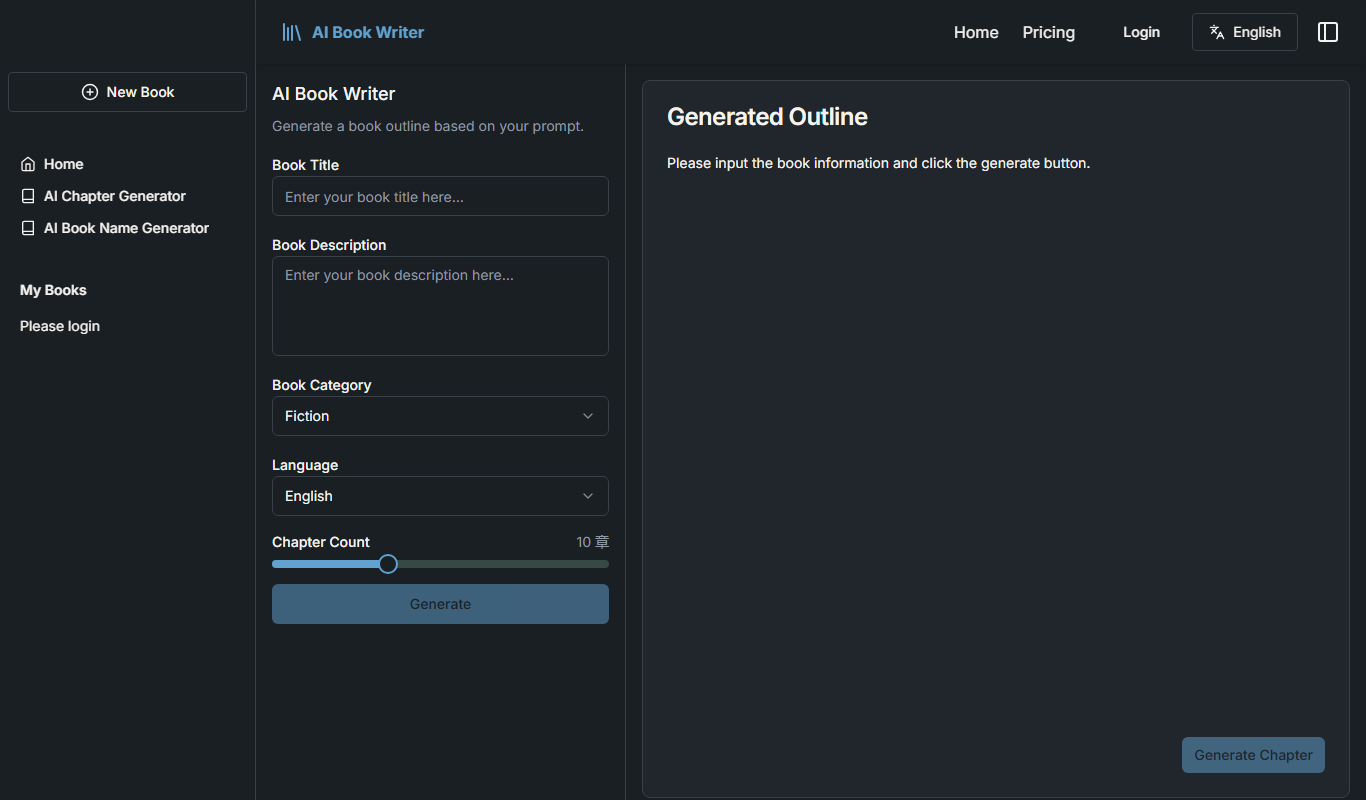
AI Book Writer is a web-based AI tool that assists authors in generating, expanding, and editing book content to streamline the writing process.

Kidzbook
Kidzbook is an AI-driven platform that creates personalized, interactive storybooks for children, enhancing reading and creativity through tailored storytelling.

Squibler
Squibler is an AI book and novel writer that lets you write books, novels and screenplays by chatting with AI.