

From my experience with Squibler, it stands out as a practical writing platform that balances simplicity with powerful features tailored for authors and screenwriters. The real-time collaboration and storyboarding tools make it especially useful for teams and writers who like to visualize their story structure. While the lack of a permanent free tier and limited language support are drawbacks, the platform’s clean interface and export options provide a smooth writing workflow. Overall, Squibler is a solid choice for writers seeking an integrated environment for novel and screenplay creation.
Squibler Writing Software for Authors and Screenwriters with Collaboration Tools
Squibler is an online writing software designed for authors and screenwriters, featuring real-time collaboration, screenplay formatting, and storyboarding tools to streamline the writing process.
- Best for
- Novel Writing
- Key capability
- Real-Time Collaboration
Your actions
Save Squibler, follow its updates and vote on it — everything stays in your account.
Sign in or create a free account
What is Squibler?
Squibler is an online writing platform designed to streamline the creative process for authors, screenwriters, and content creators. It combines writing, outlining, and collaboration features into a single intuitive interface, enabling users to write novels, screenplays, and other long-form content efficiently. Squibler supports real-time collaboration, making it easy for teams to co-author and edit documents together.
Key features of Squibler
Squibler offers a clean writing environment with powerful outlining tools, screenplay formatting, real-time collaboration, version control, and export options. Its user-friendly interface helps writers focus on storytelling while managing complex projects with ease.
Real-Time Collaboration
Multiple users can edit and comment simultaneously, improving teamwork and feedback.
Screenplay Formatting
Built-in templates and formatting tools tailored for professional screenwriting.
Outline and Storyboarding Tools
Visual tools to map out story arcs, chapters, and scenes for better narrative structure.
Version Control
Track changes and revert to previous drafts easily to manage revisions.
Export Options
Export projects in various formats including PDF, DOCX, and Final Draft compatible files.
Pros and cons of Squibler
Pros
- Intuitive interface tailored for writers
- Strong collaboration features for teams
- Supports multiple writing formats including screenplays
- Comprehensive outlining and storyboarding tools
- Version control simplifies editing process
Cons
- No permanently free plan after trial ends
- Limited language support (English only)
- Mobile apps have fewer features than web version
Key use cases for Squibler
Novel Writing
Helps authors organize, write, and edit novels with chapter and scene management.
Screenwriting
Provides screenplay formatting and tools tailored for scriptwriters.
Collaborative Writing
Enables multiple users to work together on writing projects in real time.
Storyboarding
Allows writers to outline and visualize story arcs and plot points.
Editing and Revising
Offers tools for editing drafts and tracking changes efficiently.
How Squibler works
- 1
Create an Account
Sign up on Squibler’s website to start a free trial or choose a subscription plan.
- 2
Start a Project
Select the type of writing project (novel, screenplay, etc.) and begin outlining or writing.
- 3
Write and Organize
Use Squibler’s editor to write chapters or scenes, organize story elements, and add notes.
- 4
Collaborate
Invite collaborators to edit and comment on your project in real time.
- 5
Export and Publish
Export your work in multiple formats like PDF, Word, or screenplay formats for publishing or submission.
Who is using Squibler
Authors and novelists
Screenwriters and scriptwriters
Writing teams and collaborators
Content creators and bloggers
Students and educators in creative writing
Squibler pricing
Free Trial
$0 for 7 days
Access to all features for a limited time to evaluate the platform.
Monthly Subscription
$8.99/month
Full access to all features billed monthly.
Annual Subscription
$89.99/year
Full access to all features billed annually at a discounted rate.
Plans and prices are as published by the vendor and can change. Check the official site before you buy. Open the pricing page (opens in a new tab)
Frequently asked questions about Squibler
Yes, Squibler supports real-time collaboration allowing multiple users to edit and comment on projects.
Yes, it includes built-in screenplay templates and formatting tools compliant with industry standards.
Squibler offers a 7-day free trial but does not have a permanently free tier.
Yes, you can export your projects in PDF, DOCX, and Final Draft compatible formats.
This tool is designed to help users accomplish its core tasks more efficiently. It is typically used by individuals or teams looking to improve productivity and workflow.
Yes, it can help with that use case depending on how you configure it and what features are available. You’ll get the best results with clear inputs and a defined goal.
Pricing depends on the plan and included features. For the most accurate and up-to-date details, check the official pricing page.
Yes, it can help with that use case depending on how you configure it and what features are available. You’ll get the best results with clear inputs and a defined goal.
Sign in to review this tool.
Sign In to ReviewNo reviews yet
Be the first to share how this tool worked for you.
Ask about pricing, limits, or how it compares — or answer someone else.
Sign In to AskNo questions yet
Have a question about using or paying for this tool? Be the first to ask.
Featured on TiorAI



Alternative Tools
Explore similar AI tools that might fit your needs
Free
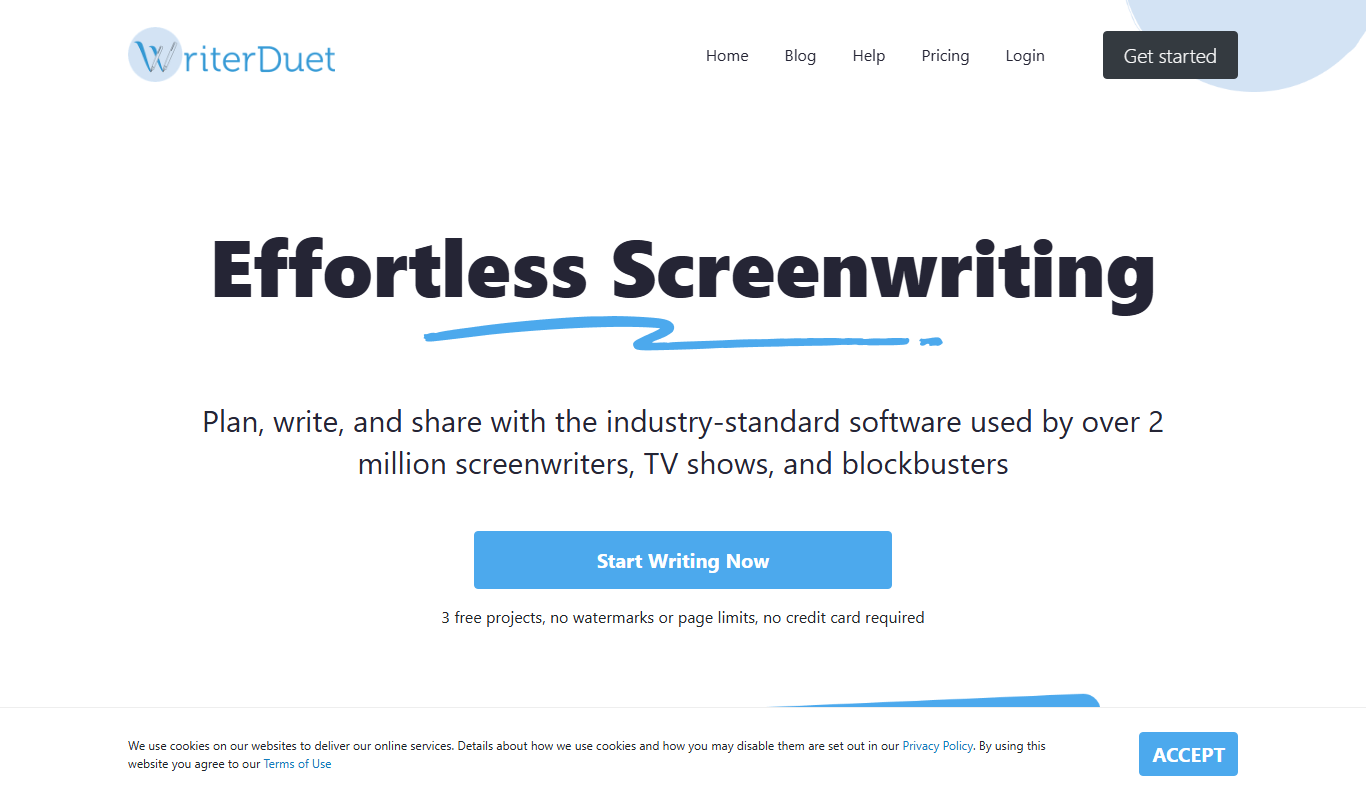
WriterDuet
WriterDuet is a cloud-based screenwriting software that enables multiple writers to collaborate in real time with automatic script formatting and offline capabilities.
More AI Book Writing tools
Other tools in the same category, for when this one is not quite the fit.

One-time payment
Sqribble
Sqribble is a web-based AI ebook generator that enables users to create professional ebooks quickly using customizable templates, drag-and-drop editing, and content import features, exporting in multiple formats like PDF and Kindle.

Free
Campfire
Campfire is writing and worldbuilding software for authors, with modules such as Manuscript, Characters, Timeline, Maps, Calendar and Encyclopedia.

Free
KidsAIStory
KidsAIStory is a tool for parents to create personalized illustrated children's books, not a platform where children write their own stories.
Free
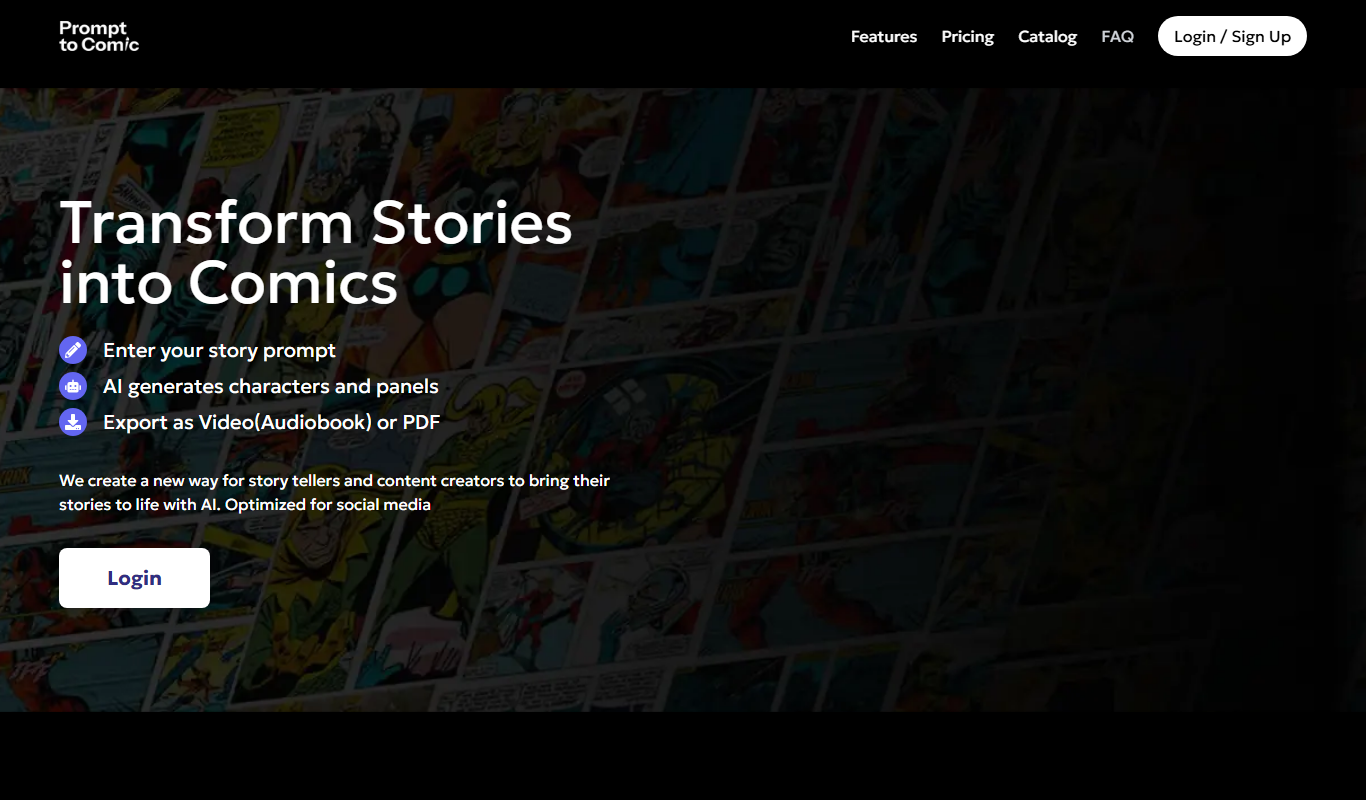
PromptToComicAI
PromptToComicAI is an AI-powered web tool that converts text prompts into comic-style images, enabling users to create visual stories without drawing skills.

Free
InstaNovel AI
InstaNovel AI is a mini-novel generator that produces 4-6 chapters with illustrations, with a waiting queue for free users.

Free
Book AI
Book AI generates a complete book (10 thousand to 150 thousand words) in one request, intended for sale, rather than acting as a writing assistant that gives suggestions.

Free
Notebook.ai
Notebook.ai is an online worldbuilding and writing tool that helps authors and creatives organize fictional worlds, characters, and stories using modular templates, cross-referencing, and collaboration features.

Free
Whichbook
Whichbook is a free online platform that recommends books based on user-selected mood and thematic sliders, helping readers find personalized book suggestions beyond traditional genres.