

Notebook.ai worldbuilding software for writers and creative projects
Notebook.ai is an online worldbuilding and writing tool that helps authors and creatives organize fictional worlds, characters, and stories using modular templates, cross-referencing, and collaboration features.
- Best for
- Worldbuilding for Fiction
- Key capability
- Modular Worldbuilding Templates
Save Notebook.ai, follow its updates and vote on it — everything stays in your account.
Sign in or create a free account
What is Notebook.ai?
Notebook.ai is an online worldbuilding and writing platform designed to help authors, game masters, and creatives organize and develop fictional universes, characters, and stories. It provides structured templates and tools to capture detailed information about settings, characters, items, and more, all in one accessible place.
Key features of Notebook.ai
Notebook.ai offers modular sections for worldbuilding elements such as locations, characters, items, and lore. It supports rich text editing, tagging, and cross-referencing between entries. The platform also includes timeline management, privacy controls, and export options to streamline creative workflows.
Modular Worldbuilding Templates
Predefined templates for locations, characters, items, and more to organize complex fictional data.
Cross-Referencing and Tagging
Link related entries and tag content for easy navigation and contextual connections.
Timeline and Event Management
Track important events and timelines to maintain story consistency.
Privacy and Collaboration Controls
Set visibility for entries and invite collaborators with different permission levels.
Export Options
Export your world data in various formats for offline access or integration.
Pros and cons of Notebook.ai
Pros
- Intuitive modular templates tailored for worldbuilding
- Flexible privacy and collaboration controls
- Affordable pricing with a functional free tier
- Cross-referencing enhances story cohesion
- Web-based access without software installation
Cons
- Limited offline functionality
- No dedicated mobile apps
- Some advanced features require paid subscription
Key use cases for Notebook.ai
Worldbuilding for Fiction
Create detailed fictional worlds including geography, cultures, and histories to enrich storytelling.
Character Development
Organize and develop complex characters with customizable attributes and relationships.
Story Planning
Outline plots, timelines, and events to structure narratives effectively.
Campaign Management for RPGs
Manage tabletop role-playing game campaigns with integrated notes on settings, NPCs, and quests.
Collaborative Creative Projects
Share and collaborate on worldbuilding and story elements with team members or co-creators.
How Notebook.ai works
- 1
Create an Account
Sign up on the Notebook.ai website to start building your worlds and stories.
- 2
Set Up Your World
Use customizable templates to add locations, characters, items, and other world elements.
- 3
Organize and Link Entries
Cross-reference related entries and build a cohesive narrative structure.
- 4
Collaborate and Share
Invite collaborators or keep your work private with flexible sharing settings.
- 5
Export and Use
Export your data for offline use or integrate it into your writing and game materials.
Who is using Notebook.ai
Notebook.ai pricing
Free
$0/month
Access to basic worldbuilding features with limited storage and entries.
Pro
$5/month
Unlimited entries, advanced export options, and priority support.
Pro Plus
$10/month
All Pro features plus additional customization and collaboration tools.
Plans and prices are as published by the vendor and can change. Check the official site before you buy. Open the pricing page (opens in a new tab)
Frequently asked questions about Notebook.ai
Yes, Notebook.ai offers a free plan with basic features and limited storage.
Yes, you control the privacy settings of your entries and can keep your work private or share selectively.
Yes, paid plans include collaboration features allowing you to invite others with different permission levels.
Notebook.ai supports exporting your data in formats like PDF and JSON for offline use.
This tool is designed to help users accomplish its core tasks more efficiently. It is typically used by individuals or teams looking to improve productivity and workflow.
Some tools offer a free plan or trial with limited features. Availability can vary, so confirm on the official website.
Yes, it can help with that use case depending on how you configure it and what features are available. You’ll get the best results with clear inputs and a defined goal.
Data handling and security practices vary by provider. Review the official privacy policy to understand how your data is stored and used.
Conclusion
Each fictional world is assembled from customizable templates for locations, characters, items and other elements, which can then be cross-referenced and tagged. Tabletop RPG game masters can manage campaigns with notes on settings, NPCs and quests, while authors and novelists develop characters and outline plots.
Visibility can be set per entry, collaborators can be invited with different permission levels, and world data can be exported for offline access. A free plan gives basic worldbuilding features with limited storage and entries, and paid plans are also offered.
Sources
Sign in to review this tool.
Sign In to ReviewNo reviews yet
Be the first to share how this tool worked for you.
Ask about pricing, limits, or how it compares — or answer someone else.
Sign In to AskNo questions yet
Have a question about using or paying for this tool? Be the first to ask.
Featured on TiorAI



More AI Book Writing tools
Other tools in the same category, for when this one is not quite the fit.

KidsAIStory
KidsAIStory is a tool for parents to create personalized illustrated children's books, not a platform where children write their own stories.
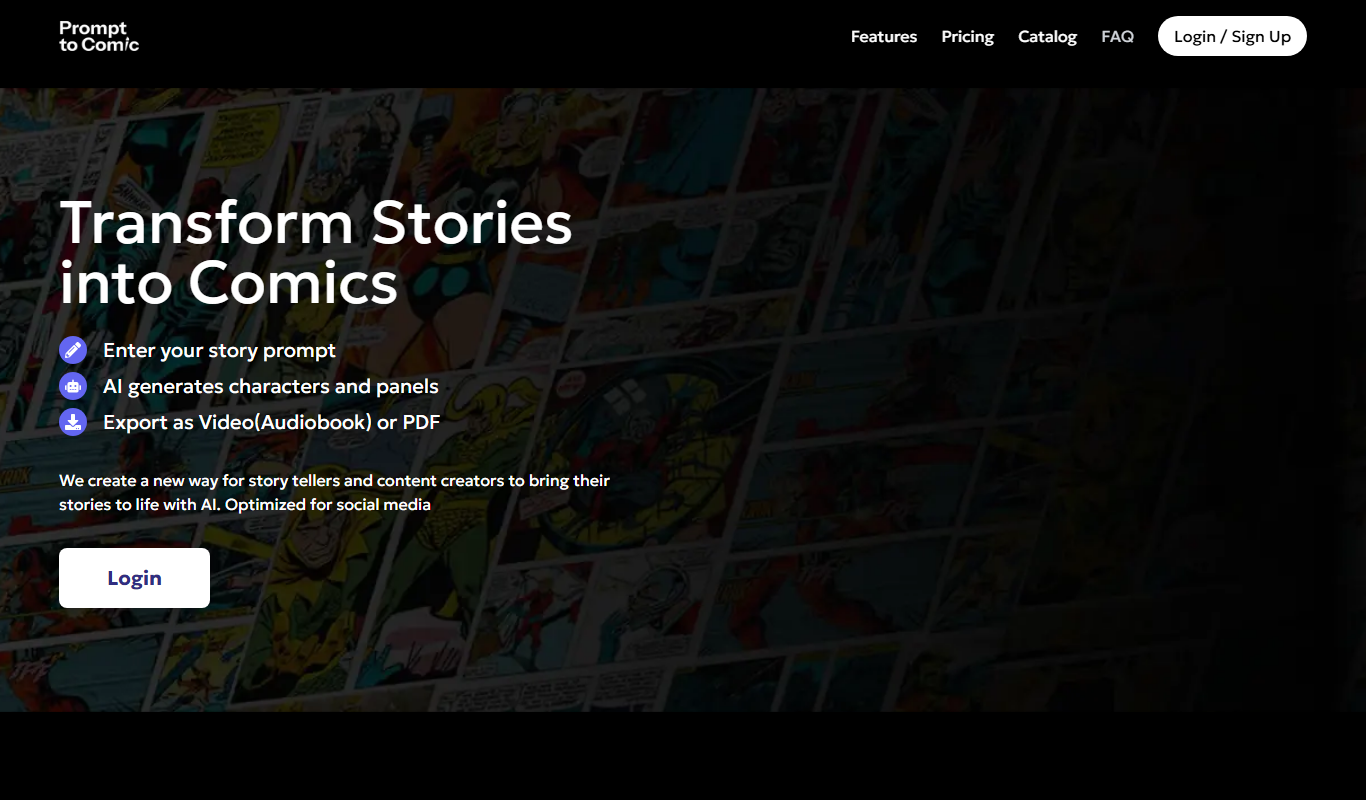
PromptToComicAI
PromptToComicAI is an AI-powered web tool that converts text prompts into comic-style images, enabling users to create visual stories without drawing skills.

InstaNovel AI
InstaNovel AI is a mini-novel generator that produces 4-6 chapters with illustrations, with a waiting queue for free users.

Book AI
Book AI generates a complete book (10 thousand to 150 thousand words) in one request, intended for sale, rather than acting as a writing assistant that gives suggestions.

Whichbook
Whichbook is a free online platform that recommends books based on user-selected mood and thematic sliders, helping readers find personalized book suggestions beyond traditional genres.

Plottr
Plottr is a visual story planning tool designed to help writers outline novels, develop characters, and organize multi-book series with drag-and-drop timelines and customizable templates.

Dabble Writer
Dabble Writer is a novel writing software designed to help authors plan, write, and organize their stories with tools like a plot grid, character profiles, and cloud syncing.

StoryJumper
StoryJumper is an online platform that enables users to create, narrate, and publish personalized children's books with an intuitive drag-and-drop editor and print-on-demand options.