

StoryJumper Online Platform for Creating and Publishing Children's Books
StoryJumper is an online platform that enables users to create, narrate, and publish personalized children's books with an intuitive drag-and-drop editor and print-on-demand options.
- Best for
- Children's Book Creation
- Key capability
- Drag-and-Drop Book Editor
Save StoryJumper, follow its updates and vote on it — everything stays in your account.
Sign in or create a free account
What is StoryJumper?
StoryJumper is an online platform designed to help users create, publish, and share personalized children’s books. It provides an easy-to-use digital book creator that allows users to write stories, add illustrations, and customize layouts without needing design or coding skills. The platform supports educational storytelling, creative writing, and digital publishing, making it popular among educators, parents, and aspiring authors.
Key features of StoryJumper
StoryJumper offers a drag-and-drop book editor, a library of clip art and backgrounds, options to upload personal images, collaboration tools, and the ability to publish books online or order printed copies. It also includes features for narration and audio recording to enhance storybooks.
Drag-and-Drop Book Editor
Intuitive interface for creating and arranging story pages with text and images.
Extensive Clip Art Library
Access to a wide variety of illustrations and backgrounds to enrich stories.
Audio Narration
Record voice narration for each page to create interactive storybooks.
Collaboration Tools
Invite others to co-create and edit books together.
Digital Publishing and Printing
Publish books online or order professionally printed copies.
Pros and cons of StoryJumper
Pros
- User-friendly drag-and-drop interface
- Supports collaboration for group projects
- Offers print-on-demand physical book options
- Includes audio narration features
- Free plan available for basic use
Cons
- Limited language support (English only)
- Some advanced features require paid subscription
- Print costs can be high depending on order size
Key use cases for StoryJumper
Children's Book Creation
Users can create personalized children's books by adding text, images, and illustrations using an intuitive online editor.
Educational Storytelling
Teachers and parents can use StoryJumper to craft custom stories that support learning and literacy development.
Digital Publishing and Sharing
Authors and creators can publish their books digitally, share them online, or order printed copies.
Collaborative Story Projects
Multiple users can collaborate on book projects, making it useful for classrooms and group activities.
How StoryJumper works
- 1
Create an Account
Sign up for a free StoryJumper account to start creating books.
- 2
Start a New Book
Use the online editor to add pages, write text, and insert images or illustrations.
- 3
Customize and Enhance
Add backgrounds, clip art, and record narration to personalize your story.
- 4
Publish or Print
Publish your book online to share with others or order physical copies.
Who is using StoryJumper
StoryJumper pricing
Free
$0/month
Basic book creation with access to standard features and limited publishing options.
Premium
$9.99/month
Additional features including expanded clip art, collaboration, and priority support.
Print on Demand
Varies per order
Option to order physical copies of books with professional printing and shipping fees.
Plans and prices are as published by the vendor and can change. Check the official site before you buy. Open the pricing page (opens in a new tab)
Frequently asked questions about StoryJumper
Yes, StoryJumper offers a free plan that allows you to create and publish books online with basic features.
Absolutely, it is designed to support educators and students with collaborative tools and educational resources.
Yes, StoryJumper provides print-on-demand services so you can order physical copies of your books.
Yes, you can record narration for each page to create interactive storybooks.
It depends on your specific needs and how you plan to use the tool. The official website and documentation are the best sources for the latest details.
Yes, it can help with that use case depending on how you configure it and what features are available. You’ll get the best results with clear inputs and a defined goal.
Some tools offer a free plan or trial with limited features. Availability can vary, so confirm on the official website.
Yes, it can help with that use case depending on how you configure it and what features are available. You’ll get the best results with clear inputs and a defined goal.
Conclusion
Books take shape page by page in an online editor, where text, images, backgrounds and clip art are arranged and a voice narration can be recorded for each page. Others can be invited to co-create and edit a book together, which suits classrooms and group activities. Parents making personalized books, teachers using storytelling in class and aspiring children’s book authors make up much of its user base.
Creating a book online costs nothing, and finished books can be published online to share with others. No Premium subscription exists, and StoryJumper charges only for printed books and eBooks. Physical copies are ordered through print-on-demand, and print costs can be high depending on order size.
Sources
Sign in to review this tool.
Sign In to ReviewNo reviews yet
Be the first to share how this tool worked for you.
Ask about pricing, limits, or how it compares — or answer someone else.
Sign In to AskNo questions yet
Have a question about using or paying for this tool? Be the first to ask.
Featured on TiorAI



Alternative Tools
Explore similar AI tools that might fit your needs
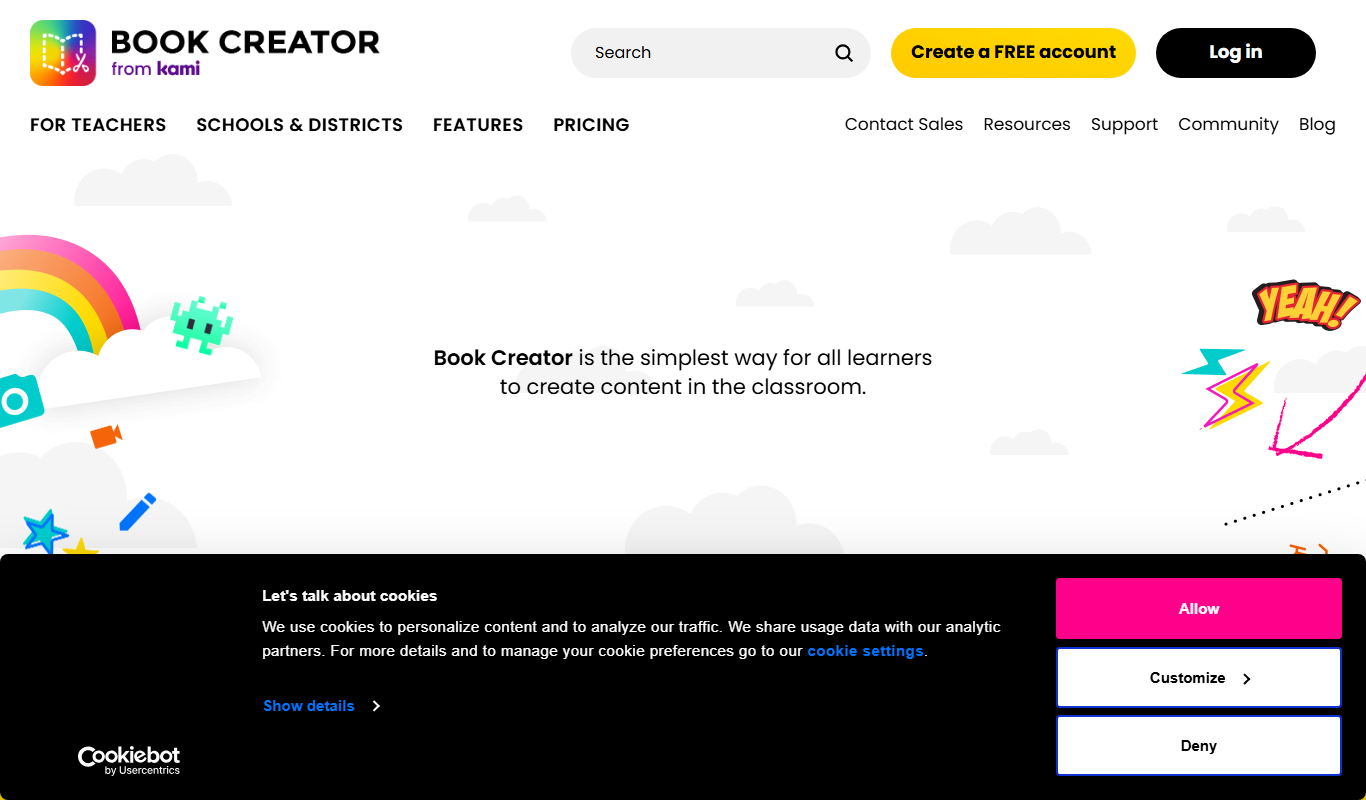
Book Creator
Book Creator is a digital platform for creating interactive ebooks and multimedia books, widely used in education for collaborative and accessible content creation.
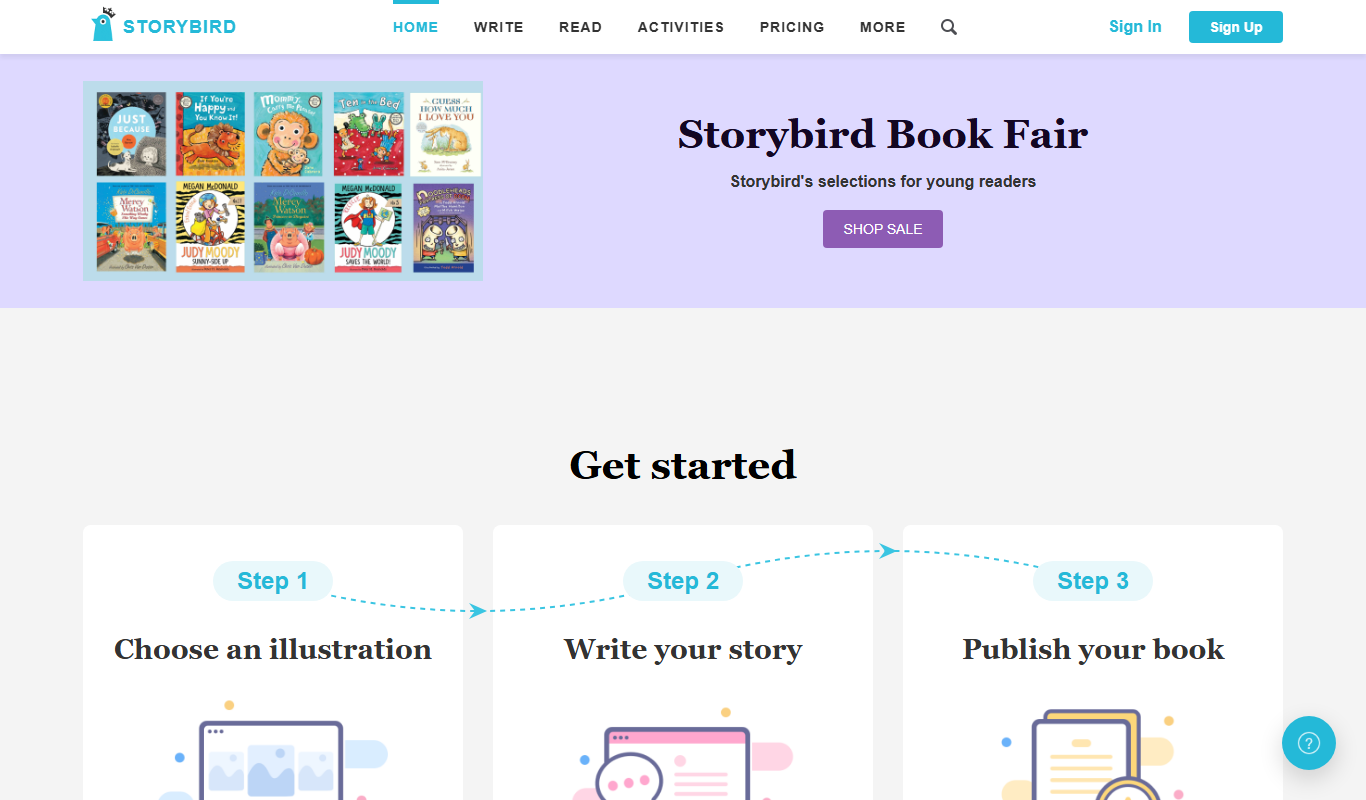
Storybird
Storybird is an online platform that combines curated artwork with writing tools to help children and educators create, publish, and share illustrated stories and poems.

My Storybook
My Storybook is an AI-powered web platform that helps users create personalized children's storybooks by customizing characters and settings, generating narratives, and exporting printable books.
More AI Book Writing tools
Other tools in the same category, for when this one is not quite the fit.

Sqribble
Sqribble is a web-based AI ebook generator that enables users to create professional ebooks quickly using customizable templates, drag-and-drop editing, and content import features, exporting in multiple formats like PDF and Kindle.

Campfire
Campfire is writing and worldbuilding software for authors, with modules such as Manuscript, Characters, Timeline, Maps, Calendar and Encyclopedia.

KidsAIStory
KidsAIStory is a tool for parents to create personalized illustrated children's books, not a platform where children write their own stories.
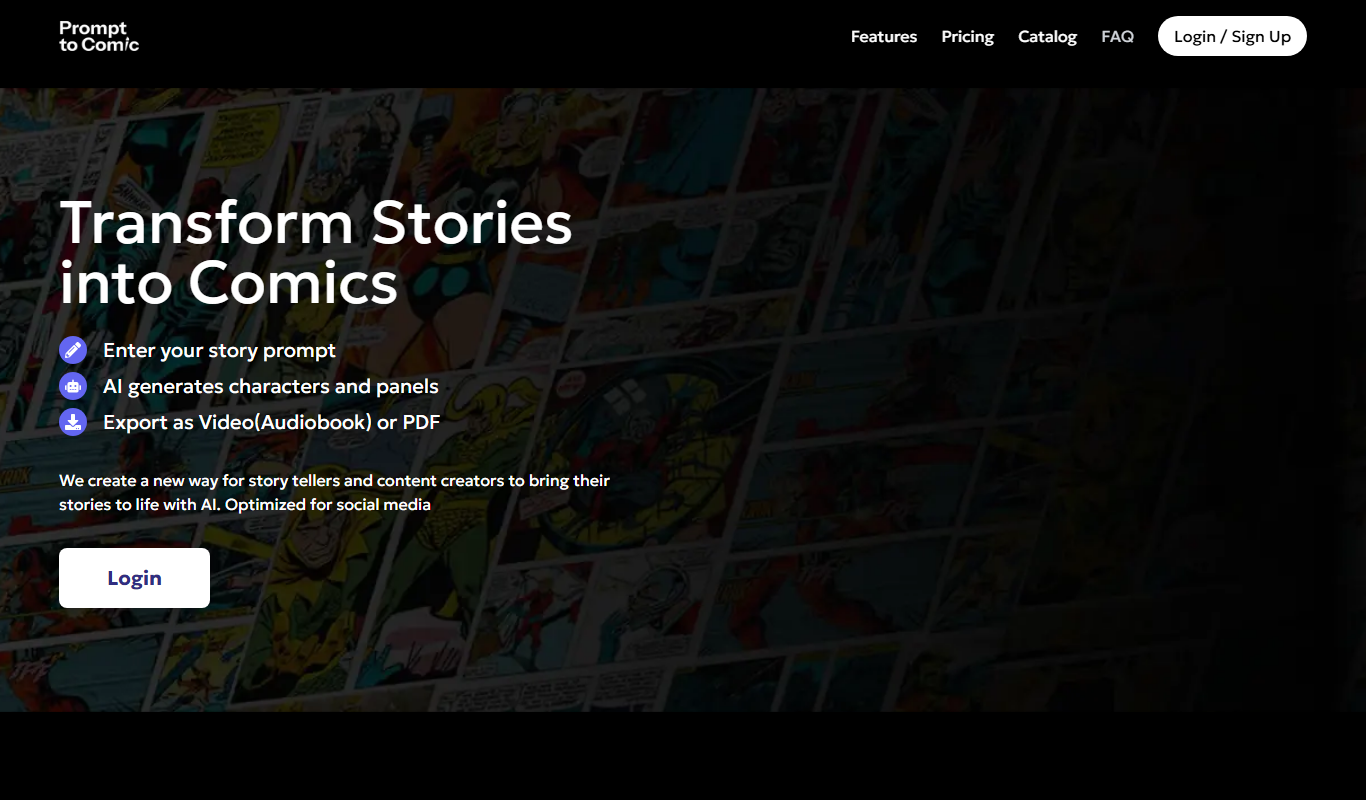
PromptToComicAI
PromptToComicAI is an AI-powered web tool that converts text prompts into comic-style images, enabling users to create visual stories without drawing skills.

InstaNovel AI
InstaNovel AI is a mini-novel generator that produces 4-6 chapters with illustrations, with a waiting queue for free users.

Book AI
Book AI generates a complete book (10 thousand to 150 thousand words) in one request, intended for sale, rather than acting as a writing assistant that gives suggestions.

Notebook.ai
Notebook.ai is an online worldbuilding and writing tool that helps authors and creatives organize fictional worlds, characters, and stories using modular templates, cross-referencing, and collaboration features.

Whichbook
Whichbook is a free online platform that recommends books based on user-selected mood and thematic sliders, helping readers find personalized book suggestions beyond traditional genres.