

Book Creator Platform for Interactive Digital Books and Educational Content
Book Creator is a digital platform for creating interactive ebooks and multimedia books, widely used in education for collaborative and accessible content creation.
- Best for
- Educational Content Creation
- Key capability
- Drag-and-Drop Editor
Save Book Creator, follow its updates and vote on it — everything stays in your account.
Sign in or create a free account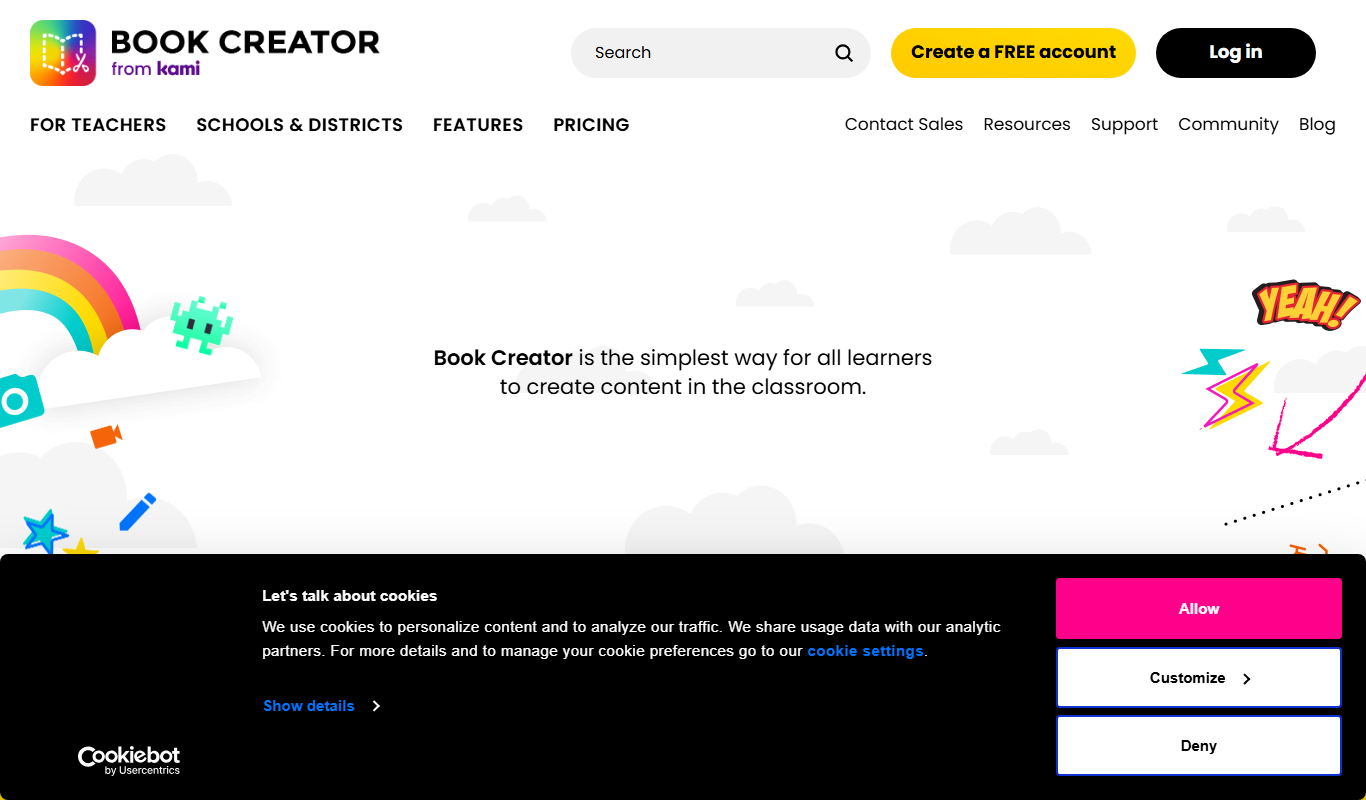
What is Book Creator?
Book Creator is an intuitive digital platform that enables users to create interactive ebooks and multimedia books. It is widely used in education to empower teachers and students to design, publish, and share digital content enriched with images, audio, video, and text. The platform supports collaboration and accessibility features, making it a versatile tool for storytelling, learning, and publishing.
Key features of Book Creator
Book Creator offers an easy-to-use drag-and-drop interface, multimedia embedding, real-time collaboration, accessibility options, and multi-format export including ePub and PDF. It supports classroom management and integrates with popular educational tools.
Drag-and-Drop Editor
Intuitive interface for adding and arranging multimedia content easily.
Multimedia Support
Embed images, audio recordings, videos, and drawings to enrich books.
Real-Time Collaboration
Multiple users can work on the same book simultaneously.
Accessibility Features
Supports read-aloud, dyslexia-friendly fonts, and other accessibility options.
Multi-Format Export
Export books as ePub, PDF, or share via web links for broad accessibility.
Pros and cons of Book Creator
Pros
- User-friendly drag-and-drop interface
- Supports rich multimedia content
- Real-time collaboration features
- Accessibility options for diverse learners
- Multiple export formats
Cons
- Free Starter plan is limited to 1 library with up to 40 books
- Advanced features require paid subscription
- No offline desktop app; requires internet connection
Key use cases for Book Creator
Educational Content Creation
Teachers and educators create interactive digital books and resources for classroom use.
Student Book Projects
Students design and publish their own multimedia books as part of learning assignments.
Digital Storytelling
Authors and storytellers produce engaging stories enhanced with audio, video, and images.
Collaborative Publishing
Groups collaborate on book projects in real-time, facilitating teamwork and shared creativity.
Accessible Publishing
Creators produce accessible ebooks with read-aloud features and multimedia support.
How Book Creator works
- 1
Create an Account
Sign up for a free or paid account on the Book Creator website or app.
- 2
Start a New Book
Choose a blank book or template and begin adding pages.
- 3
Add Content
Insert text, images, audio, video, and drawings using the drag-and-drop editor.
- 4
Collaborate and Edit
Invite others to edit or contribute to the book in real-time.
- 5
Publish and Share
Export your book as an ePub, PDF, or share it online with a link.
Who is using Book Creator
Book Creator pricing
Starter
$0/month
Free for individual teachers: 1 library with up to 40 books, unlimited students and core creativity features.
Premium
Starting at $14 per month
All Starter features plus unlimited libraries, 1000 books, real-time collaboration, Class View, a translation tool, over 900 page templates, co-teachers, an analytics map and in-app chat support.
Schools and Districts
Get a quote
Volume pricing discounts for 5+ teachers, Premium for all teachers, an admin dashboard, LMS, Clever and ClassLink integrations and a dedicated Teacher Success Manager.
Plans and prices are as published by the vendor and can change. Check the official site before you buy. Open the pricing page (opens in a new tab)
Frequently asked questions about Book Creator
Yes, Book Creator offers a free plan with limited features and books.
You can export books as ePub, PDF, or share them online via a web link.
Yes, its simple interface and multimedia support make it ideal for all ages.
Yes, real-time collaboration is supported on paid plans.
This tool is designed to help users accomplish its core tasks more efficiently. It is typically used by individuals or teams looking to improve productivity and workflow.
Some tools offer a free plan or trial with limited features. Availability can vary, so confirm on the official website.
Yes, it can help with that use case depending on how you configure it and what features are available. You’ll get the best results with clear inputs and a defined goal.
Yes, it can help with that use case depending on how you configure it and what features are available. You’ll get the best results with clear inputs and a defined goal.
Conclusion
A book starts blank or from a template, and pages are filled with text, images, audio, video and drawings in a drag-and-drop editor. Finished books can be published online, downloaded as an ePub file or printed as a PDF. Accessibility options include read-aloud and dyslexia-friendly fonts.
It is used mainly in education, by teachers and by students of all ages. Pricing is per teacher, with no cost per student and no limit on how many students join a teacher’s library. The free Starter plan gives an individual teacher 1 library with up to 40 books, and Premium adds unlimited libraries, 1000 books and real-time collaboration. Schools and districts get volume pricing for 5+ teachers, an admin dashboard and LMS integrations. The iPad app is priced separately from the online version.
Sources
Sign in to review this tool.
Sign In to ReviewNo reviews yet
Be the first to share how this tool worked for you.
Ask about pricing, limits, or how it compares — or answer someone else.
Sign In to AskNo questions yet
Have a question about using or paying for this tool? Be the first to ask.
Featured on TiorAI



Alternative Tools
Explore similar AI tools that might fit your needs
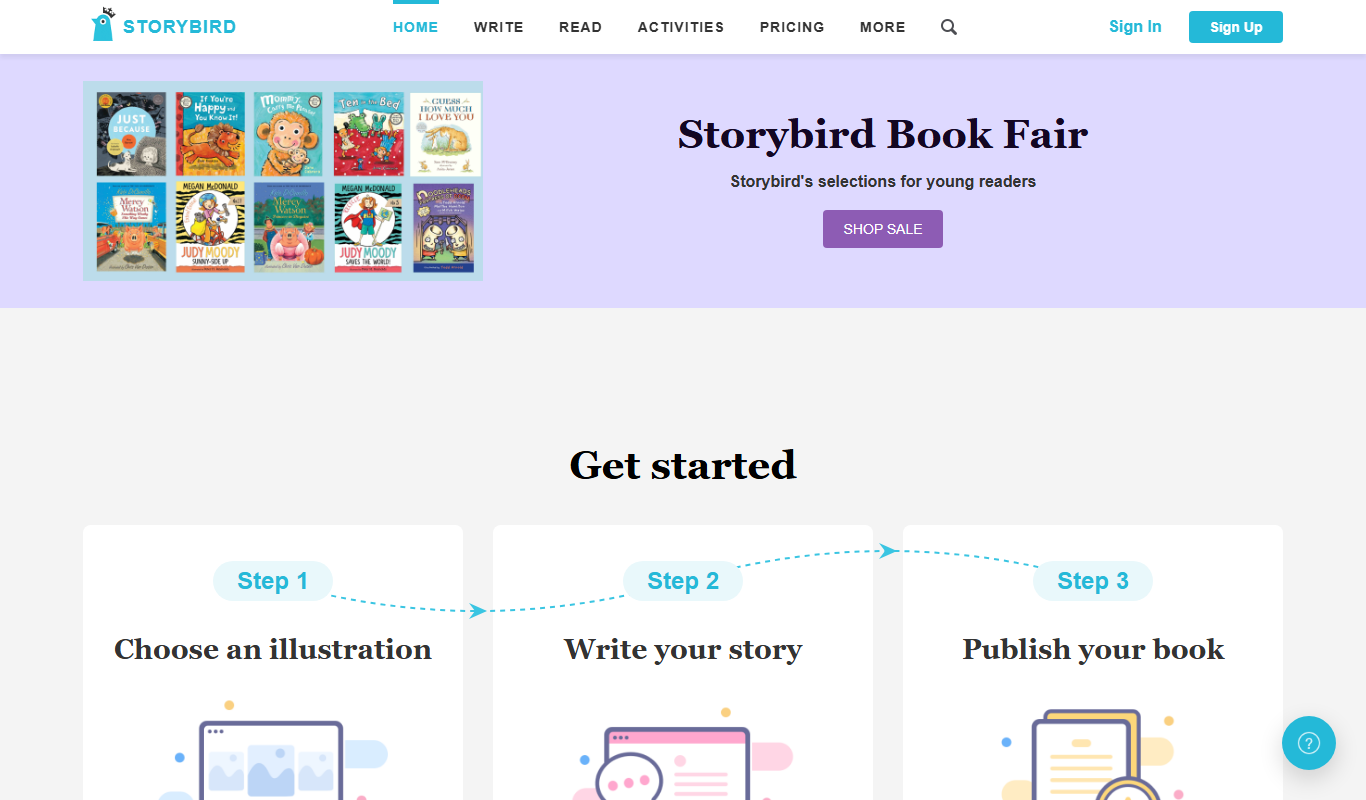
Storybird
Storybird is an online platform that combines curated artwork with writing tools to help children and educators create, publish, and share illustrated stories and poems.
More AI Book Writing tools
Other tools in the same category, for when this one is not quite the fit.

Sqribble
Sqribble is a web-based AI ebook generator that enables users to create professional ebooks quickly using customizable templates, drag-and-drop editing, and content import features, exporting in multiple formats like PDF and Kindle.

Campfire
Campfire is writing and worldbuilding software for authors, with modules such as Manuscript, Characters, Timeline, Maps, Calendar and Encyclopedia.

KidsAIStory
KidsAIStory is a tool for parents to create personalized illustrated children's books, not a platform where children write their own stories.
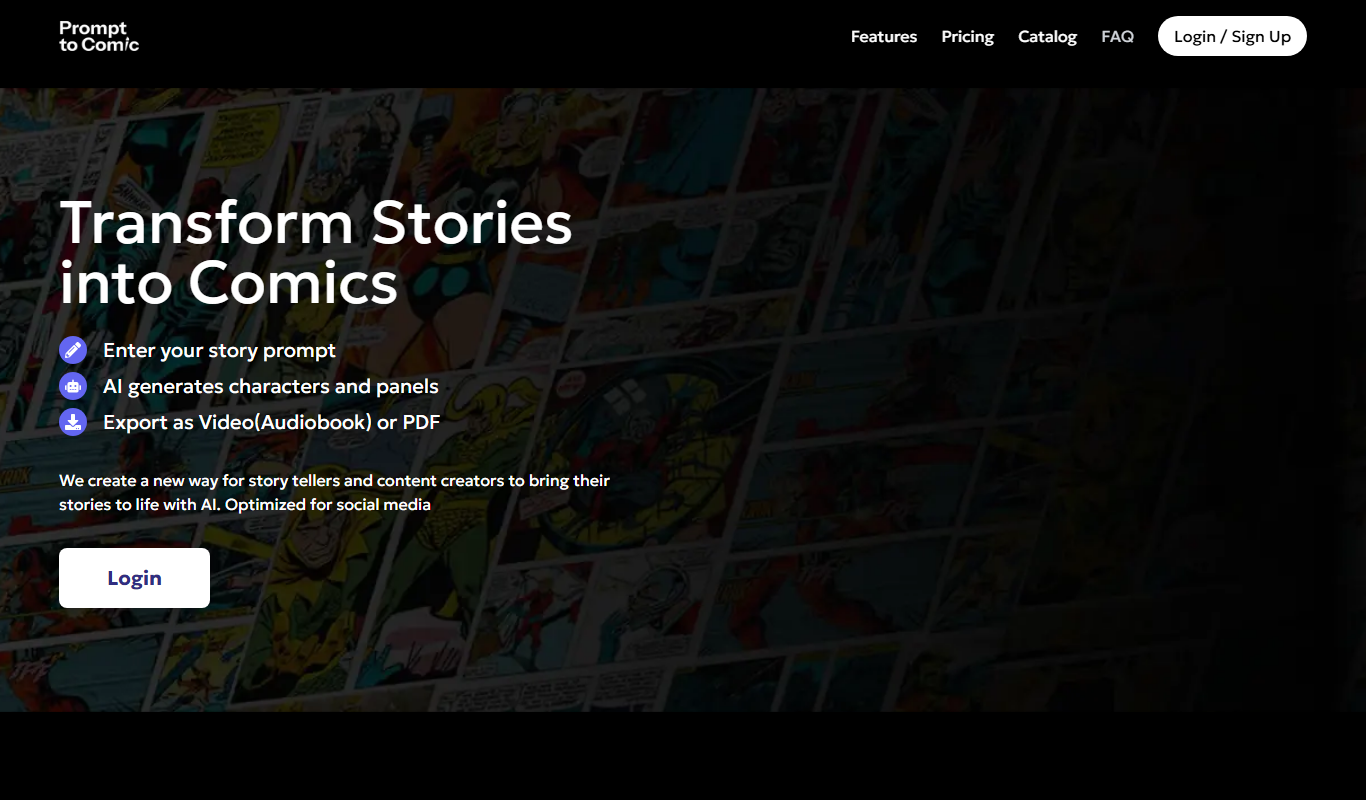
PromptToComicAI
PromptToComicAI is an AI-powered web tool that converts text prompts into comic-style images, enabling users to create visual stories without drawing skills.

InstaNovel AI
InstaNovel AI is a mini-novel generator that produces 4-6 chapters with illustrations, with a waiting queue for free users.

Book AI
Book AI generates a complete book (10 thousand to 150 thousand words) in one request, intended for sale, rather than acting as a writing assistant that gives suggestions.

Notebook.ai
Notebook.ai is an online worldbuilding and writing tool that helps authors and creatives organize fictional worlds, characters, and stories using modular templates, cross-referencing, and collaboration features.

Whichbook
Whichbook is a free online platform that recommends books based on user-selected mood and thematic sliders, helping readers find personalized book suggestions beyond traditional genres.