

From my experience with First Book AI, I found it excels at quickly generating personalized children’s stories that educators and parents can easily customize. The platform’s straightforward interface makes it accessible even for those without technical skills, which is a big plus in classroom or home settings. However, the tool currently supports only English and lacks a mobile app, which could limit flexibility for some users. Overall, if you need a practical solution to create engaging, age-appropriate storybooks that support literacy development, First Book AI delivers solid, user-friendly results.
First Book AI - AI-Powered Children's Storybook Creator for Educators
First Book AI is a web-based platform that uses artificial intelligence to generate personalized children's storybooks tailored to a child's age and interests, helping educators and parents support literacy development.
- Best for
- Creating Personalized Children's Books
- Key capability
- AI-Powered Story Generation
Your actions
Save First Book ai, follow its updates and vote on it — everything stays in your account.
Sign in or create a free account

What is First Book ai?
First Book AI is an AI-powered platform designed to help educators, parents, and caregivers create personalized children’s storybooks quickly and easily. By leveraging artificial intelligence, it generates unique stories tailored to a child’s interests, age, and reading level, making reading more engaging and accessible. The tool aims to support literacy development and foster a love of reading among young learners.
Key features of First Book ai
Key features include AI-generated story creation, customization options for characters and themes, age-appropriate language settings, and easy export or printing options for physical books. The platform is web-based and user-friendly, designed specifically for educators and parents to enhance children’s reading experiences.
AI-Powered Story Generation
Creates unique, personalized children's stories based on user inputs.
Customization Options
Allows editing of characters, themes, and story details to tailor the narrative.
Age-Appropriate Language
Adjusts story complexity to match the child's reading level.
Easy Export and Printing
Supports downloading stories as PDFs and printing physical books.
User-Friendly Interface
Designed for educators and parents with simple navigation and clear instructions.
Pros and cons of First Book ai
Pros
- Easy to use with minimal setup
- Generates personalized stories quickly
- Supports literacy and creativity
- Affordable subscription plan
- No special software required
Cons
- Limited language support (English only)
- Customization options could be more extensive
- No mobile app currently available
Key use cases for First Book ai
Creating Personalized Children's Books
Teachers and parents can generate customized storybooks tailored to children's interests and reading levels.
Supporting Literacy Development
The tool helps educators create engaging reading material to support early literacy and language skills.
Classroom Storytelling Activities
Facilitates interactive storytelling sessions by providing unique, AI-generated narratives.
Encouraging Creativity in Students
Students can use the platform to inspire their own stories or collaborate on creative writing projects.
How First Book ai works
- 1
Sign Up
Create a free account on the First Book AI website to access the story creation tools.
- 2
Input Preferences
Enter details such as the child’s name, interests, age, and preferred story themes.
- 3
Generate Story
The AI generates a personalized story based on the inputs, using age-appropriate language.
- 4
Customize and Edit
Users can modify characters, settings, and story elements to better suit their needs.
- 5
Download or Print
Export the storybook as a PDF or print it for physical reading.
Who is using First Book ai
Educators and teachers
Parents and caregivers
Early childhood literacy programs
Libraries and community centers
Homeschooling families
First Book ai pricing
Free
$0/month
Access to basic story creation features with limited customizations and downloads.
Pro
$9.99/month
Unlocks full customization, unlimited story generations, and high-quality exports.
Plans and prices are as published by the vendor and can change. Check the official site before you buy. Open the pricing page (opens in a new tab)
Frequently asked questions about First Book ai
Yes, you can create and save stories for as many children as you like.
Yes, the AI is designed to generate age-appropriate and child-friendly content.
Absolutely, the platform allows you to customize and edit stories before exporting.
No, it is a web-based tool accessible through any modern browser.
It depends on your specific needs and how you plan to use the tool. The official website and documentation are the best sources for the latest details.
It depends on your specific needs and how you plan to use the tool. The official website and documentation are the best sources for the latest details.
Yes, it can help with that use case depending on how you configure it and what features are available. You’ll get the best results with clear inputs and a defined goal.
Sign in to review this tool.
Sign In to ReviewNo reviews yet
Be the first to share how this tool worked for you.
Ask about pricing, limits, or how it compares — or answer someone else.
Sign In to AskNo questions yet
Have a question about using or paying for this tool? Be the first to ask.
Featured on TiorAI



Alternative Tools
Explore similar AI tools that might fit your needs
Free
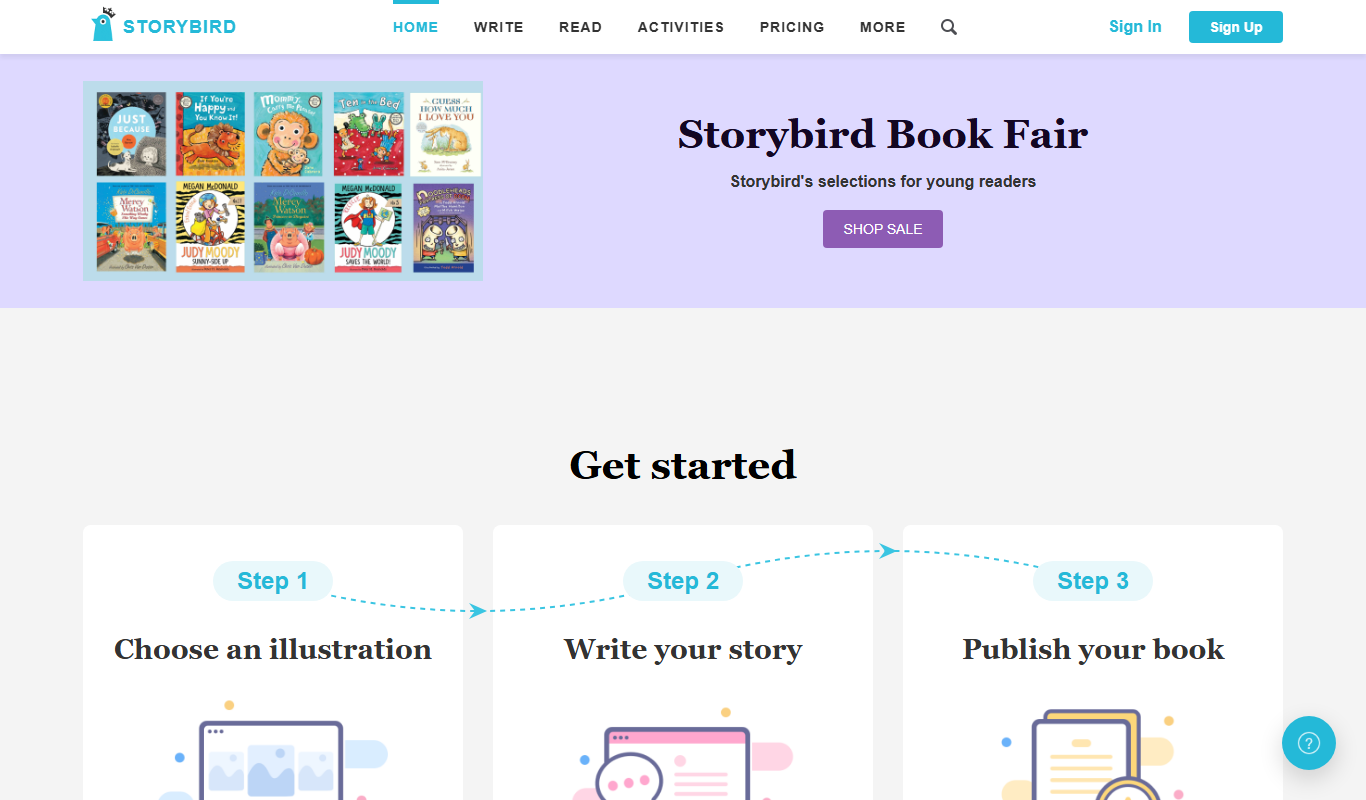
Storybird
Storybird is an online platform that combines curated artwork with writing tools to help children and educators create, publish, and share illustrated stories and poems.
Free
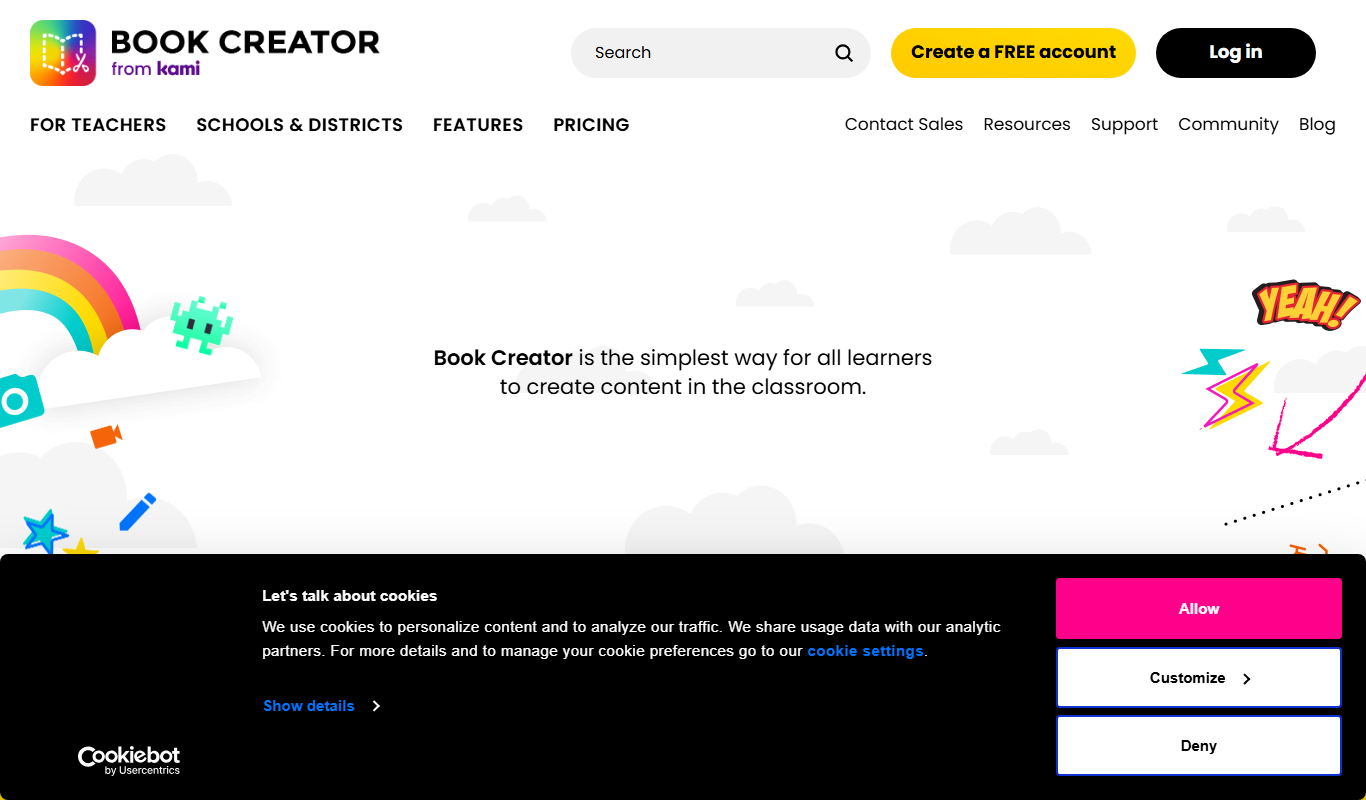
Book Creator
Book Creator is a digital platform for creating interactive ebooks and multimedia books, widely used in education for collaborative and accessible content creation.

Free
StoryJumper
StoryJumper is an online platform that enables users to create, narrate, and publish personalized children's books with an intuitive drag-and-drop editor and print-on-demand options.
More AI Book Writing tools
Other tools in the same category, for when this one is not quite the fit.

Freemium
LitCharts
LitCharts is an online platform providing detailed literature summaries, analyses, and educational resources to help students and educators understand and teach literary works effectively.

Subscription
Sumizeit
Sumizeit is an AI-powered platform that generates concise summaries of nonfiction books to help users quickly understand key concepts without reading the full text.

One-time payment
Sqribble
Sqribble is a web-based AI ebook generator that enables users to create professional ebooks quickly using customizable templates, drag-and-drop editing, and content import features, exporting in multiple formats like PDF and Kindle.

Free
Campfire
Campfire is writing and worldbuilding software for authors, with modules such as Manuscript, Characters, Timeline, Maps, Calendar and Encyclopedia.

Free
KidsAIStory
KidsAIStory is a tool for parents to create personalized illustrated children's books, not a platform where children write their own stories.
Free
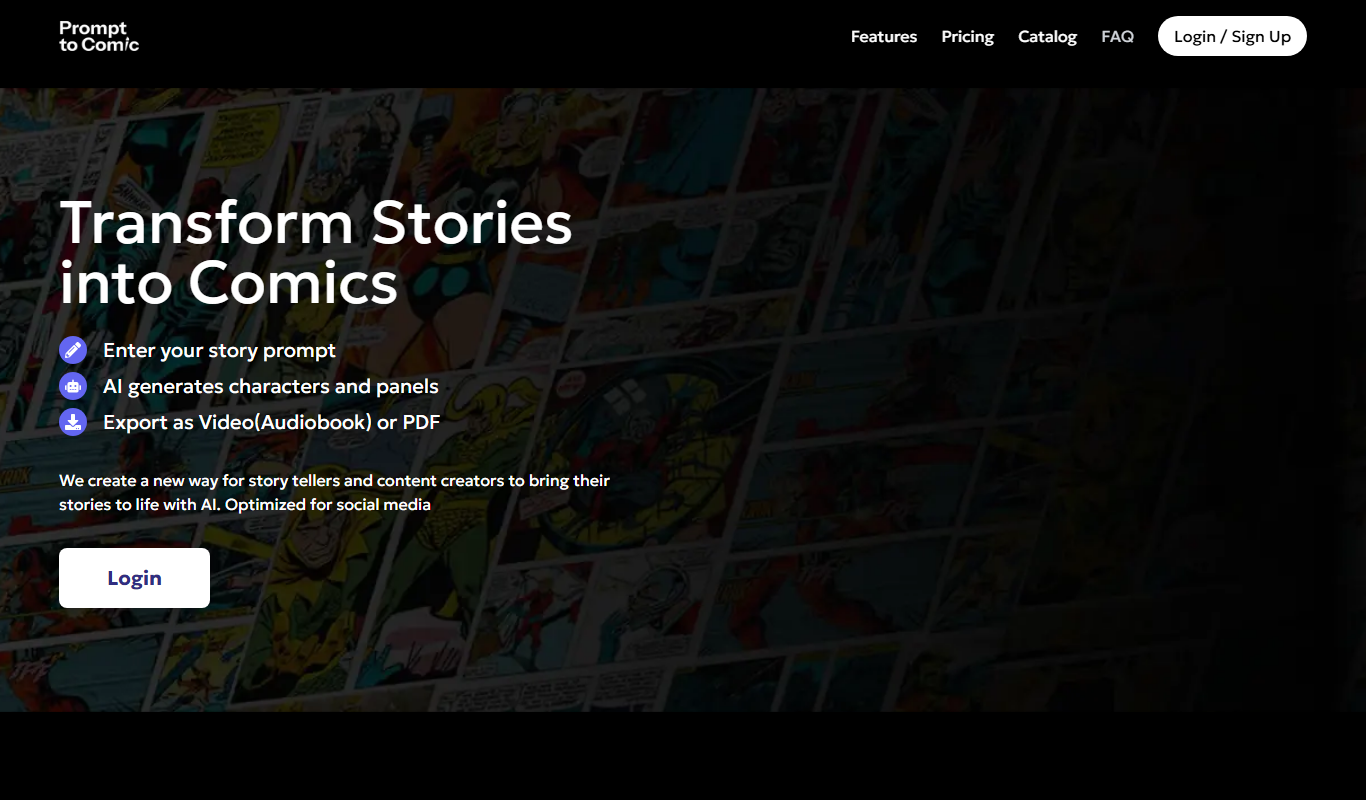
PromptToComicAI
PromptToComicAI is an AI-powered web tool that converts text prompts into comic-style images, enabling users to create visual stories without drawing skills.

Free
InstaNovel AI
InstaNovel AI is a mini-novel generator that produces 4-6 chapters with illustrations, with a waiting queue for free users.

Free
Book AI
Book AI generates a complete book (10 thousand to 150 thousand words) in one request, intended for sale, rather than acting as a writing assistant that gives suggestions.