

Blipix AI Faceless Video Generator for TikTok and Shorts
Blipix is the faceless video app creators use for TikTok, YouTube Shorts and Reels: AI writes the script, voiceover, captions and visuals, then auto-publishes.
- Best for
- Faceless YouTube Shorts
- Key capability
- Script to video
Save Blipix, follow its updates and vote on it — everything stays in your account.
Sign in or create a free account
What is Blipix?
Blipix is a faceless video app for TikTok, YouTube Shorts and Instagram Reels. AI writes the script, adds the voiceover, captions and visuals, and the finished videos can be auto-published to the connected channels on a schedule. It runs in the browser and offers credit-based monthly plans.
Key features of Blipix
Blipix generates faceless videos from a topic or script with AI voiceover, captions and visuals, lets users edit the result, and can automatically generate and post a video every day on connected YouTube, TikTok and Instagram channels.
Script to video
Select a topic or write your own script, choose an image style, voiceover and music, and the AI generates the video.
Auto-publish on autopilot
Automatically generate and post a video every day on connected YouTube, TikTok and Instagram channels.
24 languages
Script, voiceover and captions are generated natively in 24 languages, not dubbed or machine translated.
Styles and voices
Choose from 20+ artistic styles to keep faceless videos visually consistent.
Pros and cons of Blipix
Pros
- Script, voiceover, captions and visuals generated in one step
- Scheduled auto-publishing to YouTube, TikTok and Instagram
- Native generation in 24 languages
- Full commercial rights to the videos
Cons
- Auto-publishing and series are not available through the API
- API access requires a paid plan
- Each video uses 10 credits from a monthly allowance
Key use cases for Blipix
Faceless YouTube Shorts
Create YouTube Shorts with AI, without a camera or editing.
TikTok storytelling videos
Create TikTok videos with AI storytelling instead of appearing on camera.
Daily posting on autopilot
Generate and post a video every day on YouTube, TikTok and Instagram channels.
Long form and UGC videos
Generate AI videos up to 15 minutes, or UGC videos with AI-generated presenters.
How Blipix works
- 1
Select your topic
Select a topic or write your own script, and choose the image style, voiceover and music.
- 2
Generate the video
The AI writes the script, adds the voiceover, captions and visuals.
- 3
Preview and customize
Preview the video and customize the script, title, music, images and captions.
- 4
Automate and manage
Set a posting schedule and connect your social media accounts so Blipix publishes automatically.
Who is using Blipix
Blipix pricing
Creator
$39 /mo
60 videos/mo, 600 credits/mo, 2 series on autopilot.
Pro
$69 /mo
160 videos/mo, 1,600 credits/mo, 4 series, long form and UGC videos.
Premium
$129 /mo
340 videos/mo, 3,400 credits/mo, 6 series, priority render queue and custom API integration.
Plans and prices are as published by the vendor and can change. Check the official site before you buy. Open the pricing page (opens in a new tab)
Frequently asked questions about Blipix
A faceless video does not show the creator’s face or identity; it uses visuals and voiceovers or text to tell a story.
Choose a topic, customize the art style, voiceover and music, review and edit the generated video, then connect your channels and let Blipix publish on your schedule.
No. Blipix is a web app that works on a phone, tablet or computer.
One video generation costs 10 credits. Plan credits reset every 30 days, and additional credits can be purchased.
Yes. Videos can be monetized on platforms like YouTube and TikTok, and you retain full commercial rights.
Script, voiceover and captions are generated natively in 24 languages.
Yes. The REST API creates videos from a topic, voice and art style on every paid plan, but it cannot post to social platforms or create series.
Conclusion
Faceless videos for TikTok, YouTube Shorts and Instagram Reels are the whole point here: a topic or your own script goes in, and the AI writes the script and adds the voiceover, captions and visuals. Before anything is posted, the script, title, images and captions can still be changed in the editor. Its distinctive part is scheduling: once YouTube, TikTok and Instagram accounts are connected, a series can generate and publish a new video every day.
Narration and captions are produced natively in 24 languages rather than dubbed, with 20+ art styles for a consistent look. Faceless YouTubers, TikTok creators and agencies running several channels are the people it is pitched at. Paid plans run on monthly credits, with one video costing 10 credits, and the REST API on those plans can create videos but cannot post them or build series.
Sources
Sign in to review this tool.
Sign In to ReviewNo reviews yet
Be the first to share how this tool worked for you.
Ask about pricing, limits, or how it compares — or answer someone else.
Sign In to AskNo questions yet
Have a question about using or paying for this tool? Be the first to ask.
Featured on TiorAI



More AI Animated Video tools
Other tools in the same category, for when this one is not quite the fit.

Gooey.AI
Gooey.AI is a low-code AI orchestration platform that is collaborative, model-agnostic, multi-lingual and measurable, used to build and deploy AI agents and workflows.

Melies
Melies is the all-in-one AI studio to go from idea to final cut: write stories, generate images, create videos, voices, music and sound effects.
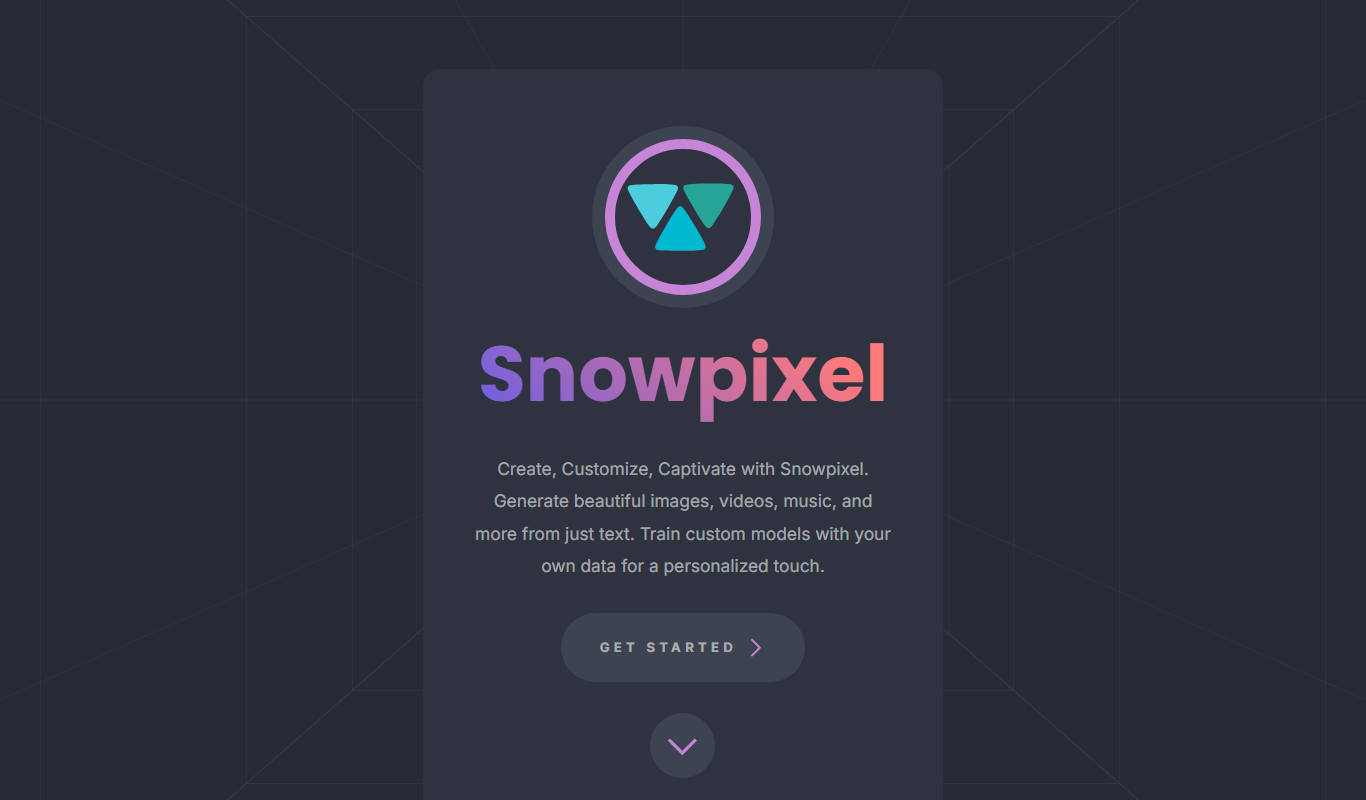
Snowpixel App
Snowpixel App is an AI studio that turns a prompt or source image into video, music, sound effects, images and 3D objects, paid with credit packs.
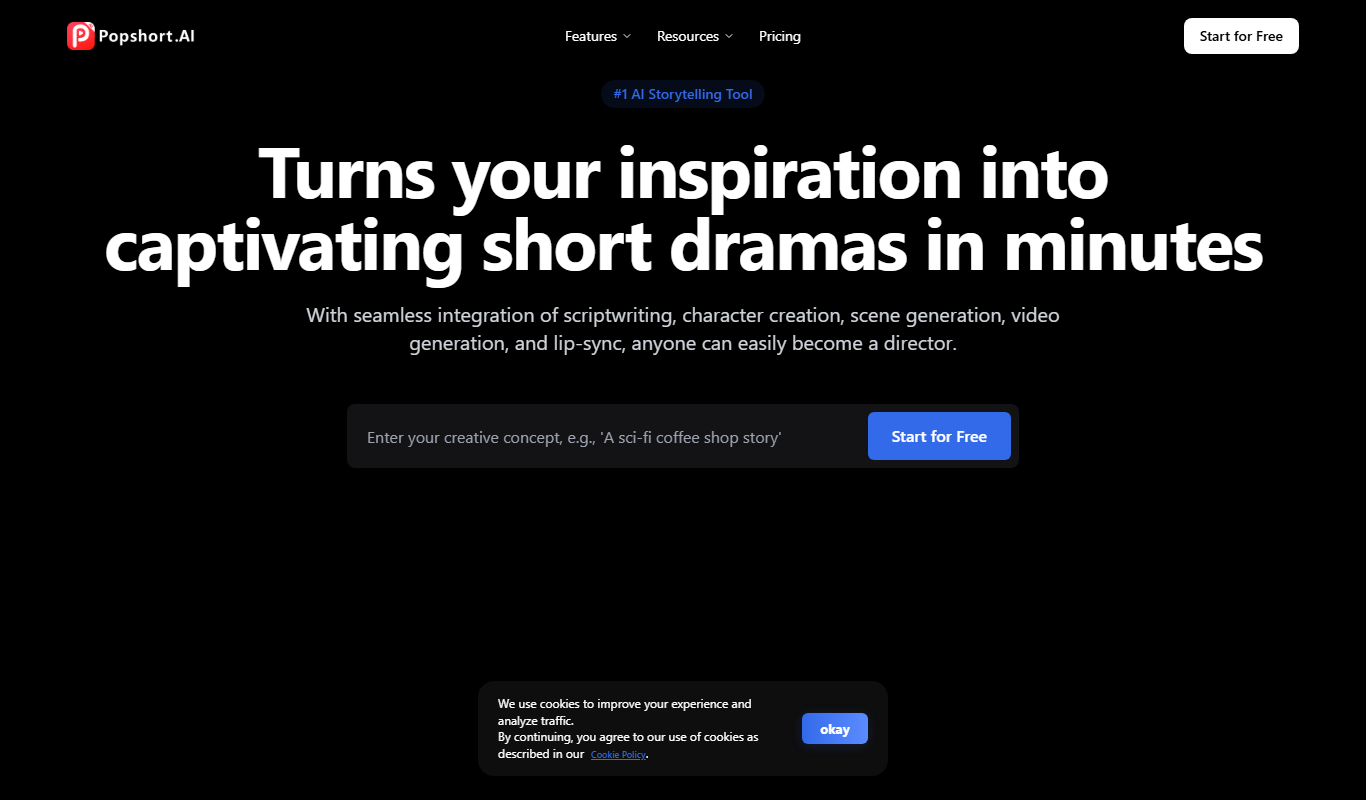
PopShort.AI
PopShort.AI turns an idea, script or novel into a complete short drama with AI-powered scripts, characters, storyboards, video, music and lip sync.
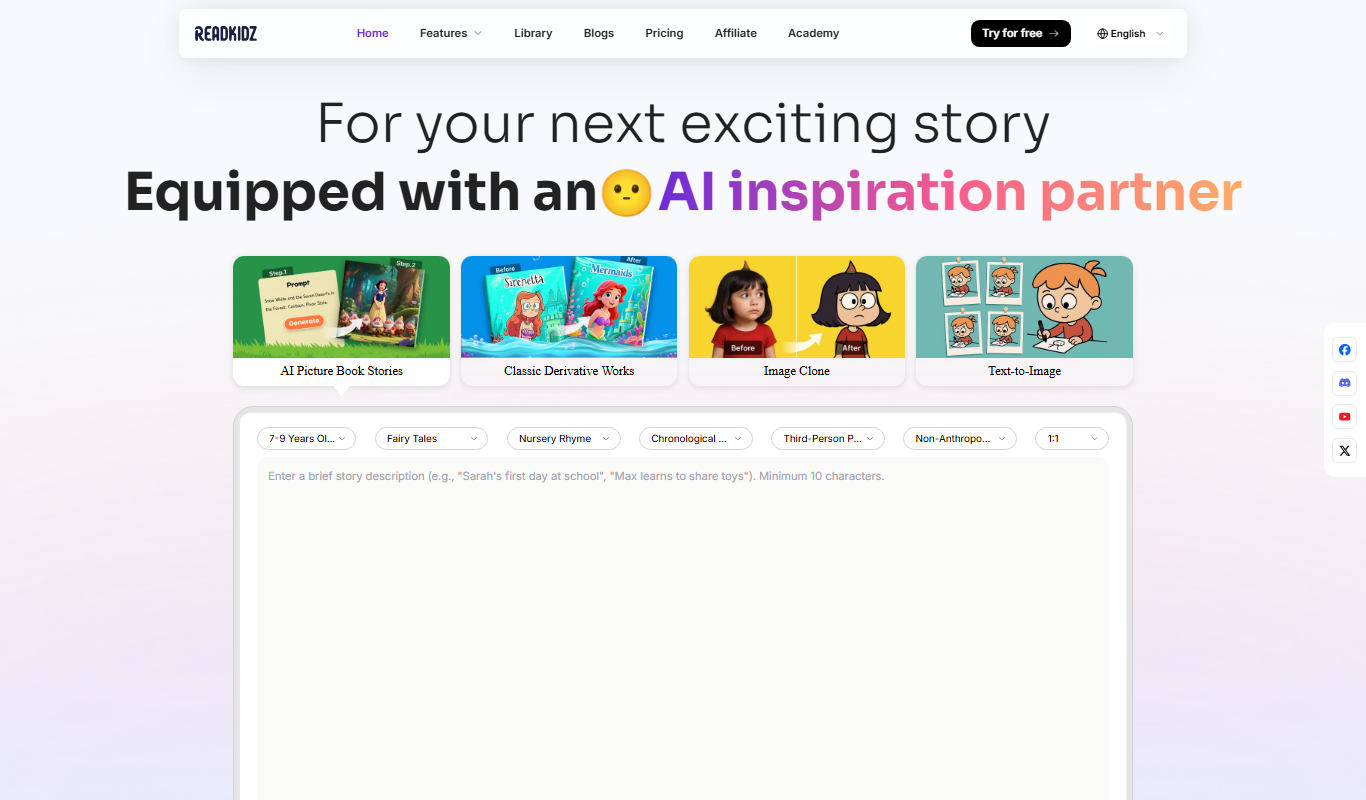
Readkidz
ReadKidz turns one sentence into a complete illustrated children's book: pick an age and story type and read your picture book in minutes, or paste a story you wrote.

Hashmeta AI
Hashmeta AI is an AI visibility and AI search optimisation agency in Singapore that helps brands get cited in AI answers, with its own AI Visibility, AI CMS and AI CRM platform.
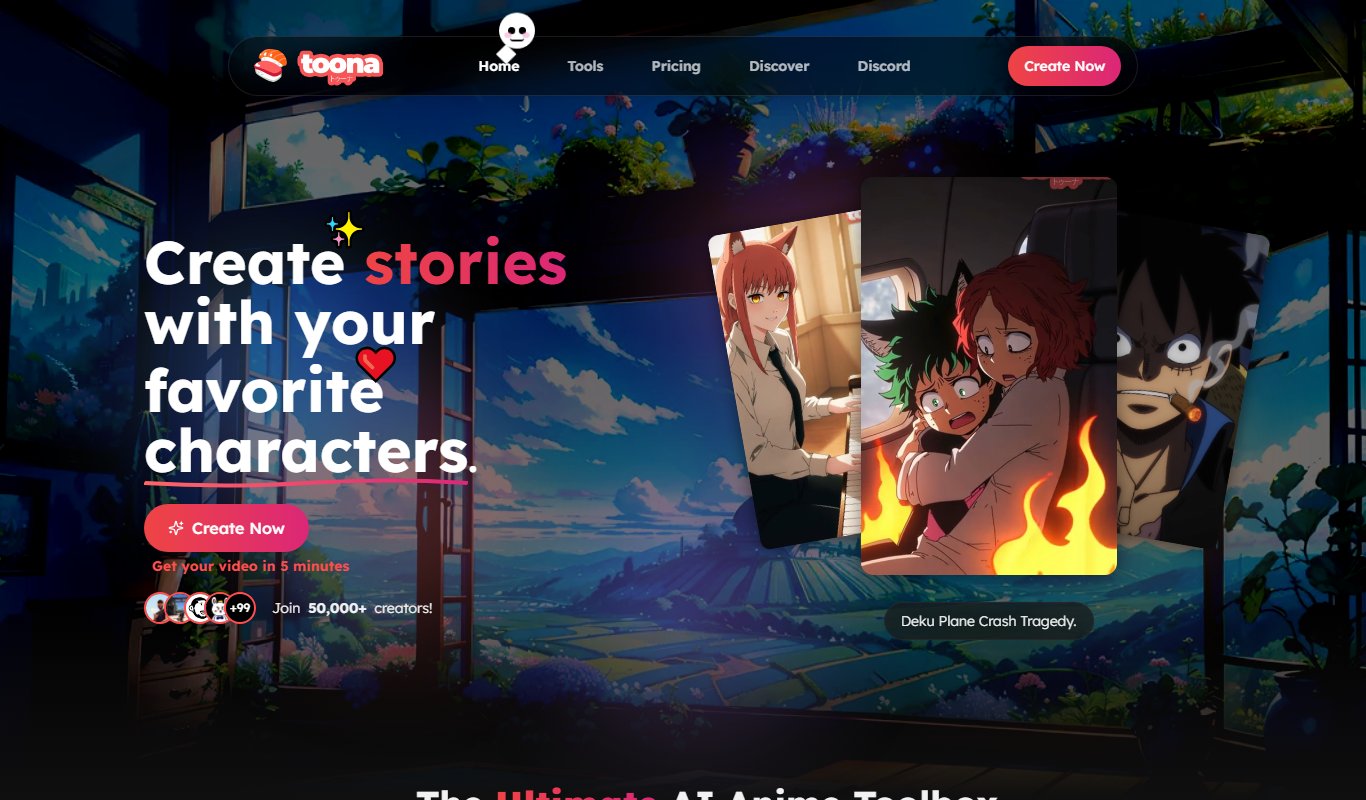
toona
toona is an AI anime toolbox to create and share animated manga and motion comics, with tools to colorize, upscale and animate manga and anime.

Genmo AI
Genmo AI is a research lab building open video generation models, including the open-source Mochi 1 text-to-video model and an online Playground.