

toona AI Anime and Manga Toolbox
toona is an AI anime toolbox to create and share animated manga and motion comics, with tools to colorize, upscale and animate manga and anime.
- Best for
- Coloring manga pages
- Key capability
- Image to video
Save toona, follow its updates and vote on it — everything stays in your account.
Sign in or create a free account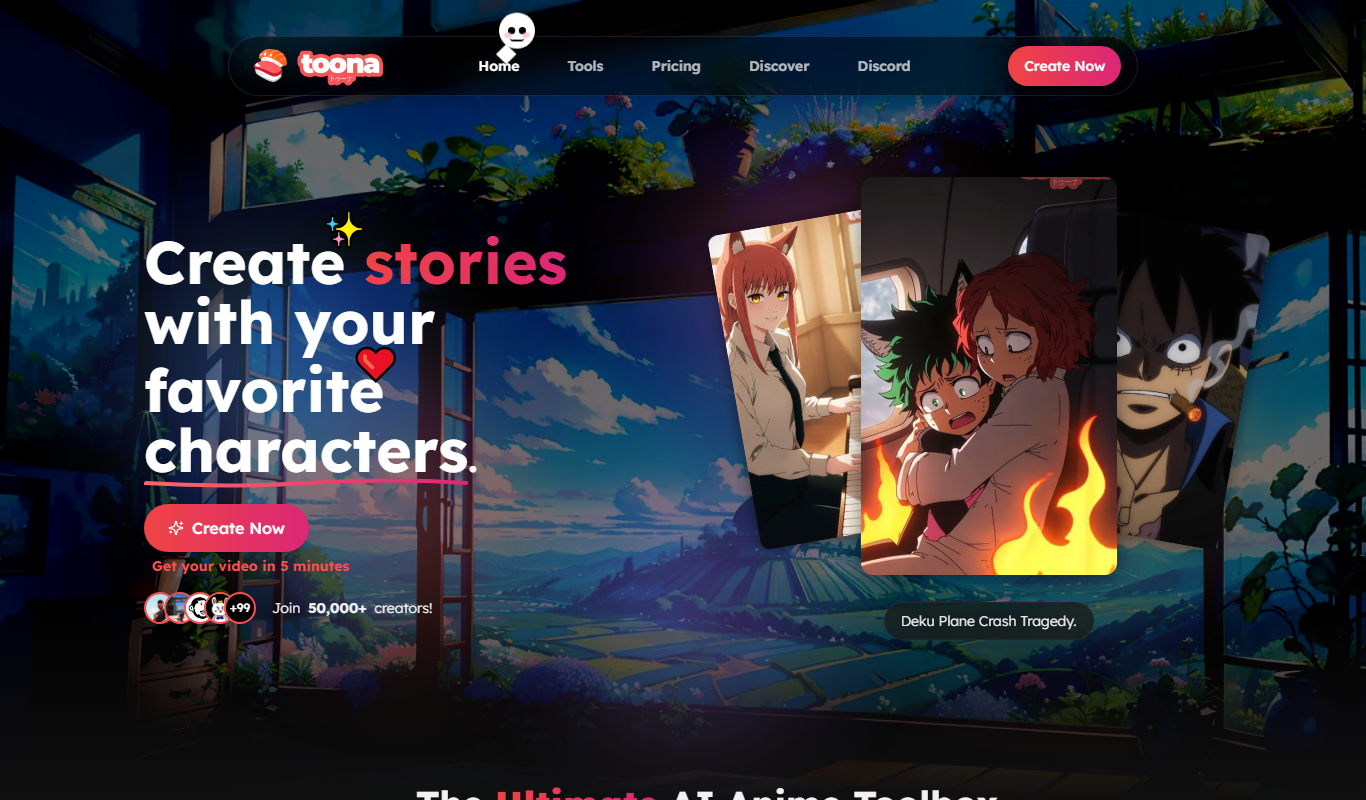
What is toona?
toona is an AI anime and manga toolbox for creating animated manga and motion comics. It offers image to video, a manga colorizer, anime image and video upscaling, frame interpolation, inbetween frame generation, background cut and fill and a motion painter, with a free plan and coin-based monthly plans.
Key features of toona
toona combines image to video, an automatic manga colorizer with color hints, anime image and video upscaling, frame interpolation, inbetween frames, background cut and fill and a motion painter for anime and manga.
Image to video
Generate a video from a single image.
Manga colorizer
Automatically colorize manga pages, with optional color hints to adjust the result.
Anime upscaling
Upscale manga or anime images and videos to 4k.
Interpolation and inbetweens
Take anime to 60fps, 120fps or 240fps, or generate inbetween frames from start and end frames.
Cut and fill and motion painter
Remove and replace backgrounds, or add subtle motion to anime or manga by painting it in.
Pros and cons of toona
Pros
- Several anime and manga tools in one place
- Free plan with 200 coins
- Color hints to adjust automatic colorization
- Supports JPG, PNG, PDF and CBZ uploads
- Free tier available for testing
Cons
- Video watermark is removed only on the Pro and Ultimate plans
- The free plan is limited to 200 coins
- No desktop or mobile app versions
Key use cases for toona
Coloring manga pages
Turn black and white manga pages into color automatically.
Motion manga and motion comics
Create and share animated manga and motion comics.
Slow motion anime edits
Interpolate anime to 60fps, 120fps or 240fps for slow motion edits.
Upscaling anime to 4k
Upscale manga or anime images and videos to 4k.
Animation inbetweening
Generate inbetween frames for an animation from its start and end frames.
How toona works
- 1
Pick a tool
Choose a tool such as image to video, the manga colorizer or the upscaler.
- 2
Upload your manga or images
Upload an image or manga chapter; JPG, PNG, PDF and CBZ formats are supported.
- 3
Let the AI process it
The AI colorizes, upscales or animates the upload, and color hints can adjust the colorization.
- 4
Download and share
Download the result and share it.
- 5
Download or Share
Download the generated audio or share it directly for your projects.
Who is using toona
toona pricing
Free
$0 /month
200 coins, 8 story scenes, 8 colorings, 4 image upscales, 2 video upscales, 2 interpolation minutes.
Basic
$10.99 /month
2000 coins, 80 story scenes, 10 image to video, 80 colorings, 40 image upscales, 20 video upscales.
Pro
$26.99 /month
10000 coins, 400 story scenes, 50 image to video, no video watermark, 400 colorings.
Ultimate
$59.99 /month
Unlimited coins, story scenes, image to video, colorings and upscales, no video watermark.
Plans and prices are as published by the vendor and can change. Check the official site before you buy. Open the pricing page (opens in a new tab)
Frequently asked questions about toona
Create and share animated manga and motion comics with AI tools for inpainting, coloring, upscaling and animating manga.
JPG, PNG, PDF and CBZ formats are supported.
Yes. You can add color hints to improve and adjust the automatic colorization.
Yes. The free plan is applied automatically with 200 coins.
Anime can be taken to 60fps, 120fps or 240fps.
Yes, it can help with that use case depending on how you configure it and what features are available. You’ll get the best results with clear inputs and a defined goal.
Some tools offer a free plan or trial with limited features. Availability can vary, so confirm on the official website.
Yes, it can help with that use case depending on how you configure it and what features are available. You’ll get the best results with clear inputs and a defined goal.
Conclusion
Manga and anime artwork is the raw material for this AI toolbox, which colors black and white pages, upscales images and videos to 4k and turns a single image into a video. Colorizing is automatic, but optional color hints let the user adjust the result before downloading it. Uploads can be single images or whole chapters in JPG, PNG, PDF or CBZ format.
Animators get interpolation up to 240fps and inbetween frames generated from a start and an end frame, plus a motion painter for subtle movement in hair or backgrounds. Manga artists saving time and fans who want a favorite series in color are both addressed. Usage is counted in coins: the free plan gives 200 coins, while the Basic, Pro and Ultimate plans add more coins and Pro removes the video watermark.
Sources
Sign in to review this tool.
Sign In to ReviewNo reviews yet
Be the first to share how this tool worked for you.
Ask about pricing, limits, or how it compares — or answer someone else.
Sign In to AskNo questions yet
Have a question about using or paying for this tool? Be the first to ask.
Featured on TiorAI



More AI Animated Video tools
Other tools in the same category, for when this one is not quite the fit.
AutoDraft
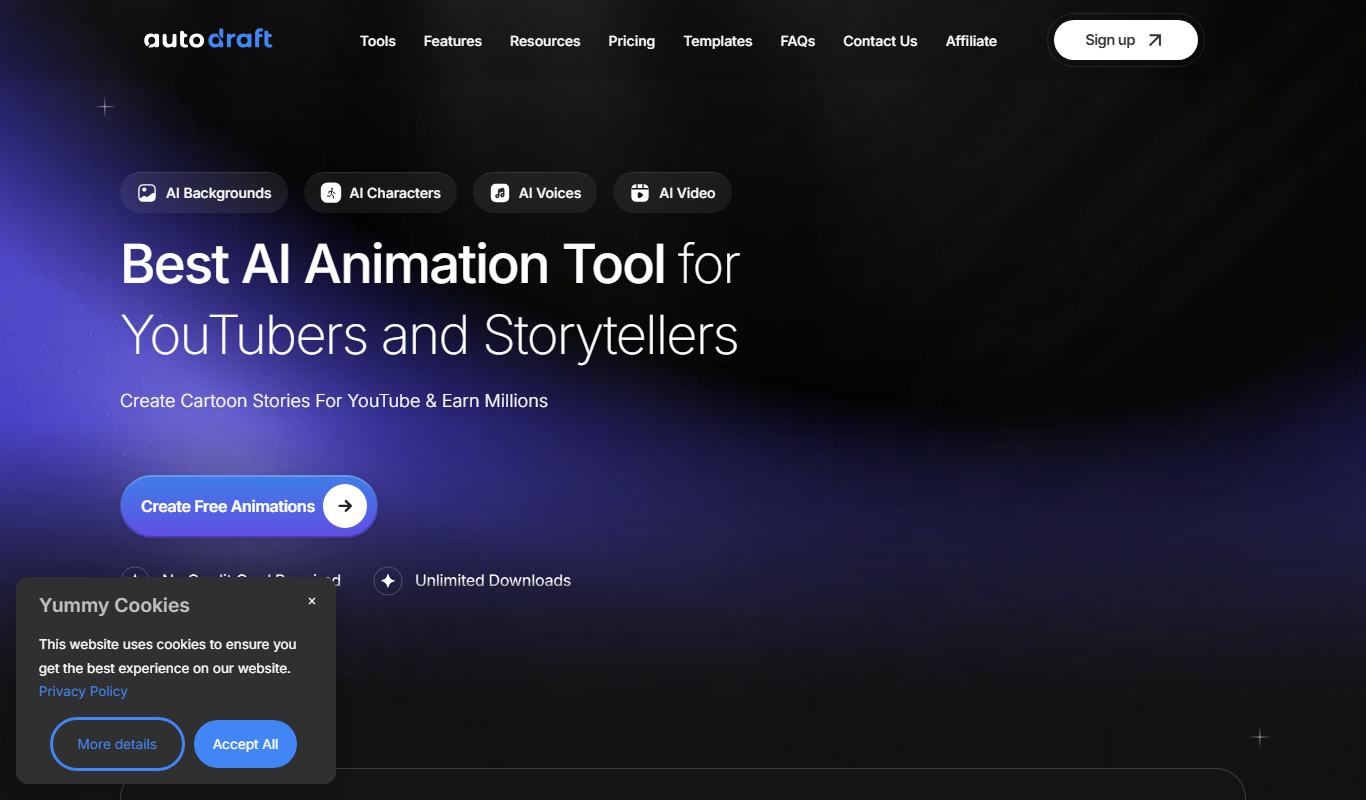
AutoDraft is an AI animation tool for YouTubers that generates cartoon characters, backgrounds and voices for animated stories.

Gooey.AI
Gooey.AI is a low-code AI orchestration platform that is collaborative, model-agnostic, multi-lingual and measurable, used to build and deploy AI agents and workflows.

Melies
Melies is the all-in-one AI studio to go from idea to final cut: write stories, generate images, create videos, voices, music and sound effects.
Snowpixel App
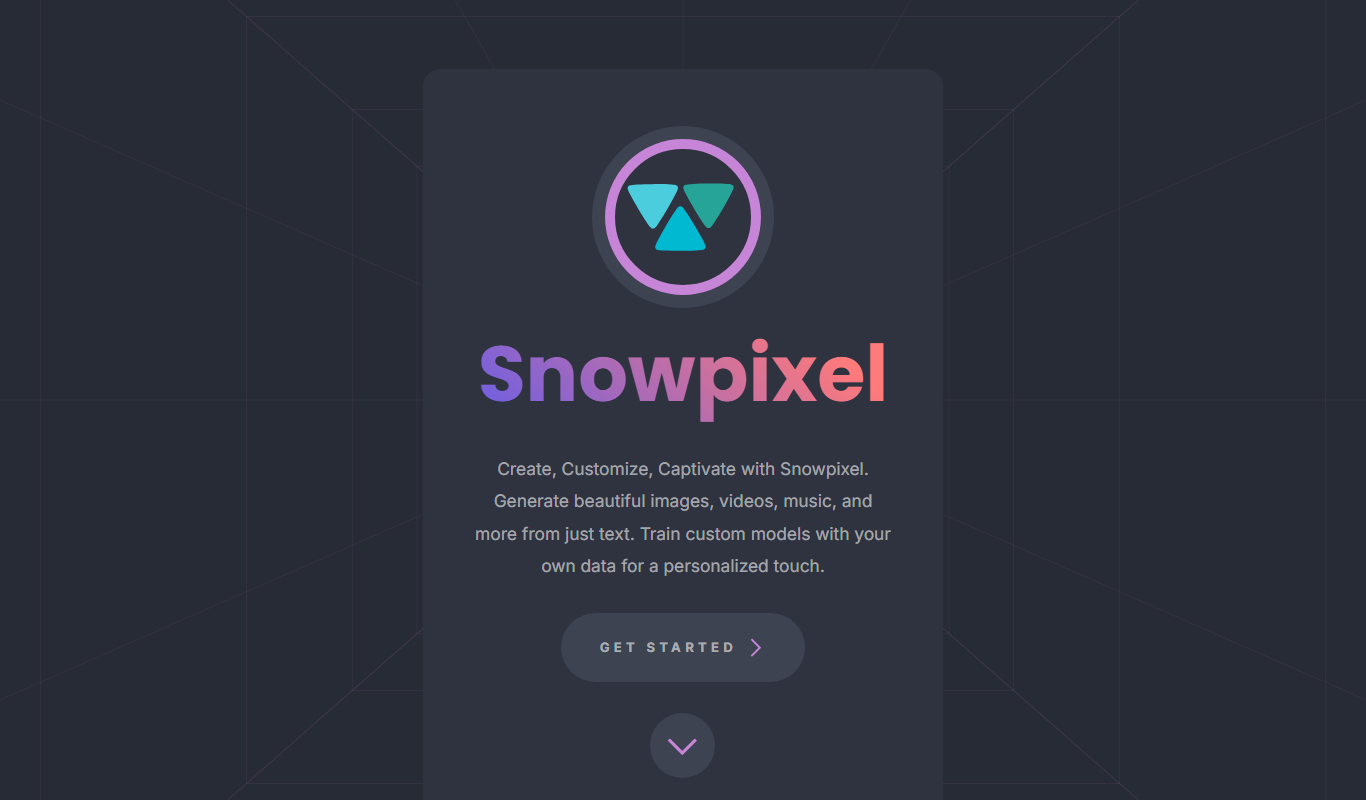
Snowpixel App is an AI studio that turns a prompt or source image into video, music, sound effects, images and 3D objects, paid with credit packs.
PopShort.AI
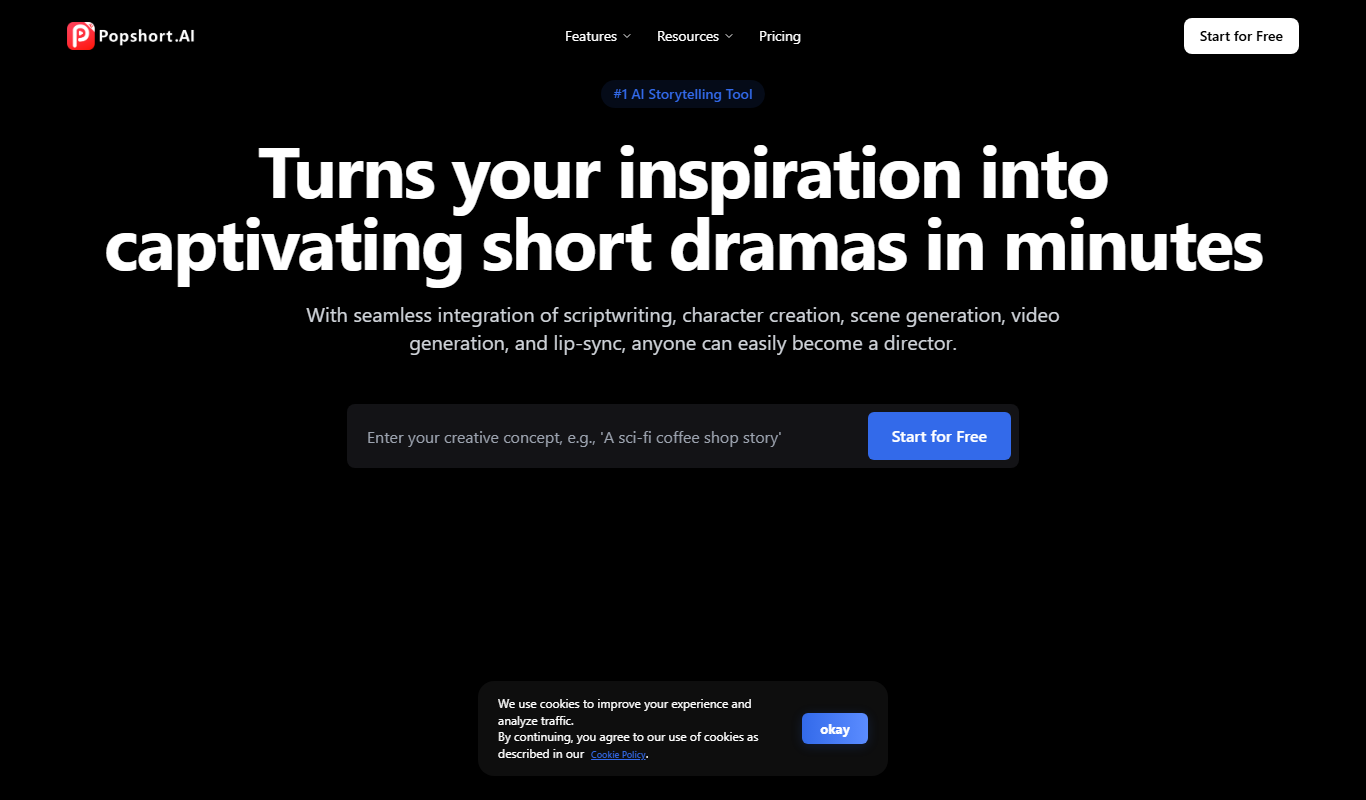
PopShort.AI turns an idea, script or novel into a complete short drama with AI-powered scripts, characters, storyboards, video, music and lip sync.
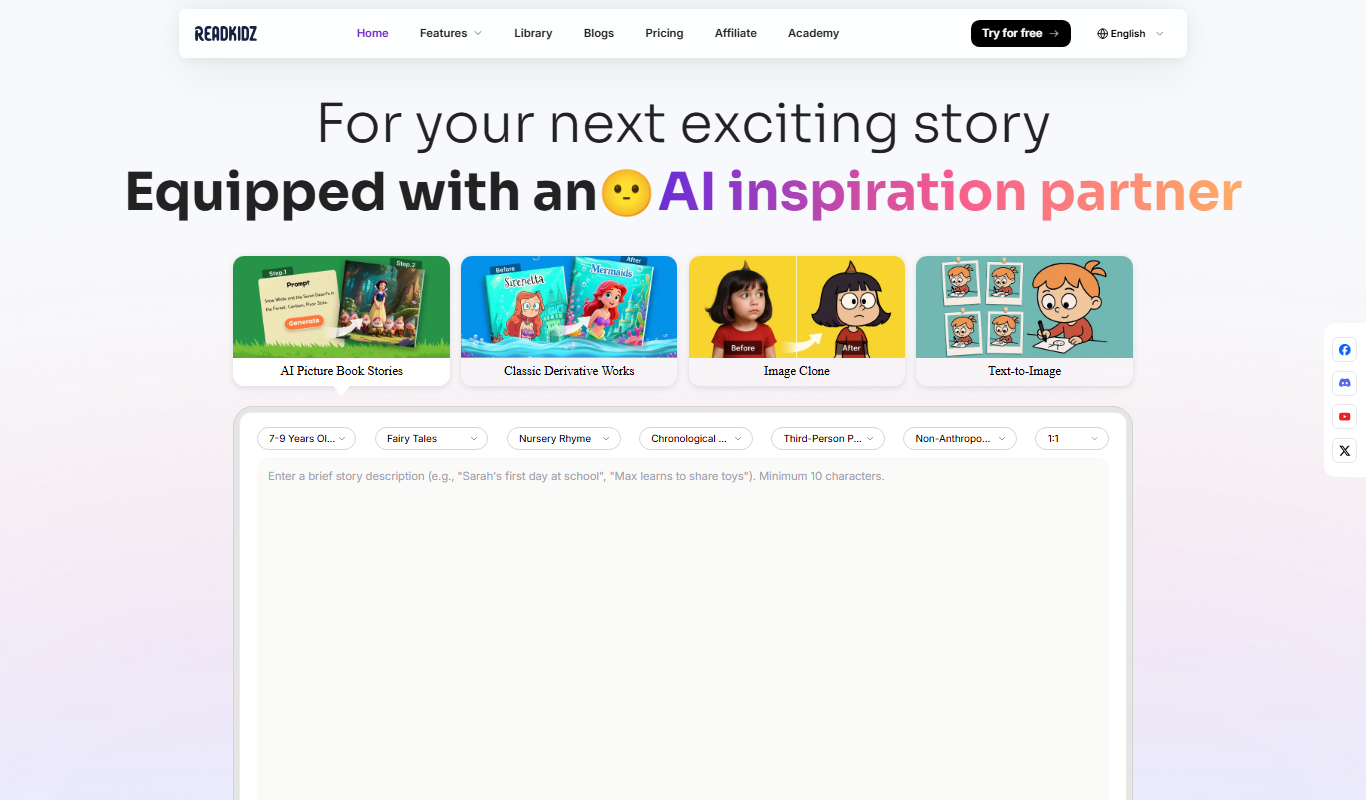
Readkidz
ReadKidz turns one sentence into a complete illustrated children's book: pick an age and story type and read your picture book in minutes, or paste a story you wrote.

Hashmeta AI
Hashmeta AI is an AI visibility and AI search optimisation agency in Singapore that helps brands get cited in AI answers, with its own AI Visibility, AI CMS and AI CRM platform.

Blipix
Blipix is the faceless video app creators use for TikTok, YouTube Shorts and Reels: AI writes the script, voiceover, captions and visuals, then auto-publishes.