

Genmo AI Video Generator for AI-Powered Animated Content Creation
Genmo AI is a research lab building open video generation models, including the open-source Mochi 1 text-to-video model and an online Playground.
- Best for
- Marketing Video Creation
- Key capability
- Text-to-Video AI Generation
Save Genmo AI, follow its updates and vote on it — everything stays in your account.
Sign in or create a free account

What is Genmo AI?
Genmo AI is a research lab building open, state-of-the-art models for video generation. Its Mochi 1 open-source text-to-video model turns written prompts into videos and can be run locally or in ComfyUI, and the Genmo Playground offers it online.
Key features of Genmo AI
Genmo AI offers text-to-video generation, customizable styles, fast rendering, and easy sharing options. It supports creating short animated clips from descriptive prompts, making video content creation accessible and efficient.
Text-to-Video AI Generation
Turn written concepts into videos with the Mochi 1 text-to-video model.
Open Source
Run and customize Mochi using the open-source repository or ComfyUI.
Fast Rendering
Quickly generate videos with efficient AI processing for rapid content creation.
Easy Sharing and Export
Download videos or share them directly to social media platforms.
Pros and cons of Genmo AI
Pros
- User-friendly text-to-video creation
- Multiple animation styles available
- Fast video rendering times
- No prior video editing skills required
Cons
- Limited video length and resolution options
- Free plan has restricted credits and features
Key use cases for Genmo AI
Marketing Video Creation
Create engaging AI-generated videos for social media and marketing campaigns quickly without needing video editing skills.
Creative Storytelling
Transform text-based stories or scripts into animated videos to visualize narratives and ideas.
Educational Content
Generate explanatory or instructional videos that help educators and trainers communicate concepts effectively.
Prototype Video Concepts
Rapidly prototype video ideas and animations for pitches or presentations using AI-generated visuals.
How Genmo AI works
- 1
Enter Text Prompt
Users input a descriptive text prompt that outlines the desired video content.
- 2
Choose where to run
Use Mochi in the interactive Playground, or run it locally from the open-source repository or ComfyUI.
- 3
Generate Video
The AI processes the input and creates an animated video based on the prompt and selected style.
- 4
Review and Download
Preview the generated video, make adjustments if needed, and download or share the final animation.
Who is using Genmo AI
Genmo AI pricing
Free
$0/month
250 lifetime credits, unlocked by adding a payment method (never charged); includes Genmo watermark.
Lite
$10/month (save $24/year with an annual plan)
1,200 credits per month, no watermark, commercial usage and high queue priority.
Standard
$30/month (save $60/year with an annual plan)
5,000 credits per month, no watermark, commercial usage, highest priority queue and early model access.
Plans and prices are as published by the vendor and can change. Check the official site before you buy. Open the pricing page (opens in a new tab)
Frequently asked questions about Genmo AI
Genmo creates videos from text prompts with Mochi 1, its open-source text-to-video model.
No, Genmo AI is designed for users without video editing experience by automating the animation process.
Yes, the platform offers multiple animation styles to choose from for personalized video output.
Yes. The Free plan gives 250 lifetime credits, unlocked by adding a payment method that is never charged, and includes a Genmo watermark.
It depends on your specific needs and how you plan to use the tool. The official website and documentation are the best sources for the latest details.
Some tools offer a free plan or trial with limited features. Availability can vary, so confirm on the official website.
Yes, it can help with that use case depending on how you configure it and what features are available. You’ll get the best results with clear inputs and a defined goal.
Yes, it can help with that use case depending on how you configure it and what features are available. You’ll get the best results with clear inputs and a defined goal.
Conclusion
Behind the product is a research lab building open video generation models, and its main release is Mochi 1, an open-source text-to-video model. Written concepts go in as prompts and come out as videos. Mochi can be run and customized locally from the open-source repository or in ComfyUI, and it is published on GitHub and Hugging Face. An interactive Playground also lets people test its features online.
It is designed for content creators, marketing professionals and creative storytellers. The hosted service runs on credits, with a Mochi video costing 100 credits and a Replay video 50. The Free plan gives 250 lifetime credits once a payment method is added, and its videos include a Genmo watermark. The paid Lite and Standard plans reset credits monthly and add commercial usage with no watermark.
Sources
Sign in to review this tool.
Sign In to ReviewNo reviews yet
Be the first to share how this tool worked for you.
Ask about pricing, limits, or how it compares — or answer someone else.
Sign In to AskNo questions yet
Have a question about using or paying for this tool? Be the first to ask.
Featured on TiorAI



More AI Animated Video tools
Other tools in the same category, for when this one is not quite the fit.

Gooey.AI
Gooey.AI is a low-code AI orchestration platform that is collaborative, model-agnostic, multi-lingual and measurable, used to build and deploy AI agents and workflows.

Melies
Melies is the all-in-one AI studio to go from idea to final cut: write stories, generate images, create videos, voices, music and sound effects.
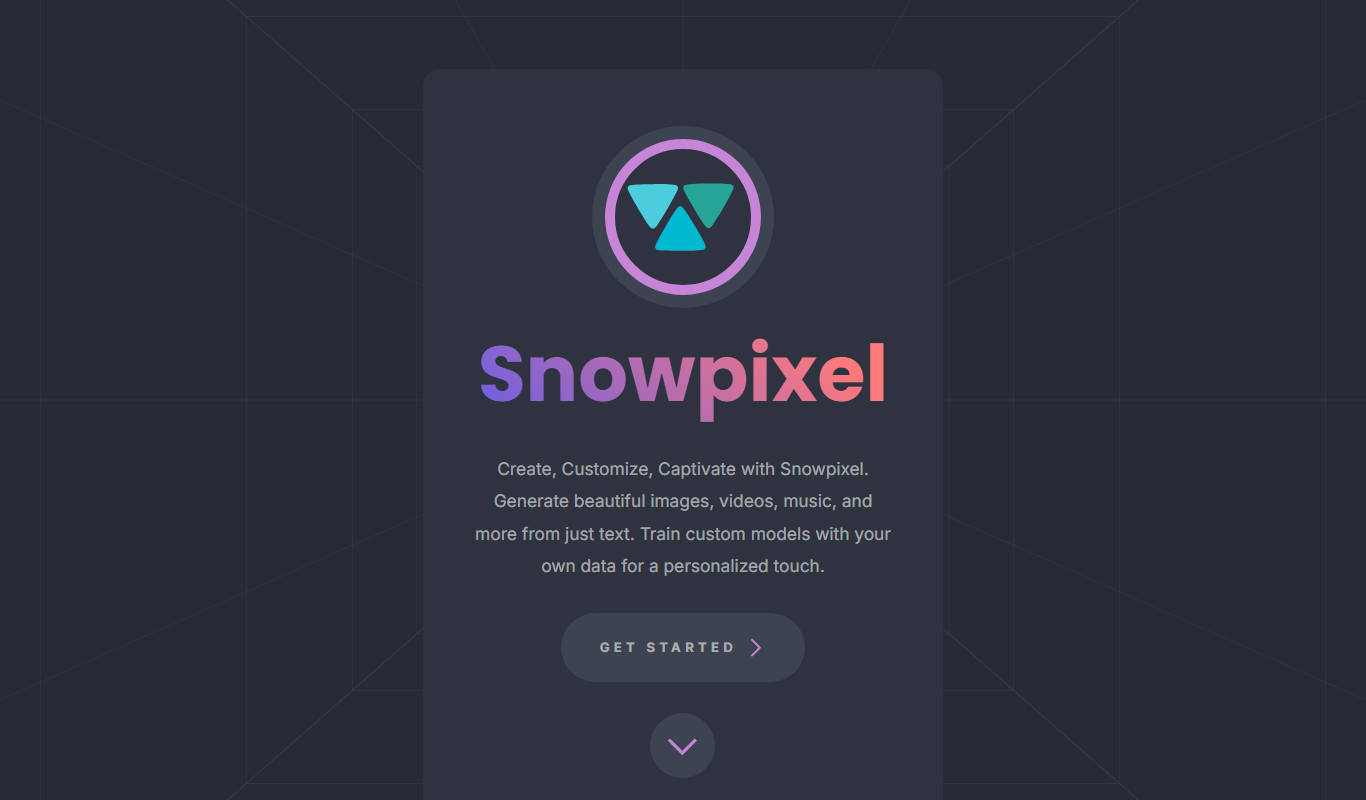
Snowpixel App
Snowpixel App is an AI studio that turns a prompt or source image into video, music, sound effects, images and 3D objects, paid with credit packs.
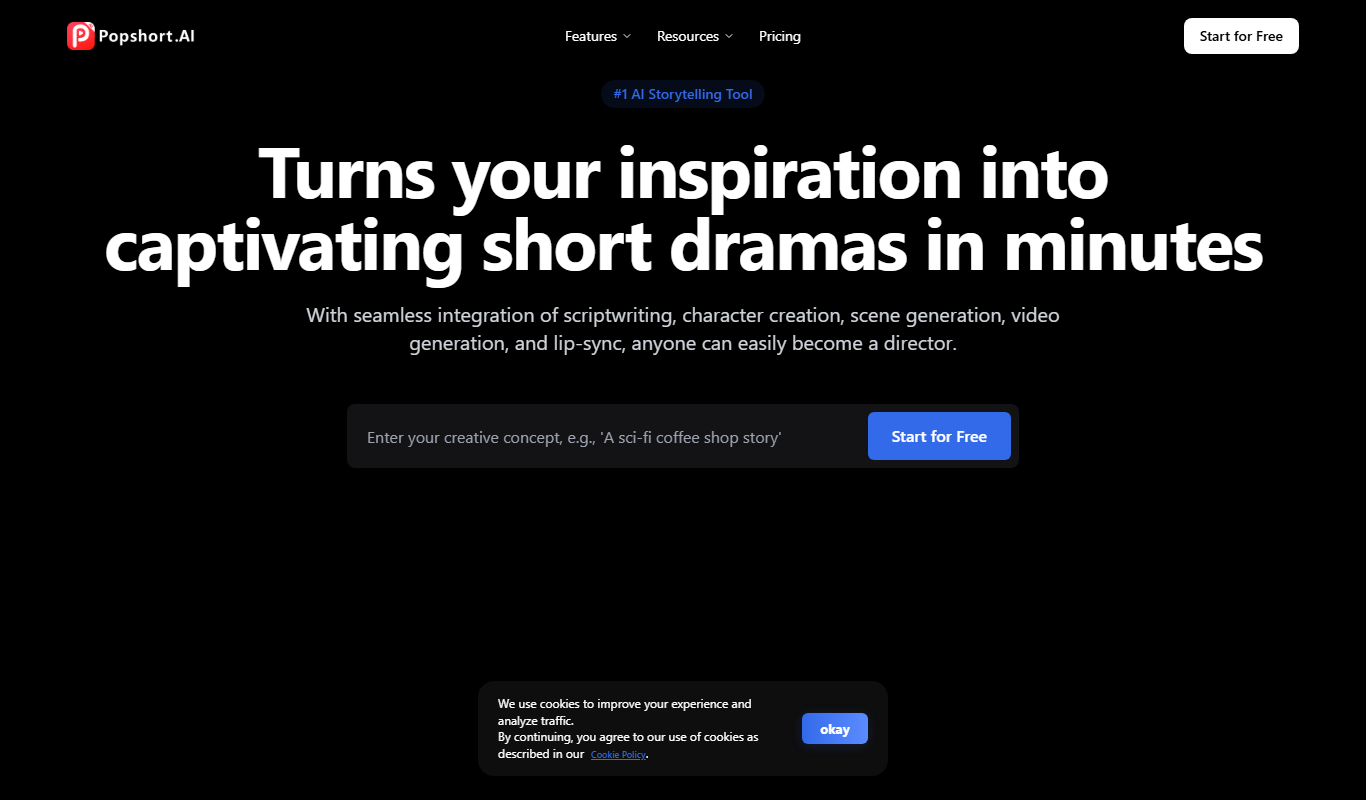
PopShort.AI
PopShort.AI turns an idea, script or novel into a complete short drama with AI-powered scripts, characters, storyboards, video, music and lip sync.
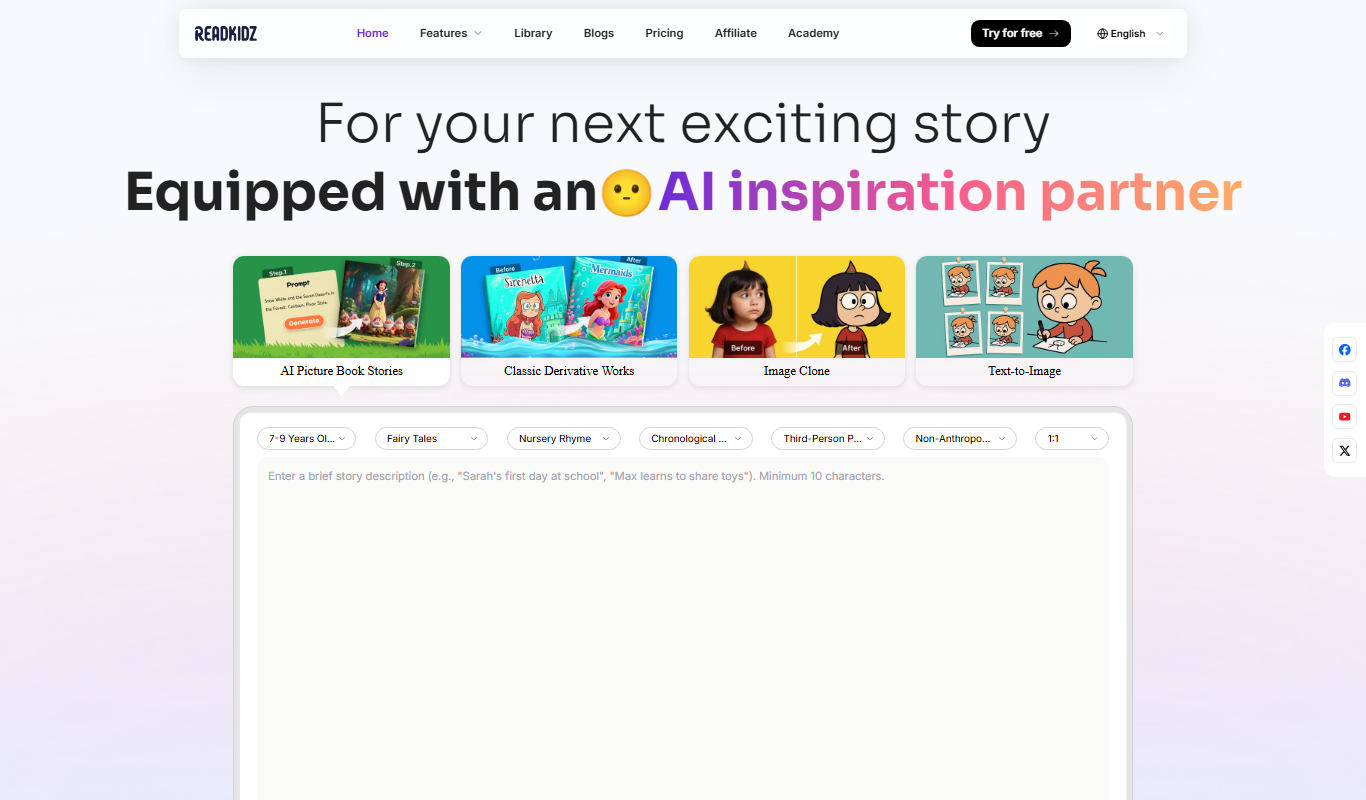
Readkidz
ReadKidz turns one sentence into a complete illustrated children's book: pick an age and story type and read your picture book in minutes, or paste a story you wrote.

Hashmeta AI
Hashmeta AI is an AI visibility and AI search optimisation agency in Singapore that helps brands get cited in AI answers, with its own AI Visibility, AI CMS and AI CRM platform.
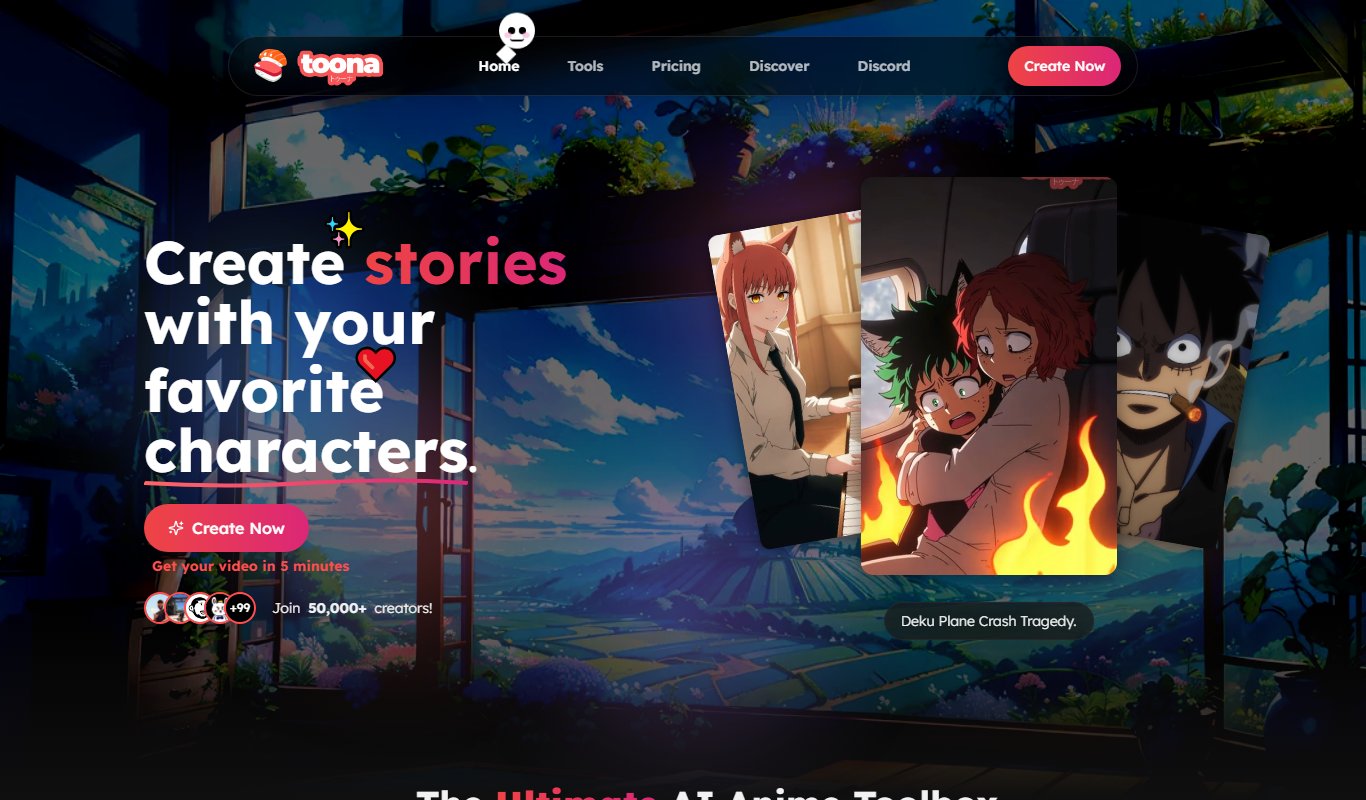
toona
toona is an AI anime toolbox to create and share animated manga and motion comics, with tools to colorize, upscale and animate manga and anime.

Blipix
Blipix is the faceless video app creators use for TikTok, YouTube Shorts and Reels: AI writes the script, voiceover, captions and visuals, then auto-publishes.