

From my experience with Pix Me!, I found it excels at quickly generating personalized digital portraits with minimal effort. The platform’s straightforward web interface and variety of artistic styles make it accessible for users without technical skills. It’s particularly well-suited for social media users and content creators looking for unique avatars or marketing visuals. However, the lack of a dedicated mobile app and limited customization options beyond style selection can be a drawback for some. Overall, if you want an easy way to create AI-generated portraits for personal or commercial use, Pix Me! offers a solid and flexible solution.
Pix Me! AI Portrait Generator for Custom Digital Avatars and Art
Pix Me! is a web-based AI portrait generator that transforms user photos into custom digital avatars and artistic portraits using advanced machine learning.
- Best for
- Custom Digital Avatars
- Key capability
- AI-Powered Portrait Generation
Your actions
Save Pix Me!, follow its updates and vote on it — everything stays in your account.
Sign in or create a free account
What is Pix Me!?
Pix Me! is an AI-powered portrait generator that transforms user photos into unique digital avatars and artistic portraits. Using advanced machine learning models, it offers a creative way to generate personalized images for various uses, including social media, marketing, and merchandise design.
Key features of Pix Me!
Pix Me! provides an intuitive web interface where users upload photos and customize their AI-generated portraits with different styles and effects. It supports high-quality image outputs and offers flexible pricing options including free trials and subscriptions.
AI-Powered Portrait Generation
Leverages advanced AI models to create unique and personalized digital portraits.
Multiple Artistic Styles
Offers a range of styles from realistic to stylized avatars to suit different preferences.
User-Friendly Web Interface
Simple and intuitive platform accessible via web browsers without installation.
Flexible Pricing Options
Includes free trials, subscription plans, and pay-per-use options to fit various budgets.
Pros and cons of Pix Me!
Pros
- Easy-to-use web interface
- Variety of artistic portrait styles
- Flexible pricing including free trial
- High-quality AI-generated images
Cons
- No dedicated mobile app yet
- Limited customization beyond style selection
Key use cases for Pix Me!
Custom Digital Avatars
Create personalized digital avatars for social media profiles, gaming, or online presence.
AI-Generated Portrait Art
Generate unique AI-powered portrait artworks for personal or commercial use.
Creative Content for Marketing
Produce eye-catching portraits and avatars to enhance marketing campaigns and branding.
Gift and Merchandise Design
Design custom portraits for gifts, prints, or merchandise like T-shirts and mugs.
How Pix Me! works
- 1
Upload Your Photo
Start by uploading a clear photo of yourself or the subject you want to transform.
- 2
Select Portrait Style
Choose from a variety of artistic styles and avatar designs to customize your portrait.
- 3
Generate and Preview
The AI processes your photo and generates a unique portrait preview for review.
- 4
Download or Purchase
Download your portrait directly or purchase higher resolution versions and commercial licenses.
Who is using Pix Me!
Social media users
Content creators
Marketing professionals
Gift and merchandise designers
Digital artists
Pix Me! pricing
Free Trial
$0
Limited number of portrait generations to try the service.
Monthly Subscription
$15/month
Unlimited portrait generations with access to all styles and higher resolution downloads.
Pay Per Use
Varies
Purchase individual portraits or credits without subscription commitment.
Plans and prices are as published by the vendor and can change. Check the official site before you buy. Open the pricing page (opens in a new tab)
Frequently asked questions about Pix Me!
Clear, well-lit photos with a visible face produce the best AI-generated portraits.
Yes, commercial licenses are available for purchased portraits depending on your plan.
Currently, Pix Me! is accessible via web browsers and does not have a dedicated mobile app.
It depends on your specific needs and how you plan to use the tool. The official website and documentation are the best sources for the latest details.
Yes, it can help with that use case depending on how you configure it and what features are available. You’ll get the best results with clear inputs and a defined goal.
It depends on your specific needs and how you plan to use the tool. The official website and documentation are the best sources for the latest details.
Sign in to review this tool.
Sign In to ReviewNo reviews yet
Be the first to share how this tool worked for you.
Ask about pricing, limits, or how it compares — or answer someone else.
Sign In to AskNo questions yet
Have a question about using or paying for this tool? Be the first to ask.
Featured on TiorAI



More AI Art Generator tools
Other tools in the same category, for when this one is not quite the fit.
Free Trial
SketchAR
SketchAR is an augmented reality app that projects virtual sketches onto physical surfaces, enabling users to trace and learn drawing interactively on mobile devices.

Pay As You Go
Heurist Imagine
Heurist Imagine is an AI image and video generator that runs models such as FLUX, Stable Diffusion and Veo 3 on decentralized infrastructure, paid pay-as-you-go with crypto.

Free
Story Diffusion Gen | Story Character
Story Diffusion Gen is an AI-powered web platform that generates character-consistent images, videos and comics from text prompts for visual storytelling.

Freemium
Scenario
Scenario is a creative AI platform for building workflows across image, video, audio and 3D, with models trained on your own art bible.
Freemium
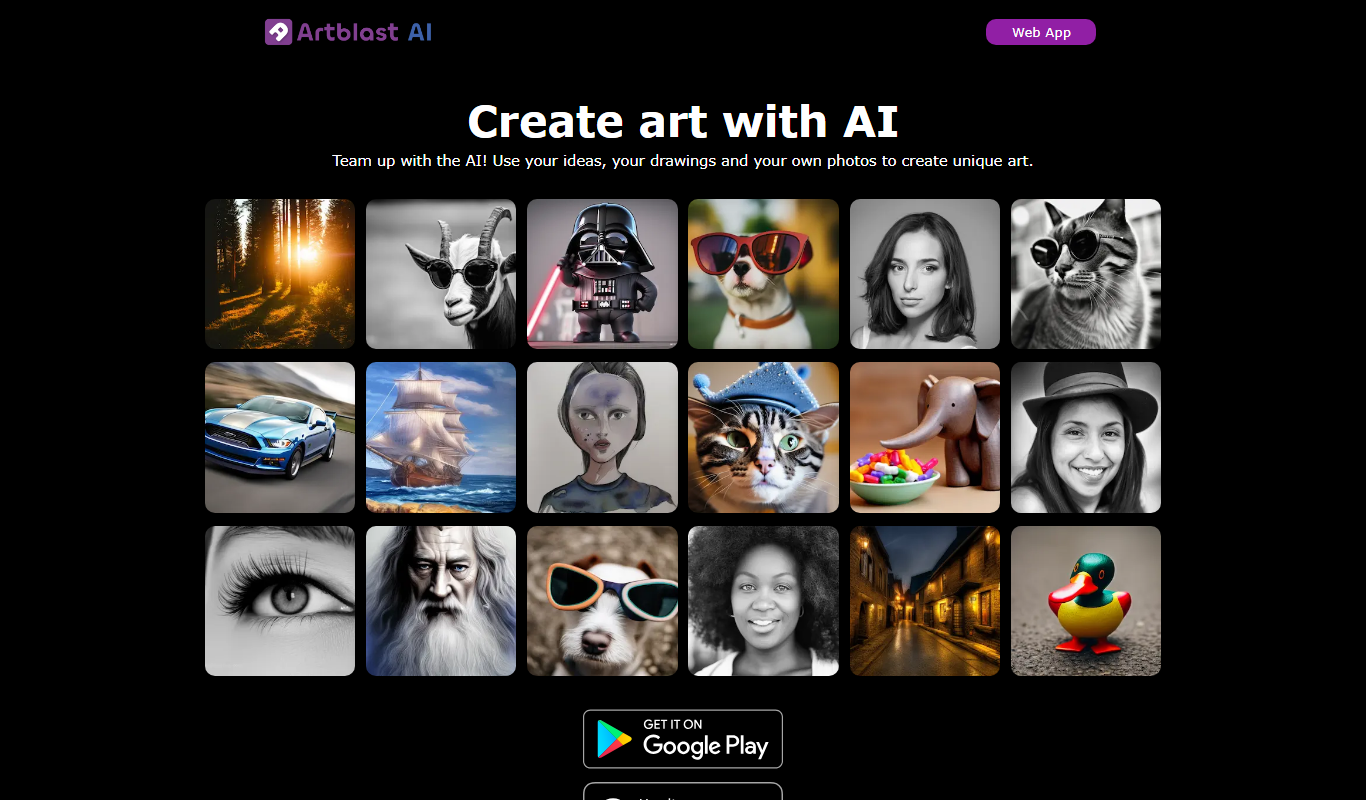
ArtblastAI
ArtblastAI is a web-based AI art generator that creates digital artwork from text prompts with customizable styles and high-resolution downloads.
Freemium
Dream by WOMBO
Dream by WOMBO is an AI art and video generator with apps for iOS and Android.

Free
starryai 2.0
StarryAI 2.0 is an AI art generation platform that creates unique digital images from text prompts, offering style customization and NFT minting features.

Free
Pixel-Art.ai
Pixel-Art.ai is an AI-driven web tool that generates custom pixel art and sprites from user prompts, ideal for game developers and digital artists seeking quick pixel art creation.