

From my experience with OctiAI, I found it excels at quickly generating diverse marketing and content writing drafts with a user-friendly interface. It’s particularly well-suited for marketers and small businesses looking to streamline content creation without sacrificing quality. However, the platform currently supports English only and offers limited integrations, which could be a constraint for some users. Overall, if you need an affordable AI writing assistant focused on marketing content, OctiAI delivers solid, practical results.
OctiAI AI Writing Assistant for Content Creation and Marketing Teams
OctiAI is an AI writing assistant designed to help marketers and content creators generate high-quality, SEO-friendly content quickly through an easy-to-use web platform.
- Best for
- Content Writing
- Key capability
- AI Content Generation
Your actions
Save OctiAI, follow its updates and vote on it — everything stays in your account.
Sign in or create a free account

What is OctiAI?
OctiAI is an AI-powered writing assistant designed to help marketers, content creators, and businesses generate high-quality written content efficiently. It leverages advanced natural language processing to create engaging, SEO-friendly copy for blogs, ads, emails, and social media.
Key features of OctiAI
OctiAI offers features such as AI-generated content drafts, customizable tone and style, SEO optimization tools, and templates for various marketing needs, all accessible through a user-friendly web interface.
AI Content Generation
Automatically create drafts for various content types using AI.
Customizable Tone and Style
Adjust the writing style to match your brand voice.
SEO Optimization
Incorporate SEO best practices to improve content visibility.
Content Templates
Access pre-built templates for emails, ads, blogs, and more.
User-Friendly Interface
Easy-to-navigate web platform for efficient content creation.
Pros and cons of OctiAI
Pros
- Easy to use with a clean interface
- Supports multiple content types and templates
- Customizable tone for brand consistency
- Affordable pricing with a free plan
Cons
- Supports English language only
- Limited integrations with other marketing tools
Key use cases for OctiAI
Content Writing
Generate blog posts, articles, and marketing copy quickly with AI assistance.
Marketing Campaigns
Create engaging ad copy and social media posts to boost marketing efforts.
SEO Optimization
Produce SEO-friendly content to improve search engine rankings.
Email Campaigns
Draft persuasive email content for outreach and customer engagement.
Idea Generation
Brainstorm creative ideas and outlines for various content projects.
How OctiAI works
- 1
Sign Up
Create an account on OctiAI’s website to access the platform.
- 2
Select Content Type
Choose the type of content you want to generate, such as blog posts or ad copy.
- 3
Input Details
Provide key information or keywords to guide the AI in content creation.
- 4
Generate Content
Let OctiAI produce a draft based on your inputs.
- 5
Edit and Refine
Review the AI-generated content and make any necessary adjustments.
Who is using OctiAI
Marketing agencies
Content creators
Small and medium businesses
Freelance writers
Social media managers
OctiAI pricing
Free
$0/month
Basic access with limited content generation and features.
Pro
$29/month
Unlimited content generation, advanced features, and priority support.
Plans and prices are as published by the vendor and can change. Check the official site before you buy. Open the pricing page (opens in a new tab)
Frequently asked questions about OctiAI
Yes, OctiAI offers a free plan with limited features to try the platform.
Yes, you can adjust the tone and style to fit your brand’s voice.
Currently, OctiAI supports English only.
It can generate blog posts, marketing copy, emails, social media posts, and more.
This tool is designed to help users accomplish its core tasks more efficiently. It is typically used by individuals or teams looking to improve productivity and workflow.
Pricing depends on the plan and included features. For the most accurate and up-to-date details, check the official pricing page.
Yes, it can help with that use case depending on how you configure it and what features are available. You’ll get the best results with clear inputs and a defined goal.
Yes, it can help with that use case depending on how you configure it and what features are available. You’ll get the best results with clear inputs and a defined goal.
Sign in to review this tool.
Sign In to ReviewNo reviews yet
Be the first to share how this tool worked for you.
Ask about pricing, limits, or how it compares — or answer someone else.
Sign In to AskNo questions yet
Have a question about using or paying for this tool? Be the first to ask.
Featured on TiorAI


More AI Content Creation Tools tools
Other tools in the same category, for when this one is not quite the fit.
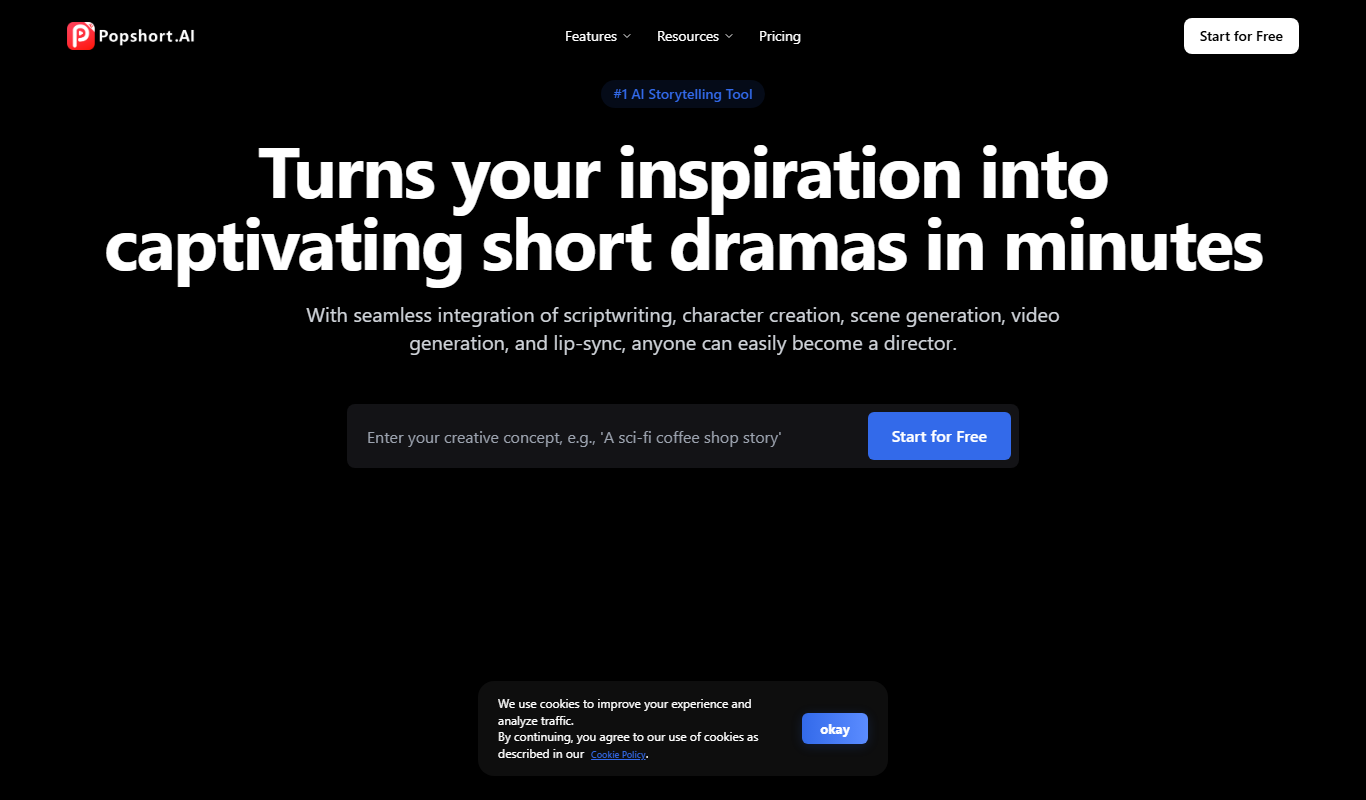
Subscription
PopShort.AI
PopShort.AI turns an idea, script or novel into a complete short drama with AI-powered scripts, characters, storyboards, video, music and lip sync.

Free
Genmo AI
Genmo AI is a research lab building open video generation models, including the open-source Mochi 1 text-to-video model and an online Playground.

Free Trial
Predis
Predis.ai turns a one-line prompt, a product link or an image into ads, videos and copy.

Freemium
Colossyan
Colossyan is an AI video creation platform that converts text scripts into videos featuring realistic virtual actors, enabling fast and easy video production without cameras or actors.

Free
Steve AI
Steve AI is an AI-driven video creation platform that converts text scripts into animated videos with AI voiceovers and customizable templates, designed for marketers, educators, and content creators.

Freemium
Video Editor AI
Video Editor AI lets you edit any video with AI: remove objects, blur faces, remove backgrounds, upscale and add subtitles. Free, no watermark.

In-App Purchases
Aisance
Aisance is an AI budgeting app for iPhone that learns from your spending patterns to help you budget, save toward goals and see how long your money buffer lasts.
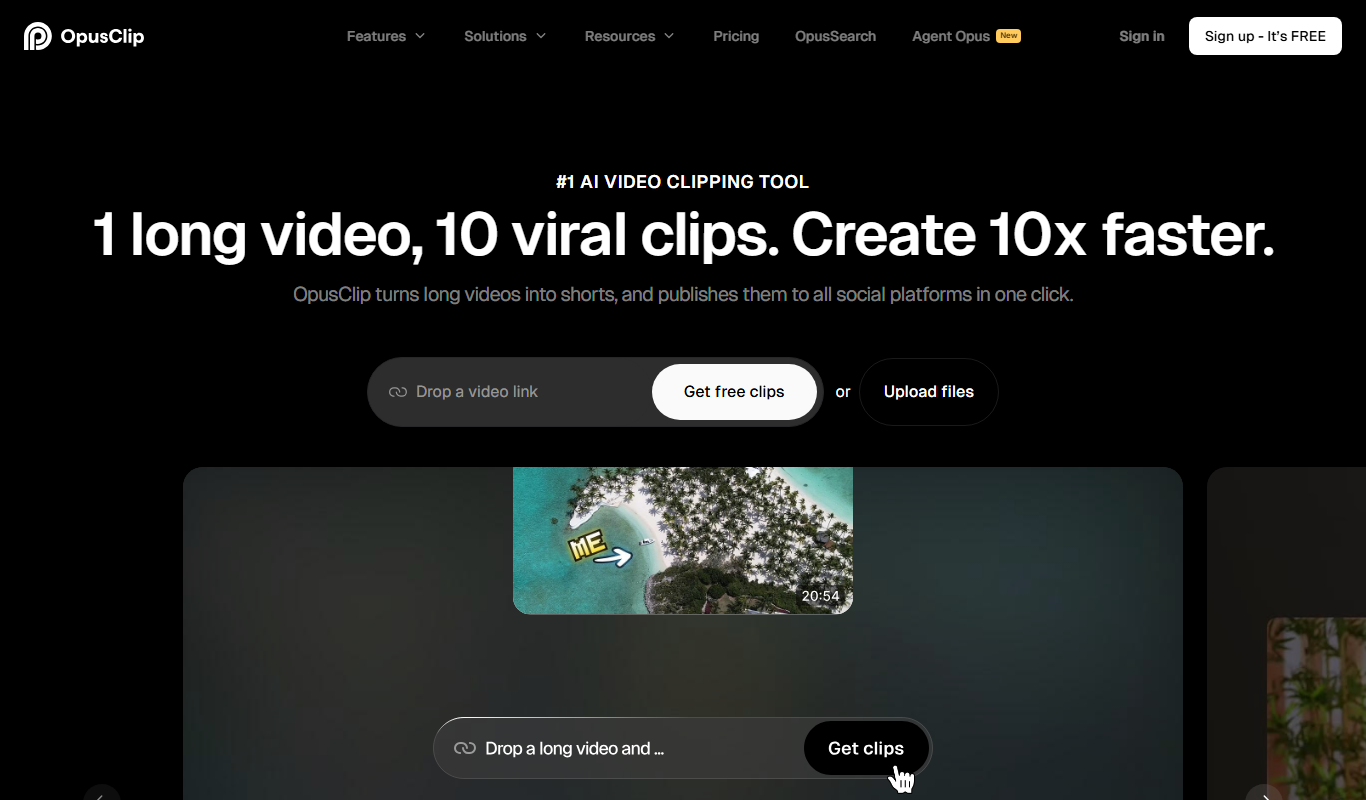
Freemium
Opus Clip AI
Opus Clip AI is an AI-driven video editing tool that automatically generates short highlight clips from longer videos, simplifying content repurposing for social media.