

From my experience with neonFin, I found it excels at providing a straightforward and accessible way to manage personal finances without overwhelming users. The app’s clean interface and essential budgeting tools make it particularly well-suited for individuals new to financial planning or those who prefer simplicity over complex features. However, the trade-off is that advanced functionalities like bank account linking require a premium subscription, and multi-currency support is limited. Overall, if you want a reliable app to track expenses and set budgets with minimal fuss, neonFin delivers solid results.
neonFin App Review: Personal Finance Tracker and Budget Planner Tool
neonFin is a personal finance app that helps users track expenses, create budgets, set financial goals, and monitor net worth across web and mobile platforms.
- Best for
- Budget Planning
- Key capability
- Expense Categorization
Your actions
Save neonFin, follow its updates and vote on it — everything stays in your account.
Sign in or create a free account
What is neonFin?
neonFin is a personal finance management app designed to help users track expenses, plan budgets, and achieve financial goals. It provides an intuitive interface to monitor spending habits, categorize transactions, and visualize financial health through charts and reports.
Key features of neonFin
Key features include real-time expense tracking, customizable budget creation, bill reminders, financial goal setting, and net worth calculation. The app supports multiple platforms, allowing users to manage their finances on the go.
Expense Categorization
Automatically or manually categorize expenses to understand spending habits.
Budget Management
Create flexible budgets with alerts to avoid overspending.
Bill Payment Reminders
Set reminders for upcoming bills to stay on top of payments.
Financial Goal Tracking
Monitor progress on savings or debt reduction goals.
Net Worth Calculator
Aggregate assets and liabilities to provide a clear net worth overview.
Pros and cons of neonFin
Pros
- User-friendly interface suitable for beginners
- Cross-platform availability on web and mobile
- Comprehensive budgeting and expense tracking features
Cons
- Limited multi-currency support
- Bank account linking requires premium subscription
- Relatively new app with fewer integrations compared to competitors
Key use cases for neonFin
Budget Planning
Create and manage monthly budgets to control spending and save money.
Expense Tracking
Track daily expenses by categorizing transactions for better financial awareness.
Financial Goal Setting
Set and monitor personal financial goals such as saving targets or debt payoff.
Bill Reminders
Receive notifications to pay bills on time and avoid late fees.
Net Worth Monitoring
Calculate and track net worth by aggregating assets and liabilities.
How neonFin works
- 1
Sign Up
Create a free account on neonFin via the website or mobile app.
- 2
Connect Accounts
Optionally link bank accounts or manually add transactions to track expenses.
- 3
Set Budgets and Goals
Define monthly budgets and financial goals tailored to your needs.
- 4
Track Spending
Monitor expenses categorized automatically or manually for accurate insights.
- 5
Review Reports
Analyze spending patterns and progress towards goals with visual reports.
Who is using neonFin
Individuals seeking personal budget management
Young professionals managing monthly expenses
Students learning financial planning
Small business owners tracking expenses
Anyone aiming to improve financial habits
neonFin pricing
Free
$0/month
Basic features including expense tracking and budget creation.
Premium
$4.99/month
Advanced features such as bank account linking, detailed reports, and priority support.
Plans and prices are as published by the vendor and can change. Check the official site before you buy. Open the pricing page (opens in a new tab)
Frequently asked questions about neonFin
Yes, neonFin offers a free plan with essential budgeting and expense tracking features.
Yes, bank account linking is available with the Premium subscription for automatic transaction import.
Currently, neonFin primarily supports USD; multi-currency support is planned for future updates.
neonFin uses industry-standard encryption and security practices to protect user data.
Yes, it can help with that use case depending on how you configure it and what features are available. You’ll get the best results with clear inputs and a defined goal.
Data handling and security practices vary by provider. Review the official privacy policy to understand how your data is stored and used.
Yes, it can help with that use case depending on how you configure it and what features are available. You’ll get the best results with clear inputs and a defined goal.
Some tools offer a free plan or trial with limited features. Availability can vary, so confirm on the official website.
Sign in to review this tool.
Sign In to ReviewNo reviews yet
Be the first to share how this tool worked for you.
Ask about pricing, limits, or how it compares — or answer someone else.
Sign In to AskNo questions yet
Have a question about using or paying for this tool? Be the first to ask.
Featured on TiorAI



Alternative Tools
Explore similar AI tools that might fit your needs

Subscription
YNAB
YNAB is a personal budgeting tool that uses zero-based budgeting to help users assign every dollar a job, track expenses, and achieve financial goals with real-time bank syncing and mobile apps.
Free
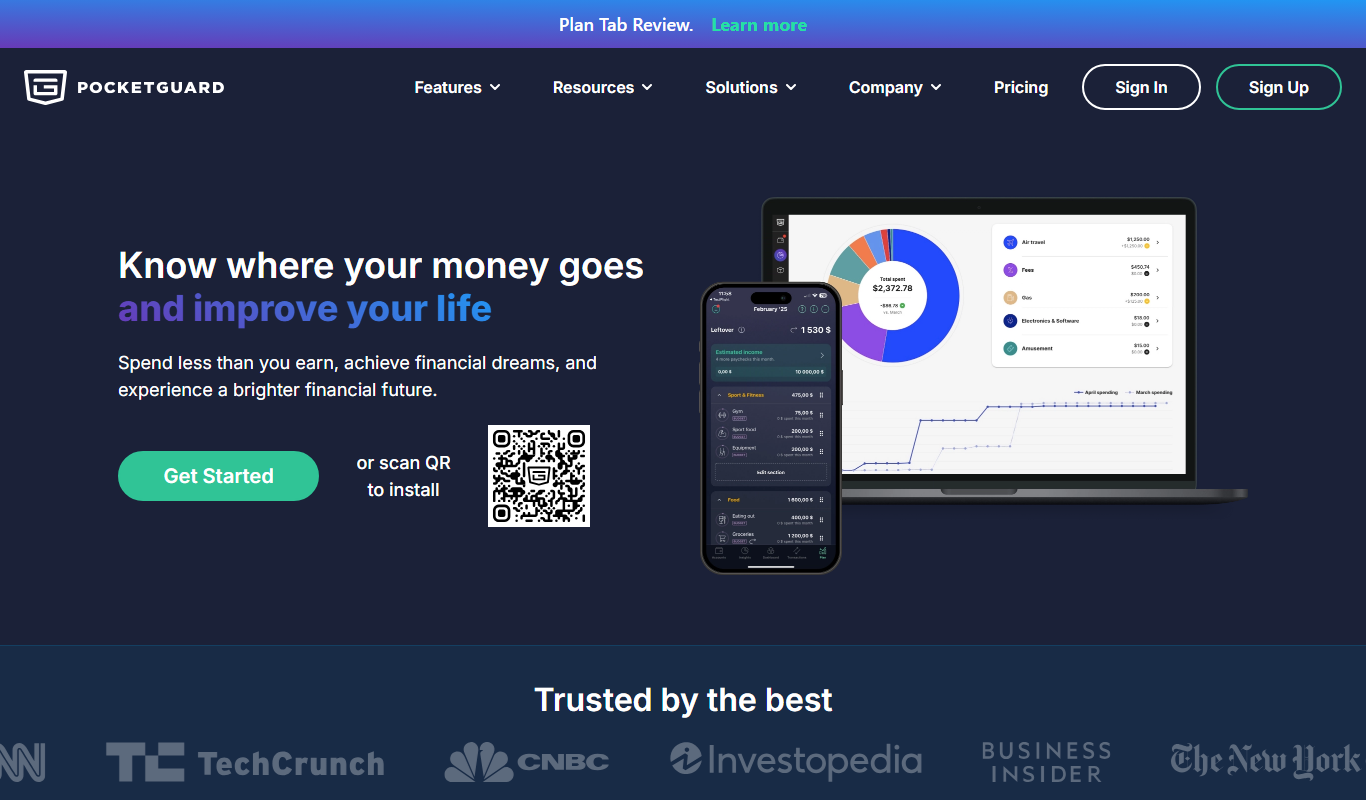
PocketGuard
PocketGuard is a personal finance app that helps users manage budgets, track expenses, and monitor bills by securely linking bank accounts and providing real-time financial insights.
More AI App Builder tools
Other tools in the same category, for when this one is not quite the fit.

Free
Thunkable
Thunkable is a no-code platform with AI-powered app generation for building and publishing native iOS and Android apps, refined with a drag-and-drop interface and logic blocks.

Free
Adalo
Adalo is a no-code platform that lets you create mobile and web applications visually without programming, supporting native app publishing and database integration.

Free
Bubble
Bubble is a no-code AI app builder for creating web and mobile apps visually, switching between AI prompting and visual editing for design, database, logic and privacy rules.

Enterprise
ZapWorks
ZapWorks is an augmented reality platform that enables users to create interactive AR experiences using no-code tools and developer SDKs, supporting web and mobile deployment.

Free
Firebase
Firebase is a Google-backed cloud platform that provides developers with real-time databases, authentication, cloud functions, hosting, and analytics to build and scale mobile and web applications efficiently.

Pay As You Go
RenderStreet
RenderStreet is a cloud rendering service that accelerates 3D animation and image rendering by providing scalable GPU and CPU resources accessible via a web platform, primarily supporting Blender projects.

Free
Heroku
Heroku is a cloud platform as a service (PaaS) that enables developers to deploy, manage, and scale applications easily without managing infrastructure.

Free
UI Bakery
UI Bakery is a no-code platform that lets you visually build web applications and internal tools by dragging and dropping UI components, connecting data sources, and deploying apps without coding.