

ZapWorks AR Platform for Interactive Augmented Reality Content Creation
ZapWorks is an augmented reality platform that enables users to create interactive AR experiences using no-code tools and developer SDKs, supporting web and mobile deployment.
- Best for
- Augmented Reality Marketing
- Key capability
- No-Code Editor
Save ZapWorks, follow its updates and vote on it — everything stays in your account.
Sign in or create a free account
What is ZapWorks?
ZapWorks is a comprehensive augmented reality (AR) platform designed to empower creators, marketers, and developers to build interactive AR experiences. It offers a suite of tools including a no-code editor, scripting environment, and SDKs that enable the creation of immersive AR content for web, mobile, and desktop platforms. ZapWorks supports 2D and 3D content integration, animation, and interactivity, making AR accessible to users with varying technical skills.
Key features of ZapWorks
ZapWorks provides a no-code drag-and-drop editor, advanced scripting capabilities, 3D model import, image tracking, face tracking, and analytics integration. It supports publishing AR experiences across multiple platforms and offers collaboration tools for teams. The platform also includes templates and tutorials to accelerate development.
No-Code Editor
Drag-and-drop interface for building AR experiences without programming knowledge.
ZapWorks SDK
Developer tools and APIs for creating custom AR applications with JavaScript and TypeScript.
Image and Face Tracking
Advanced tracking technologies to anchor AR content to real-world objects and faces.
3D Model Support
Import and animate 3D models to create rich, interactive AR scenes.
Cross-Platform Publishing
Deploy AR experiences across web browsers, mobile devices, and desktop platforms.
Mattercraft
Builds next-gen 3D content for the web, with or without code, with an animation system, instant live preview and one click deployments.
Spaces
Rolls out and manages app-free indoor navigation across complex, multi-level environments without apps or hardware.
Pros and cons of ZapWorks
Pros
- User-friendly no-code editor for quick AR creation
- Robust SDK for advanced developers
- Supports multiple AR tracking methods
- Cross-platform deployment options
- Comprehensive tutorials and community support
Cons
- Pricing can be high for small businesses
- Steeper learning curve for advanced scripting
- Limited language support (English only)
Key use cases for ZapWorks
Augmented Reality Marketing
Create interactive AR campaigns to engage customers through immersive brand experiences.
Education and Training
Develop AR content for educational purposes, enhancing learning with interactive 3D models and simulations.
Product Visualization
Build AR product demos and visualizations to showcase features in real-world environments.
Event and Entertainment
Design AR experiences for events, exhibitions, and entertainment to increase audience engagement.
App Development
Use ZapWorks SDK and tools to build custom AR applications without extensive coding.
How ZapWorks works
- 1
Create an Account
Sign up on the ZapWorks website to access the AR creation tools.
- 2
Choose a Tool
Select from no-code editor, scripting environment, or SDK depending on your skill level.
- 3
Design Your AR Experience
Use drag-and-drop components or code to build interactive AR content with images, 3D models, and animations.
- 4
Test and Preview
Preview your AR experience on supported devices to ensure functionality and performance.
- 5
Publish and Share
Deploy your AR experience via web links, apps, or QR codes for your audience to access.
Who is using ZapWorks
ZapWorks pricing
Developer
$12.99 / month, or $64.99 when you sign up for a year
For individuals experimenting with XR and immersive technology; non commercial use, Zapworks branded interstitial screen, 25MB max project size, community support via Discord only.
Pro
$315 / month, or $2640 when you sign up for a year
For small businesses looking to publish commercial XR projects; Zapworks interstitial screen removed, 12k views per year, 50MB max project size, up to 3 team members, email support.
Enterprise
Custom pricing
Tailored solutions with advanced support, collaboration, and deployment options.
Plans and prices are as published by the vendor and can change. Check the official site before you buy. Open the pricing page (opens in a new tab)
Frequently asked questions about ZapWorks
No, ZapWorks offers a no-code editor for beginners, but also provides SDKs for developers who want to code.
ZapWorks supports web browsers, iOS and Android devices, and desktop platforms.
Yes, ZapWorks allows importing common 3D file formats for use in AR experiences.
There is no permanent free plan; ZapWorks offers a free 14-day trial.
This tool is designed to help users accomplish its core tasks more efficiently. It is typically used by individuals or teams looking to improve productivity and workflow.
Some tools offer a free plan or trial with limited features. Availability can vary, so confirm on the official website.
Yes, it can help with that use case depending on how you configure it and what features are available. You’ll get the best results with clear inputs and a defined goal.
Yes, it can help with that use case depending on how you configure it and what features are available. You’ll get the best results with clear inputs and a defined goal.
Conclusion
Publishing to the web is central here: experiences are built, previewed and published with one click deployments, so there are no app reviews or submissions. Creation is split across tools of different depth, with Designer offering no-code 3D web tooling for augmented and mixed reality and Mattercraft building 3D content for the web with or without code. Developers can instead work in frameworks such as Unity, Three.js or PlayCanvas through the Zapworks computer vision packages. Published experiences can use image, face, world and curved surface tracking, and a separate product called Spaces handles app-free indoor navigation across complex, multi-level environments.
Educators and trainers, product designers and AR developers are among the intended users, with AR marketing campaigns, training content and product visualization as typical projects. Access starts with a free 14-day trial rather than a permanent free plan. The entry Developer plan is limited to non-commercial use and shows a Zapworks branded interstitial screen, so commercial publishing moves a project to the Pro or Enterprise plan.
Sources
Sign in to review this tool.
Sign In to ReviewNo reviews yet
Be the first to share how this tool worked for you.
Ask about pricing, limits, or how it compares — or answer someone else.
Sign In to AskNo questions yet
Have a question about using or paying for this tool? Be the first to ask.
Featured on TiorAI



More AI App Builder tools
Other tools in the same category, for when this one is not quite the fit.

Firebase
Firebase is a Google-backed cloud platform that provides developers with real-time databases, authentication, cloud functions, hosting, and analytics to build and scale mobile and web applications efficiently.

RenderStreet
RenderStreet is a cloud rendering service that accelerates 3D animation and image rendering by providing scalable GPU and CPU resources accessible via a web platform, primarily supporting Blender projects.

Heroku
Heroku is a cloud platform as a service (PaaS) that enables developers to deploy, manage, and scale applications easily without managing infrastructure.

UI Bakery
UI Bakery is a no-code platform that lets you visually build web applications and internal tools by dragging and dropping UI components, connecting data sources, and deploying apps without coding.

Gradio
Gradio is an open-source tool that lets you quickly create interactive web interfaces for machine learning models using Python, enabling easy sharing and testing without front-end development.
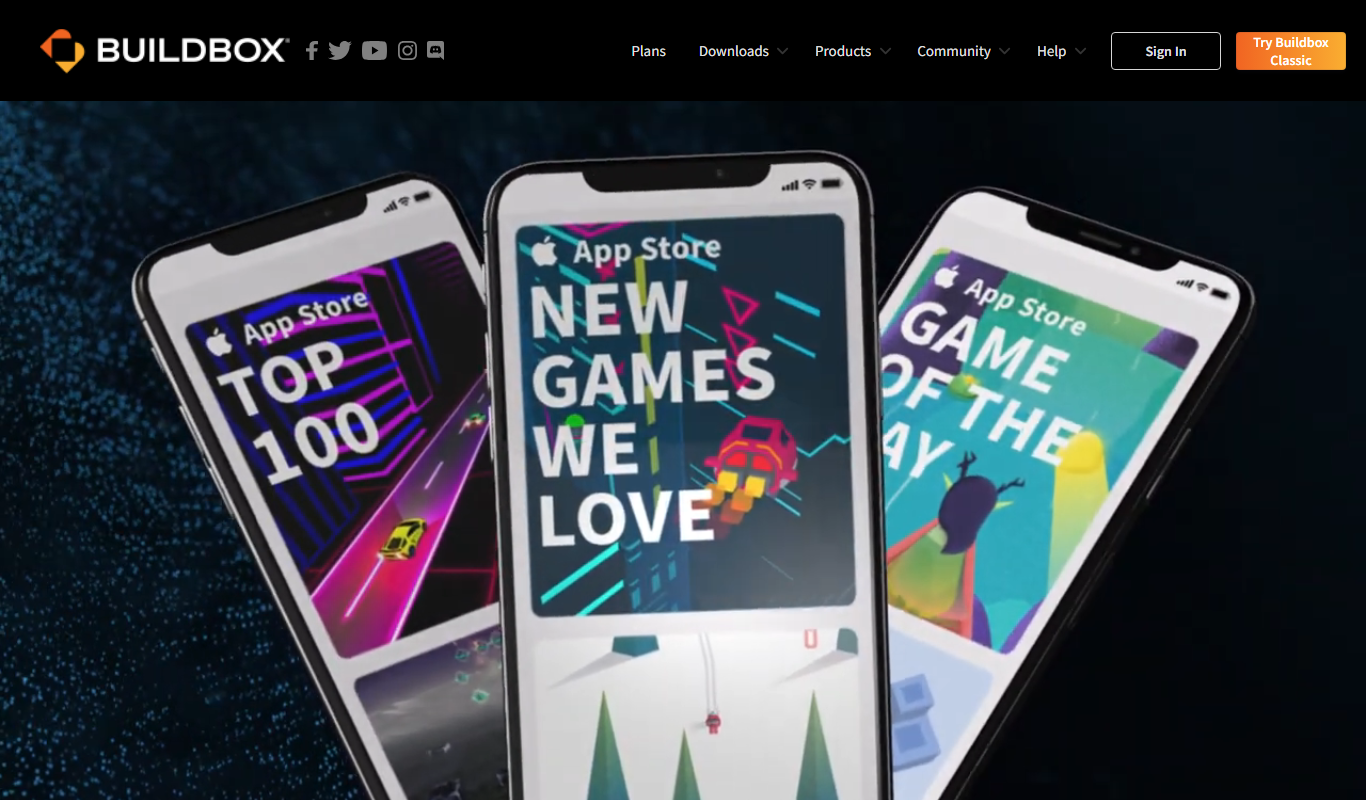
Buildbox
Buildbox is a no-code game development platform that enables users to create and publish 2D and 3D mobile games without programming by using drag-and-drop tools and pre-built assets.

AppSheet
AppSheet is a Google-owned no-code platform that enables users to build custom mobile and web apps with AI-powered automation, connecting to various data sources without programming skills.

Avalonia
Avalonia is an open source, cross-platform UI framework for .NET that enables developers to build desktop and mobile apps with a single codebase using C# and XAML.