

Firebase Cloud Platform for App Development and Real-Time Database Solutions
Firebase is a Google-backed cloud platform that provides developers with real-time databases, authentication, cloud functions, hosting, and analytics to build and scale mobile and web applications efficiently.
- Best for
- Mobile and Web App Development
- Key capability
- Realtime Database & Cloud Firestore
Save Firebase, follow its updates and vote on it — everything stays in your account.
Sign in or create a free account
What is Firebase?
Firebase is a comprehensive app development platform by Google that provides developers with a suite of cloud-based tools and services. It enables building, improving, and growing mobile and web applications through features like real-time databases, authentication, cloud functions, analytics, and hosting. Firebase abstracts backend complexities, allowing developers to focus on delivering rich user experiences.
Key features of Firebase
Firebase offers real-time databases, user authentication, cloud storage, serverless cloud functions, app analytics, crash reporting, and hosting services. These features integrate seamlessly to accelerate app development and scale applications efficiently.
Realtime Database & Cloud Firestore
Store and sync data in real time across all connected clients with offline support.
Authentication
Securely authenticate users with multiple sign-in methods including social providers and phone.
Cloud Functions
Run backend code triggered by Firebase events or HTTPS requests without managing servers.
Hosting
Deploy fast and secure static websites and web apps with global CDN.
Analytics & Crashlytics
Gain insights into user behavior and app stability to make data-driven improvements.
Pros and cons of Firebase
Pros
- Comprehensive suite of integrated backend services
- Real-time data synchronization with offline support
- Easy to set up and scale with pay-as-you-go pricing
- Strong integration with Google Cloud Platform
- Robust analytics and crash reporting tools
Cons
- Pricing can become expensive at scale without careful monitoring
- Limited querying capabilities in Realtime Database compared to traditional databases
- Vendor lock-in risk due to proprietary services
Key use cases for Firebase
Mobile and Web App Development
Build scalable mobile and web applications with integrated backend services like authentication, databases, and hosting.
Real-Time Data Synchronization
Use Firebase Realtime Database or Cloud Firestore to sync data instantly across clients in real time.
User Authentication and Security
Implement secure user authentication with multiple providers including email/password, social logins, and phone authentication.
Cloud Functions and Serverless Backend
Run backend code in response to events triggered by Firebase features or HTTPS requests without managing servers.
App Analytics and Performance Monitoring
Gain insights into user behavior and app performance with integrated analytics and crash reporting tools.
How Firebase works
- 1
Create a Firebase Project
Set up a new project in the Firebase console to organize your app’s resources.
- 2
Integrate SDKs
Add Firebase SDKs to your mobile or web app to access Firebase services.
- 3
Configure Services
Enable and configure features like authentication, database, and cloud functions as needed.
- 4
Develop and Deploy
Build your app using Firebase tools and deploy backend functions or hosting through the console.
- 5
Monitor and Optimize
Use Firebase Analytics and Performance Monitoring to track app usage and improve user experience.
Who is using Firebase
Firebase pricing
Spark Plan
$0/month
Free tier with generous limits suitable for small projects and testing.
Blaze Plan
Pay as you go
Flexible pricing based on usage, ideal for production apps with scaling needs.
Plans and prices are as published by the vendor and can change. Check the official site before you buy. Open the pricing page (opens in a new tab)
Frequently asked questions about Firebase
Yes, Firebase supports Android, iOS, and web platforms with SDKs and services tailored for each.
Absolutely, Firebase abstracts much of the backend complexity, making it accessible even to developers without deep cloud expertise.
Yes, Firebase Cloud Functions allow you to run backend code triggered by events without managing servers.
Firebase provides Realtime Database and Cloud Firestore, both supporting real-time data synchronization.
This tool is designed to help users accomplish its core tasks more efficiently. It is typically used by individuals or teams looking to improve productivity and workflow.
Pricing depends on the plan and included features. For the most accurate and up-to-date details, check the official pricing page.
Yes, it can help with that use case depending on how you configure it and what features are available. You’ll get the best results with clear inputs and a defined goal.
It depends on your specific needs and how you plan to use the tool. The official website and documentation are the best sources for the latest details.
Conclusion
Setup happens in the Firebase console, where a new project is created, and SDKs tailored for Android, iOS and web platforms connect each app to Firebase services. Developers then enable the services they need, such as Realtime Database and Cloud Firestore for data that syncs in real time with offline support. Authentication supports multiple sign-in methods including social providers and phone, and Cloud Functions run backend code triggered by events or HTTPS requests without managing servers.
It is aimed at mobile and web developers, startups building scalable apps and product teams needing rapid backend setup. The Spark plan is free with limits suited to small projects and testing, while the Blaze plan is pay as you go. Usage-based pricing can become expensive at scale without careful monitoring. The Realtime Database also has limited querying compared to traditional databases, and proprietary services carry a vendor lock-in risk.
Sources
Sign in to review this tool.
Sign In to ReviewNo reviews yet
Be the first to share how this tool worked for you.
Ask about pricing, limits, or how it compares — or answer someone else.
Sign In to AskNo questions yet
Have a question about using or paying for this tool? Be the first to ask.
Featured on TiorAI



Alternative Tools
Explore similar AI tools that might fit your needs

Backendless
Backendless is a Backend-as-a-Service platform that provides no-code and low-code tools, real-time database, user authentication, push notifications, and serverless business logic to accelerate mobile and web app development.
More AI App Builder tools
Other tools in the same category, for when this one is not quite the fit.

UI Bakery
UI Bakery is a no-code platform that lets you visually build web applications and internal tools by dragging and dropping UI components, connecting data sources, and deploying apps without coding.

Gradio
Gradio is an open-source tool that lets you quickly create interactive web interfaces for machine learning models using Python, enabling easy sharing and testing without front-end development.
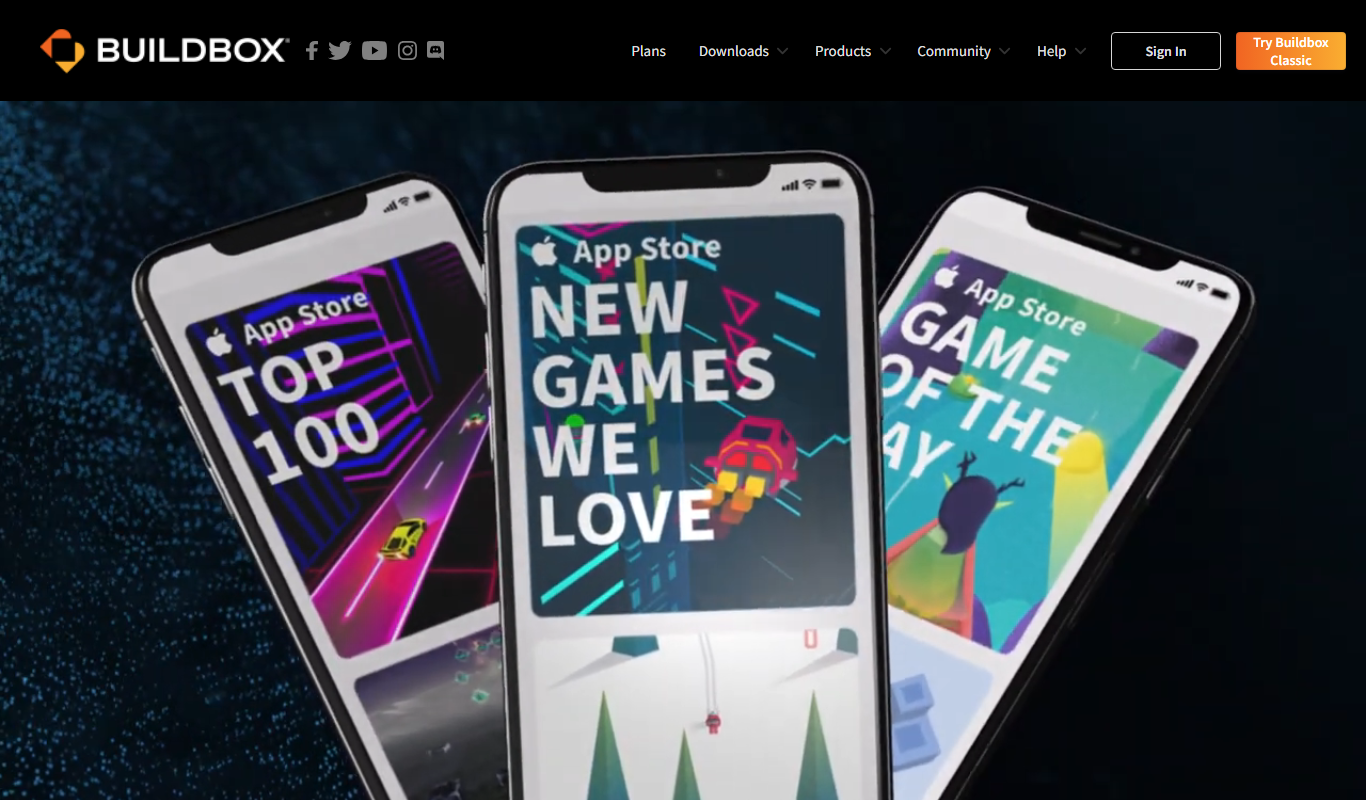
Buildbox
Buildbox is a game development platform whose current version, Buildbox 4, builds games with AI prompts and agentic AI.

AppSheet
AppSheet is a Google-owned no-code platform that enables users to build custom mobile and web apps with AI-powered automation, connecting to various data sources without programming skills.

Next.js
Next.js is an open-source React framework by Vercel that enables server-side rendering, static site generation, and API routes to build fast, SEO-friendly web applications.

Avalonia
Avalonia is an open source, cross-platform UI framework for .NET that enables developers to build desktop and mobile apps with a single codebase using C# and XAML.

BuildFire
BuildFire is a no-code mobile app development platform that enables users to build custom iOS and Android apps using an easy drag-and-drop interface without coding skills.

NoCode.tech
NoCode.tech is a platform offering a curated directory of no-code tools and educational resources to help users build applications and automate workflows without programming skills.