

YNAB Budgeting Software for Personal Finance and Expense Tracking
YNAB is a personal budgeting tool that uses zero-based budgeting to help users assign every dollar a job, track expenses, and achieve financial goals with real-time bank syncing and mobile apps.
- Best for
- Personal Budgeting
- Key capability
- Zero-Based Budgeting
Save YNAB, follow its updates and vote on it — everything stays in your account.
Sign in or create a free account
What is YNAB?
YNAB (You Need A Budget) is a personal budgeting software designed to help users gain control over their finances by implementing a zero-based budgeting method. It encourages proactive money management by assigning every dollar a job, helping users reduce financial stress, save money, and achieve financial goals.
Key features of YNAB
YNAB offers real-time bank syncing, goal tracking, detailed reporting, customizable categories, and mobile apps to manage budgets on the go. Its core philosophy focuses on giving every dollar a purpose to improve financial awareness and discipline.
Zero-Based Budgeting
Assign every dollar a specific job to maximize control over your money.
Real-Time Bank Sync
Automatically import transactions to keep your budget up to date.
Goal Tracking
Set and monitor savings or debt payoff goals with visual progress indicators.
Detailed Reporting
Access reports on spending trends, net worth, and category performance.
Mobile Apps
Manage your budget anytime with iOS and Android apps.
Pros and cons of YNAB
Pros
- Encourages disciplined money management with zero-based budgeting
- User-friendly interface with helpful tutorials
- Real-time bank syncing saves manual entry time
- Comprehensive reporting helps track financial progress
- Mobile apps provide budgeting on the go
Cons
- Subscription pricing may be expensive for some users
- Direct bank import supports only select US, Canadian, UK and EU banks; other regions use File-Based Import.
- No free tier beyond the trial period
Key use cases for YNAB
Personal Budgeting
Create and manage monthly budgets to control spending and save money.
Expense Tracking
Track daily expenses and categorize transactions to understand spending habits.
Financial Goal Setting
Set and monitor financial goals such as saving for emergencies or paying off debt.
Debt Management
Plan and prioritize debt payments to reduce liabilities efficiently.
Real-Time Bank Sync
Automatically import transactions from bank accounts for up-to-date budgeting.
How YNAB works
- 1
Create an Account
Sign up on the YNAB website or app to start your budgeting journey.
- 2
Link Bank Accounts
Connect your bank accounts securely to import transactions automatically.
- 3
Set Up Budget Categories
Define spending categories and allocate funds to each based on your priorities.
- 4
Track Spending
Record expenses manually or review imported transactions to stay within budget.
- 5
Adjust and Review
Regularly update your budget and review reports to stay on track with financial goals.
Who is using YNAB
YNAB pricing
Free Trial
$0 for 34 days
Full access for 34 days with no credit card required when signing up directly through YNAB.
Annual Subscription
$109 USD paid annually ($9.08 per month)
Full access to YNAB with all features and updates.
Monthly Subscription
$14.99 USD per month
Full access to YNAB billed monthly with no long-term commitment.
Plans and prices are as published by the vendor and can change. Check the official site before you buy. Open the pricing page (opens in a new tab)
Frequently asked questions about YNAB
Yes, YNAB is designed with beginners in mind and offers extensive tutorials and support.
Yes, you can manually enter transactions if you prefer not to link your accounts.
You can select the currency you want to use in YNAB, but you cannot use multiple currencies together in a single spending plan.
YNAB uses bank-level security and encryption to protect your data.
It depends on your specific needs and how you plan to use the tool. The official website and documentation are the best sources for the latest details.
Pricing depends on the plan and included features. For the most accurate and up-to-date details, check the official pricing page.
Yes, it can help with that use case depending on how you configure it and what features are available. You’ll get the best results with clear inputs and a defined goal.
It depends on your specific needs and how you plan to use the tool. The official website and documentation are the best sources for the latest details.
Conclusion
The method is to give every dollar a job, making a flexible plan for what the money is meant to do before any of it is spent. Linked bank accounts import transactions automatically, manual entry remains an option, and account balances, goals and transactions sync in real time across devices. Debt management features include an integrated loan calculator.
It is aimed at individuals new to budgeting, people looking to get out of debt and families managing household finances. One subscription can be shared with partners, families and other close-knit groups of up to six people. Direct import supports select US, Canadian, UK and EU banks, and other regions rely on File-Based Import. There is no free tier beyond a 34-day free trial with no credit card required, although college students get a free 365-day trial.
Sources
Sign in to review this tool.
Sign In to ReviewNo reviews yet
Be the first to share how this tool worked for you.
Ask about pricing, limits, or how it compares — or answer someone else.
Sign In to AskNo questions yet
Have a question about using or paying for this tool? Be the first to ask.
Featured on TiorAI



Alternative Tools
Explore similar AI tools that might fit your needs
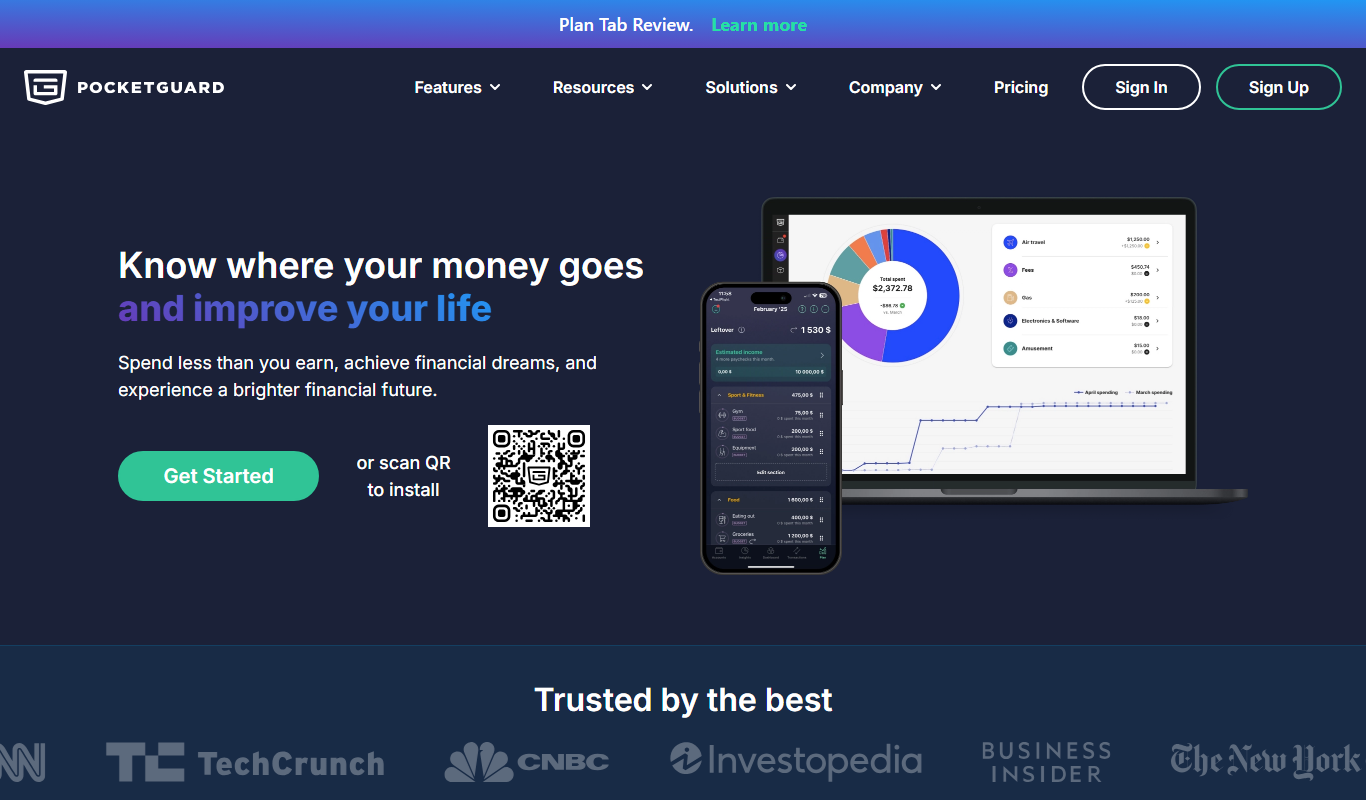
PocketGuard
PocketGuard is a personal finance app that helps users manage budgets, track expenses, and monitor bills by securely linking bank accounts and providing real-time financial insights.
More Business Management tools
Other tools in the same category, for when this one is not quite the fit.

AppFlowy: open-source Notion alternative
AppFlowy is an AI collaborative workspace for projects, wikis and teams that can be self-hosted, with a free plan and paid plans for teams.

Appflows
AppFlows by Pocketworks is a free online tool to scope, estimate and visualise app ideas: type your app features to create visual app specifications, growth plans and mobile strategies.

GPT Builder Tools by Top Road
Top Road GPT Tools helps builders turn custom GPTs into a business: add subscriptions, capture leads and track analytics in the OpenAI GPT Store without coding.

Fibery
Fibery is an all-in-one customizable work management platform that integrates project management, knowledge management, and team collaboration into a single workspace.
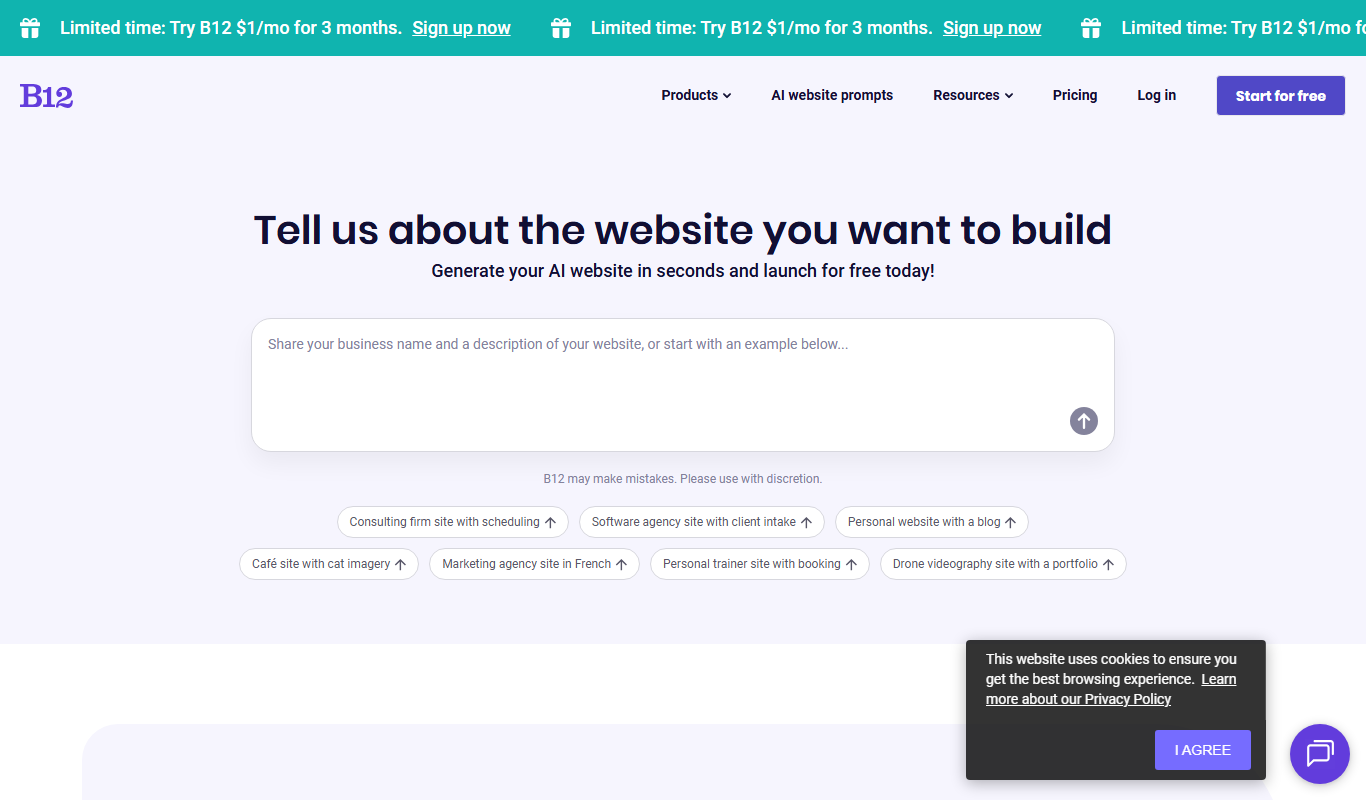
B12.io
B12 is an AI website builder that turns a description into a website, store or web app, with a free plan and optional expert setup.

Reetail
Reetail is a Stripe app that turns a Stripe account into an online store for small businesses, with a custom domain, local pickup and 0% transaction fees.

Mixo.io
Mixo is an AI website builder for small businesses that creates a professional website from a short business description, with a free plan available.

Vanna AI
Vanna is an open source SQL agent that answers natural language questions about your data with AI-powered SQL generation, self-hosted or in the cloud.