

From my experience with Mimi Panda AI, I found it excels at simplifying content creation for marketers by providing easy-to-use AI templates that cover a broad range of marketing needs. The platform is particularly well-suited for small businesses and digital marketing teams looking to generate SEO-friendly content quickly without needing advanced technical skills. However, the limitation to English language support and the absence of a mobile app might restrict some users. Overall, if your goal is to streamline marketing content production with AI assistance, Mimi Panda AI offers a solid, user-friendly solution.
Mimi Panda AI Review: AI-Powered Content Creation and Marketing Tool
Mimi Panda AI is an AI-driven platform that helps marketers and businesses generate various types of marketing content such as blog posts, social media updates, email campaigns, and ad copy with SEO optimization features.
- Best for
- Content Writing
- Key capability
- AI-Powered Content Templates
Your actions
Save Mimi Panda AI, follow its updates and vote on it — everything stays in your account.
Sign in or create a free account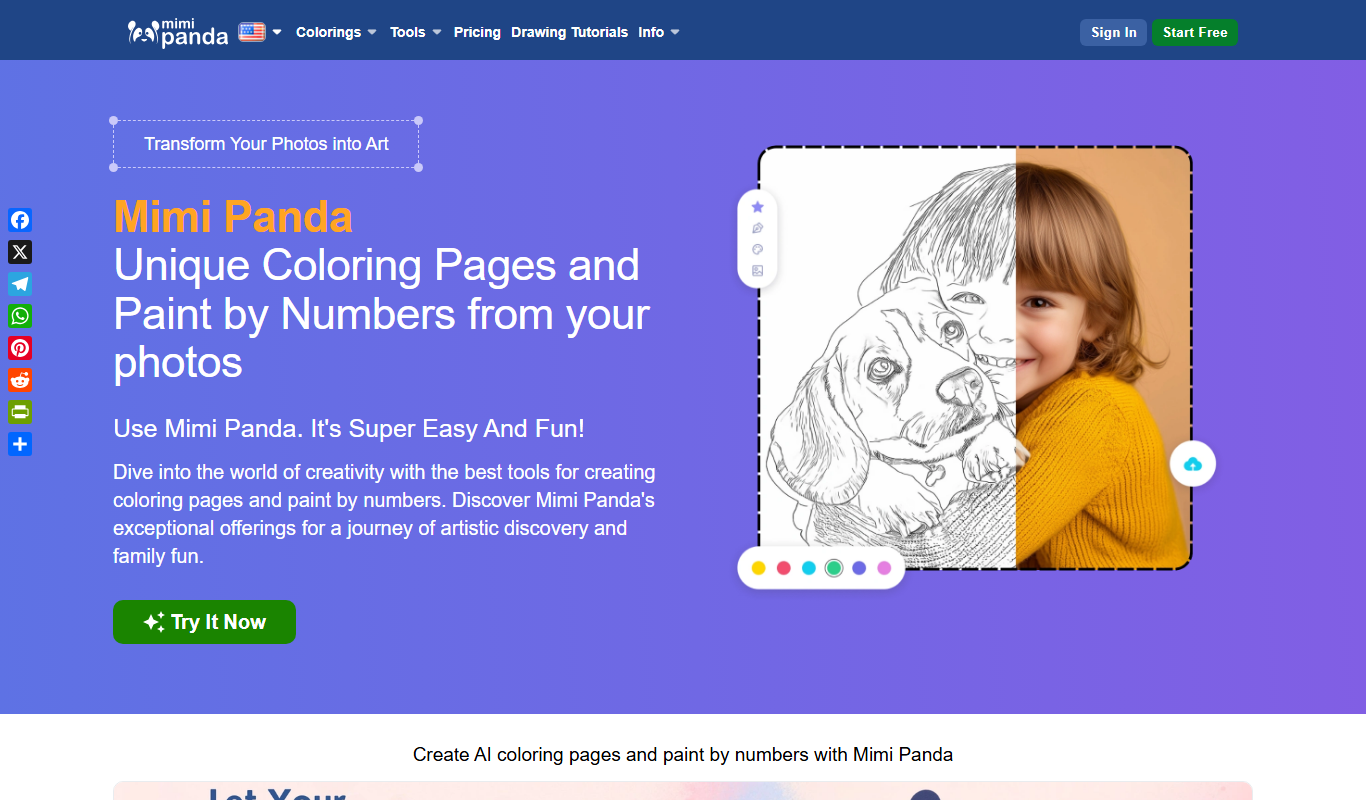
What is Mimi Panda AI?
Mimi Panda AI is an AI-driven content creation and marketing platform designed to help businesses and marketers generate high-quality written content efficiently. It leverages advanced natural language processing to produce blog posts, social media content, email campaigns, and ad copy tailored to specific marketing goals.
Key features of Mimi Panda AI
The platform offers a range of AI-powered templates for different content types, SEO optimization tools, and marketing automation features that streamline content production and distribution.
AI-Powered Content Templates
Pre-built templates for various marketing content types to speed up creation.
SEO Optimization Tools
Integrate keywords and optimize content structure for better search engine visibility.
Marketing Automation Integration
Streamline content publishing and campaign management through automation features.
User-Friendly Interface
Intuitive design that allows users with no technical background to generate content easily.
Content Customization
Edit and refine AI-generated content to match brand voice and style.
Pros and cons of Mimi Panda AI
Pros
- Easy-to-use interface suitable for all skill levels
- Wide variety of content templates for marketing needs
- SEO optimization features included
- Flexible pricing plans including a free tier
- Supports marketing automation workflows
Cons
- Limited language support (English only)
- No mobile app available currently
- Some advanced features require higher-tier plans
Key use cases for Mimi Panda AI
Content Writing
Generate blog posts, articles, and marketing copy quickly using AI-powered templates.
Social Media Marketing
Create engaging social media posts and captions optimized for audience engagement.
Email Campaigns
Draft persuasive email sequences and newsletters to improve open and conversion rates.
SEO Optimization
Produce SEO-friendly content with keyword integration to boost search engine rankings.
Ad Copy Creation
Generate compelling ad copy for various platforms to increase click-through rates.
How Mimi Panda AI works
- 1
Sign Up
Create an account on the Mimi Panda AI website to access the platform.
- 2
Select Content Type
Choose from various templates such as blog posts, social media captions, or email sequences.
- 3
Input Details
Provide keywords, topics, or brief descriptions to guide the AI in content generation.
- 4
Generate Content
The AI produces content drafts that can be edited and customized as needed.
- 5
Publish or Export
Use the content directly on marketing channels or export it for further use.
Who is using Mimi Panda AI
Small and medium businesses
Digital marketing agencies
Content creators and bloggers
E-commerce marketers
Social media managers
Mimi Panda AI pricing
Free
$0/month
Limited access with basic templates and monthly content generation limits.
Pro
$29/month
Full access to all templates, higher content limits, and priority support.
Business
$99/month
Advanced features including marketing automation, team collaboration, and custom integrations.
Plans and prices are as published by the vendor and can change. Check the official site before you buy. Open the pricing page (opens in a new tab)
Frequently asked questions about Mimi Panda AI
Yes, the platform is designed with an intuitive interface and pre-built templates that make it easy for beginners to create content.
Absolutely, users can edit and tailor the content to fit their brand voice and specific needs.
Currently, the platform primarily supports English content generation.
It can generate blog posts, social media posts, email campaigns, ad copy, and SEO-optimized content.
This tool is designed to help users accomplish its core tasks more efficiently. It is typically used by individuals or teams looking to improve productivity and workflow.
Pricing depends on the plan and included features. For the most accurate and up-to-date details, check the official pricing page.
Yes, it can help with that use case depending on how you configure it and what features are available. You’ll get the best results with clear inputs and a defined goal.
It depends on your specific needs and how you plan to use the tool. The official website and documentation are the best sources for the latest details.
Sign in to review this tool.
Sign In to ReviewNo reviews yet
Be the first to share how this tool worked for you.
Ask about pricing, limits, or how it compares — or answer someone else.
Sign In to AskNo questions yet
Have a question about using or paying for this tool? Be the first to ask.
Featured on TiorAI



More AI Automation & Workflow Tools tools
Other tools in the same category, for when this one is not quite the fit.

Contact for pricing
Adaapt
Adaapt.AI is an enterprise AI super assistant platform for workflow automation, voice AI, predictive analytics and enterprise integrations, available by demo.

Free Trial
Axiom
Axiom is a no-code automation platform that allows users to build custom web scraping bots and automate workflows without programming, supporting scheduling, API integration, and data export.
Freemium
Superflows
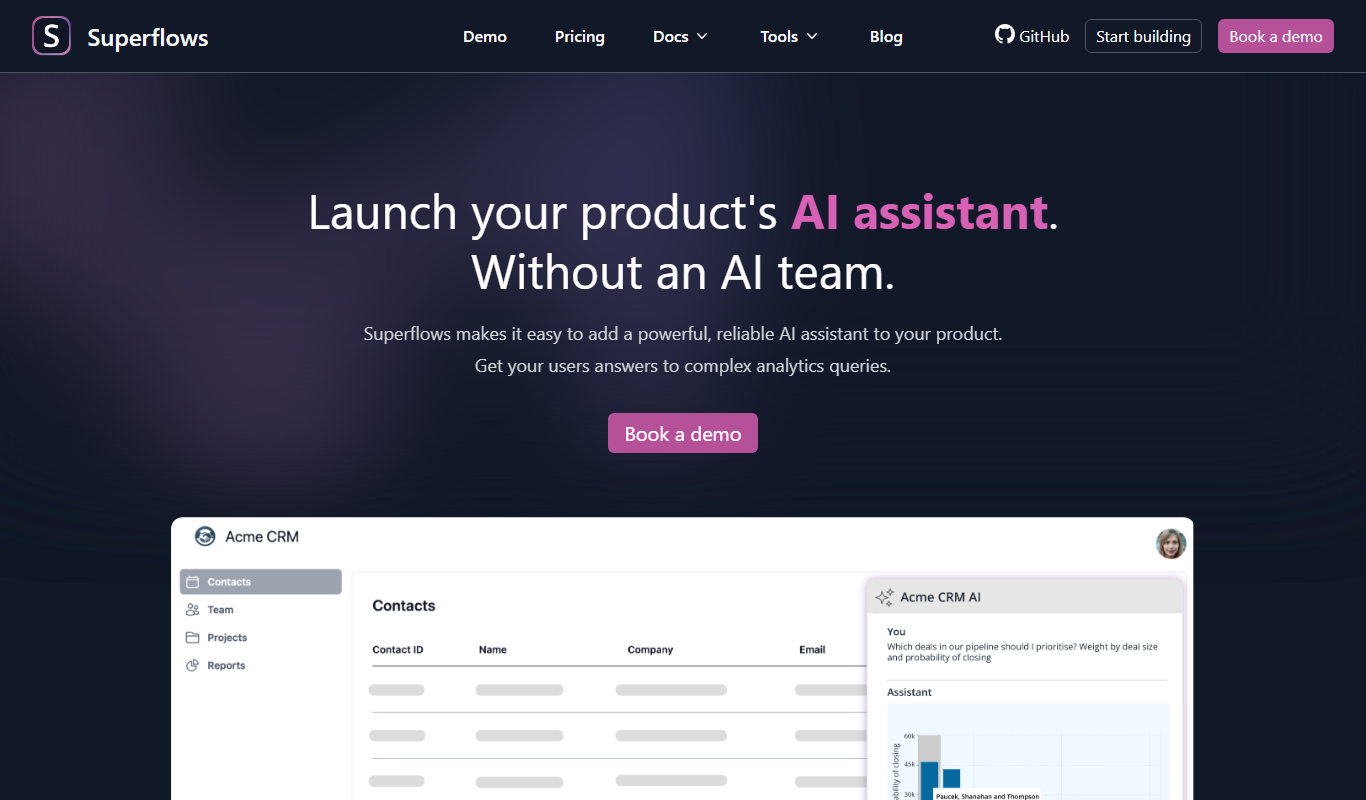
Superflows makes it easy to add an AI assistant to your software product that answers analytics queries, takes actions for your users and helps them get the most from your software.

Enterprise
Spine
Spine AI builds Canvas for cloud-based multi-agent work across 300+ models and Medley for local-first agent orchestration.

Enterprise
BuildShip
BuildShip is a visual AI workflow builder to automate complex backend tasks, develop tools for AI agents and spin up APIs, with no-code ease and full code access.

Free
HTTPie
HTTPie is an API testing client with an open-source command-line tool and a Web & Desktop app in public beta.

Enterprise
fastn
fastn is the embedded integration layer for SaaS: your customers connect any system inside your product, with no engineering and no code per customer.

Free
EasyFunctionCall
EasyFunctionCall is a SaaS service that converts OpenAPI and Swagger specs into AI model function call parameters, reducing complexity and saving tokens.