

BuildShip - visual AI workflow builder with full code access
BuildShip is a visual AI workflow builder to automate complex backend tasks, develop tools for AI agents and spin up APIs, with no-code ease and full code access.
- Best for
- Backend APIs
- Key capability
- Prompt-to-flow AI Builder
Save BuildShip, follow its updates and vote on it — everything stays in your account.
Sign in or create a free account
What is BuildShip?
BuildShip is a visual AI workflow builder. Businesses describe what they want in natural language, the AI Builder generates the flow logic and nodes, and they refine it in a visual editor to automate backend tasks, build tools for AI agents and spin up APIs, with no-code nodes and full code access when needed.
Key features of BuildShip
BuildShip generates flows from natural-language prompts, offers a visual flow builder with ready-made nodes, full code access for custom scripts, tools for AI agents, and deployment in the cloud or as self-hosted exported code.
Prompt-to-flow AI Builder
Describe what you want and the AI Builder generates the flow logic and nodes.
Visual flow builder
Modify and test flows visually with a large set of ready-made nodes.
Full code access
Fine-tune behavior, add custom scripts or debug when you need code.
Host or self-host
Launch on BuildShip Cloud with a click or export the code for self-hosting.
Tools for AI agents
Build MCP-ready custom tools for your AI agent.
Pros and cons of BuildShip
Pros
- No-code speed with full code access
- Host on BuildShip Cloud or self-host
- 7-day free trial
- Flexible pipeline customization
- API for automation and integration
Cons
- Plans cap monthly credits, flows and agents
- Limited language support beyond English
- No native mobile app available
Key use cases for BuildShip
Backend APIs
Automate complex backend logic and spin up APIs.
AI agent tools
Create custom tools for AI agents.
Business automations
Automations for payments, CRM, HR and everyday business operations.
Marketing workflows
Ready-made AI tools and workflows for marketers and content creators.
Team Collaboration
Facilitates collaboration among development teams by providing shared pipelines and build status visibility.
How BuildShip works
- 1
Describe your idea
The AI Builder turns your description into flow logic and nodes.
- 2
Tweak and test
Modify and test the flow in the visual builder.
- 3
Deploy
Launch on BuildShip Cloud or export the code to self-host.
- 4
Trigger Builds Automatically
BuildShip triggers builds on code commits or pull requests automatically.
- 5
Monitor and Manage
Track build status, logs, and deployment progress through the web dashboard.
Who is using BuildShip
BuildShip pricing
Starter
$225/year ($19/month billed yearly)
20,000 credits per month, 20 flows, 10 agents, 3 team members.
Pro
$711/year ($59/month billed yearly)
100,000 credits per month, 150 flows, 50 agents, 10 team members.
Business
$5391/year ($449/month billed yearly)
300,000 credits per month, 300 flows, 100 agents, 25 team members.
Enterprise
Custom
Custom credits, self hosting or bring your own cloud, volume-based discounts.
Plans and prices are as published by the vendor and can change. Check the official site before you buy. Open the pricing page (opens in a new tab)
Frequently asked questions about BuildShip
A visual AI workflow builder to automate backend tasks, develop tools for AI agents and spin up APIs.
No, but full code access is available to fine-tune behavior or add custom scripts.
Yes. You can export the code for self-hosting or launch on BuildShip Cloud.
Yes, plans start with a 7-day free trial.
It depends on your specific needs and how you plan to use the tool. The official website and documentation are the best sources for the latest details.
Yes, it can help with that use case depending on how you configure it and what features are available. You’ll get the best results with clear inputs and a defined goal.
Integration support depends on the tool and its available connectors or API. Check the official documentation or integrations page to confirm what is supported.
Some tools offer a free plan or trial with limited features. Availability can vary, so confirm on the official website.
Conclusion
A plain-language description is the starting point in BuildShip: its AI Builder turns the idea into flow logic and nodes within seconds. The flow is then modified and tested in a visual builder with ready-made nodes that connect to data, tools and agents, and full code access remains for custom scripts or debugging. Finished flows launch on BuildShip Cloud or are exported as code for self-hosting.
Typical jobs are backend automations, APIs and MCP-ready tools for AI agents, plus business automations for payments, CRM and HR. The product targets both makers on small projects and teams that want to scale, with a 7-day free trial before a paid plan. Each plan caps the monthly credits used to run flows, tools and nodes, along with flows, agents and team members, while enterprise deals offer custom credits.
Sources
Sign in to review this tool.
Sign In to ReviewNo reviews yet
Be the first to share how this tool worked for you.
Ask about pricing, limits, or how it compares — or answer someone else.
Sign In to AskNo questions yet
Have a question about using or paying for this tool? Be the first to ask.
Featured on TiorAI



Alternative Tools
Explore similar AI tools that might fit your needs

Jenkins
Jenkins is an open-source automation server that enables continuous integration and continuous delivery by automating software build, test, and deployment processes.

CircleCI
CircleCI is a cloud-based continuous integration and deployment platform that automates software build, test, and deployment workflows to accelerate development and improve code quality.

Travis CI
Travis CI is a cloud-based continuous integration platform that automates software build, test, and deployment workflows by integrating with GitHub and Bitbucket repositories.
More AI Automation & Workflow Tools tools
Other tools in the same category, for when this one is not quite the fit.
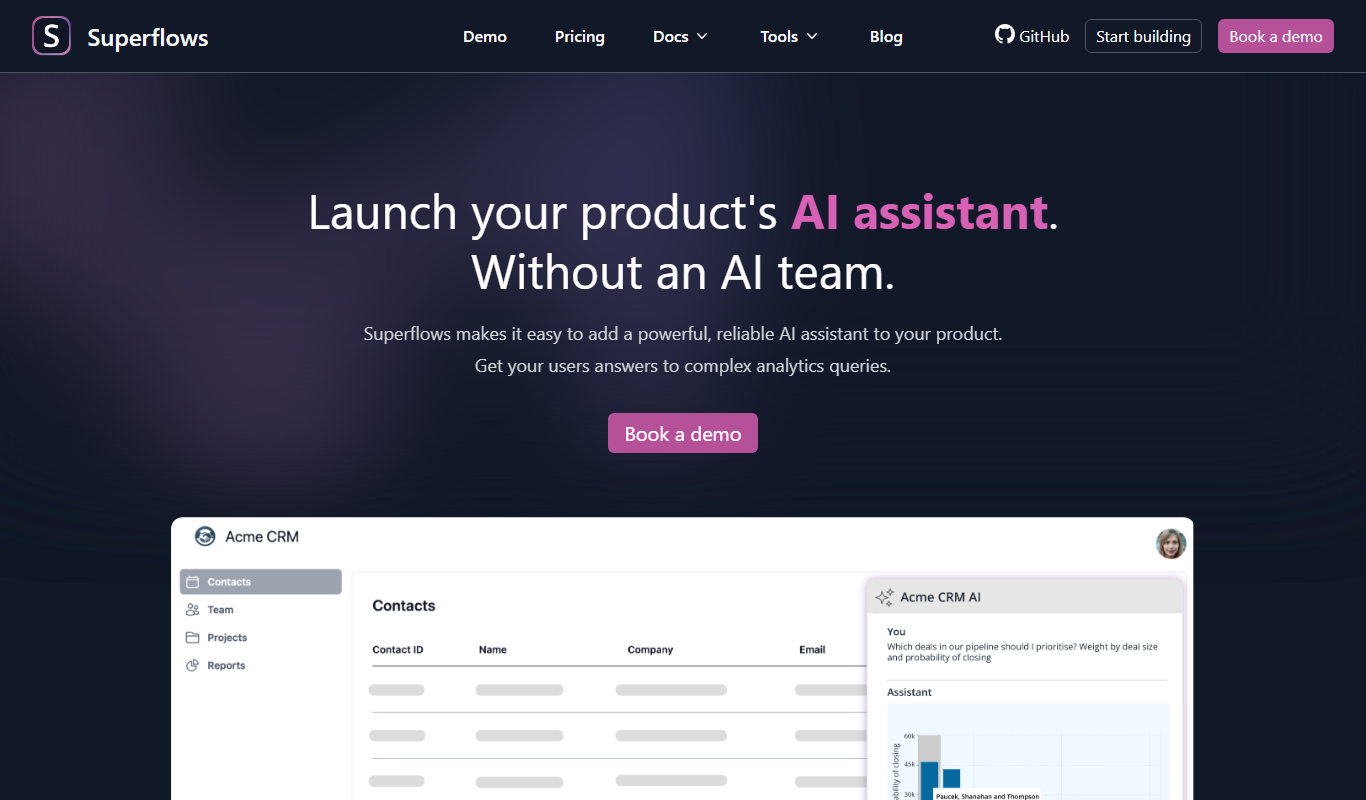
Superflows
Superflows makes it easy to add an AI assistant to your software product that answers analytics queries, takes actions for your users and helps them get the most from your software.

Spine
Spine AI builds Canvas for cloud-based multi-agent work across 300+ models and Medley for local-first agent orchestration.

HTTPie
HTTPie is an API testing client with an open-source command-line tool and a Web & Desktop app in public beta.

fastn
fastn is the embedded integration layer for SaaS: your customers connect any system inside your product, with no engineering and no code per customer.

EasyFunctionCall
EasyFunctionCall is a SaaS service that converts OpenAPI and Swagger specs into AI model function call parameters, reducing complexity and saving tokens.
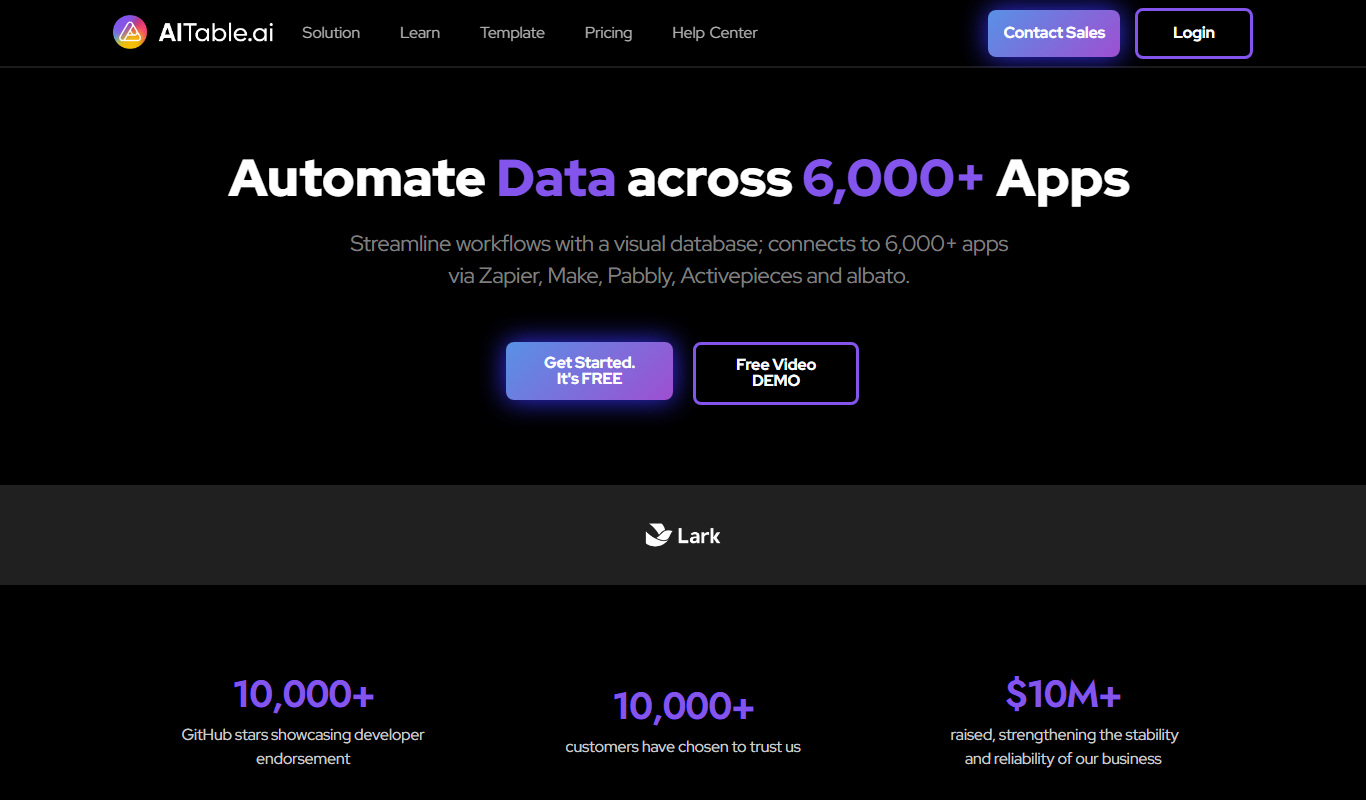
AITable.ai: No-code AI Agents Builder
AITable.ai is a visual database for workflow automation that connects to 6,000+ apps and adds AI agents and chatbot building.

Cradl AI
Cradl AI is a document AI platform that extracts structured data from documents at scale, with confidence-based guardrails, human-in-the-loop review and integrations for Power Automate, n8n, Zapier and APIs.

Raycast
Raycast is an extendable productivity launcher for macOS and Windows, with an iOS app, thousands of extensions and Raycast AI on paid Pro plans.