

Spine AI - cloud and local multi-agent systems for complex work
Spine AI builds Canvas for cloud-based multi-agent work across 300+ models and Medley for local-first agent orchestration.
- Best for
- Investment research
- Key capability
- Canvas
Save Spine, follow its updates and vote on it — everything stays in your account.
Sign in or create a free account

What is Spine?
Spine AI builds multi-agent systems for complex work. Canvas, in the cloud, assembles specialized agents across 300+ models to research, analyze and produce sourced deliverables, websites and apps, while Medley is a local-first agent orchestrator that coordinates models and worker harnesses on your own machine.
Key features of Spine
Spine AI plans, delegates, reviews and repairs complex work across many agents, grows a work graph as dependencies appear, and offers Canvas in the cloud and Medley locally through the tools you already use.
Canvas
Specialized agents across 300+ models research, analyze and produce sourced deliverables, websites and apps.
Medley
Local-first orchestration through a local daemon and Claude Code or Codex plugins.
Review and repair
Review can create repair branches that return for verification before completion.
Pros and cons of Spine
Pros
- Free plan with 2,000 credits per month
- Access to 300+ AI models
- Cloud or local-first options
Cons
- Credit-based usage: larger deliverables consume thousands of credits
- Limited features on the free plan
Key use cases for Spine
Investment research
Market sizing, competitive landscapes, earnings analysis and investment memos from public filings.
Consulting deliverables
Industry landscapes, market sizing, due diligence and competitive intelligence.
Legal research
Case law research, regulatory tracking, patent landscapes and litigation prep with citations.
How Spine works
- 1
Describe the task
Give Spine AI a complex piece of work in Canvas or Medley.
- 2
Agents plan and delegate
The work is planned and delegated across many agents.
- 3
The work graph grows
Agents extend the graph as they discover dependencies.
- 4
Review and deliver
Review creates repair branches before the finished work is returned.
Who is using Spine
Spine pricing
Free
$0/month
2,000 credits per month, access to 300+ AI models, unlimited canvases, automations and integrations.
Starter
From $16/month billed annually or $20/month billed monthly
30,000 to 100,000 credits per month, unlimited teammates with shared credits, faster processing.
Max
From $80/month billed annually or $100/month billed monthly
200,000 to 750,000 credits per month, priority queue during peak load, priority support.
Enterprise
Custom pricing
Custom credit allocation, SSO and team management, dedicated support.
Plans and prices are as published by the vendor and can change. Check the official site before you buy. Open the pricing page (opens in a new tab)
Frequently asked questions about Spine
A company that builds Canvas for cloud-based multi-agent work and Medley for local-first agent orchestration.
Spine uses a credit system; credits are consumed when blocks generate content or an agent runs a task.
Yes. The Free plan includes 2,000 credits per month, access to 300+ AI models and unlimited canvases.
Yes. Medley runs local-first through a local daemon and Claude Code or Codex plugins.
Some tools offer a free plan or trial with limited features. Availability can vary, so confirm on the official website.
Conclusion
Complex work spread across many agents rather than a single model is the idea behind Spine AI, which plans, delegates, reviews and repairs tasks through two products. Canvas runs in the cloud and assembles specialized agents across 300+ models to produce sourced deliverables, websites and apps. Medley is local-first, coordinating models and worker harnesses through a local daemon and Claude Code or Codex plugins.
In both, the work graph grows as agents discover dependencies, and review can open repair branches before anything is marked complete. Example jobs come from investors, consultants and legal teams, such as market sizing, due diligence and case law research with citations. Usage is metered in credits, so a free monthly allowance covers light use while a pitch deck or competitive analysis consumes thousands of credits and pushes heavier users toward the Starter or Max tiers.
Sources
Sign in to review this tool.
Sign In to ReviewNo reviews yet
Be the first to share how this tool worked for you.
Ask about pricing, limits, or how it compares — or answer someone else.
Sign In to AskNo questions yet
Have a question about using or paying for this tool? Be the first to ask.
Featured on TiorAI



More AI Automation & Workflow Tools tools
Other tools in the same category, for when this one is not quite the fit.
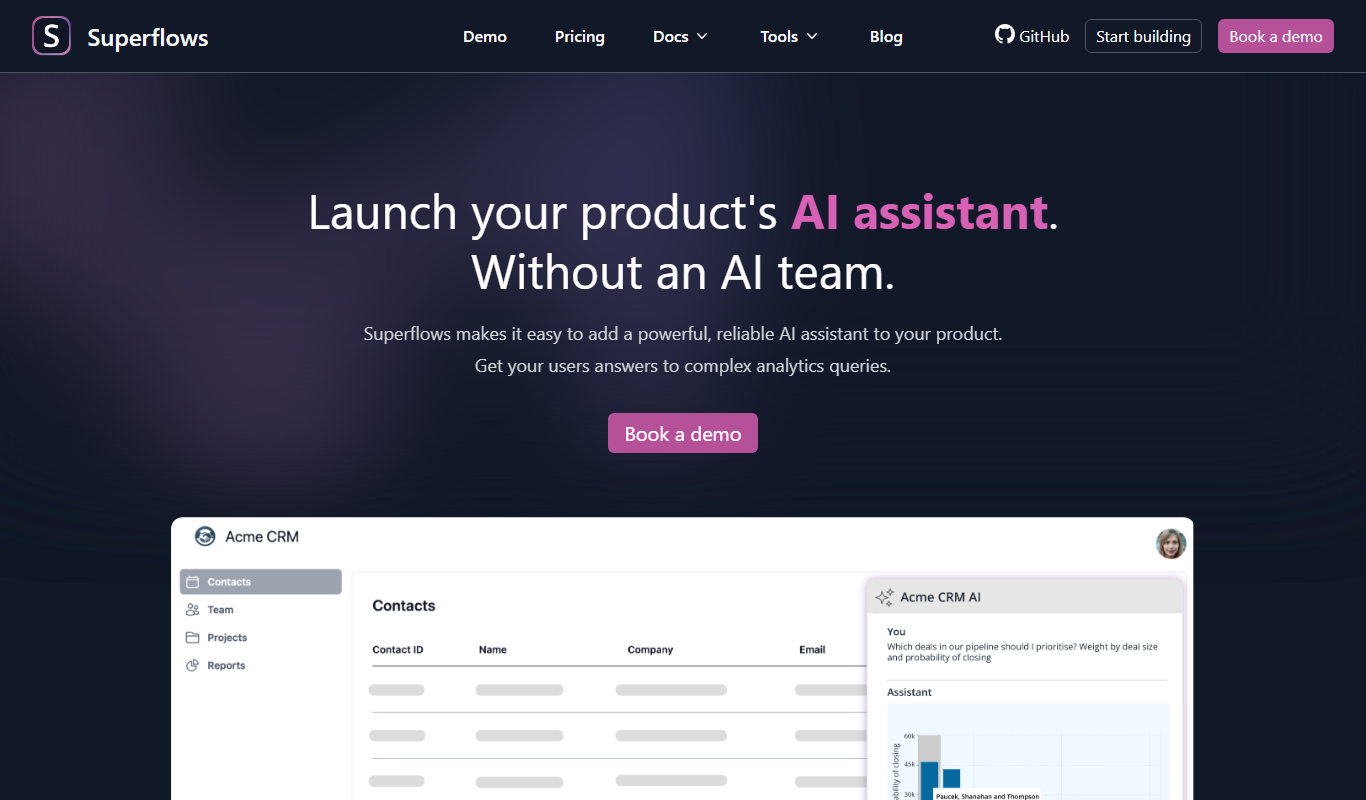
Superflows
Superflows makes it easy to add an AI assistant to your software product that answers analytics queries, takes actions for your users and helps them get the most from your software.

BuildShip
BuildShip is a visual AI workflow builder to automate complex backend tasks, develop tools for AI agents and spin up APIs, with no-code ease and full code access.

HTTPie
HTTPie is an API testing client with an open-source command-line tool and a Web & Desktop app in public beta.

fastn
fastn is the embedded integration layer for SaaS: your customers connect any system inside your product, with no engineering and no code per customer.

EasyFunctionCall
EasyFunctionCall is a SaaS service that converts OpenAPI and Swagger specs into AI model function call parameters, reducing complexity and saving tokens.
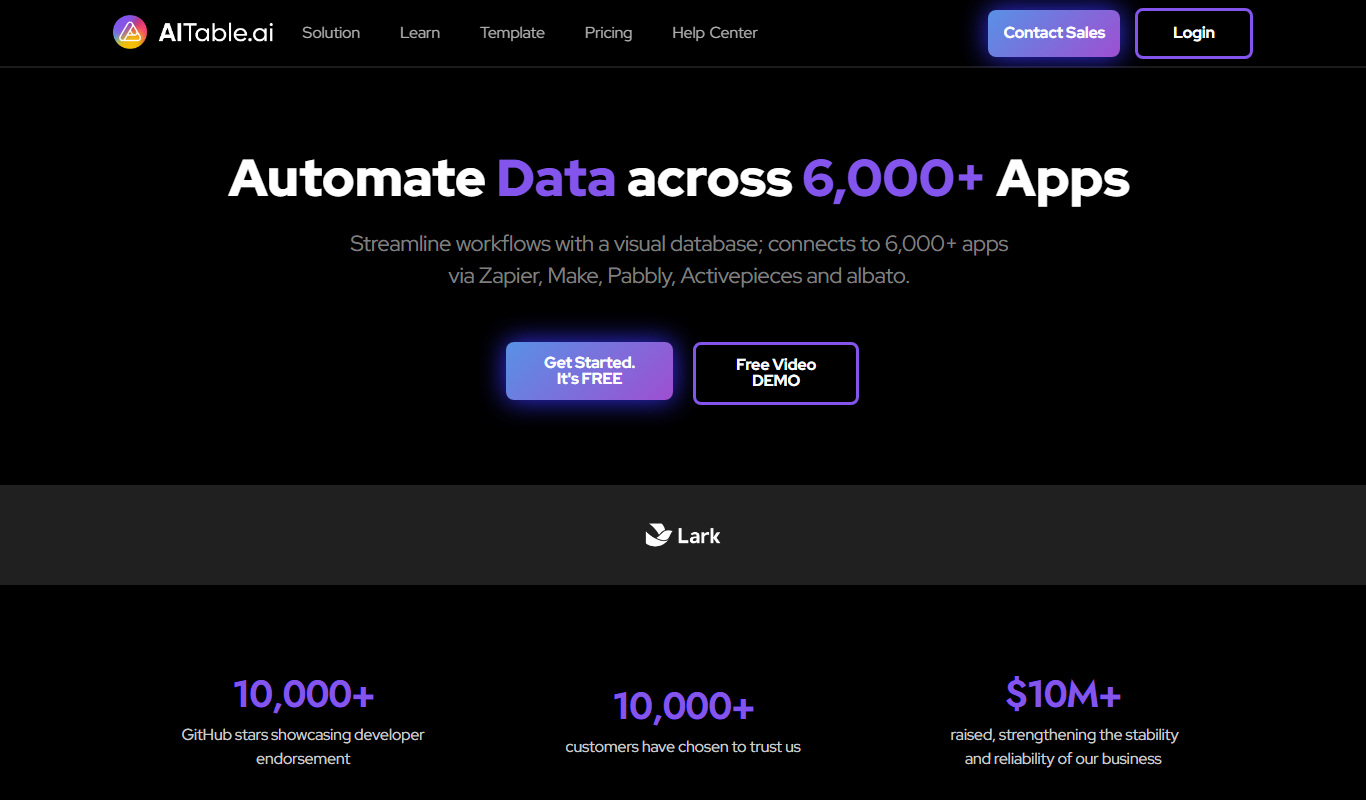
AITable.ai: No-code AI Agents Builder
AITable.ai is a visual database for workflow automation that connects to 6,000+ apps and adds AI agents and chatbot building.

Cradl AI
Cradl AI is a document AI platform that extracts structured data from documents at scale, with confidence-based guardrails, human-in-the-loop review and integrations for Power Automate, n8n, Zapier and APIs.

Raycast
Raycast is an extendable productivity launcher for macOS and Windows, with an iOS app, thousands of extensions and Raycast AI on paid Pro plans.