

Cradl AI Document AI platform for structured data extraction
Cradl AI is a document AI platform that extracts structured data from documents at scale, with confidence-based guardrails, human-in-the-loop review and integrations for Power Automate, n8n, Zapier and APIs.
- Best for
- Invoice data extraction
- Key capability
- Extraction from complex documents
Save Cradl AI, follow its updates and vote on it — everything stays in your account.
Sign in or create a free account

What is Cradl AI?
Cradl AI is a document AI platform for automation workflows. It turns documents such as invoices, forms, orders and statements into structured data at scale with purpose-built agents, built-in guardrails and human review for exceptions, and connects to Power Automate, n8n, Zapier or REST APIs.
Key features of Cradl AI
Cradl AI extracts data from complex, multi-page documents in any layout and any language, splits and classifies documents, applies confidence thresholds, cross-model checks and business rules, and routes exceptions to business users for review. Results reach Power Automate, Zapier, n8n workflows or REST APIs and webhooks.
Extraction from complex documents
Processes high volumes of complex, multi-page documents in any layout and any language and turns them into structured data ready for downstream automation.
Splitting and classification
Splits and classifies documents, with line-level extraction and classification.
Guardrails for every prediction
Confidence scores for every field, cross-model checks and fully customizable business rules, with code when needed, are applied before results reach downstream systems.
Human review
Exceptions are routed to business users in a dedicated UI that shows where each prediction was extracted from, and the platform learns from every correction.
API, webhooks and automation platforms
REST APIs and webhooks send documents in and return validated structured data; Cradl AI also plugs into Power Automate, Zapier and n8n workflows without custom infrastructure.
Pros and cons of Cradl AI
Pros
- Free plan with no credit card required
- Confidence scores, cross-model checks and business rules on every prediction
- Learns from every correction
- Data is never used to train shared models
- Works with Power Automate, n8n, Zapier, Make and REST APIs
Cons
- Plans are capped by pages per month; more than 5,000 pages needs a custom quote
- Single Sign-On comes only with the Enterprise plan
- Each processed page counts toward the allowance, so a 5-page PDF counts as 5 pages
Key use cases for Cradl AI
Invoice data extraction
Extract data from invoices and other recurring business documents into structured fields.
PDF to Excel
Export extracted data to Excel workbooks in OneDrive, as one workbook per document or new rows in an existing table.
PDF parsing
Process complex, multi-page documents and turn them into structured data ready for downstream automation.
Documents by email
Forward invoices, receipts, claims and other documents to a dedicated Cradl AI email address for automatic processing.
Folder monitoring
Monitor a Google Drive folder, send each new file for extraction and map the resulting fields into downstream workflows.
How Cradl AI works
- 1
Start for free
Sign up for free with no credit card required and build your first agent in minutes.
- 2
Send documents in
Send documents through REST APIs, webhooks or Power Automate, Zapier and n8n workflows.
- 3
Extract and classify
The agent splits and classifies documents and turns them into structured data.
- 4
Apply guardrails
Confidence thresholds, cross-model checks and business rules are applied before results reach downstream systems.
- 5
Review exceptions
Low-confidence results are routed to business users for review, and corrections improve future performance.
- 6
Return validated data
Validated structured data is returned to your automation platform or system.
Who is using Cradl AI
Cradl AI pricing
Free
$0 per month
Up to 50 pages per month, 1 agent, 1 seat, all integrations.
Builder
$40 per month, billed annually
Everything in Free, plus up to 500 pages per month, 2 agents, 2 seats and full support.
Pro
$240 per month, billed annually
Everything in Builder, plus up to 5000 pages per month, 5 agents, 5 seats and priority support.
Enterprise
Custom
Everything in Pro, plus volume discounts, Single Sign-On, a dedicated account manager and custom billing.
Plans and prices are as published by the vendor and can change. Check the official site before you buy. Open the pricing page (opens in a new tab)
Frequently asked questions about Cradl AI
Yes. Cradl AI extracts data from documents in any layout and any language.
A page is counted each time Cradl AI processes one page of a document, so a 5-page PDF counts as 5 pages.
Yes. The Free plan is $0 per month, free forever, with up to 50 pages per month, 1 agent and 1 seat.
It assigns confidence scores to predictions so teams can define when human review is required; low-confidence results are routed for review and corrections improve future performance.
Cradl AI automates document data extraction workflows with validation, review and integrations built in.
There is a Free plan at $0 per month, and paid plans billed annually at $40 per month (Builder) and $240 per month (Pro), plus a custom-priced enterprise plan.
No. Cradl AI supports low-code automation teams while still providing API-first integration paths for developers.
Invoices, forms, orders, statements, reports and other recurring business documents.
Conclusion
Documents arrive through REST APIs, webhooks or a Power Automate, Zapier or n8n workflow, and Cradl AI returns them as validated structured data. Its agents split and classify multi-page files, then extract fields line by line from invoices, forms, orders, statements and reports in any layout or language. Every field gets a confidence score, and cross-model checks and custom business rules run before results reach downstream systems.
What separates it from a general chatbot is the review loop: low-confidence results go to business users in a dedicated UI that shows where each value was extracted from, and the platform learns from every correction. The service is designed for automation teams at mid-sized and enterprise companies, with low-code paths alongside API-first options for developers. A free plan needs no credit card, while paid plans are capped by pages per month, and Single Sign-On or role-based access control comes only with Enterprise.
Sources
Sign in to review this tool.
Sign In to ReviewNo reviews yet
Be the first to share how this tool worked for you.
Ask about pricing, limits, or how it compares — or answer someone else.
Sign In to AskNo questions yet
Have a question about using or paying for this tool? Be the first to ask.
Featured on TiorAI


More AI Automation & Workflow Tools tools
Other tools in the same category, for when this one is not quite the fit.

BuildShip
BuildShip is a visual AI workflow builder to automate complex backend tasks, develop tools for AI agents and spin up APIs, with no-code ease and full code access.

HTTPie
HTTPie is an API testing client with an open-source command-line tool and a Web & Desktop app in public beta.

fastn
fastn is the embedded integration layer for SaaS: your customers connect any system inside your product, with no engineering and no code per customer.

EasyFunctionCall
EasyFunctionCall is a SaaS service that converts OpenAPI and Swagger specs into AI model function call parameters, reducing complexity and saving tokens.
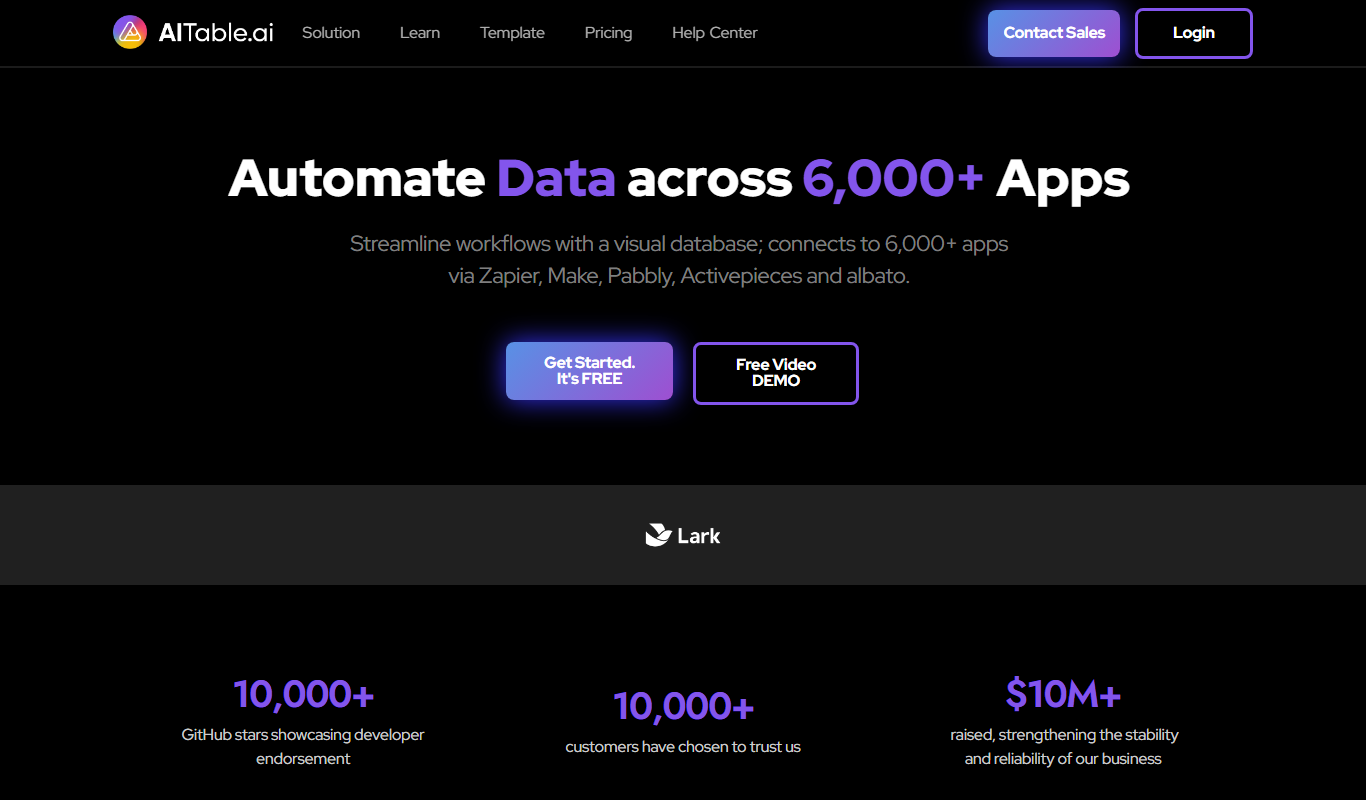
AITable.ai: No-code AI Agents Builder
AITable.ai is a visual database for workflow automation that connects to 6,000+ apps and adds AI agents and chatbot building.

Raycast
Raycast is an extendable productivity launcher for macOS and Windows, with an iOS app, thousands of extensions and Raycast AI on paid Pro plans.

GPTBots.AI
GPTBots.AI is a no-code platform for enterprise AI agents covering customer support, lead generation, enterprise search and data insights, with knowledge base training and private deployment.
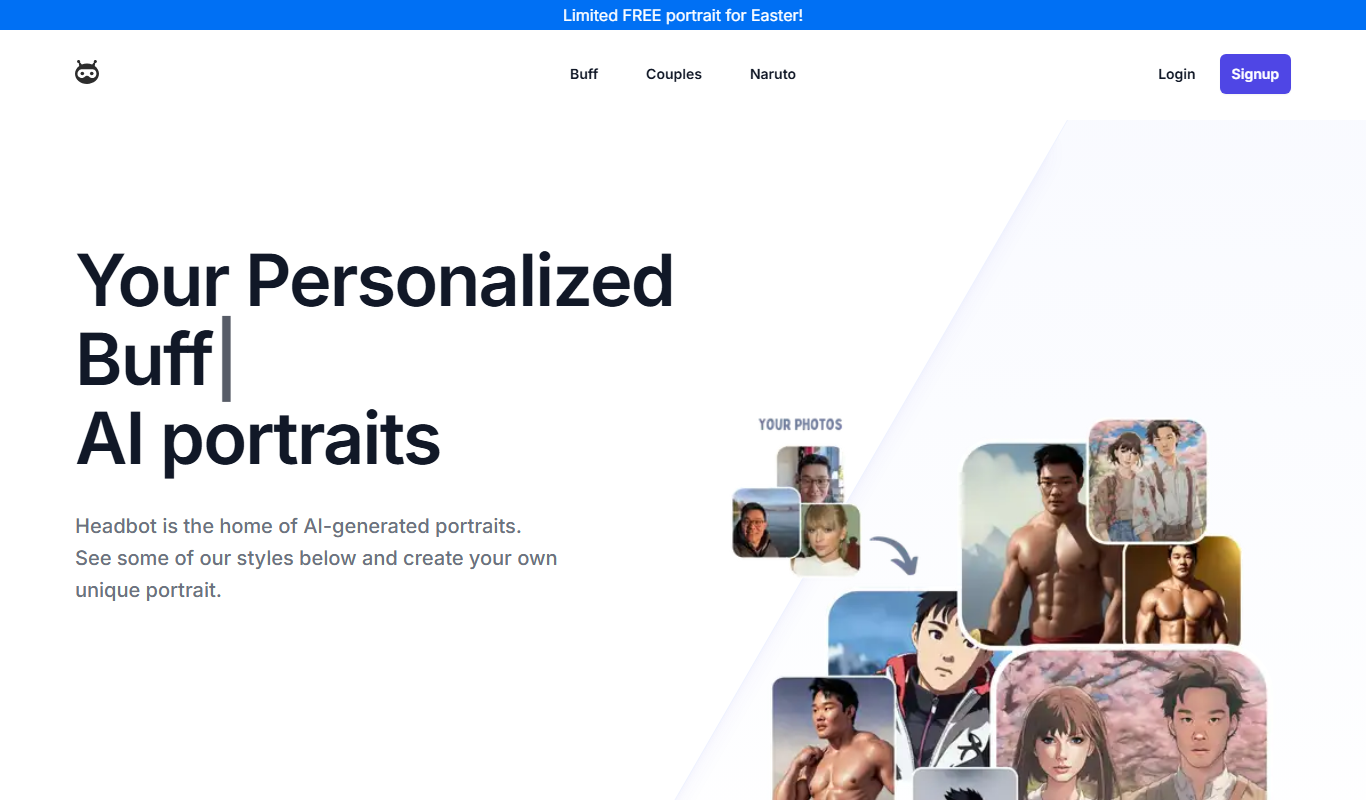
Headbot
Headbot turns your photos into buff, anime or couple AI portraits, sold as one-time packages, with a gallery to share or print.